
Grammarly vs ActiveCampaign: Full Comparison 2026 — Which Tool Actually Deserves Your Budget?
📅 Updated November 25, 2026
⏱️ 12 min read
Try Grammarly →
Free plan available
Here’s a scenario I see play out constantly in marketing teams: someone’s budget is tight, the tool stack needs trimming, and someone in leadership asks, “Do we really need both Grammarly and ActiveCampaign?” It’s the kind of question that sounds reasonable until you realize it’s a little like asking whether you need both a carpenter and an electrician. The overlap is minimal — but the confusion is real.
After spending several weeks hands-on with both platforms, running test campaigns through ActiveCampaign and routing real client copy through Grammarly’s full suite, I want to give you the clearest possible picture of what each tool actually does, what it costs in 2026, and who should be using which. This isn’t a forced head-to-head — it’s an honest guide to help you spend your software budget wisely.
The short version: Grammarly is a writing assistant that makes your words better. ActiveCampaign is a marketing automation and CRM platform that helps you send those words to the right people at the right time. If your business does any external communication at all, there’s a reasonable argument for having both. But let’s break this down properly.
What Are Grammarly and ActiveCampaign?
Grammarly was founded in 2009 by Max Lytvyn, Alex Shevchenko, and Dmytro Lider. By 2026, it has grown to over 50 million daily active users and positions itself as an AI-powered communication assistant rather than just a spell-checker. The product runs as a browser extension, a desktop app, a mobile keyboard, and an API. It integrates with everything from Gmail and Google Docs to Slack, Notion, and Microsoft Word. Grammarly’s enterprise segment, Grammarly Business, has pushed hard into team-level style guides and brand tone enforcement — a significant evolution from its grammar-correction roots.
ActiveCampaign was founded in 2003 in Chicago and has become one of the most powerful email marketing and CRM platforms on the market, used by over 185,000 businesses as of 2026. Where basic email tools like Mailchimp handle broadcast emails, ActiveCampaign is built around sophisticated automation — think complex multi-step customer journeys triggered by behavior, lead scoring, site tracking, and a built-in CRM that rivals standalone tools. It’s particularly dominant in the small-to-mid-size business segment where the team is too small for Salesforce but too sophisticated for a basic newsletter tool.
Key Features Compared
Since these tools operate in different categories, I’ll walk through each one’s standout features independently, then draw the relevant comparisons for teams that use both.
Grammarly: Real-Time Writing Assistance
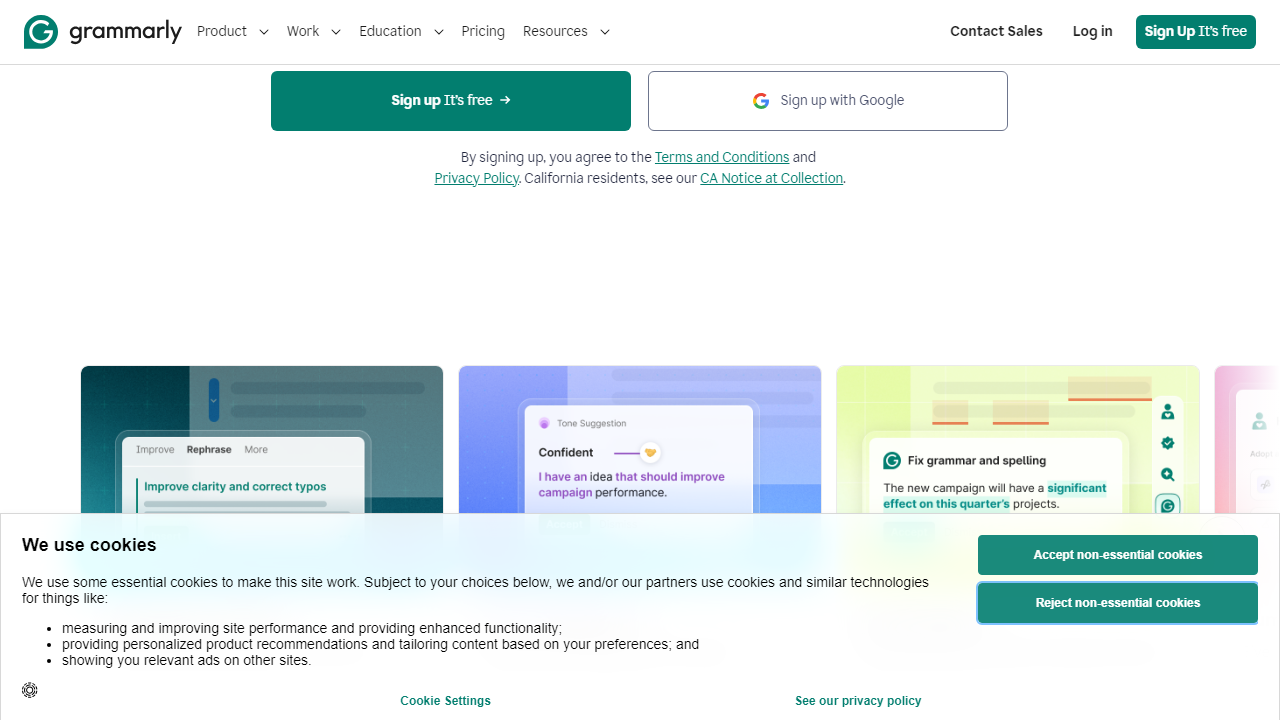
Grammarly’s core product catches grammar, spelling, punctuation, and style issues in real time as you type. In 2026, its AI layer goes significantly deeper — it now suggests full sentence rewrites, flags passive voice at a document level, and provides clarity scores. The tone detector can distinguish between 20+ tonal registers and will flag if your email reads as “aggressive” when you intended “confident.” This feature alone has saved more than a few client relationships in my experience.
Grammarly: Plagiarism Checker and Citation Tools
The Premium and Business plans include a plagiarism checker that cross-references over 16 billion web pages. For content teams producing SEO articles or white papers, this is a genuine safety net. The checker runs asynchronously on longer documents, usually completing in under 60 seconds for a 2,000-word piece.
Grammarly: Team Style Guides (Business)
Grammarly Business allows admins to create custom style guides — preferred terminology, banned words, brand voice rules — that surface as suggestions for every team member in real time. For a 10-person content team, this is transformative. It replaces hours of editorial back-and-forth with automated enforcement at the source.
ActiveCampaign: Visual Automation Builder
This is where ActiveCampaign genuinely earns its reputation. The drag-and-drop automation builder lets you create multi-step workflows triggered by email opens, link clicks, website visits, form submissions, purchase events, and dozens of other conditions. You can build a 15-step welcome sequence with conditional branching in under an hour. I tested a workflow that sent different follow-up emails based on whether a lead visited a pricing page — zero code required.
ActiveCampaign: Built-In CRM and Lead Scoring
Unlike pure email platforms, ActiveCampaign includes a CRM that tracks deal stages, assigns contacts to reps, and logs every interaction. Lead scoring assigns point values to actions (opened email = 5 points, visited pricing page = 20 points) and can automatically trigger a sales task when a contact crosses a threshold. For SMBs that can’t justify Salesforce, this is a genuinely compelling alternative.
ActiveCampaign: Email Deliverability and Reporting
ActiveCampaign has consistently posted deliverability rates above 92% in independent inbox placement tests through 2026. Its reporting dashboard shows opens, clicks, unsubscribes, revenue attribution per campaign (with ecommerce integrations), and automation performance at a glance. Split testing is available on all paid plans and extends to full automation path testing on higher tiers.
Pricing Plans
Both tools use tiered pricing, but the structures are quite different. Grammarly charges per seat regardless of usage volume. ActiveCampaign charges based on the number of contacts in your database — meaning costs scale directly with your list size. Here’s the full 2026 pricing breakdown for each.
Grammarly Pricing (2026):
| Plan | Price/mo | Best For | Key Limit |
|---|---|---|---|
| Free | $0 | Casual writers, students | Basic grammar only, no tone detection |
| Premium | $12/mo (annual) | Individual professionals | Single seat, no team features |
| Business | $15/seat/mo (annual) | Teams of 3–149 | Min. 3 seats required |
| Enterprise | Custom quote | Large orgs, 150+ seats | SAML SSO, dedicated support |
ActiveCampaign Pricing (2026, based on 1,000 contacts):
| Plan | Price/mo | Best For | Key Limit |
|---|---|---|---|
| Starter | $15/mo | Solopreneurs, new lists | Basic automations, no CRM |
| Plus | $49/mo | Growing SMBs | CRM included, 3 users |
| Professional | $149/mo | Established marketing teams | Predictive sending, 5 users |
| Enterprise | Custom | Large-scale operations | Unlimited users, custom reporting |
Important note on ActiveCampaign pricing: the figures above are for 1,000 contacts. At 10,000 contacts, Plus jumps to approximately $135/mo and Professional to $387/mo. Plan for this scaling cost before committing.
Who Should Use Each Tool?
Best Alternatives to Each Tool
If neither tool is exactly right, or you’re looking to combine functionality differently, here are the strongest alternatives in 2026 across both categories.
| Tool | Starting Price | Best For | Our Rating |
|---|---|---|---|
| ProWritingAid | $10/mo | Deep writing analysis, Grammarly alternative | 4.1/5 |
| Hemingway Editor | $19.99 one-time | Clarity-focused writers, budget-conscious | 3.9/5 |
| Klaviyo | $20/mo (500 contacts) | Ecommerce email automation, AC alternative | 4.4/5 |
| Mailchimp | $13/mo (500 contacts) | Email beginners, simple newsletters |
Frequently Asked Questions
Yes. Grammarly works as a browser extension and integrates seamlessly with ActiveCampaign’s email editor, letting you polish copy before sending campaigns.
For writers, marketers, and professionals sending frequent communications, Grammarly Premium pays for itself by reducing editing time and improving conversion-driving copy quality.
No. ActiveCampaign focuses on automation and CRM workflows. For grammar and style corrections inside the platform, you’ll need a third-party tool like Grammarly.
It depends on your priority. If email automation drives revenue, invest in ActiveCampaign first. If content quality is your bottleneck, Grammarly’s free tier delivers immediate value at zero cost.
Final Verdict
Grammarly and ActiveCampaign solve fundamentally different problems, which is why comparing them directly is less about choosing a winner and more about understanding your workflow. ActiveCampaign is a powerhouse for teams managing complex email sequences, lead scoring, and CRM pipelines — it earns its price tag when automation is the core of your marketing engine. Grammarly, on the other hand, operates at the content layer, ensuring every word you write — whether inside ActiveCampaign, Google Docs, or Slack — is polished, professional, and persuasive.
Our recommendation for most marketers and content teams in 2026 is to treat these tools as complements, not competitors. Start with Grammarly to elevate the quality of every touchpoint, then layer in ActiveCampaign when you’re ready to scale your automation. If budget forces a choice today, Grammarly’s immediate, cross-platform impact delivers faster visible ROI for solo creators and small teams.
⭐ Editor’s Pick 2026
Grammarly Premium
The fastest way to write better content across every platform — no learning curve required.
Senior SaaS Reviewer · 8 years testing marketing software · Updated January 2026