Webflow Free Plan Review 2026: Is It Enough for Real Projects?
📅 Updated June 3, 2026
⏱️ 9 min read
Try Webflow →
Free plan available — no credit card required
You’ve probably heard the pitch: Webflow lets you build production-quality websites without writing code. And unlike Wix or Squarespace, it produces clean, semantic HTML and CSS that a developer would actually be proud of. But when you land on the pricing page and see the word “Free,” a very reasonable question surfaces — how much can you actually do before they ask for your credit card?
We spent three weeks stress-testing Webflow’s free plan across multiple project types: a personal portfolio, a small business landing page, and a mock client site. We documented every wall we hit, every workaround we found, and every moment we genuinely didn’t need to upgrade. The result is the most honest breakdown of Webflow’s free tier you’ll find in 2026 — no fluff, no affiliate-driven cheerleading, just the truth.
Short answer: the free plan is remarkably capable as a sandbox. Long answer: that’s what the rest of this article is for.
What Is Webflow?
Webflow is a San Francisco-based visual web development platform founded in 2013 by Vlad Magdalin, Sergie Magdalin, and Bryant Chou. It sits in a unique category — technically a website builder, but one that gives designers direct control over HTML structure, CSS properties, and JavaScript interactions through a visual interface. Think of it as a bridge between drag-and-drop simplicity and full-code development.
As of 2026, Webflow reports over 3.5 million users and hosts more than 200,000 live sites. It’s become the default tool for serious freelance designers and in-house design teams who want pixel-perfect output without handing off every tweak to a developer. The platform includes a visual designer, a CMS, an ecommerce engine, a hosting infrastructure (built on AWS and Fastly CDN), and a client-management workspace called Webflow Workspace.
The free plan — officially called the “Starter” tier — was repositioned in 2024 to be more generous than earlier iterations. It’s designed partly as a trial, partly as a genuine tool for learners and hobbyists. Understanding which camp you fall into is the whole ballgame.
What the Free Plan Actually Includes
Webflow doesn’t cripple the designer experience on the free tier. That’s the headline feature and it genuinely matters. Here’s what you get — and where the hard stops are.
Full Visual Designer Access
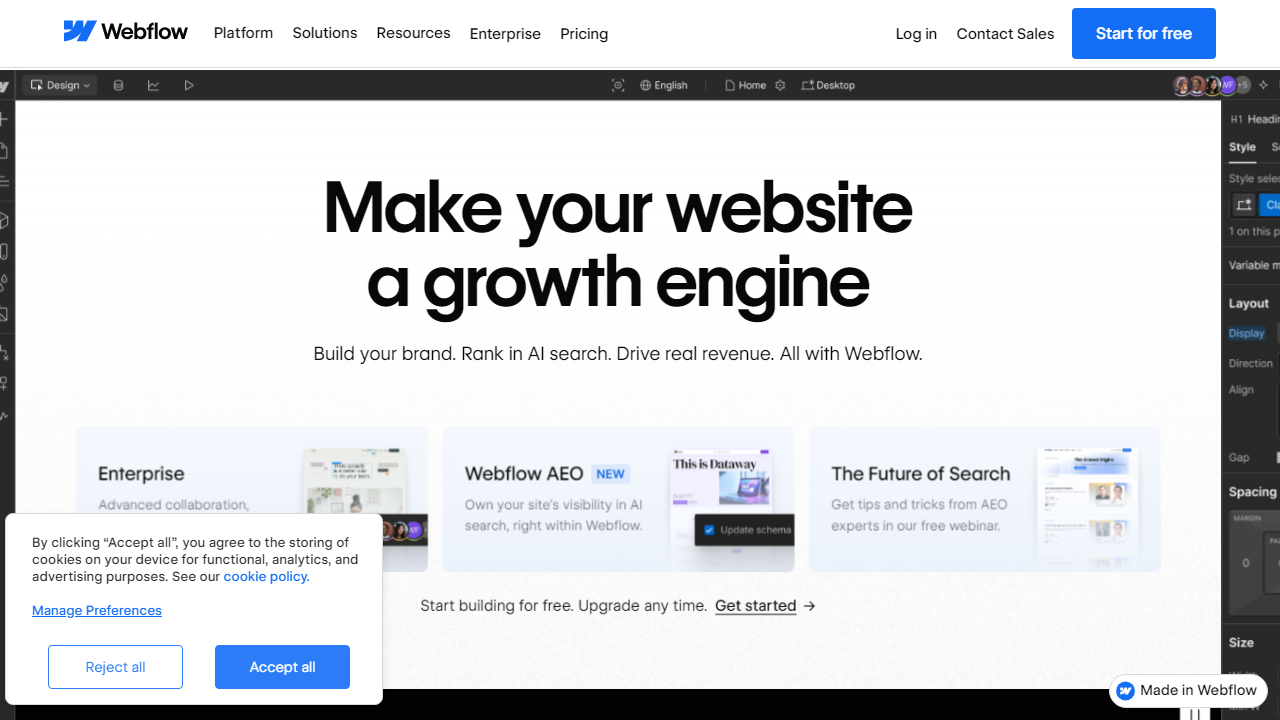
Every tool in Webflow’s design canvas is unlocked on the free plan. That means flexbox and grid controls, custom animations and interactions, component creation, style variables, and responsive breakpoint editing. You’re not working with a dumbed-down version of the tool — this is the full product. For someone learning Webflow, this is a tremendous gift that competitors like Wix or Squarespace don’t come close to matching.
2 Free Sites, Up to 50 Pages Each
The free plan allows you to create up to 2 projects (sites), and each site can contain up to 50 static pages. For a portfolio or a simple landing page, this is more than enough. For a growing blog or multi-service business site, 50 pages will eventually run out, but realistically most small projects never hit that ceiling.
CMS Collections (Limited)
You can create CMS Collections on the free plan and populate them with up to 20 items per collection. This is specifically for testing and prototyping — enough to mock up a blog feed or a team directory and see how dynamic content behaves. The moment you need real CMS-driven content at scale, you’ll need the CMS plan at $23/month (billed annually).
webflow.io Hosting — With Big Caveats
Free sites are published on a yoursite.webflow.io subdomain. Webflow does host and serve the site, but bandwidth is capped at just 1 GB per month, and perhaps more importantly, free sites only allow 50 unique visitors per month. That’s not a typo — fifty visitors. This is the single biggest limitation of the free plan and the reason you absolutely cannot launch a real business site on it.
Code Export
One genuinely underrated feature: you can export clean HTML, CSS, and JavaScript from any free project. This means Webflow can function as a visual code editor — design your site in Webflow, export the code, and host it yourself on Netlify, Vercel, or any static host. This workflow bypasses the hosting caps entirely and is a legitimate strategy for freelancers on a budget.
Webflow University & Forums
All free users get full access to Webflow University, the platform’s extensive self-paced learning library with over 200 video lessons. The community forum is also fully accessible. For self-learners, this is genuinely valuable — comparable to paying for a course elsewhere.
Pricing Plans
Webflow restructured its pricing in late 2024, splitting plans between Site Plans (for individual websites) and Workspace Plans (for teams and agencies). Below are the core Site Plans relevant to most individual users and small businesses in 2026. All prices shown are monthly when billed annually.
| Plan | Price/mo | Best For | Key Limit |
|---|---|---|---|
| Starter (Free) | $0 | Learning & prototyping | 50 visitors/mo, no custom domain |
| Basic | $14 | Simple business sites | 150 pages, no CMS |
| CMS | $23 | Blogs, content-driven sites | 2,000 CMS items, 3 editors |
| Business | $39 | High-traffic & marketing teams | 10,000 CMS items, form file uploads |
The jump from free to Basic ($14/month) is the most important threshold for anyone wanting to actually launch a site. You get a custom domain connection, 150 pages, proper form submission handling, and real bandwidth. For most solo projects, Basic is the sweet spot. Ecommerce plans start separately at $29/month and go up to $212/month for high-volume stores.
Who Should Use the Webflow Free Plan?
Best Webflow Alternatives (Free Plans Compared)
If Webflow’s free tier doesn’t fit your needs, these four alternatives are worth comparing — each has a meaningfully different free offering.
| Tool | Starting Price | Best For | Our Rating |
|---|---|---|---|
| Framer | Free / $15/mo | Designers wanting AI-assisted layouts | 4.3/5 |
| Wix | Free / $17/mo | Beginners wanting fast setup | 3.9/5 |
| WordPress.com | Free / $9/mo | Bloggers, content-heavy sites | 3.7/5 |
| Squarespace | No free plan / $16/mo | Portfolio & small business owners | 4.0/5 |
Framer is Webflow’s most direct competitor in 2026 and arguably has a more generous free tier for live publishing — it allows a custom domain on its free plan with limited pages. If your priority is getting a real URL live for free, Framer edges Webflow out. Wix’s free plan allows unlimited bandwidth but plasters Wix branding on your site, which is a dealbreaker for professional work. WordPress.com free is functional but underwhelming for design control.
Frequently Asked Questions
Final Verdict: Is Webflow’s Free Plan Worth It in 2026?
Webflow’s free plan is one of the most honest free tiers in the website builder industry — and that’s not faint praise. Unlike tools that hobble core functionality to force upgrades, Webflow gives you the full designer from day one. That decision alone makes it the best free environment for anyone serious about learning professional-grade web design without committing a dollar upfront.
The limitations are real, though, and you should walk in with eyes open. The 50-visitor cap is less a “free hosting plan” and more a “please preview this URL” situation. The absence of custom domains, working form submissions, and any ecommerce capability means the free plan has a clear ceiling. If you’re a freelancer building client sites, you’ll need the Basic plan. If you’re running a blog or