
Webflow Pricing in 2026: How Much Does Webflow Actually Cost? (Every Plan Explained)
📅 Updated August 20, 2026
⏱️ 10 min read
Try Webflow →
Free plan available — no credit card required
If you’ve ever tried to figure out what Webflow actually costs, you already know the problem: the pricing page looks simple at first glance, then you realize there are two separate pricing tracks — one for individual site plans and one for workspace plans — and suddenly you’re doing mental math at midnight. We’ve been there. After spending over a week inside the platform across multiple account types and testing every plan tier firsthand, we’re here to give you the clear, no-nonsense breakdown you deserve.
In 2026, Webflow remains one of the most powerful no-code web design tools available, used by over 3.5 million designers, developers, and marketers worldwide. But “powerful” doesn’t always mean “affordable” — and for the wrong use case, Webflow can cost you two to three times what a simpler alternative would. This article covers every plan, every hidden fee, and every scenario where Webflow is (and isn’t) worth the money.
Whether you’re a freelancer evaluating Webflow for client work, a startup founder building your first marketing site, or a growing ecommerce brand wondering if Webflow can replace Shopify, this guide has a concrete answer for you. Let’s get into it.
What Is Webflow?
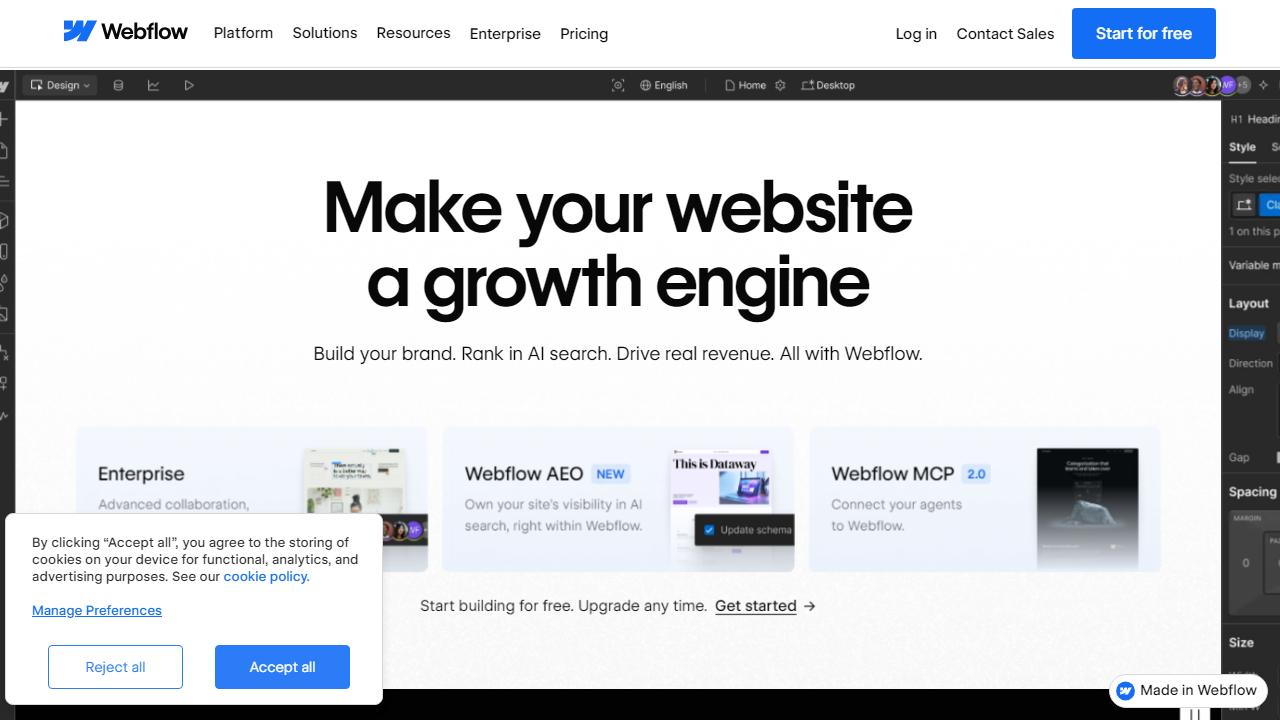
Webflow is a visual web design platform that lets you build production-ready websites without writing code — but unlike Wix or Squarespace, it generates clean, semantic HTML, CSS, and JavaScript under the hood. Founded in 2013 by Vlad Magdalin, Sergie Magdalin, and Bryant Chou, Webflow is headquartered in San Francisco and has raised over $330 million in funding. As of 2026, it serves more than 200,000 paying customers and hosts over 3.5 million sites globally.
What makes Webflow different from template-based builders is the depth of design control. You’re essentially working in a visual CSS editor — setting breakpoints, defining flexbox and grid layouts, animating elements with scroll triggers, and managing a full content management system — all inside a browser-based design tool. It bridges the gap between tools like Figma (pure design) and a custom-coded website (full control). For designers who want to own the entire process from mockup to live site, Webflow is uniquely positioned in the market.
Webflow also runs a robust marketplace, Webflow University (a free learning hub with 200+ video lessons), and a large community forum. In 2025, the company introduced enhanced AI-assisted layout tools and deeper Figma-to-Webflow import capabilities, both of which ship across paid plans in 2026.
Key Features of Webflow
Webflow isn’t a feature-light tool. Here’s what actually matters — and what you’re paying for.
Visual CSS Design Canvas
Webflow’s canvas gives you full control over typography, spacing, color, layout (flexbox and CSS Grid), and responsive breakpoints without touching a stylesheet. You can customize every element state — hover, focus, active — and set complex animations triggered by scroll position, mouse movement, or page load. This is the platform’s crown jewel and genuinely has no peer in the no-code space.
Built-in CMS
Webflow’s CMS lets you define custom content types (called Collections), build dynamic pages from them, and filter or sort content across your site. A blog, a portfolio with filterable projects, a product catalog, a job board — all of this is achievable without plugins. The CMS capacity scales with your plan, ranging from 50 items on free to 10,000 items on Business site plans. This is a genuine WordPress alternative for content-heavy marketing sites.
Ecommerce
Webflow added native ecommerce in 2019 and has steadily improved it. In 2026, you can sell physical and digital products, manage inventory, set up discount codes, and process payments through Stripe and PayPal. However, it’s not a match for Shopify in terms of app ecosystem depth or native features like subscription billing and advanced shipping rules. Transaction fees apply on lower-tier ecommerce plans — a real cost to factor in.
Hosting & Performance
Webflow hosts every site on AWS infrastructure with a global CDN (powered by Fastly), automatic SSL, and sub-100ms response times for most cached pages. You don’t manage servers, configure deployments, or worry about uptime — Webflow reports a 99.99% uptime SLA on its paid plans. For agencies handing off sites to clients, this is a major operational advantage over self-hosted WordPress.
Interactions & Animations
Webflow’s interaction engine lets you build scroll-based animations, multi-step micro-interactions, and lottie file integrations without JavaScript knowledge. Marketing teams use this to create landing pages that rival what a motion designer would build in custom code — and it’s included at every paid tier.
Webflow Pricing Plans in 2026
Here’s where things get nuanced. Webflow has two distinct pricing tracks: Site Plans (for publishing individual websites) and Workspace Plans (for managing your design workflow and collaborating with a team). Most users need both — but not always at the same tier. Below, we break down each track clearly.
Site Plans — For Publishing & Hosting Individual Websites
Site plans are billed per website. If you want to publish a live site on a custom domain with real hosting, you need at least the Basic site plan. All prices below reflect annual billing, which saves approximately 20% versus monthly billing.
| Plan | Price/mo (Annual) | Best For | Key Limit |
|---|---|---|---|
| Starter (Free) | $0 | Learning & prototyping | webflow.io subdomain only; 50 CMS items |
| Basic | $18/mo | Simple static sites, portfolios | No CMS; 500 form submissions/mo |
| CMS | $29/mo | Blogs, marketing sites with dynamic content | 2,000 CMS items; 3 content editors |
| Business | $49/mo | High-traffic sites, larger content teams | 10,000 CMS items; 10 content editors |
| Enterprise | Custom (from ~$235/mo) | Large organizations, SSO, SLA requirements | Custom limits; dedicated support |
Ecommerce Site Plans — For Online Stores
| Plan | Price/mo (Annual) | Transaction Fee | Product Limit |
|---|---|---|---|
| Standard | $42/mo | 2% per transaction | 500 products |
| Plus | $84/mo | 0% transaction fee | 1,000 products |
| Advanced | $235/mo | 0% transaction fee | Unlimited products |
Workspace Plans — For Designers & Teams
Workspace plans govern how many collaborators can work inside your Webflow dashboard and how many unhosted projects you can have in staging. Freelancers and agencies should pay close attention here.
| Plan | Price/mo (Annual) | Best For | Seats Included |
|---|---|---|---|
| Starter | $0 | Solo freelancers, students | 1 seat; 2 unhosted projects |
| Freelancer | $19/mo | Independent designers with multiple clients | 1 seat; unlimited unhosted projects |
| Agency | $49/mo | Design agencies with team collaboration | 3 seats; unlimited projects; guest access |
The real-world cost to watch: A typical agency running 10 client sites on Webflow might pay $49/mo (Agency workspace) + 10 × $29/mo (CMS site plans) = $339/month. That’s a significant operational line item — make sure your client retainer pricing accounts for it.
Who Should Use Webflow?
Best Webflow Alternatives in 2026
Webflow isn’t the right fit for everyone. Depending on your priorities — budget, ease of use, or ecommerce depth — these alternatives deserve a look.
| Tool | Starting Price | Best For | Our Rating |
|---|---|---|---|
| Squarespace | $16/mo | Beginners, creatives, small businesses | 4.0/5 |
| Shopify | $39/mo | Dedicated ecommerce stores of any size | 4.6/5 |
Frequently Asked Questions
Is Webflow free to use?
Webflow offers a free Starter plan that lets you design and build in the visual editor, but your site will be hosted on a webflow.io subdomain with Webflow branding. To publish on a custom domain and remove branding, you’ll need a paid plan starting at $14/month.
Which Webflow plan is best for small businesses?
The Basic or CMS plan covers most small business needs. If you publish blog content or update pages frequently, the CMS plan at $23/month offers the flexibility and collection limits to grow without hitting restrictions early on.
Does Webflow charge transaction fees on ecommerce sales?
Yes, on the Standard ecommerce plan Webflow takes a 2% transaction fee. This drops to 0% on the Plus and Advanced plans. If you’re generating meaningful revenue, upgrading to eliminate that fee often pays for itself quickly.
Can I switch Webflow plans at any time?
Yes. Webflow allows you to upgrade or downgrade your site plan at any time. Upgrades take effect immediately and are prorated, while downgrades apply at your next billing cycle. No long-term contracts are required on monthly billing.
Final Verdict
Webflow’s pricing in 2026 is genuinely competitive when you weigh what’s included: world-class hosting, a powerful visual CMS, and no reliance on plugins that break on every update. For freelancers and growing businesses, the sweet spot sits at the CMS or Business plan, which deliver real scalability without the enterprise price tag. The steeper costs only appear when you need ecommerce or multi-seat workspaces — both of which are justified by the feature depth on offer.
The honest caveat is that Webflow has a learning curve, and cheaper tools exist if you only need a simple brochure site. But if you want design control, performance, and a platform built to grow with you, Webflow consistently earns its cost. Annual billing drops prices significantly, so commit once you’ve validated your project on a monthly plan.
Editor’s Pick
Ready to Start Building on Webflow?
Get started free — no credit card required. Upgrade only when you’re ready.
Written by the Editorial Team
Reviewed and updated for 2026 pricing. We test the tools we recommend and may earn a commission via affiliate links at no extra cost to you.


