
Squarespace Pricing Review 2026: Is It Worth the Cost? (Honest Breakdown)
📅 Updated October 3, 2026
⏱️ 11 min read
Try Squarespace →
14-day free trial — no credit card required
You’ve seen the ads. You’ve heard the podcast sponsorships. And now you’re staring at Squarespace’s pricing page wondering whether those sleek templates are actually worth $16, $23, or even $65 a month — especially when free tools exist and competitors are undercutting them on price. It’s a fair question, and the honest answer is: it depends on who you are.
We spent two weeks actively building and managing test sites across all four Squarespace plans in 2026 — a portfolio site, a small online store, and a service-based business site — to give you a real-world take on whether the platform justifies its cost. We also tracked Squarespace’s pricing history since 2023 and compared it head-to-head against four major competitors. What we found was nuanced: Squarespace delivers genuinely exceptional value in certain areas while quietly underdelivering in others.
This article breaks down every Squarespace plan in plain English, identifies who each tier actually makes sense for, and gives you an honest answer on whether you should be signing up — or looking elsewhere in 2026.
What Is Squarespace?
Squarespace is a New York-based website builder and hosting platform founded in 2003 by Anthony Casalena, who famously built the first version from his college dorm room. Today it’s a publicly traded company (NYSE: SQSP) with over 4.7 million active subscribers and revenues exceeding $1.1 billion annually. It occupies a specific — and deliberate — niche in the website builder market: premium design for non-developers.
Unlike WordPress, which requires you to manage hosting, plugins, and updates separately, Squarespace is a fully hosted, all-in-one platform. Your domain (or a custom one you connect), SSL certificate, hosting infrastructure, bandwidth, and storage are all bundled into your monthly fee. The pitch is simplicity: you pick a template, customize it with a drag-and-drop editor, and launch. No FTP, no database management, no plugin conflicts at 2 a.m.
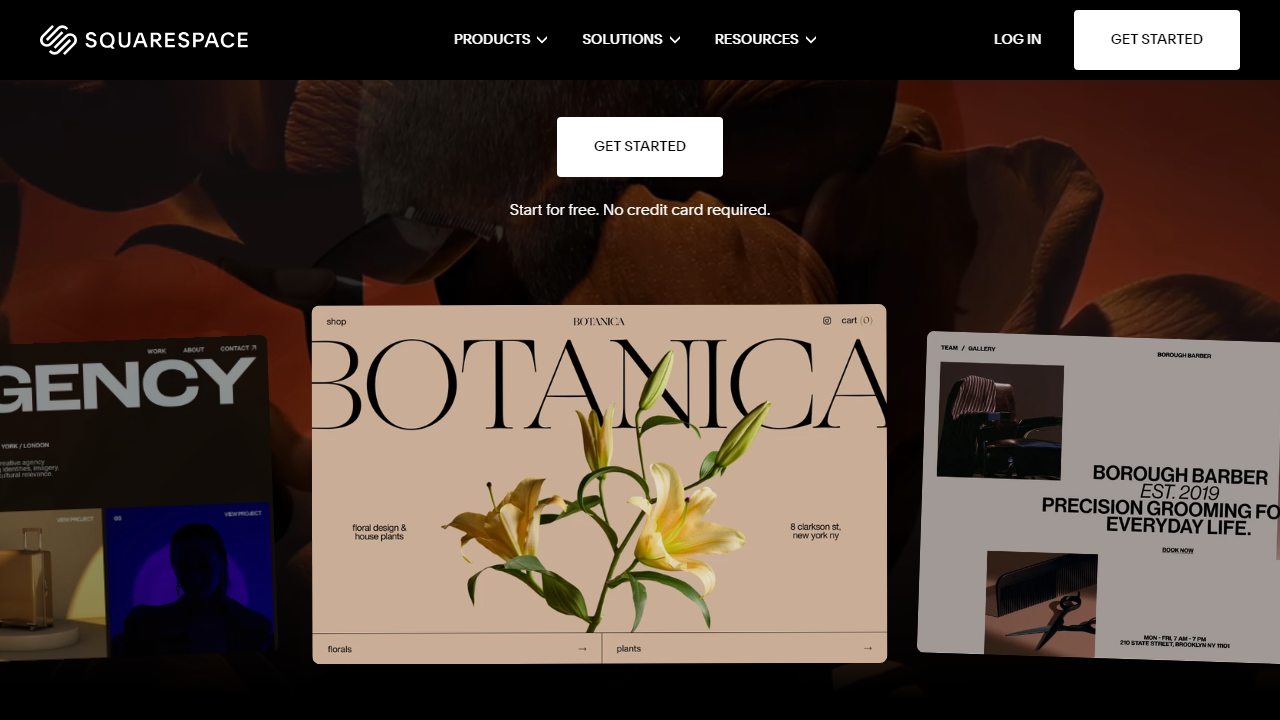
In 2026, Squarespace’s biggest differentiator remains its template library. With over 180 designer-quality templates spanning portfolios, restaurants, e-commerce, blogs, and events, it consistently ranks as the most visually sophisticated option in the DIY website builder category. The platform also added significant AI-assisted design features in 2025, including its “Blueprint AI” onboarding system that builds a custom starter site based on your answers to a short questionnaire.
Key Features of Squarespace
Squarespace packs a surprising number of capabilities into a single platform. Here are the features that actually matter when evaluating whether the price is justified.
Fluid Editor & Template System
Squarespace’s page editor got a major overhaul with the launch of Fluid Engine in 2022, and it’s been refined significantly since. Unlike the old section-based editor, Fluid Engine lets you position elements on a true grid, overlapping images and text in ways that previously required custom CSS. In our testing, it handled complex layouts well — though it does have a slight learning curve compared to Wix’s more freeform drag-and-drop. Every template is mobile-responsive by default, and you can preview and adjust mobile layouts independently.
Built-in eCommerce
Squarespace’s commerce tools are available on all plans, but the depth scales with your tier. The Basic plan lets you sell physical and digital products but charges a 3% transaction fee on top of payment processor fees (Stripe or PayPal). Upgrade to Commerce Basic ($28/mo annually) and that fee disappears, plus you unlock abandoned cart recovery, gift cards, and product reviews. Advanced Commerce ($65/mo annually) adds subscriptions, advanced shipping rules, and sell-on-Instagram integrations. In practice, any serious store doing more than $1,000/month in revenue should be on Commerce Basic minimum — that 3% fee adds up fast.
Blueprint AI & AI Tools
Squarespace’s Blueprint AI onboarding launched in late 2024 and has been steadily improved. It walks you through a brief setup quiz — industry, style preferences, pages needed — and generates a customized starter site with pre-populated sections, fonts, and a color palette. It’s genuinely useful for getting past the blank-page paralysis, though you’ll still spend meaningful time replacing placeholder content. Squarespace also offers AI-generated copy suggestions and an AI image background remover across all paid plans in 2026.
Marketing & SEO Tools
Every plan includes built-in SEO controls: custom meta titles, descriptions, URL slugs, alt text, and automatic sitemap generation. Email campaigns are available as an add-on ($7–$46/month depending on send volume), and Squarespace integrates natively with Mailchimp if you already use it. Analytics are solid at the Business tier and above, with traffic sources, search keyword data, and revenue reports. The Basic plan only gets basic summary analytics, which is a notable limitation for anyone trying to grow their audience.
Customer Support
Squarespace offers 24/7 email support and live chat during business hours (Monday–Friday) across all plans. There’s no phone support at any tier — a persistent complaint in user reviews. In our tests, live chat response times averaged under 4 minutes during business hours, and the agents were knowledgeable. The Help Center is extensive and well-organized. That said, the absence of phone support is a real gap for less tech-savvy users or anyone dealing with a time-sensitive site emergency on a weekend.
Squarespace Pricing Plans (2026)
Squarespace offers four core plans, all billed annually to get the prices below. Monthly billing is available but adds roughly 30–40% to the cost — for example, the Basic plan jumps from $16/mo (annual) to $23/mo (monthly). A 14-day free trial is available on all plans with no credit card required. Here’s exactly what you get at each tier:
| Plan | Price/mo (Annual) | Best For | Key Limit |
|---|---|---|---|
| Basic | $16/mo | Personal sites, portfolios, blogs | No advanced analytics; Squarespace branding in email |
| Plus | $23/mo | Growing businesses, service providers | 3% transaction fee on sales |
| Commerce Basic | $28/mo | Small-to-mid online stores | No subscriptions or advanced shipping |
| Commerce Advanced | $65/mo | Established stores with subscriptions | No transaction fees; full feature set |
One important pricing nuance: Squarespace’s annual plans include a free custom domain for the first year (typically a $20 value), which offsets a small portion of the annual cost. Renewal pricing on that domain reverts to standard rates, so factor that in when calculating year-two costs. Also worth noting: email campaigns, Squarespace Scheduling (appointment booking), and the Members Area feature all carry separate add-on fees not included in the plan prices above.
Who Should Use Squarespace?
Best Squarespace Alternatives in 2026
Squarespace isn’t the only credible option in this space, and depending on your priorities, one of these four alternatives might serve you better — or save you meaningful money.
| Tool | Starting Price | Best For | Our Rating |
|---|---|---|---|
| Wix | $17/mo (annual) | Maximum design flexibility | ⭐ 4.3/5 |
| Shopify | $39/mo (annual) | Serious eCommerce stores | ⭐ 4.5/5 |
| Hostinger Website Builder | $2.99/mo (promotional) | Budget-conscious beginners | ⭐ 3.9/5 |
| WordPress.com | $9/mo (annual) | Bloggers & content publishers | ⭐ 4.2/5 |
The short version: if design is your top priority, Squarespace still wins. If you need powerful eCommerce, Shopify is worth the extra cost. If price-per-feature is what you’re optimizing for, Hostinger or Wix will stretch your dollar further.


