
Monday.com vs Mailchimp: Full Comparison 2026 — Which Tool Does Your Business Actually Need?
📅 Updated August 9, 2026
⏱️ 14 min read
Try Monday.com →
Free trial available
Every week, someone in a Facebook group or Reddit thread asks some version of this question: “Should I be using Monday.com or Mailchimp for my business?” And every week, the replies are a chaotic mix of opinions that miss the most important point — these two tools aren’t competing for the same job. Asking “Monday.com vs Mailchimp” is a bit like asking whether you need a hammer or a paintbrush. Both are essential. Neither replaces the other.
That said, if you’re a solopreneur, a small team on a tight budget, or a marketer trying to figure out where to invest first, the question of which one to prioritize is genuinely worth answering. After spending considerable time testing both platforms across real campaign workflows and project management scenarios in 2026, we’ve put together this definitive comparison so you can make a confident, informed call.
This article covers everything: what each tool actually does, how their feature sets stack up in their respective categories, the real 2026 pricing (including where costs bite), who each platform genuinely serves best, and when you might actually need to use them together. Let’s get into it.
What Are Monday.com and Mailchimp?
Monday.com is a work operating system — a project and workflow management platform founded in Tel Aviv in 2012 and publicly traded on NASDAQ since 2021. By mid-2026, the company serves over 225,000 customers across 200+ countries, from two-person startups to Fortune 500 enterprises. The core product lets teams build custom boards to track tasks, projects, deadlines, and processes. It’s expanded significantly beyond basic project management with dedicated products for CRM, software development (monday Dev), and service management.
Mailchimp is one of the world’s most recognized email marketing platforms, founded in Atlanta in 2001 and acquired by Intuit in 2021 for $12 billion. As of 2026, it serves over 11 million businesses globally. What started as a pure email tool has evolved into a broader marketing platform with automation workflows, landing pages, social ads management, and basic e-commerce analytics. It remains the go-to choice for small businesses sending newsletters and promotional campaigns, and a strong mid-market player for more sophisticated marketing teams.
The key distinction: Monday.com is an internal operations tool. Mailchimp is an external marketing tool. One organizes how your team gets work done. The other is how you communicate with your customers and prospects at scale.
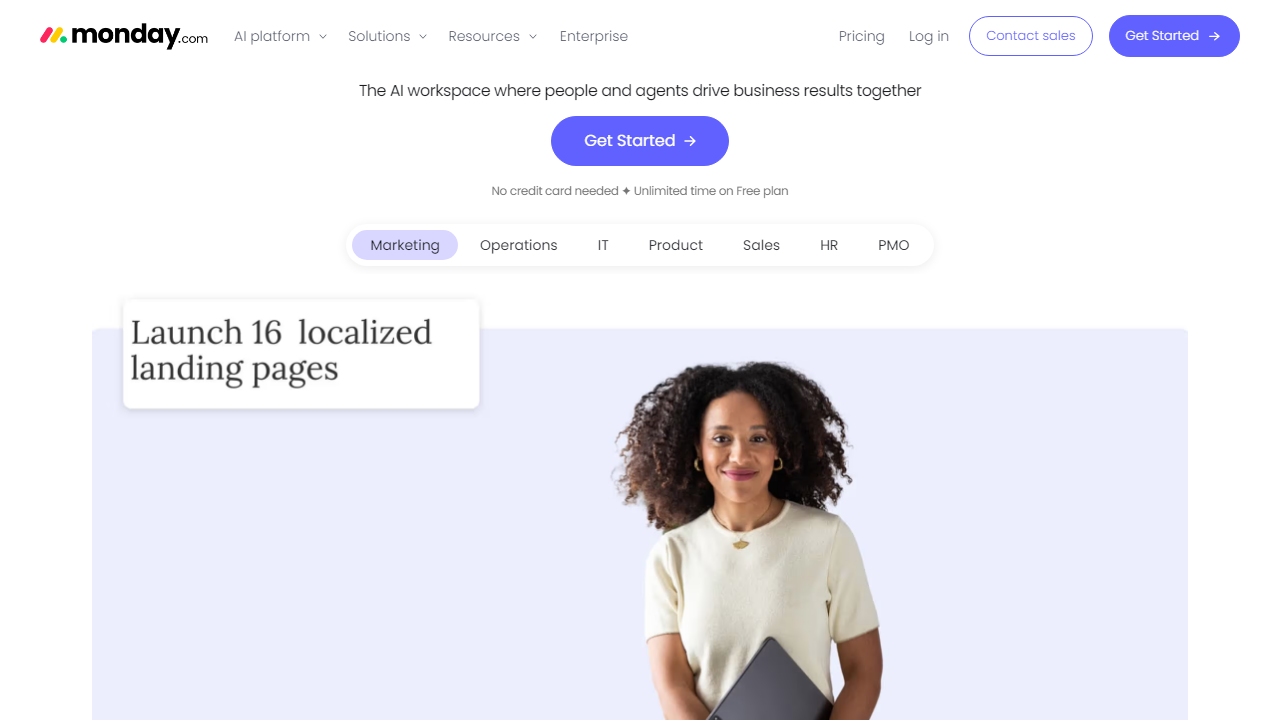
Key Features Compared
Since these tools operate in entirely different categories, we’ll evaluate each on its own merits within its domain — then note where their capabilities brush up against each other (hint: CRM is the overlap zone).
Monday.com: Project and Workflow Management
Monday.com’s board system is its defining strength. You can visualize the same data as a Kanban board, Gantt chart, calendar, timeline, map, or workload view — switching between views without any data re-entry. Automations are rule-based and genuinely powerful on paid plans: “When status changes to Done, notify owner and move to archive” type logic. The 2026 update introduced AI-assisted automation suggestions that proactively recommend workflow improvements based on how your team actually uses your boards, which is a genuine time-saver.
Mailchimp: Email Marketing and Automation
Mailchimp’s email builder is drag-and-drop and supports dynamic content blocks, meaning you can show different content to different subscriber segments within a single email. The Customer Journey Builder (Mailchimp’s automation visual editor) lets you create multi-step sequences triggered by behavior: email opens, link clicks, purchase history, or date-based triggers. For e-commerce brands, the Shopify and WooCommerce integrations enable automated abandoned cart emails, post-purchase sequences, and revenue attribution reporting directly inside the platform.
CRM — The Overlap Zone
Both platforms have moved into CRM territory, and this is where the comparison gets genuinely interesting. Monday CRM is a full sales pipeline tool with lead tracking, contact management, and deal forecasting — it’s a real standalone CRM product. Mailchimp’s audience tools give you contact records, purchase history, and engagement data, but they’re built for marketing to those contacts, not managing a sales pipeline. If you need a CRM, Monday.com wins that battle outright. If you need to market to a segmented audience, Mailchimp has no peer at its price point.
Integrations
Monday.com offers 200+ native integrations including Slack, Google Workspace, Jira, Salesforce, HubSpot, and Mailchimp itself. Mailchimp integrates with 300+ apps including Shopify, WooCommerce, Stripe, Zapier, and — yes — Monday.com. The fact that you can sync both tools is worth noting: some teams use Monday.com to manage marketing campaign tasks and deadlines while Mailchimp handles the actual email sends, with Zapier or the native connector keeping them in sync.
Reporting and Analytics
Monday.com’s dashboards aggregate data across multiple boards into executive-level reporting views — great for tracking team velocity, project status, and resource allocation. Mailchimp’s analytics are email-specific and genuinely excellent: open rates, click maps, revenue per campaign, subscriber growth trends, and A/B test results. Neither tool tries to replace a dedicated BI solution like Tableau, but both provide solid operational reporting for their respective domains.
Pricing Plans Side by Side
Both tools offer free tiers with meaningful limits, and both scale in ways that can surprise budget-conscious buyers. Here’s the honest breakdown for 2026:
Monday.com Pricing (billed annually, per seat):
| Plan | Price/mo | Best For | Key Limit |
|---|---|---|---|
| Free | $0 | Individuals/duos | Max 2 seats, 3 boards |
| Basic | $9/seat | Small teams | No automations, 5GB storage |
| Standard | $12/seat | Growing teams | 250 automation actions/mo |
| Pro | $19/seat | Power users/ops teams | 25,000 automation actions/mo |
Mailchimp Pricing (billed monthly, by contact count):
| Plan | Price/mo | Best For | Key Limit |
|---|---|---|---|
| Free | $0 | Beginners | 500 contacts, 1,000 sends/mo |
| Essentials | From $13 | Small businesses | 500–50K contacts, 10x sends |
| Standard | From $20 | Growing marketers | Advanced automations, retargeting |
| Premium | From $350 | Large orgs | Unlimited seats, phone support |
Frequently Asked Questions
No. Monday.com is a project management and CRM platform, not an email marketing tool. It lacks Mailchimp’s campaign builder, audience segmentation, and deliverability infrastructure. They serve fundamentally different purposes.
Yes. You can connect both tools via Zapier or Make to sync contacts, trigger campaigns based on project status, or log email activity inside Monday.com boards — giving you the best of both platforms.
Mailchimp’s free plan supports up to 500 contacts and basic campaigns, making it the stronger entry point for budget-conscious businesses focused on audience growth. Monday.com’s free tier is limited to two seats with no marketing features.
Monday.com scales more flexibly for cross-functional teams managing complex workflows, client projects, and sales pipelines. Mailchimp scales well for marketing-focused teams expanding their subscriber base and automation complexity.
Final Verdict
Monday.com and Mailchimp are not competitors — they are complementary tools built for entirely different jobs. If your primary need is organizing team workflows, tracking projects, or managing a sales pipeline, Monday.com is the clear choice. It offers unmatched visual flexibility and collaboration features that keep distributed teams aligned and accountable across every department.
If your business lives or dies by its ability to reach, nurture, and convert an email audience, Mailchimp remains one of the most accessible and powerful platforms available. Its automation depth, audience analytics, and campaign tooling are purpose-built for marketers. For businesses with both needs, running the two tools in tandem — connected via automation — is the smartest long-term strategy.
⭐ Editor’s Pick 2026
Monday.com — Best All-in-One Work OS
Ideal for teams who need project management, CRM, and workflow automation under one roof. Start free — no credit card required.
Written by the TechReview Editorial Team
Our analysts independently test and compare SaaS tools based on hands-on use, pricing research, and real-world business scenarios. Last updated: January 2026.


