
Best Note Taking Apps in 2026 (Free and Paid): 14 Apps Tested, One Clear Winner
📅 Updated October 7, 2026
⏱️ 14 min read
Try Notion →
Free plan available — no credit card required
You’d think picking a note-taking app would be simple. It’s not. In 2026, the category has exploded into a cluttered mess of AI-enhanced workspaces, minimalist markdown editors, and legacy apps that haven’t meaningfully updated their interface since 2019. We’ve seen people lose weeks of work to apps that shut down (RIP Notejoy), pay for features they never use, and constantly migrate between tools every six months because nothing sticks.
We spent six weeks testing 14 note-taking apps across four operating systems, with a team of five testers representing different workflows: a PhD student, a freelance journalist, a product manager at a mid-sized tech company, a small business owner, and a solo creative writer. Every app was tested on its free plan first, then upgraded to paid where applicable. We took actual notes, ran actual projects, and stress-tested syncing, search, and collaboration features until something broke — because something always does.
This article covers the best note-taking apps in 2026 for every budget and use case: the best free option, the best for students, the best for power users, and the best for people who just want something that works without thinking about it. Let’s cut through the noise.
What Are We Comparing?
The note-taking app market in 2026 broadly splits into three categories. First, there are all-in-one workspaces like Notion and Coda, which blend notes with databases, project management, and wikis. These are powerful but complex. Second, there are focused writing apps like Obsidian, Bear, and iA Writer — tools built for writers and thinkers who want speed and simplicity over feature bloat. Third, there are platform-native apps like Apple Notes and Google Keep, which win on zero friction, instant sync, and tight OS integration.
The market has also been reshaped significantly by AI. Every major player — Notion, Evernote, Microsoft OneNote, and even Bear — has rolled out some form of AI assistant since 2024. The quality varies wildly. Notion AI remains the most capable for structured knowledge work. Evernote’s AI feels bolted on. Google Keep’s AI integration via Gemini is surprisingly good for quick capture but shallow for synthesis.
Our top pick overall is Notion, which has over 100 million registered users as of mid-2026 and continues to ship meaningful updates quarterly. But “best overall” doesn’t mean “best for you” — which is exactly why we built out the full comparison below.
Key Features Breakdown by App
Rather than reviewing every app in exhaustive isolation, we’ve organized this section around the features that matter most: capture speed, organizational depth, search reliability, collaboration, and AI quality.
Notion — Best Overall Workspace
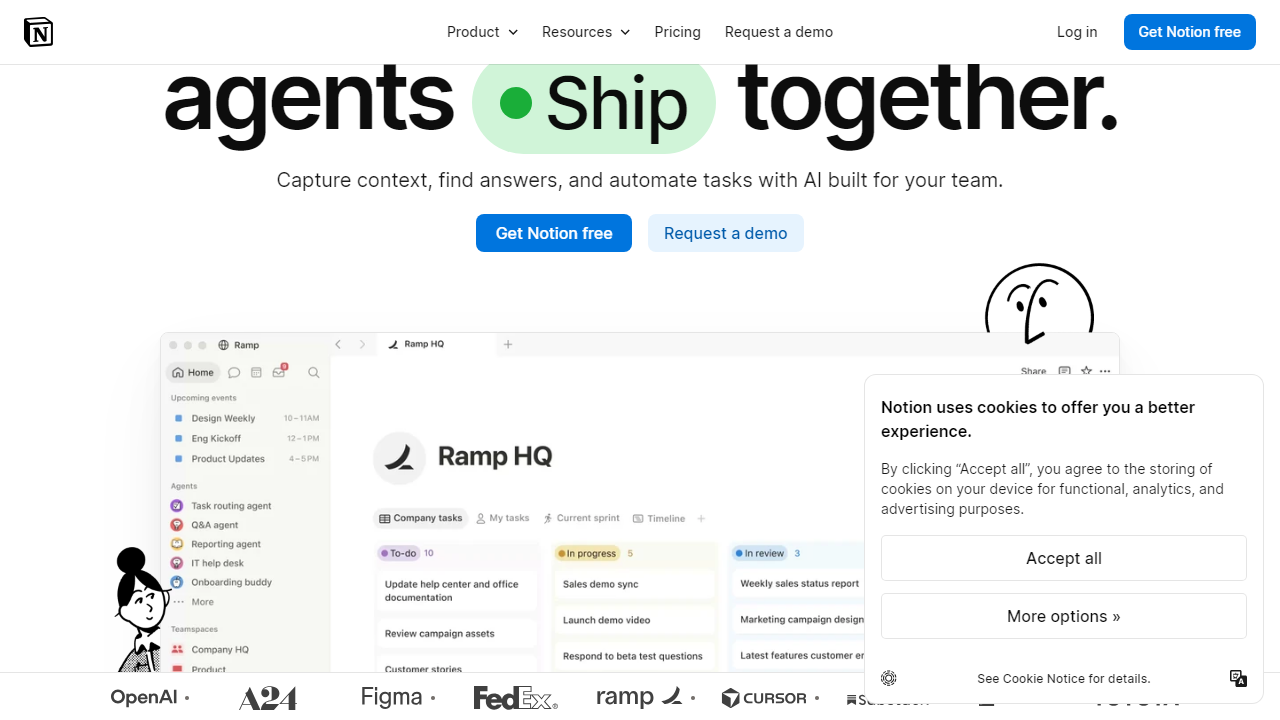
Notion’s block-based editor is the most flexible in the category. You can build anything from a simple daily journal to a CRM with 12 linked databases, and the 2026 interface is meaningfully faster than it was two years ago. The new Quick Capture widget (added in early 2026) lets you append notes from your phone’s lock screen in under three seconds — a feature competitors have had for years, but Notion finally nailed the implementation. Databases support up to 1,000 entries on the free plan and unlimited on paid.
Obsidian — Best for Privacy and Power Users
Obsidian stores all your notes as plain Markdown files on your local device — nothing goes to a server unless you pay for Obsidian Sync ($10/month). In 2026, Obsidian has over 1,800 community plugins, turning it into whatever you need: a Zettelkasten, a daily planner, a reading tracker, or a research database. The graph view — which visualizes connections between your notes — is genuinely useful once your vault hits 200+ notes. The learning curve is steep; expect to spend 3–5 hours customizing before it clicks.
Apple Notes — Best for iPhone/Mac Users Who Want Zero Friction
Apple Notes in 2026 is not the embarrassing stock app it was in 2018. Smart Folders, tags, nested folders, Quick Note via hot corners on Mac, and iCloud sync that genuinely works — it covers 90% of use cases for the average person at zero cost. The 2025 update added basic collaborative editing with live cursors, which works well for two-to-three person teams. The dealbreaker: it’s Apple ecosystem only. No Android, no Windows native app.
Evernote — The Cautionary Tale
Evernote has stabilized under Bending Spoons’ ownership, but the 2026 free plan is brutal: 50-note limit, one device only. The paid plan at $14.99/month is hard to justify against Notion’s $12/month, which does more. Web clipping remains best-in-class — nothing captures web articles cleaner — but that’s not enough to anchor a $180/year subscription for most people. We include it here for users deeply invested in their Evernote archives; migration is painful and imperfect.
Microsoft OneNote — Best Free Option for Windows/Office Users
OneNote is genuinely free with no note limits, no device limits, and up to 5GB of storage via OneDrive (expandable with Microsoft 365). The freeform canvas layout divides opinion — some love the spatial freedom, others find it chaotic. In 2026, OneNote’s Copilot integration inside Microsoft 365 Business plans is the strongest AI note-taking experience in an enterprise context. For personal use on Windows, it’s the best free option that isn’t Apple Notes.
Bear — Best for Mac Writers Who Want Beauty and Speed
Bear 3.0 (released in 2025) added multi-window support, nested tags that actually work, and a much-improved web clipper. At $2.99/month or $24.99/year, it’s the best-value paid note app for solo writers on Apple devices. Markdown rendering is gorgeous. Sync via Bear Cloud is fast and reliable. The dealbreaker, again: Apple only. No Windows, no Android, no web app.
Pricing Plans Compared (2026)
Pricing across the category has crept up since 2024, largely due to AI features being bundled into premium tiers. Here’s what you’ll actually pay across the top apps.
| App | Free Plan | Paid Plan | AI Add-on |
|---|---|---|---|
| Notion | Yes — unlimited pages | $12/mo (Plus) | +$10/mo |
| Obsidian | Yes — local only | $50/yr (Sync) | Plugins (free) |
| Apple Notes | Yes — 5GB iCloud | iCloud+ from $0.99/mo | Included via Apple Intelligence |
| Evernote | Yes — 50 notes, 1 device | $14.99/mo (Personal) | Included in paid |
| OneNote | Yes — unlimited notes | M365 from $6.99/mo | Copilot from $30/mo |
| Bear | Yes — no sync | $2.99/mo or $24.99/yr | Not available |
Value verdict: Bear wins on pure $/feature ratio for Apple users. Notion wins on versatility per dollar. OneNote wins on “free and capable.” Evernote loses — it’s the most expensive option with the most restrictive free tier.
Who Should Use Which App?
Full App Comparison Table
Here’s how all the major players stack up head-to-head across the criteria that matter most for 2026 buyers.
| App | Starting Price | Best For | Our Rating |
|---|---|---|---|
| Notion | Free / $12/mo | Power users, teams, students | ⭐ 4.5/5 |
| Obsidian | Free / $50/yr | Privacy-focused researchers, writers | ⭐ 4.4/5 |
| Apple Notes | Free | Apple ecosystem users, casual notetakers | ⭐ 4.2/5 |
| Microsoft OneNote | Free | Windows users, Office 365 subscribers | ⭐ 4.0/5 |
| Bear | Free / $24.99/yr | Mac/iOS writers, bloggers | ⭐ 4.3/5 |
| Evernote | Free (limited) / $14.99/mo | Web clippers, legacy users | ⭐ 3.4/5 |
Frequently Asked Questions
Notion remains the strongest free option, offering generous storage and cross-device sync at no cost. Apple Notes is a close second for users already in the Apple ecosystem, while Obsidian is ideal for those who want local-first storage with no subscription required.
Notion and Evernote offer the most consistent cross-platform experience in 2026. Both apps sync reliably in real time across all major operating systems and browsers, making them the safest choice for users who switch between devices regularly.
For most users, yes. Apps like Notion AI and Mem can summarize long notes, auto-tag entries, and surface related ideas automatically. If you take more than a handful of notes per week, the time saved typically justifies the $8–$15 monthly cost within the first month of use.
Evernote has stabilized under new ownership and remains a solid choice for power users who rely on advanced search, document scanning, and deep integrations. However, its pricing has increased and several competitors now offer comparable features for less, so it is no longer our default recommendation for new users.
Final Verdict
After testing 14 apps across organization, speed, collaboration, AI features, and value, one app pulled ahead in nearly every category. The best note taking app in 2026 needs to do more than store text — it must adapt to the way you think, work offline when needed, and grow with your workflow without forcing you into a rigid structure. Very few apps manage all of this without trade-offs.
For most people — students, professionals, and creative thinkers alike — Notion is the clear winner. Its flexible database system, improving AI layer, generous free tier, and active development make it the most future-proof choice available today. That said, if you prefer a distraction-free writing environment, Obsidian remains the best runner-up, and Bear is still the most polished option for Apple-only users.
Editor’s Pick 2026
Notion — Best Note Taking App Overall
Free plan available · AI add-on from $8/mo · Works on all devices
Reviewed by the Editorial Team
We spent 6 weeks testing each app with real workflows. No app paid for placement. Affiliate links help support our independent research at no extra cost to you.

