
Monday.com Review 2026: Is It Actually Worth the Price? (Honest Verdict)
📅 Updated August 2, 2026
⏱️ 11 min read
Try Monday.com →
Free 14-day trial available — no credit card required
If your team is drowning in missed deadlines, chaotic Slack threads, and spreadsheets that no longer make sense to anyone, you’ve probably already heard someone mention Monday.com. It’s one of those platforms that keeps showing up in “best of” lists — and with good reason. But “best of” lists don’t pay your SaaS bill, and at Monday.com’s prices, that bill can get real fast.
We spent three weeks pressure-testing Monday.com across actual client projects — a 12-person marketing agency, a 4-person product team, and a solo consultant — to give you a ground-level honest answer: is Monday.com worth it in 2026? We looked at everything from onboarding friction and automation reliability to where it starts to crack under real-world pressure. Here’s what we found.
This review covers Monday.com’s full feature set, exact 2026 pricing, who it genuinely makes sense for, and which alternatives you should seriously consider before signing a contract.
What Is Monday.com?
Monday.com markets itself as a “Work OS” — an operating system for work, rather than just a project management tool. That’s not just marketing fluff. Since its founding in Tel Aviv in 2012 (originally called dapulse), the company has evolved from a simple task tracker into a modular platform that can handle project management, CRM pipelines, software sprint tracking, HR onboarding, and more — all under one roof. The company went public on NASDAQ in 2021 and as of 2026 serves over 245,000 customers across 200 countries, with enterprise clients including Canva, Coca-Cola, and Universal Music Group.
The core product is built around “boards” — highly customizable spreadsheet-like views where rows represent items (tasks, leads, employees, campaigns) and columns represent data fields. You can switch between Kanban, Gantt, calendar, timeline, map, and workload views on the same board without losing any data. That flexibility is genuinely rare. Most competing tools force you to choose a methodology upfront; Monday.com lets your team work the way they actually work.
In 2025 and into 2026, Monday.com doubled down on AI with its “Monday AI” suite, which now includes automated status summaries, smart subtask generation, sentiment analysis on client updates, and a natural language interface for building automations without writing a single rule manually. It’s one of the more mature AI implementations in the project management space right now.
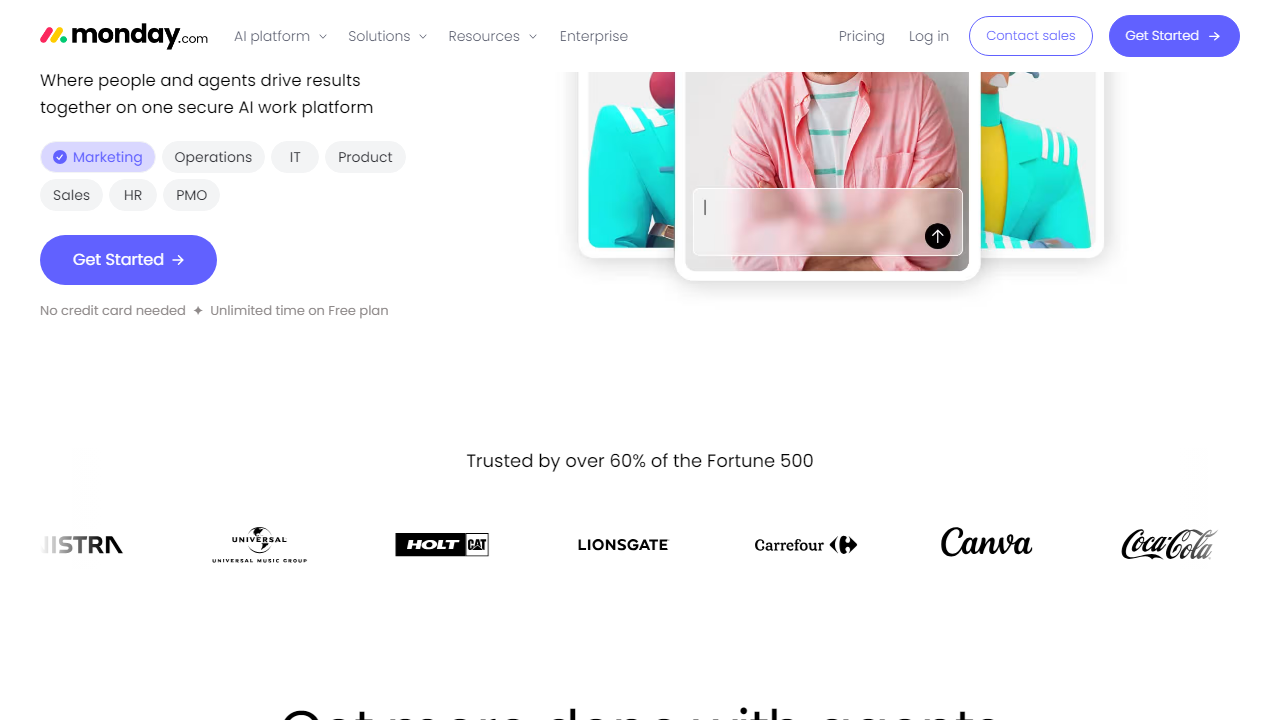
Key Features of Monday.com
Monday.com packs a lot into its platform. Here are the features that actually matter day-to-day, beyond the marketing bullet points.
Boards and Customizable Views
Every workflow in Monday.com starts with a board. You can add over 30 column types — from text and numbers to dependency links, formula columns, and AI-generated fields. The same board data can be viewed as a Kanban, timeline, Gantt chart, calendar, map, or workload view. For teams that have both visual thinkers and spreadsheet people, this alone removes huge friction.
Monday AI
Monday AI in 2026 goes well beyond basic suggestions. It can auto-generate subtasks from a high-level task description, summarize board activity for stakeholder updates, and flag items at risk based on historical completion patterns. The natural language automation builder — type “notify the owner when status changes to stuck” and the rule is created — genuinely saves hours per week for team admins. It’s included on Pro plans and above, which is worth noting when comparing tiers.
Automations and Integrations
Monday.com supports over 250 integrations including Slack, Microsoft Teams, Google Workspace, Salesforce, HubSpot, Jira, GitHub, Zoom, and Zapier. The native automation builder lets you create “if-then” rules without code — for example, “when a task is marked Done, notify the client contact and move the item to the Archive board.” Basic plans get 250 automation actions per month; Pro plans get 25,000. That gap is significant and something to plan around early.
Dashboards and Reporting
Monday’s dashboards aggregate data across multiple boards into a single view, which is ideal for managers overseeing several projects simultaneously. You can add widgets for charts, battery indicators, countdown timers, and workload distribution. The catch: you’re limited to 1 dashboard on Standard, 10 on Pro, and unlimited on Enterprise. If visibility across projects is critical for your role, this is a reason to go Pro from day one.
Monday CRM and Monday Dev
One of Monday’s smartest moves has been building dedicated “products” on top of its core platform. Monday CRM (available as a standalone or add-on) gives sales teams a full pipeline with lead tracking, email integration, and forecasting. Monday Dev gives software teams sprint planning, bug tracking, and roadmap views. These are mature additions in 2026 — not afterthoughts — though they do add to the overall cost if purchased separately.
Pricing Plans
Monday.com’s pricing is seat-based and billed annually (monthly billing adds roughly 18% to the cost). All paid plans require a minimum of 3 seats — which is the single most common complaint from small teams and solo users. Here’s what you’re looking at in 2026:
| Plan | Price/mo (per seat) | Best For | Key Limit |
|---|---|---|---|
| Free | $0 | Up to 2 seats, basic testing | 3 boards, no automations |
| Basic | $12 | Small teams, simple tracking | No timeline, no automations |
| Standard | $17 | Growing teams, most use cases | 250 automations/month |
| Pro | $29 | Power users, full AI + reporting | 25,000 automations/month |
| Enterprise | Custom (typically $40+) | Large orgs, compliance needs | Requires annual contract |
To put this in real terms: a 10-person team on Pro pays $290/month billed monthly, or roughly $2,900/year on an annual plan. That’s not outrageous for a tool this comprehensive — but it’s also not cheap. Our honest take: the Standard plan at $17/seat covers 80% of teams’ actual needs. Only jump to Pro if you need advanced automations, Monday AI’s full feature set, or cross-board dashboards at scale.
Who Should Use Monday.com?
Best Monday.com Alternatives in 2026
Monday.com isn’t the only serious player in this space. Depending on your team size, workflow style, and budget, one of these alternatives might actually serve you better.
| Tool | Starting Price | Best For | Our Rating |
|---|---|---|---|
| Asana | $13.49/seat/mo | Task-heavy teams, goal tracking | ⭐ 4.3/5 |
| ClickUp | $10/seat/mo | Power users wanting max features | ⭐ 4.1/5 |
| Notion | $12/seat/mo | Docs-first teams, knowledge bases | ⭐ 4.0/5 |
| Teamwork | $13.99/seat/mo | Client-facing agencies with billing | ⭐ 4.0/5 |
The short version: if budget is the primary concern, ClickUp gives you the most raw features per dollar. If your team is document-heavy, Notion might be a better cultural fit. But if you want the most polished, visually intuitive experience with the least onboarding friction, Monday.com still leads the pack in 2026.


