Make Free Plan Review 2026: Is It Enough for Real Automation Work?
📅 Updated October 30, 2026
⏱️ 9 min read
Try Make →
Free plan available — no credit card required
Automation tools have become the backbone of modern small business operations — but the price of entry has historically been a barrier. Make (formerly Integromat) changed that conversation with a free tier that actually lets you build and run real workflows, not just browse a demo. But in 2026, with the no-code space more crowded than ever and competitors like Zapier, n8n, and Activepieces all vying for attention, the question isn’t just “is there a free plan?” — it’s “is it actually enough to get work done?”
I spent three weeks stress-testing Make’s free plan across a range of real-world use cases: syncing form submissions to a CRM, routing Slack notifications from a project management tool, and automating basic e-commerce order alerts. The goal was to find exactly where the free tier shines and precisely where it snaps. What I found is more nuanced than the marketing copy suggests.
This review covers every meaningful limit on Make’s free plan, compares it head-to-head with paid tiers and competitors, and gives you a clear answer on whether you should commit to free — or budget for an upgrade from day one.
What Is Make?
Make is a visual workflow automation platform headquartered in Prague, Czech Republic, originally launched in 2012 as Integromat before rebranding in 2022. The platform is owned by Celonis, which acquired it in 2020 for a reported $100 million, giving it enterprise backing without losing its indie-friendly pricing structure. By 2026, Make claims over 500,000 active organizations across 190 countries — a figure that positions it firmly as the number-two player in the automation market behind Zapier.
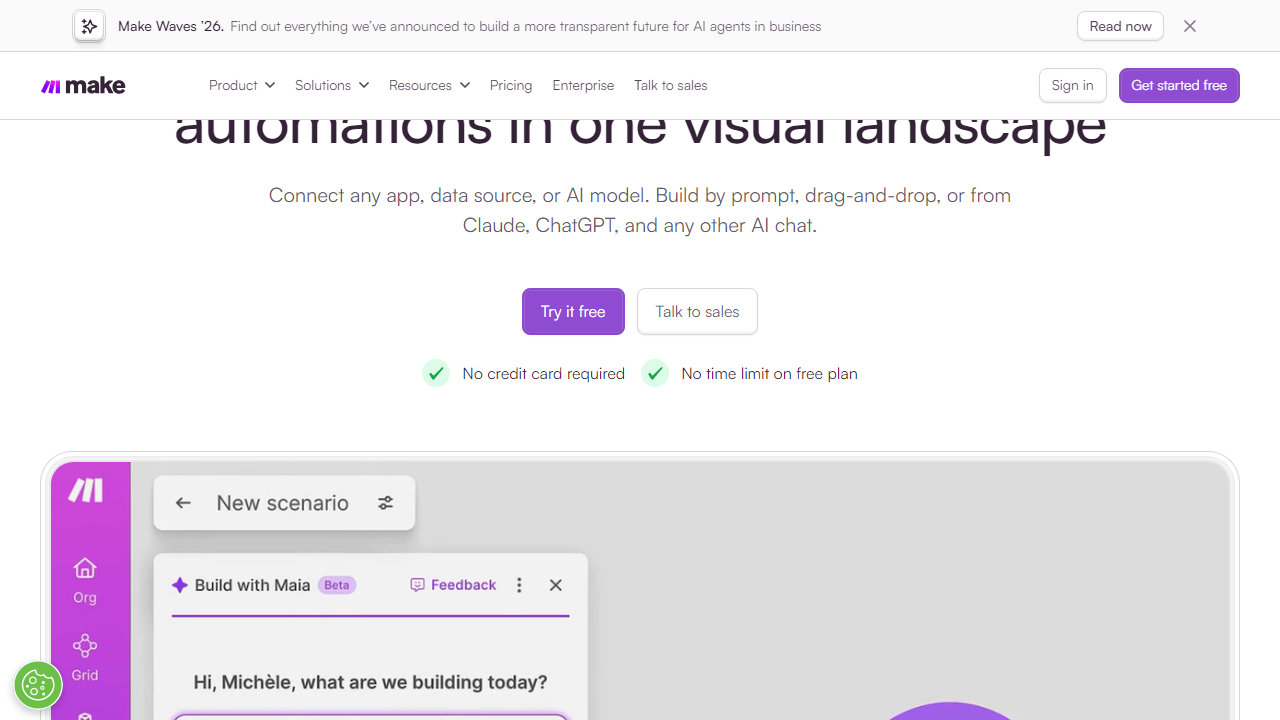
What makes Make distinct from competitors is its canvas-based scenario builder. Instead of the linear “trigger → action” chains that tools like Zapier use, Make lets you build branching, looping, multi-path workflows visually — think of it as a flowchart editor that actually executes code. This makes it significantly more powerful for complex automation but also slightly steeper to learn for absolute beginners. The free plan gives you access to this same interface, which is a bigger deal than it sounds.
What’s Included in the Free Plan
Make’s free plan is not a crippled demo — but it does have firm walls. Here’s exactly what you get and where those walls are.
1,000 Operations Per Month
This is the central currency of Make’s free tier. An “operation” is counted every time a module (app connector) in your scenario processes a bundle of data. A simple two-step workflow — say, Google Form submission triggers a Gmail email — costs 2 operations per execution. A more complex scenario with filters, multiple apps, and error handlers can burn 8–15 operations per single run. For a user running 50–100 automations per month across simple tasks, 1,000 ops is workable. For anyone handling e-commerce orders, lead routing, or high-frequency triggers, it’ll run dry in 2–3 weeks.
Unlimited Scenarios
This is genuinely impressive and often overlooked. Make doesn’t cap the number of automation workflows you can build on the free plan. You can construct 20 different scenarios — you just share that 1,000-operation pool across all of them. For someone setting up a portfolio of lightweight automations, this is a meaningful advantage over competitors that cap scenario counts even on paid tiers.
1,500+ App Integrations
Every single integration in Make’s library is available on the free plan — including connections to Salesforce, HubSpot, Shopify, Airtable, OpenAI, Slack, and Google Workspace. There are no “premium” integrations gated behind paid plans, which is a stark contrast to Zapier’s model where premium apps require a paid account. This alone makes Make’s free tier far more practically useful for real business workflows.
15-Minute Minimum Interval
Free plan scenarios run on a minimum 15-minute schedule cycle. This means if you’re watching for new rows in a Google Sheet, Make checks every 15 minutes at best. For most use cases — lead capture, daily reports, form routing — this is perfectly adequate. For anything needing near-real-time response (live chat alerts, payment confirmations), you’ll need to upgrade to a paid plan to get 1-minute intervals.
30-Day Data History
Make stores execution logs for 30 days on the free plan. This is useful for debugging when something breaks, and 30 days is enough runway for most users to diagnose issues. Paid plans extend this to 60 days, which matters more for compliance or audit trail needs than everyday automation management.
Pricing Plans
Make’s pricing in 2026 is operation-based, which means costs scale with usage rather than team size. Here’s how the tiers stack up, with pricing shown at monthly billing rates.
| Plan | Price/mo | Best For | Operations/mo |
|---|---|---|---|
| Free | $0 | Learners, light personal use | 1,000 |
| Core | $10.59 | Freelancers, small automations | 10,000 |
| Pro | $18.82 | Small teams, growing businesses | 10,000 + custom vars, priority exec |
| Teams | $34.12 | Collaborative teams, shared workspaces | 10,000 + team features, SSO |
The jump from free to Core at $10.59/month is one of the most affordable first-tier upgrades in the automation market. For context, Zapier’s Starter plan runs $29.99/month for 750 tasks — meaning Make’s Core plan at 10,000 operations costs roughly a third of Zapier’s entry price. If you find yourself burning through free operations, the Core upgrade is an easy justification.
Who Should Use Make’s Free Plan?
Best Make Alternatives
Make’s free plan is strong, but it’s not the only game in town. Depending on your specific needs, one of these alternatives might actually serve you better — especially if you need more operations or prefer a simpler interface.
| Tool | Free Tier | Best For | Our Rating |
|---|---|---|---|
| Zapier | 100 tasks/mo, 5 Zaps | Simplest UI, beginners | 4.3/5 |
| n8n | Self-hosted free / Cloud $24/mo | Developers, full customization | 4.4/5 |
| Activepieces | Unlimited tasks, self-hosted | Open-source enthusiasts | 3.9/5 |
| Pabbly Connect | 100 tasks/mo free | Budget-conscious small teams | 3.7/5 |
The standout comparison here is n8n — if you’re comfortable with self-hosting, n8n gives you effectively unlimited operations for free. It’s more technical to set up, but for developers or technical founders, it’s hard to argue against. For non-technical users who want the smoothest experience, Make’s free plan edges out Zapier’s dramatically stingier 100-task limit.
Frequently Asked Questions
Final Verdict: Is Make’s Free Plan Enough in 2026?
Make’s free plan is genuinely one of the best free tiers in the automation industry — but “enough” depends entirely on what you’re trying to do. If you’re a student learning automation, a freelancer testing a workflow concept, or a solopreneur managing a single lightweight recurring task, the answer is a clear yes. The combination of unlimited scenarios, access to every integration, webhook support, and 1,000 monthly operations gives you real capability without spending a dollar.
Where the free plan shows its limits is volume. The moment you’re running a business process that touches more than 50–60 records per day, or you have multiple active scenarios pulling data in parallel, you will burn through 1,000 operations in under two weeks. At that point, Make’s Core plan at $10.59/month is an extremely reasonable upgrade — it’s 10x the operations for less than $11, and it’s still cheaper than any competitor’s paid entry tier. The bigger concern for free users is the 15-minute polling interval and lack of any real support channel. If you hit a bug or a broken integration, you’re relying on Make’s community forum and documentation, which are solid but not instant.
Bottom line: Start on the free plan. Learn the visual