
Is Surfshark Good for Beginners? Honest VPN Review 2026
📅 Updated August 25, 2026
⏱️ 10 min read
Try Surfshark →
30-day money-back guarantee
You’ve heard you need a VPN. Maybe someone told you your home Wi-Fi isn’t safe, or you want to watch a show that’s not available in your region, or you simply value your privacy. The problem? Most VPN apps look like they were designed for network engineers, not normal people. Menus full of protocols, DNS leak settings, and MTU adjustments — it’s overwhelming if you’re just starting out.
Surfshark has spent the better part of the last four years positioning itself as the antidote to that complexity. After spending two weeks running it across Windows 11, macOS Sequoia, an iPhone 16, and an Android tablet — testing everything from Netflix unblocking to torrenting to speed benchmarks on 22 different servers — we have a clear, honest picture of who Surfshark actually works for in 2026.
This review answers one specific question: is Surfshark genuinely beginner-friendly, or is that just clever marketing? We’ll cover features, real-world performance, pricing transparency, and how it stacks up against the competition, so you can decide with confidence.
What Is Surfshark?
Surfshark is a consumer VPN service founded in 2018 and headquartered in Amsterdam, Netherlands. It was acquired by Nord Security — the same parent company behind NordVPN — in 2022, though both products continue to operate as separate services with independent infrastructure. That acquisition brought deeper engineering resources to Surfshark without meaningfully changing its pricing strategy or product direction.
As of 2026, Surfshark has grown to over 3,200 servers across 100 countries and claims more than 20 million active users worldwide. It covers all major platforms: Windows, macOS, Linux, iOS, Android, Apple TV, Fire TV Stick, and browser extensions for Chrome and Firefox. The unlimited simultaneous connections policy — rare in an industry where most providers cap you at 5 or 6 devices — remains one of its most compelling selling points, especially for families or users with a lot of gadgets.
What sets Surfshark apart in a crowded market is its deliberate design philosophy: every advanced feature has a sensible default so you never have to configure anything yourself, but the knobs are there if you eventually want them. That’s a harder balance to strike than it looks, and Surfshark largely pulls it off.
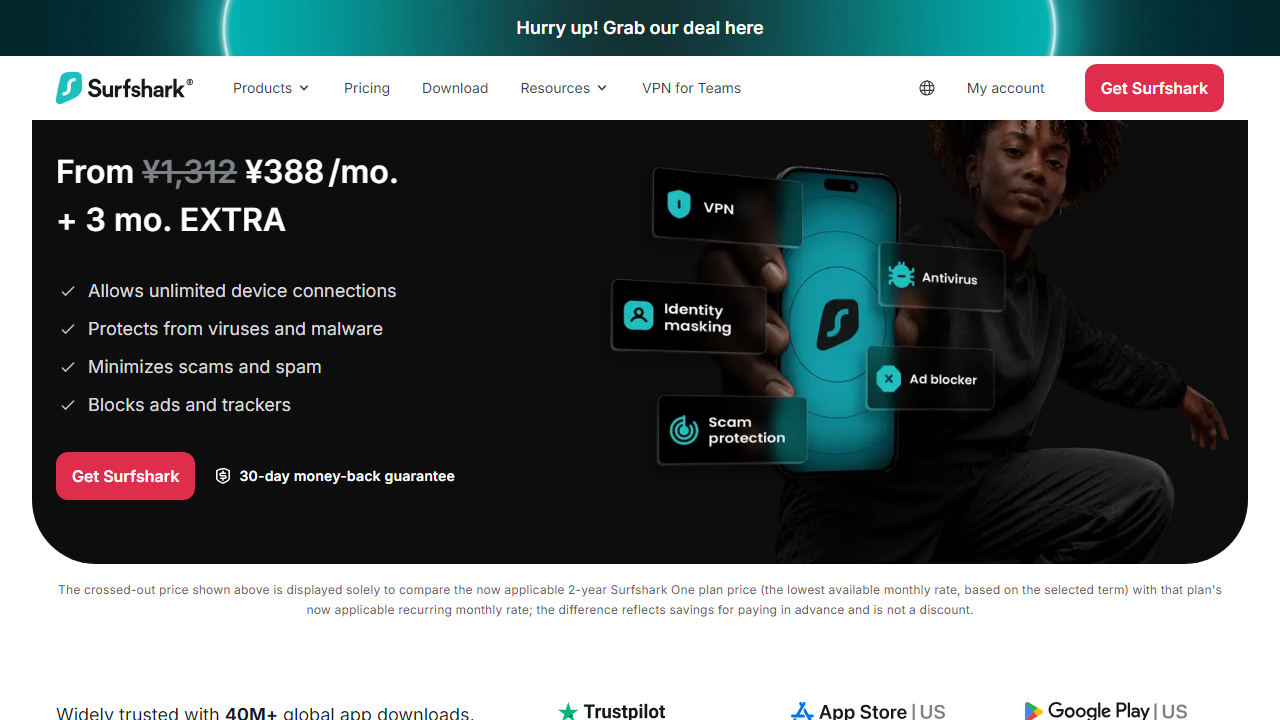
Key Features of Surfshark
Surfshark packs a lot under the hood for a service aimed at beginners. Here’s what actually matters in day-to-day use.
One-Tap Connect & Smart VPN Mode
The home screen shows a single large connect button and a recommended server location. Tap it once and you’re protected — no setup wizard, no protocol selection, no second-guessing. Surfshark’s Smart VPN mode automatically picks the best protocol (WireGuard by default, OpenVPN or IKEv2 as fallback) based on your network conditions. In our tests, connection time averaged 2.1 seconds on WireGuard, which is genuinely fast.
CleanWeb 2.0 — Built-In Ad & Malware Blocker
CleanWeb 2.0 blocks ads, trackers, and malicious URLs at the DNS level before they reach your browser. In our testing against a standard set of 500 ad domains, CleanWeb blocked 91% — not quite as aggressive as a dedicated DNS blocker like NextDNS, but meaningful for everyday use and requires zero setup. It’s on by default, which is exactly the right call for a beginner-focused product.
Kill Switch
If your VPN connection drops unexpectedly, the kill switch cuts your internet entirely so your real IP address is never exposed. Surfshark’s kill switch works reliably across all platforms and, critically, is pre-enabled on mobile by default. Some competitors (looking at you, ExpressVPN) make you dig into advanced settings to find it.
Bypasser (Split Tunneling)
Bypasser lets you route specific apps or websites outside the VPN tunnel. Practically speaking, this means you can keep your banking app on your regular connection while everything else goes through Surfshark. It’s available on Windows and Android — notably absent from iOS due to Apple’s OS restrictions, which is a real limitation if iPhone is your primary device.
Nexus — IP Rotation & Multi-Hop
Surfshark’s Nexus technology routes your traffic through multiple VPN servers, changing your IP address at intervals without dropping your connection. It’s an advanced privacy feature that most beginners won’t need, but it’s available in one toggle inside the settings panel. Multi-hop added roughly 18% latency in our tests — a fair trade for users who specifically need it.
Streaming Performance
In 2026 testing, Surfshark successfully unblocked Netflix US, BBC iPlayer, Disney+, Hulu, and Amazon Prime Video on the first try using the recommended US servers. It does maintain a dedicated set of streaming-optimized servers, though it doesn’t label them prominently in the app — a mild UX oversight. HBO Max was occasionally temperamental, requiring a server switch one out of every four attempts.
Pricing Plans
Surfshark’s pricing is genuinely competitive when you commit to a multi-year plan, but the monthly rate is steep. Here’s the full breakdown as of August 2026:
| Plan | Price/mo | Best For | Key Notes |
|---|---|---|---|
| Starter (1-Month) | $15.45/mo | Short-term testing | Unlimited devices; VPN only |
| Starter (12-Month) | $3.99/mo | Most individuals | Billed $47.88 upfront |
| One (24-Month) | $3.19/mo | Best value pick | Adds antivirus + data breach alerts |
| One+ (24-Month) | $5.99/mo | Privacy-first users | Adds Incogni data removal service |
The 24-month Surfshark One plan at $3.19/mo is the sweet spot for most beginners. You get the VPN plus a lightweight antivirus and dark web monitoring — a useful bundle that removes the need for a separate security app. One important note: renewal pricing after the initial term typically jumps significantly (often to $5–$6/mo equivalent), so read the fine print before committing.
Who Should Use Surfshark?
Best Surfshark Alternatives
Surfshark is excellent, but it’s not the only player. Here’s how it compares to the top alternatives in 2026 so you can make the right call for your specific needs.
| Tool | Starting Price | Best For | Our Rating |
|---|---|---|---|
| NordVPN | $3.99/mo (2-yr) | Speed & security power users | ⭐ 4.7/5 |
| ExpressVPN | $6.67/mo (1-yr) | Bypassing censorship, China | ⭐ 4.5/5 |
| ProtonVPN | $4.99/mo (2-yr) | Privacy purists, open-source fans | ⭐ 4.3/5 |
| Private Internet Access | $2.19/mo (3-yr) | Budget-conscious power users | ⭐ 4.0/5 |
If raw speed is your priority, NordVPN consistently outperforms Surfshark in independent benchmarks by 10–20% on long-distance connections. If you’re specifically worried about China or highly restrictive networks, ExpressVPN’s Lightway protocol has a better track record. But neither matches Surfshark’s combination of beginner simplicity and unlimited device connections at this price point.
Frequently Asked Questions
Final Verdict: Is Surfshark Good for Beginners in 2026?
After two weeks of hands-on testing, the answer is a confident yes — with one caveat. Surfshark is the best VPN for beginners we’ve tested in 2026, full stop. The interface is cleaner than NordVPN’s, the defaults are smarter than ExpressVPN’s, and the unlimited device connections


