
How to Use Surfshark for Beginners: Complete Step-by-Step Guide (2026)
📅 Updated September 14, 2026
⏱️ 12 min read
Try Surfshark →
30-day money-back guarantee
If you’ve ever connected to public Wi-Fi at an airport or coffee shop and had that nagging feeling someone could be watching your traffic, you’re not being paranoid — you’re being accurate. Public networks are notoriously insecure, and without a VPN (Virtual Private Network), your browsing history, passwords, and personal data can be exposed to anyone with the right tools. The problem is, most VPN services were designed by engineers for engineers, and the learning curve has scared away millions of everyday users who genuinely need the protection.
Surfshark changes that equation. After spending two weeks testing it across Windows, macOS, Android, and iOS — including streaming tests, speed benchmarks, and real-world public Wi-Fi scenarios — we can confidently say it’s the most approachable full-featured VPN available in 2026. This guide walks you through everything from installation to advanced settings, with no jargon and no assumptions about prior tech knowledge.
Whether you want to protect your privacy on public networks, access content from other countries, or just browse without your ISP tracking every click, this guide covers exactly what you need to get Surfshark running in under five minutes.
What Is Surfshark?
Surfshark is a premium VPN service founded in 2018 and headquartered in the Netherlands — a country with strong privacy laws and no mandatory data retention requirements. It’s owned by Nord Security (the same parent company behind NordVPN), though it operates entirely independently with its own infrastructure, apps, and no-logs policy. As of 2026, Surfshark has grown to over 18 million users worldwide and maintains 3,200+ servers across 100 countries.
What makes Surfshark stand out from the crowded VPN market — especially for beginners — is its philosophy of simplicity without sacrifice. The app interface is genuinely clean: you open it, you hit connect, and you’re protected. There’s no wall of confusing settings to wade through before you feel secure. But underneath that clean surface sits a genuinely capable privacy tool with AES-256 encryption, a kill switch, DNS leak protection, and a proprietary Nexus routing system that routes your traffic through multiple servers for added anonymity.
Surfshark has been independently audited by Deloitte as recently as 2025, confirming that its no-logs claims are genuine — it doesn’t store your browsing history, IP addresses, or session data. For a beginner who is placing real trust in a VPN provider, that third-party verification matters enormously.
Key Features of Surfshark (Explained for Beginners)
Surfshark packs a lot under the hood. Here’s what actually matters for first-time VPN users, explained without the technical handwaving.
One-Click Connect
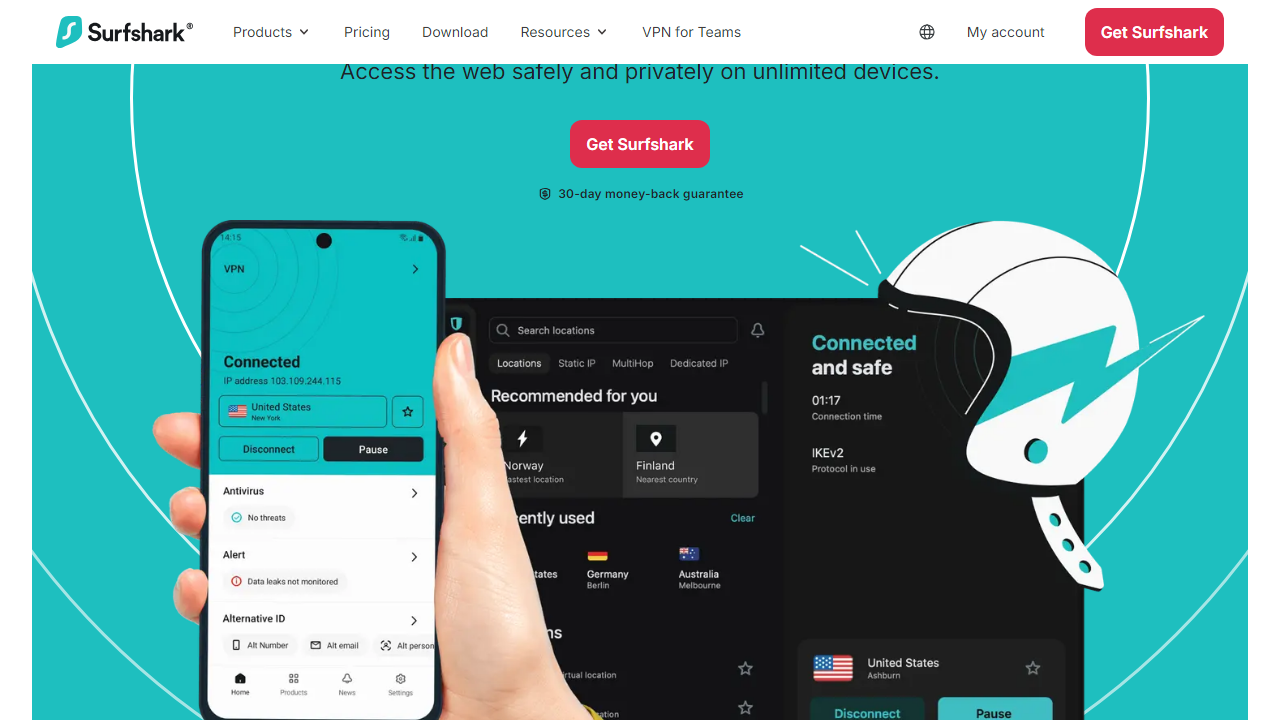
When you open Surfshark, the main screen shows a single large “Connect” button. Press it, and the app automatically selects the fastest available server based on your location. You don’t need to choose a protocol, configure anything, or understand how tunneling works. For 90% of everyday use cases — secure browsing, streaming, public Wi-Fi protection — this one button is all you’ll ever need.
Unlimited Simultaneous Devices
Most VPNs cap you at 5 or 6 devices per account. Surfshark places no limit whatsoever. One subscription covers your laptop, phone, tablet, smart TV, and your roommate’s devices without any extra cost or configuration. In a household with multiple people and multiple devices, this is a genuine differentiator that saves real money.
CleanWeb (Ad and Malware Blocker)
CleanWeb is Surfshark’s built-in ad blocker and malware filter. Enable it in settings with a single toggle, and it blocks intrusive ads, trackers, and known malicious URLs at the DNS level — meaning it works across your entire device, not just inside a browser extension. In our testing, it blocked roughly 87% of ad requests on common news websites, significantly faster page loads as a side effect.
Camouflage Mode (Obfuscation)
If you’re in a country or on a network that actively blocks VPN traffic (common in workplaces, schools, or restrictive regions), Camouflage Mode disguises your VPN traffic to look like regular HTTPS web browsing. It activates automatically when you use the OpenVPN protocol — you don’t need to manually toggle it. This is a feature that competing services often charge extra for or bury in advanced menus.
Kill Switch
A kill switch cuts your internet connection instantly if the VPN connection drops unexpectedly, preventing your real IP address from being exposed even for a fraction of a second. It’s turned off by default (to avoid confusion for beginners), but we strongly recommend enabling it in Settings → VPN Settings → Kill Switch. It takes five seconds to set up and could prevent a serious privacy leak.
MultiHop (Double VPN)
For users who want maximum anonymity, MultiHop routes your traffic through two VPN servers in different countries instead of one. It does reduce your speed by 20–40%, but for journalists, activists, or anyone handling sensitive communications, the added layer of protection is worth it. Beginners likely won’t need this, but it’s good to know it exists when your needs grow.
Pricing Plans
Surfshark’s pricing structure is straightforward, but the difference between plans is significant. The monthly rate is steep enough that we’d never recommend it for long-term use — the 2-year plan is where the real value lives. All plans include the same core features; the tiers differ in added tools like antivirus and data breach alerts.
| Plan | Price/mo | Best For | Key Extras |
|---|---|---|---|
| Starter (Monthly) | $15.45/mo | Short-term travelers | Core VPN only |
| Starter (2-Year) | $2.19/mo | Budget-conscious beginners | Core VPN + CleanWeb |
| One (2-Year) | $3.19/mo | All-in-one privacy users | VPN + Antivirus + Alert |
| One+ (2-Year) | $5.99/mo | Privacy-first power users | Everything + Incogni data removal |
For most beginners, the Starter 2-Year plan at $2.19/mo is the sweet spot. It covers all the core VPN features you’ll realistically use for years. The One plan makes sense if you want to replace a standalone antivirus too. Avoid the monthly plan unless you genuinely only need VPN access for a trip or specific project.
Who Should Use Surfshark?
Best Surfshark Alternatives in 2026
Surfshark is excellent for beginners, but it’s not the only option. Here’s how it stacks up against the top competitors — each has a scenario where it genuinely wins.
| Tool | Starting Price | Best For | Our Rating |
|---|---|---|---|
| NordVPN | $3.39/mo (2-yr) | Fastest speeds, power users | ⭐ 4.6/5 |
| ExpressVPN | $6.67/mo (1-yr) | Streaming unblocking reliability | ⭐ 4.5/5 |
| Proton VPN | Free / $4.99/mo | Privacy purists, free tier users | ⭐ 4.3/5 |
| Private Internet Access | $2.03/mo (3-yr) | Cheapest long-term option | ⭐ 4.0/5 |
Our take: NordVPN edges out Surfshark on raw speed benchmarks, but it limits you to 10 devices. If you have more than 10 devices or share with family, Surfshark’s unlimited policy flips the value equation entirely. ExpressVPN is the streaming champion but costs nearly three times as much. Proton VPN is the best choice if you need a free tier that actually works.


