
How to Use Moz for Beginners: A Complete Step-by-Step Guide (2026)
📅 Updated July 1, 2026
⏱️ 12 min read
Try Moz →
30-day free trial available
You’ve heard that SEO can drive thousands of free visitors to your website every month — but every time you try to get started, you’re hit with a wall of jargon, contradictory advice, and tools that look like they were designed for NASA engineers. Sound familiar? Moz was built specifically to break down that wall. Unlike platforms that seem designed to overwhelm you with data, Moz has spent nearly two decades making SEO accessible to everyday marketers, small business owners, and content creators who don’t have a technical background.
In this guide, we’ve spent several weeks hands-on inside Moz Pro — running keyword research, crawling test sites, tracking rankings, and digging into backlink profiles — to give you a genuinely practical walkthrough of how to use every major feature as a beginner. We’ll cover what the platform does, which tools to use first, what the pricing actually gets you, and whether Moz is still the right choice in 2026 when competitors like Ahrefs and Semrush are fighting hard for the same customers.
Whether you manage a single blog, run an e-commerce store, or are a freelancer taking on your first SEO client, this guide will walk you through exactly how to get results from Moz without needing an SEO certification to understand it.
What Is Moz?
Moz was founded in Seattle in 2004 by Rand Fishkin and Gillian Muessig, originally as an SEO consulting blog called SEOmoz. Over the following decade it evolved into one of the most recognized SEO software platforms in the world, eventually rebranding simply to “Moz” in 2012. The company is perhaps best known for inventing Domain Authority (DA) — the 1–100 score that predicts how well a website is likely to rank on Google — a metric that has become so widely adopted it’s referenced across virtually every SEO tool and agency report in the industry.
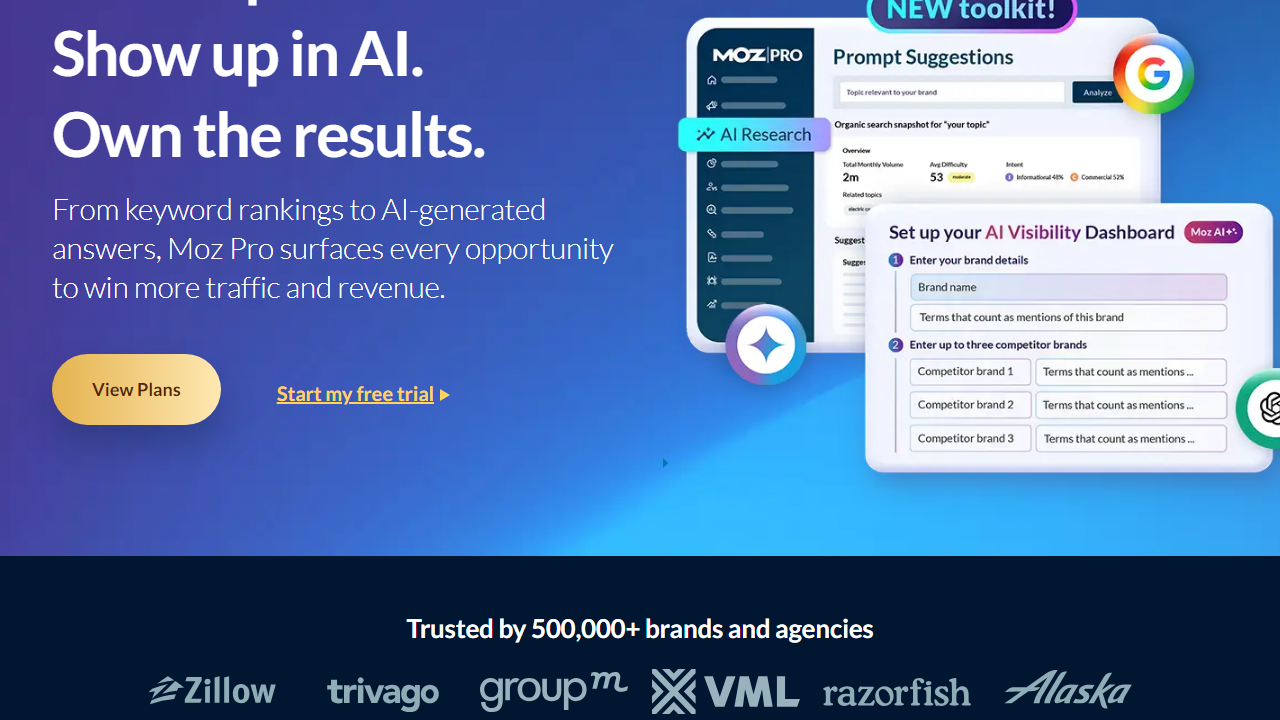
Today, Moz Pro is the flagship subscription product, offering keyword research, rank tracking, site auditing, and link analysis all within a single dashboard. Moz also operates Moz Local (for local SEO and business listing management) as a separate product aimed at brick-and-mortar businesses. The platform serves over 500,000 users globally, ranging from solo bloggers to enterprise marketing teams. What sets Moz apart from rivals isn’t raw data volume — it’s the emphasis on education. Free resources like Whiteboard Friday, the Moz Blog, and Moz Academy have genuinely taught a generation of marketers how to do SEO, which creates a uniquely supportive ecosystem for beginners.
Key Features of Moz Pro for Beginners
Moz Pro packs four core toolsets into its dashboard. Here’s how each one works and how a beginner should approach them from day one.
Keyword Explorer
Keyword Explorer is where most beginners should start. Type in any seed keyword and Moz returns monthly search volume, a Keyword Difficulty score (0–100), organic click-through rate data, and a Priority score that combines all three into a single actionable number. The Priority score is particularly useful for beginners — instead of manually weighing volume against difficulty, Moz does it for you. You get 10 free queries per month without an account, and paid plans unlock up to 5,000 keyword queries per month depending on your tier.
Site Crawl (Technical SEO Audit)
Once you add your website as a “Campaign,” Moz automatically crawls it weekly and surfaces technical issues ranked by severity — critical, warning, and informational. Common catches include broken links, missing meta descriptions, duplicate title tags, slow page load signals, and redirect chains. For beginners, this is gold: instead of knowing what to look for, Moz tells you what’s broken and explains why it matters. A typical small site with 50–200 pages will complete its first crawl in under 10 minutes.
Rank Tracker
Add your target keywords to a Campaign and Moz tracks where your pages rank on Google (and optionally Bing) over time. You can compare rankings against up to three competitors simultaneously, which is a feature that usually costs extra on rival platforms. Beginner tip: start with 10–20 keywords that you’re actively optimizing for rather than tracking everything at once — it keeps the data actionable. Note that rank updates are weekly on Starter and Medium plans, not daily.
Link Explorer
Moz’s backlink database covers over 40 trillion links, letting you analyze any domain’s backlink profile, see which pages attract the most links, and identify potentially spammy links with Spam Score. For beginners doing competitor research, the “Top Pages” and “Linking Domains” views are the most useful — they show you exactly what content earns links in your niche, giving you a content strategy blueprint without any guesswork.
MozBar (Free Chrome Extension)
Even on the free Moz account, the MozBar browser extension overlays DA, Page Authority (PA), and Spam Score data on every search result and website you visit. This is genuinely one of the most useful free SEO tools available in 2026. Beginners can use it to instantly gauge how competitive a SERP is before investing time in writing content to rank for a keyword.
Pricing Plans
Moz Pro offers four paid tiers billed monthly or annually (annual saves roughly 20%). There is no permanent free plan for Moz Pro, but a 30-day free trial requires no credit card. Here’s exactly what you get at each level in 2026:
| Plan | Price/mo | Best For | Key Limit |
|---|---|---|---|
| Starter | $49 | Bloggers, solopreneurs | 1 campaign, 50 tracked keywords |
| Medium | $99 | Small businesses, freelancers | 3 campaigns, 300 tracked keywords |
| Large | $179 | Growing agencies, in-house SEOs | 10 campaigns, 1,500 tracked keywords |
| Premium | $299 | Agencies, enterprise teams | 25 campaigns, 4,500 tracked keywords |
For most beginners, the honest recommendation is to start with the Medium plan at $99/month. The Starter plan’s single-campaign limit feels restrictive almost immediately once you start tracking a site plus a competitor. If budget is a hard constraint, start with the free trial on Medium to validate whether Moz fits your workflow before committing.
Who Should Use Moz Pro?
Best Moz Pro Alternatives in 2026
Moz isn’t the only player in SEO software, and depending on your specific needs, one of these alternatives might serve you better. Here’s an honest comparison:
| Tool | Starting Price | Best For | Our Rating |
|---|---|---|---|
| Ahrefs | $129/mo | Backlink analysis, keyword depth | ⭐ 4.7/5 |
| Semrush | $139/mo | All-in-one marketing + SEO | ⭐ 4.6/5 |
| Ubersuggest | $29/mo | Budget beginners, single site | ⭐ 3.6/5 |
| SE Ranking | $65/mo | Small agencies, white-label reports | ⭐ 4.1/5 |
The short version: choose Ahrefs if backlink data and keyword research depth are your top priority. Choose Semrush if you want content tools, PPC research, and social tracking bundled in. Stick with Moz if you’re a beginner who values a gentler learning curve and trusted DA metrics at a slightly lower entry price than those two giants.
Frequently Asked Questions
Final Verdict: Is Moz Worth It for Beginners in 2026?
After spending considerable time inside the platform, the honest verdict is this: Moz Pro


