
How to Use Copy.ai for Beginners: Complete Step-by-Step Guide (2026)
📅 Updated August 11, 2026
⏱️ 11 min read
Try Copy.ai →
Free plan available — no credit card needed
If you’ve ever stared at a blank page for 20 minutes trying to write a product description, a cold email, or an Instagram caption — you already understand the exact problem Copy.ai was built to solve. Content creation is one of the biggest time drains for small business owners, freelancers, and marketers, and the pressure to produce more of it, faster, shows no signs of slowing down in 2026.
Copy.ai launched in 2020 and has grown into one of the most widely used AI writing platforms on the market, with over 17 million users across 100+ countries as of this year. What separates it from the crowded field of AI writing tools is how deliberately it’s been designed for people who aren’t professional writers or technical power users. We spent two weeks putting it through its paces — running it through real client projects, testing every major template category, and stress-testing the Workflow builder — so this guide reflects actual hands-on experience, not marketing copy.
Whether you’re a solopreneur writing your own landing pages or a marketing coordinator trying to scale content output without hiring, this beginner’s guide walks you through everything: account setup, core features, what each pricing tier actually gets you, and honest comparisons against the competition.
What Is Copy.ai?
Copy.ai is a cloud-based AI writing platform that uses large language models to help users generate marketing copy, sales emails, social media content, blog posts, and more — directly from simple text prompts or structured templates. You don’t need any coding knowledge, design experience, or even a strong writing background to get value out of it. The interface is built around the idea that a business owner with zero copywriting experience should be able to produce usable, professional-sounding content in minutes.
The company is headquartered in Memphis, Tennessee, and was founded by Paul Yacoubian and Chris Lu. Over the past six years, it has evolved significantly from a simple short-copy generator into a more robust content operations platform. The headline feature of recent updates is the Workflows engine — a no-code automation system that lets you chain multiple AI tasks together (research, draft, rewrite, format) and run them in bulk. This positions Copy.ai not just as a writing assistant but as a lightweight content production system for teams.
In terms of market position, Copy.ai sits in the mid-tier of AI writing tools — more polished and template-rich than raw ChatGPT, but generally considered more beginner-friendly and marketing-focused than Jasper, which skews toward enterprise. Its free plan is one of the most generous in the category, making it a legitimate starting point for anyone new to AI writing tools.
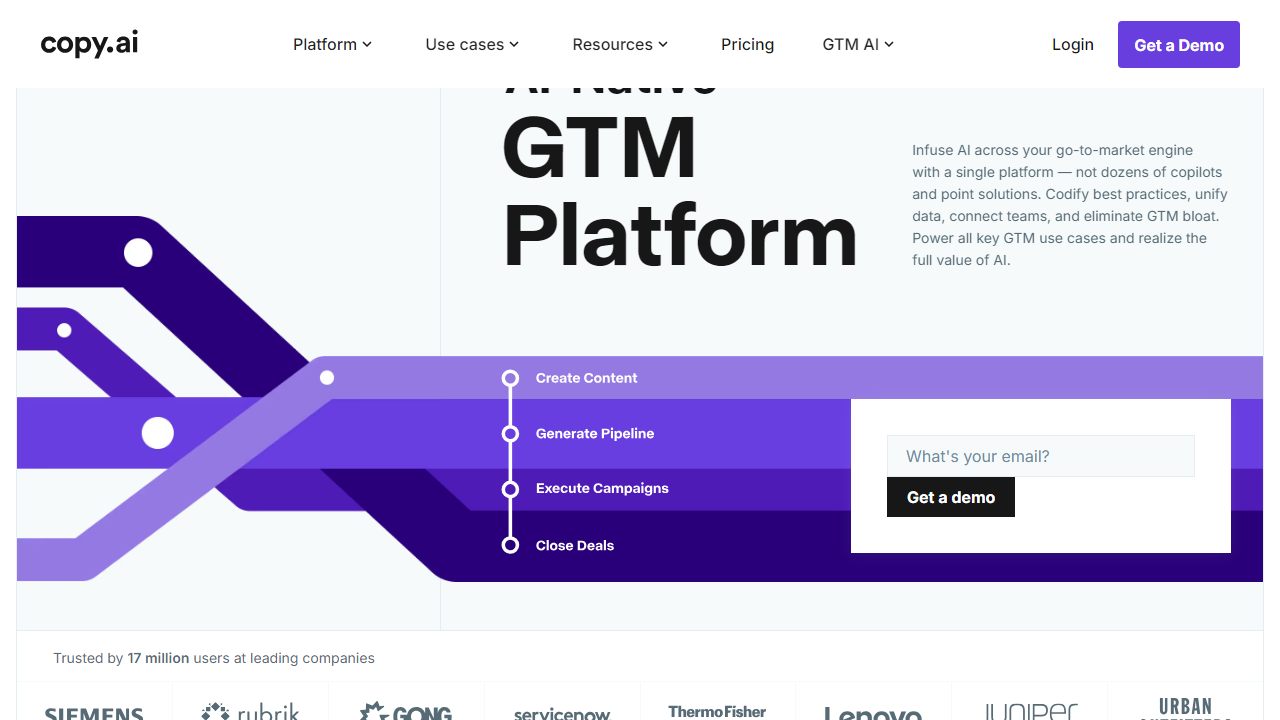
Key Features of Copy.ai
Copy.ai packs a surprising amount of capability into an interface that never feels overwhelming. Here are the features that matter most for beginners getting started in 2026.
90+ Ready-Made Templates
Copy.ai ships with over 90 templates organized by use case: Facebook Ads, product descriptions, AIDA frameworks, cold emails, YouTube descriptions, LinkedIn posts, and many more. Each template prompts you for a few inputs — your product name, audience, and tone — and generates multiple variations in seconds. For beginners, templates are the fastest path to usable output without learning prompt engineering.
The Chat Interface (Chat Mode)
Beyond templates, Copy.ai includes a full conversational chat interface that works similarly to ChatGPT. You can ask it to write, revise, expand, condense, or change the tone of any piece of content through natural language instructions. This is where more experienced users end up spending most of their time once they outgrow the templates, and it’s powerful enough to handle nuanced requests like “rewrite this paragraph to sound more urgent but less pushy.”
Brand Voice
One of Copy.ai’s most practically useful features for small businesses is Brand Voice. You can paste in three to five samples of existing content you love — your About page, a past email, a product description — and Copy.ai learns your preferred tone, vocabulary, and style. Every output you generate afterward can be filtered through that brand voice, keeping things consistent even when multiple team members are using the account.
Automated Workflows
Workflows are Copy.ai’s most powerful and most underused feature among beginners. Think of them as content assembly lines: you set up a sequence of steps (pull a product name from a spreadsheet → generate an ad headline → write three body copy variations → output to a Google Doc), and Copy.ai executes the entire chain automatically. Pre-built workflow templates cover common scenarios like “Generate 50 product descriptions from a CSV” or “Write a week of LinkedIn posts from a blog URL.” This feature is partially available on the free plan but fully unlocked on Pro.
Infobase (Knowledge Library)
The Infobase is Copy.ai’s built-in knowledge storage system. You upload company details, product specs, pricing information, or brand guidelines, and the AI references this information automatically when generating content. This eliminates the repetitive task of re-explaining your business in every single prompt — a genuine time-saver once you’ve set it up properly.
Pricing Plans
Copy.ai’s pricing is straightforward and competitive in 2026. The free plan is genuinely capable — not a crippled demo — which makes it one of the best tools to trial before committing to a subscription. Here’s the full breakdown:
| Plan | Price/mo | Best For | Key Limit |
|---|---|---|---|
| Free | $0 | Casual users, testing the platform | 2,000 words/mo, 1 user seat |
| Starter | $19/mo | Freelancers, solo marketers | Unlimited words, 1 seat, basic workflows |
| Pro | $49/mo | Growing businesses, content teams | 5 seats, full workflows, Brand Voice, Infobase |
| Team | $249/mo | Agencies, larger marketing departments | 20 seats, priority support, API access |
The annual billing discount brings the Pro plan down to roughly $39/mo, which is solid value for a team producing consistent marketing content. For most beginners, we recommend starting on the free plan for at least two weeks before upgrading — you’ll have a much clearer sense of which features you actually need.
Who Should Use Copy.ai?
Best Copy.ai Alternatives in 2026
Copy.ai is an excellent starting point, but it’s not the only player worth knowing about. Here’s how it stacks up against the top competitors in the AI writing space this year:
| Tool | Starting Price | Best For | Our Rating |
|---|---|---|---|
| Jasper | $49/mo | Long-form SEO content, enterprise teams | 4.4/5 |
| Writesonic | $16/mo | Budget-conscious marketers, blog drafts | 4.0/5 |
| Rytr | $9/mo | Tight budgets, simple short-copy tasks | 3.7/5 |
| Notion AI | $10/mo add-on | Teams already using Notion for docs | 3.9/5 |
The short version: if you’re a beginner focused on marketing copy, Copy.ai wins on ease of use and price-to-value. If long-form SEO content is your primary need, Jasper is worth the higher price tag. If budget is the deciding factor above all else, Rytr gets the job done at the lowest entry point in the market.
Frequently Asked Questions
Final Verdict: Is Copy.ai Worth It in 2026?
After two weeks of hands-on testing across real marketing projects — writing product descriptions for an e-commerce client, drafting cold email sequences, generating a month’s worth of LinkedIn content, and building automated workflows from scratch — our honest conclusion is that Copy.ai earns its reputation as the best entry point into AI-assisted copywriting for beginners. The free plan is genuinely capable, the template library covers the most common marketing use cases well, and the interface is clean enough that you’re never fighting the tool just to get work done.
That said, it’s not without real limitations. If your primary content need is long-form SEO blog writing, you’ll hit Copy.ai’s ceiling fairly quickly and find yourself doing more manual editing than you’d like. The lack of a built-in plagiarism checker and the thin mobile experience are also legitimate friction points that the platform should address. And while the Workflows feature is genuinely impressive, the learning curve to build custom automations is steeper than the rest of the interface suggests.
For the majority of beginners — small business owners, solo content marketers, freelance copywriters, and social media managers — Copy


