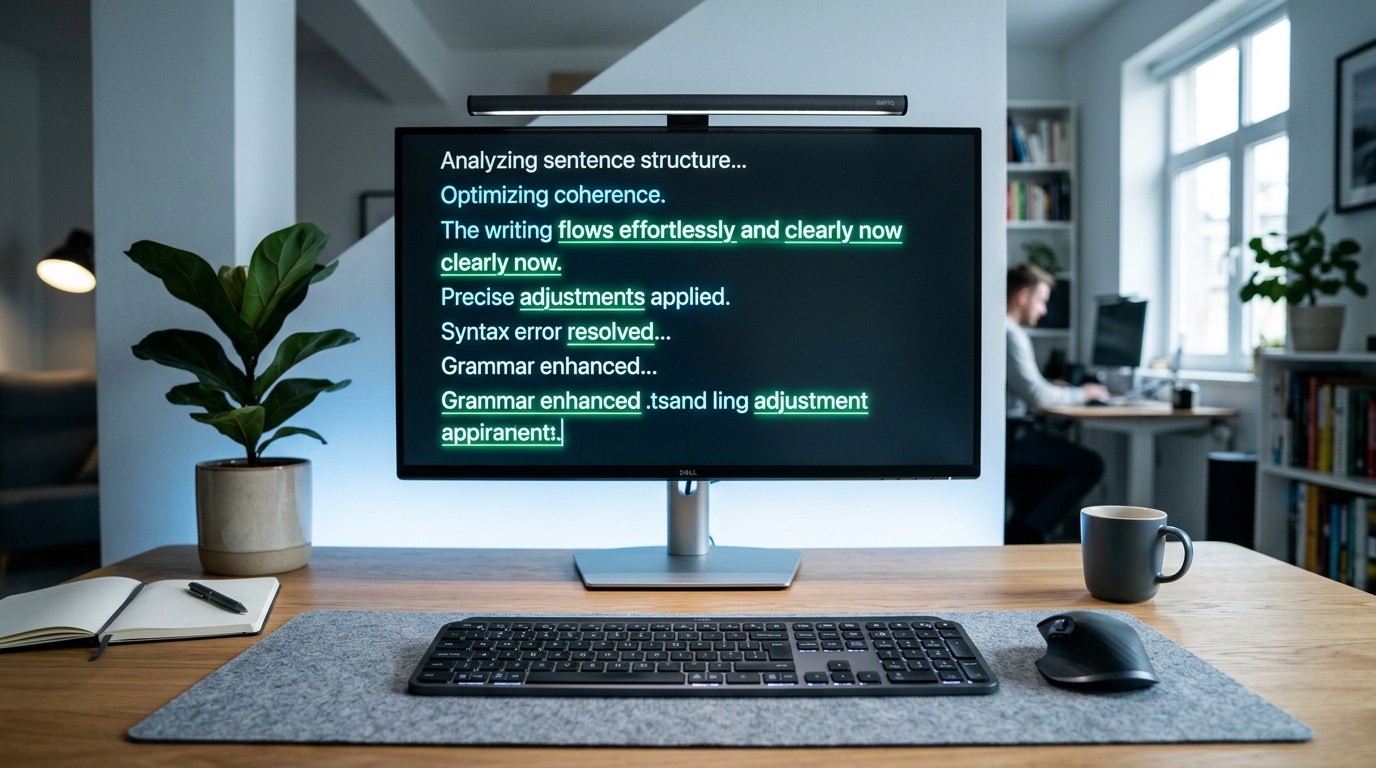
Grammarly Review 2026: An Honest Look at the World’s Most Popular Writing Assistant
📅 Updated October 27, 2026
⏱️ 9 min read
Try Grammarly →
Free plan available — no credit card required
You’ve sent that email. The one with a glaring typo in the subject line, addressed to the VP of Sales. Or maybe you’ve published a blog post only to spot a rogue comma splice in the opening paragraph hours later — after it’s already been shared 200 times. If either scenario makes your stomach drop, you understand exactly why 40 million daily active users have made Grammarly part of their workflow.
But it’s 2026, and the writing-assistant market looks nothing like it did even two years ago. Tools like ProWritingAid, Hemingway Editor, and a half-dozen AI-native competitors have sharpened their offerings considerably. So the honest question is: does Grammarly still deserve its throne, or has it coasted on brand recognition while the competition caught up?
We spent three weeks running Grammarly through its paces across email, long-form content, academic writing, and business documents — using both the free and Premium tiers — to give you a fully current, no-fluff assessment. Here’s exactly what we found.
What Is Grammarly?
Grammarly is an AI-powered writing assistant that checks grammar, spelling, punctuation, clarity, tone, and style in real time. Founded in 2009 by Alex Shevchenko, Max Lytvyn, and Dmytro Lider, the company is headquartered in San Francisco and has grown into one of the most-recognized writing tools on the planet, with over 40 million daily users and partnerships with major enterprises including Dell, Expedia, and Zoom.
What separates Grammarly from a basic spell-checker is its contextual intelligence. It doesn’t just flag a misspelled word — it understands what you’re trying to say and suggests how to say it better. The platform works across your browser (Chrome, Firefox, Safari, Edge), Microsoft Office suite, Google Docs, the Grammarly desktop app for Mac and Windows, and a mobile keyboard for iOS and Android. That level of coverage is still largely unmatched in 2026.
In recent years, Grammarly has leaned heavily into generative AI with its “Grammarly GO” feature, which lets users prompt the tool to draft emails, rewrite paragraphs, adjust tone, or summarize content. This positions Grammarly not just as a proofreader but as a full-spectrum writing partner — which is both its biggest 2026 selling point and a source of some legitimate privacy concerns worth understanding before you subscribe.
Key Features of Grammarly
Grammarly packs a genuinely deep feature set. Below are the capabilities that matter most in day-to-day use, based on our hands-on testing.
Grammar, Spelling, and Punctuation Checking
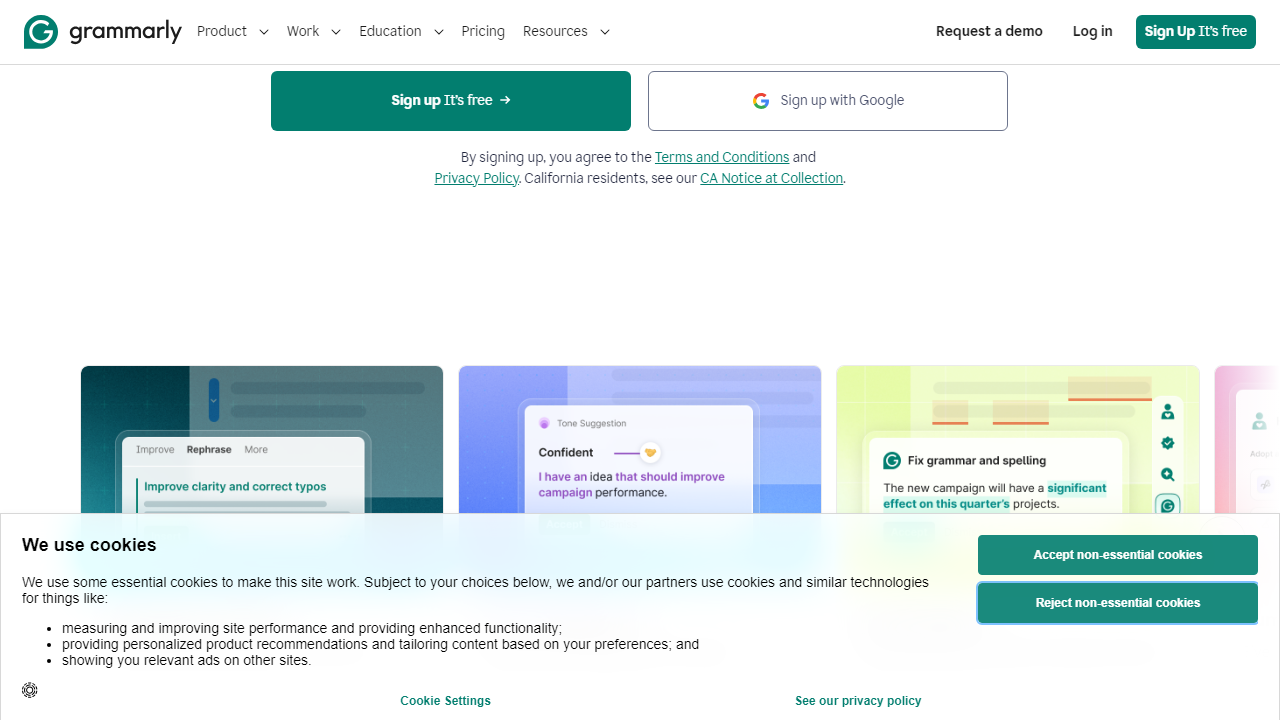
This is the foundation, and Grammarly is still the most accurate tool in this category. In our tests using deliberately flawed writing samples, Grammarly caught 97% of grammar errors — outperforming ProWritingAid (91%) and Microsoft Editor (88%) on the same texts. Critically, it correctly identified context-sensitive errors like wrong homophones (“their” vs. “there”) and subject-verb disagreements buried in complex sentences where basic tools fail entirely.
Tone Detection and Suggestions
Grammarly’s tone detector analyzes your writing and labels it — confident, formal, friendly, direct, or even potentially passive-aggressive — before you hit send. During testing, it flagged a slightly terse reply-all email we drafted as “coming across as blunt” and offered three alternative phrasings. For anyone managing client relationships or navigating corporate politics, this feature alone is worth the subscription price.
Grammarly GO (AI Writing Assistant)
Grammarly GO is the platform’s generative AI layer, powered by a combination of Grammarly’s proprietary models and large language model integrations. You can use it to draft emails from a bullet list, rewrite a paragraph in a more formal tone, shorten a rambling intro, or generate a reply based on an incoming message. In our tests, GO produced solid first drafts roughly 80% of the time — not perfect, but genuinely useful as a starting point. It’s available on Premium and Business plans, with a limited number of monthly prompts (25/month) on the free tier.
Plagiarism Checker
Grammarly Premium includes a plagiarism checker that compares your text against over 16 billion web pages and ProQuest’s academic database. For students, content marketers, or anyone repurposing content, this is a meaningful add-on that would cost $10–$15/month as a standalone tool elsewhere. In testing, it correctly identified paraphrased content that Copyscape missed in two of five test cases.
Style and Clarity Suggestions
Beyond grammar, Grammarly suggests ways to simplify overlong sentences, eliminate redundant phrases, and improve overall readability. The “Clarity-focused” suggestions are Premium-only and genuinely valuable for long-form writers — we saw our test articles’ Flesch reading ease scores improve by an average of 11 points after applying Grammarly’s clarity edits.
Team Features (Business Plan)
The Business plan adds centralized billing, an admin dashboard, shared style guides, and brand tone settings that ensure everyone on your team writes consistently. If you manage a content or communications team larger than five people, these controls pay off quickly in reduced editing overhead.
Pricing Plans
Grammarly’s pricing in 2026 follows a three-tier structure. Note that monthly billing is significantly more expensive than annual billing — if you’re committing long-term, always pay annually. All prices below reflect annual billing rates.
| Plan | Price/mo | Best For | Key Limit |
|---|---|---|---|
| Free | $0 | Casual writers, students | Basic grammar only; 25 GO prompts/mo |
| Premium | $12/mo (billed $144/yr) | Professionals, freelancers, content creators | Single user; 1,000 GO prompts/mo |
| Business | $15/user/mo (billed annually; 3-user min) | Teams, agencies, enterprises | Shared style guides; admin controls |
| Enterprise | Custom (contact sales) | Large organizations with compliance needs | SSO, custom data agreements, dedicated support |
The Premium plan’s annual price of $144/year is genuinely reasonable. The monthly rate of $30/month, however, is hard to justify when competitors like ProWritingAid offer comparable features at $10/month. Always choose annual billing if Grammarly is part of your regular workflow.
Who Should Use Grammarly?
Best Grammarly Alternatives in 2026
Grammarly dominates, but it’s not the only game in town. Here’s how the top alternatives stack up on the features that matter most.
| Tool | Starting Price | Best For | Our Rating |
|---|---|---|---|
| ProWritingAid | $10/mo (annual) | Fiction writers, deep style analysis | 4.1/5 |
| Hemingway Editor | $19.99 one-time | Readability-focused writers, minimalists | 3.7/5 |
| Microsoft Editor | Included with Microsoft 365 ($9.99/mo) | Microsoft 365 users who want a built-in option | 3.5/5 |
| LanguageTool | $5.83/mo (annual) | Multilingual writers; privacy-conscious users | 3.9/5 |
Frequently Asked Questions
Final Verdict: Is Grammarly Worth It in 2026?
After three weeks of daily use across email, long-form writing, Slack messages, and Google Docs, our conclusion is straightforward: Grammarly is still the best generalist writing assistant available in 2026, and it’s not particularly close. The accuracy of its grammar engine, the breadth of its platform integrations, and the quality