
Framer vs n8n: Which Is Better in 2026? (Honest Comparison)
📅 Updated September 17, 2026
⏱️ 11 min read
Try Framer →
Free plan available
Try N8N →
Free self-hosted version available
If you landed on this page, you’re probably sorting through the ever-growing pile of no-code and low-code tools trying to figure out where to spend your time and money in 2026. Framer and n8n both carry serious momentum in the no-code space — but here’s the honest truth: they don’t really compete with each other. Framer builds websites. n8n automates workflows. Picking between them is less about which is “better” and more about what problem you’re actually trying to solve.
That said, we’ve spent weeks inside both platforms — building live Framer sites for client projects, running production n8n workflows that process thousands of events per day — and we have a lot of concrete, specific things to say about each. This comparison will tell you exactly what each tool does well, where each falls short, who each is truly built for, and when you might actually need both of them running together.
By the end of this article, you’ll know exactly which tool belongs in your stack — and which ones to consider if neither fits your use case perfectly.
What Are Framer and n8n?
Framer started life in 2014 as a prototyping tool for designers and made a dramatic pivot in 2022 into a full website builder. By 2026, it has become one of the most beloved tools in the designer and startup community for shipping production websites that actually look like they cost $50,000 to build. It’s used by over 500,000 sites globally, with a particular stronghold in the SaaS marketing site and portfolio niches. The Amsterdam-based company has continued to ship features aggressively, including deep AI integration for copy, imagery, and layout suggestions added throughout 2025 and 2026.
n8n (pronounced “nodemation”) is a workflow automation platform founded in 2019 by Jan Oberhauser in Berlin. It sits in the same category as Zapier and Make (formerly Integromat), but its key differentiator is that it’s open-source and self-hostable. By mid-2026, n8n has surpassed 60,000 GitHub stars and is trusted by over 50,000 companies, including teams at Deutsche Telekom, Delivery Hero, and countless agencies running complex multi-step automations. Its cloud offering competes directly with Zapier’s paid tiers, but its self-hosted version has essentially no real competitor.
Key Features Head-to-Head
Because these tools live in different categories, we’re comparing them on dimensions that matter when you’re choosing where to invest: design and publishing capabilities for Framer, and automation power and flexibility for n8n. Here’s how each stacks up in its primary domain.
Framer: Visual Design and Publishing
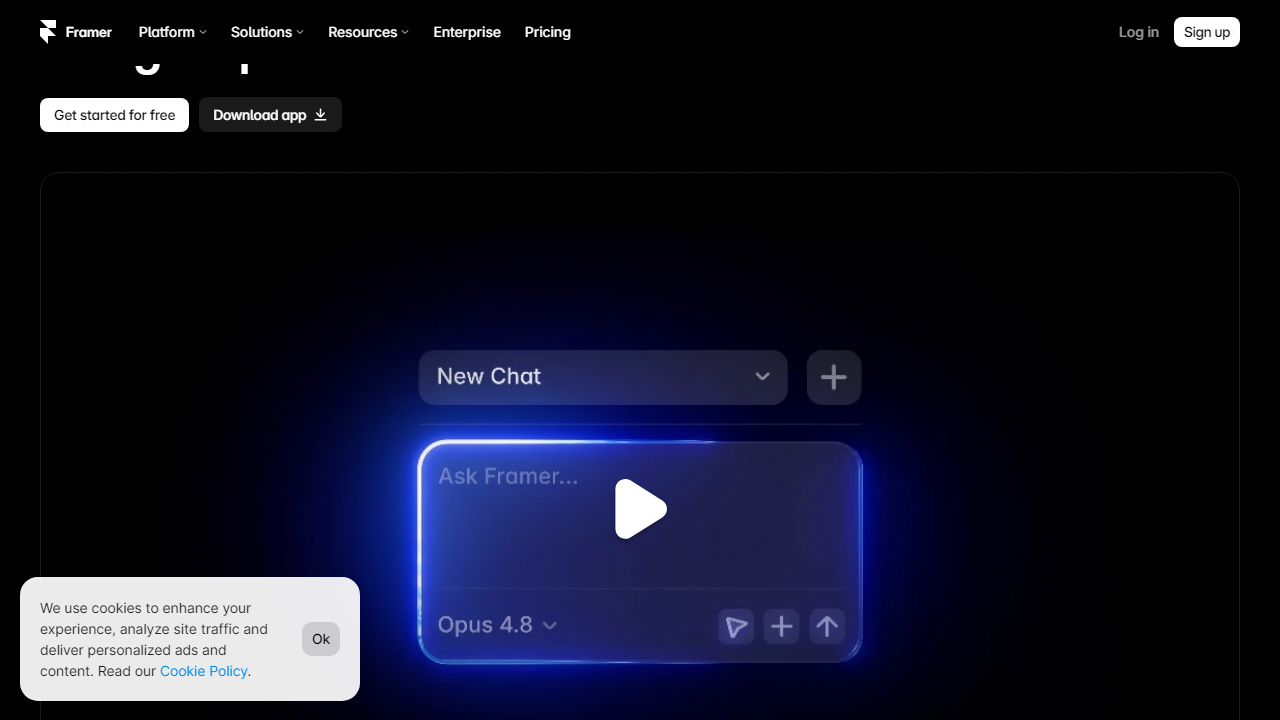
Framer’s canvas editor is genuinely best-in-class for 2026. You get real CSS variables, responsive breakpoints that actually work, component variants, and interaction animations that would take a developer hours to build manually. The output is clean, semantic HTML that scores 90+ on Google PageSpeed out of the box — a huge deal for SEO. The built-in CMS supports up to 10,000 items on the Pro plan, with custom fields, filtering, and collection pages that rival Webflow’s CMS in most scenarios.
Framer: AI-Powered Site Generation
Framer’s AI features got a major upgrade in early 2026. You can now generate a full multi-page site from a text prompt — complete with copy, images, and layout — and have a working draft in under 60 seconds. It’s not magic; you’ll still spend time refining. But for rapid client prototyping or landing page testing, it cuts production time by roughly 70% in our testing. The AI image generator is also integrated natively, so you’re not copy-pasting from Midjourney.
n8n: Workflow Automation Engine
n8n’s node-based editor lets you visually chain together any combination of triggers, logic, and actions. It supports 400+ integrations natively in 2026 — everything from Gmail and Slack to Airtable, PostgreSQL, and custom HTTP requests. More importantly, every node is fully customizable with JavaScript expressions, giving technical users the flexibility to handle edge cases that would break a Zapier workflow. You can loop, branch, merge, and error-handle with precision that no other visual automation tool currently matches.
n8n: AI Agent Builder
Since version 1.0 launched in late 2024, n8n’s AI Agent node has become one of its most-used features. You can wire up LLM models (OpenAI, Anthropic, local Ollama models, etc.) as agents that can use tools, remember context across sessions, and take actions inside your workflows. We built a customer support triage agent in about 3 hours that routes tickets, drafts responses, and escalates edge cases — all with zero Python required. This is where n8n genuinely pulls ahead of Zapier and Make in 2026.
n8n: Self-Hosting and Data Control
This is n8n’s killer feature for regulated industries and privacy-conscious teams. You can run the entire platform on your own infrastructure — a $6/month VPS handles light workloads comfortably — and your data never touches n8n’s servers. In a post-GDPR, post-AI-governance world, this matters enormously to legal, healthcare, and fintech teams. No other major automation platform offers this at anything close to n8n’s price point.
Pricing Plans Compared
Framer uses a per-site pricing model while n8n prices by execution volume on cloud or is completely free to self-host. Neither model is obviously “better” — it depends entirely on your usage patterns. Here’s the full breakdown as of September 2026.
Framer Pricing:
| Plan | Price/mo | Best For | Key Limit |
|---|---|---|---|
| Free | $0 | Personal projects, testing | 1 site, Framer subdomain + branding |
| Mini | $5 | Freelancers, simple sites | 1 custom domain, 1,000 CMS items |
| Basic | $15 | Startups, marketing teams | 1 custom domain, 2,000 CMS items |
| Pro | $30 | Agencies, content-heavy sites | 1 custom domain, 10,000 CMS items |
n8n Pricing:
| Plan | Price/mo | Best For | Key Limit |
|---|---|---|---|
| Self-Hosted (Free) | $0 | Technical teams, privacy-first | Unlimited workflows, you manage infra |
| Starter Cloud | $20 | Small teams, light automations | 2,500 executions/mo, 5 active workflows |
| Pro Cloud | $50 | Growing businesses, more volume | 10,000 executions/mo, unlimited workflows |
| Enterprise | Custom | Large orgs, SSO, SLA required | Custom limits, dedicated support |
Value verdict: n8n’s self-hosted free tier is genuinely one of the best deals in software right now. Framer’s $5 Mini plan is excellent for a solo freelancer site. Neither company is trying to gouge you — which is refreshing in 2026.
Who Should Use Which?
Can Framer and n8n be used together?
Yes. You can use n8n to automate backend workflows — like form submissions or CRM updates — and trigger them from a Framer site via webhooks. They complement each other rather than compete directly.
Is Framer free to use in 2026?
Framer offers a free plan with limited pages and Framer branding. Paid plans start at around $5/month (billed annually) and unlock custom domains, more pages, and advanced CMS features.
Does n8n require coding knowledge?
Not always. n8n’s visual workflow builder is beginner-friendly for simple automations. However, advanced use cases — custom logic, API parsing, or self-hosting — benefit significantly from basic JavaScript or DevOps knowledge.
Which tool is better for non-technical users?
Framer wins here. Its drag-and-drop interface and design-first approach make it accessible to marketers and designers. n8n, while improving its UX, still has a steeper learning curve for complete beginners.
Final Verdict
Framer and n8n solve fundamentally different problems, which makes a direct winner nearly impossible to declare. If your goal is building stunning, fast websites or landing pages without touching code, Framer is the clear choice in 2026 — its design capabilities, CMS, and publishing speed are unmatched in its category. On the other hand, if you need to automate multi-step workflows, connect APIs, or build internal tools at scale, n8n offers unbeatable flexibility, especially for teams comfortable with self-hosting.
For most creators, marketers, and small business owners choosing between the two, Framer delivers more immediate, visible value with a gentler learning curve. Power users and developers who need automation depth will find n8n indispensable. Ideally? Use both.
⭐ Editor’s Pick 2026
Framer — Best Website Builder for Creators
Stunning design, blazing speed, and zero code required. Start free today.
Jordan Mills
Senior Tools Reviewer · 6 years testing no-code & automation platforms. Obsessed with helping teams build smarter, not harder.


