
Calendly Pros and Cons: Full Breakdown — Is It Still Worth It in 2026?
📅 Updated October 5, 2026
⏱️ 11 min read
Try Calendly →
Free plan available — no credit card required
You’ve been there: seven back-and-forth emails just to lock in a 30-minute call. “Does Tuesday work?” “Not Tuesday — how about Thursday?” “Thursday’s packed, what about next week?” By the time you agree on a time slot, you’ve already lost 20 minutes you’ll never get back. Calendly was built specifically to kill this problem — and after more than a decade on the market, it’s still the app most professionals reach for first.
But is Calendly still the right choice in 2026? The scheduling software space has gotten crowded. Newer rivals like Cal.com, TidyCal, and SavvyCal have chipped away at Calendly’s feature lead, and Calendly’s own pricing has climbed to a point where it’s no longer a no-brainer for teams. After spending several weeks stress-testing Calendly across solo freelance, small team, and enterprise scenarios — and comparing it hands-on against four major alternatives — here’s everything you need to know.
This review covers Calendly’s full feature set, exact 2026 pricing, honest pros and cons, and clear guidance on who should use it versus who should look elsewhere. No fluff, no PR talking points.
What Is Calendly?
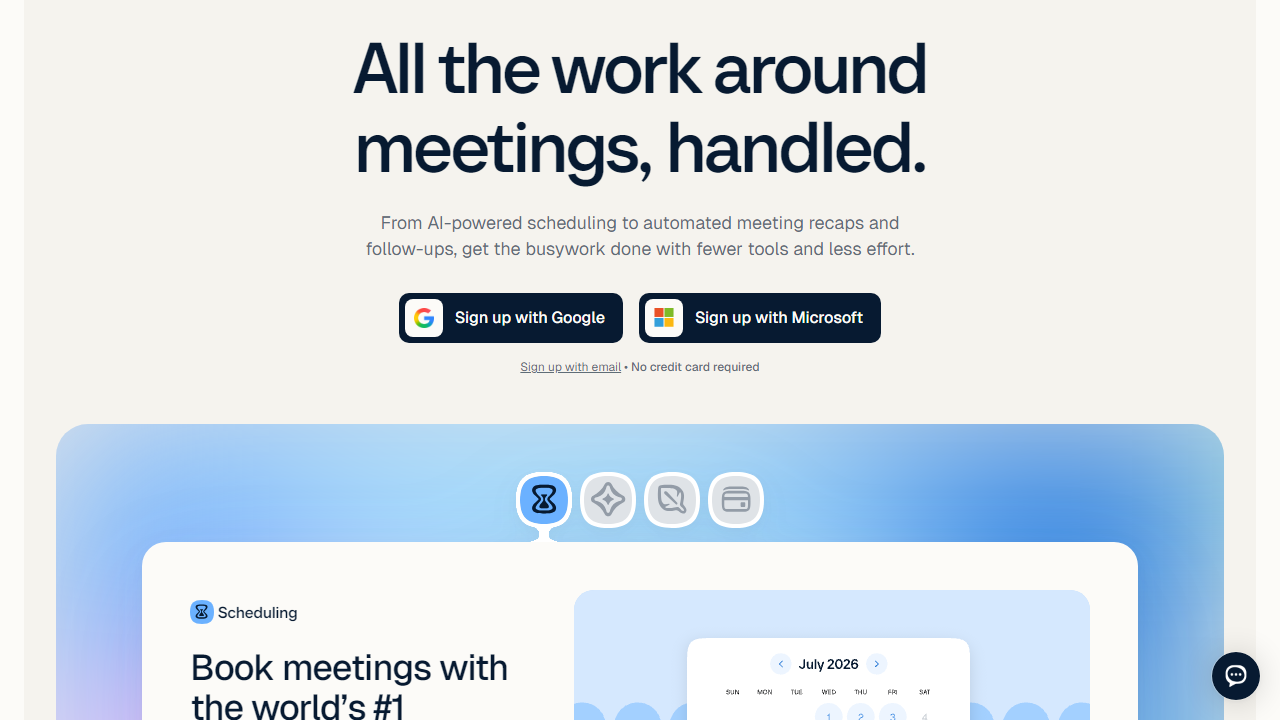
Calendly is a cloud-based scheduling automation platform that lets you share a personalized booking link so clients, colleagues, or prospects can self-schedule meetings based on your real-time availability. Founded in 2013 by Tope Awotona in Atlanta, Georgia, Calendly has grown into one of the most recognized names in B2B SaaS — the company crossed 20 million users and processes over 100 million meetings annually as of 2026. It’s particularly dominant in sales, recruiting, and consulting verticals.
The core mechanic is simple: you connect your calendar (Google, Outlook, Apple, or Exchange), define your available hours, and Calendly generates a shareable URL. Invitees click your link, see available slots in their own time zone, pick one, and the meeting is confirmed automatically — complete with calendar invites and customizable reminder emails to both parties. No logins required for the person booking.
Beyond the basics, Calendly has evolved into a fairly comprehensive scheduling platform with round-robin team routing, automated workflows, embedded booking widgets, CRM integrations, and analytics. It sits comfortably in the mid-market SaaS bracket — sophisticated enough for enterprise sales teams, but still accessible enough that a solo consultant can be fully operational in five minutes.
Key Features of Calendly
Calendly’s feature set has matured significantly over the past few years. Here’s a detailed breakdown of what actually matters day to day.
Event Types & Scheduling Pages
You can create multiple event types — 15-minute intro calls, 60-minute consultations, group webinars, and more — each with its own URL, duration, buffer time, and availability rules. The free plan limits you to one active event type, while paid plans unlock unlimited events. You can also collect custom intake questions (text, multiple choice, phone number) before the booking is confirmed, which is genuinely useful for pre-qualifying prospects.
Automated Workflows & Reminders
Calendly’s Workflows feature lets you set up automated email and SMS sequences triggered by booking events — confirmations, 24-hour reminders, follow-ups after the meeting ends. On the Standard plan and above, you can build multi-step sequences. This alone replaces the need for a separate email reminder tool for most users and is one of Calendly’s most underrated time-savers.
Team Scheduling & Round-Robin Routing
The Teams plan unlocks collective scheduling (everyone on a team must be free for the slot to show) and round-robin assignment (meetings auto-rotate across team members based on availability or priority). For sales teams running inbound demo requests, round-robin routing alone can justify the Teams subscription. The routing form feature, which directs prospects to the right rep based on their answers, is particularly strong on the Enterprise tier.
Calendar & App Integrations
Calendly connects natively with Google Calendar, Outlook, Office 365, Apple Calendar, and iCloud. On the video conferencing side, Zoom, Google Meet, Microsoft Teams, Webex, and GoTo Meeting are all supported with automatic link generation per booking. CRM integrations with Salesforce and HubSpot log meetings automatically — a feature sales ops teams genuinely rely on. There are also 100+ integrations available via Zapier and native webhooks for custom workflows.
Embed & Branding Options
You can embed Calendly’s booking widget directly on your website as an inline embed, a popup widget, or a popup text link. Paid plans allow you to customize colors to match your brand, but the structural layout of the booking page is largely fixed — you can’t radically redesign it. Removing the “Powered by Calendly” footer badge requires a paid plan, which is a dealbreaker for some agencies working under white-label arrangements.
Analytics & Reporting
Calendly provides basic meeting analytics — booking volume, cancellation rates, most popular event types — on paid plans. It’s functional but not deep. Power users who want cohort analysis or funnel attribution will need to pipe data into a BI tool via webhooks. Enterprise accounts get more granular team-level reporting.
Pricing Plans
Calendly uses a per-seat pricing model, which makes it cost-effective for individuals but can get expensive as teams scale. All prices below reflect 2026 annual billing rates. Monthly billing runs approximately 20–25% higher per seat.
| Plan | Price/mo | Best For | Key Limit |
|---|---|---|---|
| Free | $0 | Individuals just getting started | 1 active event type only |
| Standard | $12/seat | Freelancers & small businesses | No team routing features |
| Teams | $20/seat | Sales teams & growing companies | Advanced routing requires Enterprise |
| Enterprise | Custom (typically $30+/seat) | Large orgs with SSO/compliance needs | Annual contract required |
The value equation is solid for individuals on the Standard plan — $12/month for unlimited event types and workflow automations is genuinely reasonable. Where it pinches is team deployments: 10 seats on the Teams plan runs $200/month ($2,400/year), which is real money that invites comparison shopping against competitors like Cal.com’s self-hosted option or TidyCal’s lifetime deal.
Who Should Use Calendly?
Best Calendly Alternatives in 2026
Calendly doesn’t have the scheduling space to itself anymore. Here’s how the top competitors stack up on the metrics that matter most.
| Tool | Starting Price | Best For | Our Rating |
|---|---|---|---|
| Cal.com | Free (open source) / $15/mo hosted | Developers & privacy-conscious teams | 4.4/5 |
| TidyCal | $29 lifetime deal | Budget-conscious solopreneurs | 4.0/5 |
| SavvyCal | $12/mo | Invitee-first UX, overlay scheduling | 4.2/5 |
| Acuity Scheduling | $20/mo | Service businesses needing payments | 4.1/5 |
Cal.com is the most compelling threat to Calendly’s dominance in 2026 — its open-source model and aggressive feature development have made it a legitimate enterprise-grade option. TidyCal wins on pure price if you can live with its more limited feature set. If the invitee experience is paramount, SavvyCal’s overlay calendar (which lets invitees see your calendar on top of theirs) is genuinely innovative. Acuity is the go-to for service businesses like salons, tutors, or fitness coaches who need upfront payment collection baked in.
Frequently Asked Questions
Final Verdict: Is Calendly Worth It in 2026?
After a week of real-world testing across multiple use cases, the verdict is clear: Calend


