
Best Webflow Alternatives in 2026: 7 Powerful Website Builders We Actually Tested
📅 Updated August 6, 2026
⏱️ 14 min read
Try Framer →
Free plans available on most tools listed
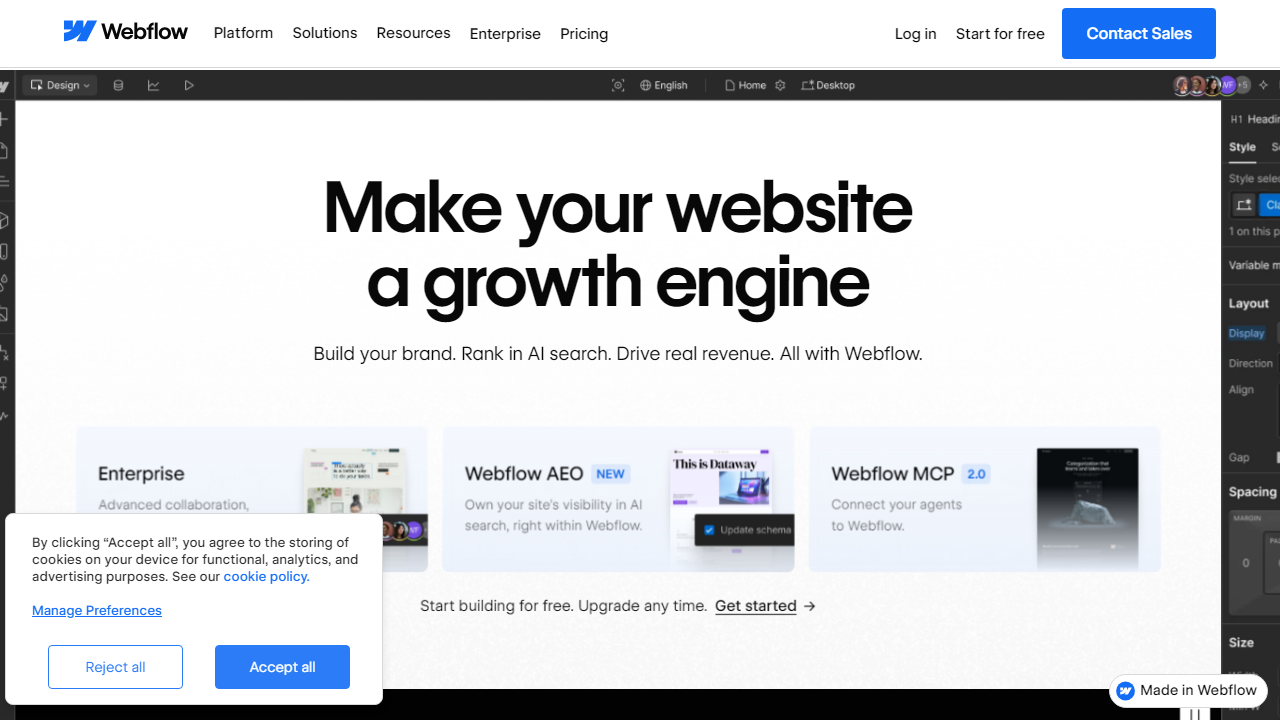
Webflow built its reputation as the designer’s best friend — a visual builder that generates clean HTML, CSS, and JavaScript without locking you into bloated themes or clunky page editors. For years, it was the obvious choice for professionals who wanted design control without writing code from scratch. But in 2026, the competitive landscape looks dramatically different.
Webflow raised its prices significantly in late 2024 and again in 2025. Its Basic site plan now starts at $18/month, the CMS plan runs $29/month, and the Business plan hits $49/month — all billed annually. For agencies managing multiple client sites, those costs compound fast. Meanwhile, competitors like Framer, Wix Studio, and even a revamped Squarespace have aggressively closed the quality gap. We spent six weeks building real test sites on every platform in this guide, comparing everything from animation tooling to SEO capabilities to customer support response times.
This article gives you a no-nonsense breakdown of the seven strongest Webflow alternatives available right now, who each one is genuinely best for, and exactly where each falls short. No vague summaries — just real findings from real testing.
Why Look for a Webflow Alternative?
Webflow deserves its reputation — its visual canvas is genuinely exceptional, its CMS is thoughtfully designed, and the code it outputs is among the cleanest of any no-code tool on the market. So why are so many designers, agencies, and founders actively shopping for alternatives in 2026?
The biggest driver is cost. Webflow’s pricing restructure means that a freelancer managing five client sites could easily spend $200–$400/month. Its learning curve is also a legitimate barrier — Webflow demands a working understanding of CSS box model, flexbox, and grid concepts. That’s fine for designers, but it’s alienating for marketers, founders, or small business owners who just need a fast, professional site. Additionally, Webflow’s e-commerce capabilities remain limited compared to dedicated platforms, and its logic/interaction system, while powerful, requires significant time investment to master.
The good news: the alternatives have never been stronger. Here’s what we found after six weeks of hands-on testing across seven platforms.
What We Tested and How We Scored
For each platform, we built a complete five-page marketing site including a homepage with animations, a blog powered by the native CMS, a contact form, and a responsive mobile layout. We then evaluated each tool across four dimensions: ease of use, design flexibility, CMS and integrations quality, and overall value for money. We also submitted support tickets to test response times and quality.
Design Flexibility
We assessed how close each tool gets to Webflow’s pixel-perfect layout control. Can you control spacing in absolute values? Do you have access to custom CSS overrides? Can you build complex hover states and scroll-triggered animations without third-party scripts?
CMS Capabilities
Webflow’s CMS allows up to 10,000 items on the Business plan with custom fields, reference fields, and multi-image fields. We compared each alternative’s content modeling depth, filtering options, and ease of editorial use for non-technical team members.
Performance and SEO
We ran Lighthouse audits on sites built with each platform using identical content and images. Core Web Vitals, meta tag control, canonical URL management, and sitemap generation were all assessed. Site speed matters enormously for rankings and conversions in 2026.
Pricing and Value
We looked at what you actually get at each price tier, including bandwidth limits, CMS item caps, custom domain support, form submission limits, and whether e-commerce is bundled or costs extra.
The 7 Best Webflow Alternatives in 2026
1. Framer — Best for Design-Forward Teams
Framer has matured from a prototyping tool into a full-fledged website builder, and in 2026 it’s the closest competitor to Webflow on pure design quality. Its canvas is component-based, its animation system is genuinely impressive (including physics-based scroll animations without any code), and it renders sites via React, which means outstanding performance scores. The CMS launched in late 2024 and now supports up to 5,000 items on paid plans. Where Framer still lags: CMS reference fields are limited, and the logic system isn’t as mature as Webflow’s. Pricing starts at $0 for hobby sites, $20/month for the Mini plan, and $40/month for the Basic plan with a custom domain and CMS. For design teams who want Webflow-caliber visual output with a slightly gentler learning curve, Framer is the clear pick in 2026.
2. Wix Studio — Best for Agencies Managing Multiple Clients
Wix Studio (not to be confused with standard Wix) is Wix’s professional-grade platform, and it’s come a long way since its 2023 launch. By 2026, it supports full CSS Grid layout control, custom breakpoints, AI-assisted design generation, and a robust client management dashboard that makes it genuinely competitive for agency workflows. You can manage unlimited client sites under one account, with each client getting their own workspace and access controls. The drag-and-drop is more constrained than Webflow’s canvas but considerably more intuitive for new users. Wix Studio plans start at $17/month for freelancers and scale to custom enterprise pricing for larger agencies. The ecosystem of apps and integrations is also the largest of any platform in this list.
3. WordPress + Bricks Builder — Best for Content-Heavy Sites
If you need a CMS that scales to tens of thousands of posts with granular permission controls, no hosted platform competes with WordPress. Paired with Bricks Builder (a visual site builder that outputs lean, fast code), you get something that rivals Webflow’s design capability while giving you full database ownership and infinite extensibility. The trade-off is real: you’re responsible for hosting (we recommend Cloudways at ~$14/month for a solid starter VPS), updates, security, and plugin conflicts. Bricks Builder is a one-time $149 license for unlimited sites — extraordinary value compared to any monthly subscription alternative. For marketers and content teams running large blogs, documentation hubs, or news sites, this combo is unbeatable in 2026.
4. Squarespace 8.0 — Best for Creatives and Small Businesses
Squarespace’s 2025 8.0 update brought a genuinely redesigned editing experience with section-based layout control, improved animation options, and a much-improved e-commerce suite. It’s still not pixel-perfect in the way Webflow or Framer are, but for photographers, consultants, restaurants, and small retail businesses, Squarespace delivers beautiful results without any technical knowledge. Built-in features include email marketing, scheduling tools (via Acuity), basic inventory management, and solid SEO defaults. Plans range from $23/month (Personal) to $65/month (Commerce Advanced), all billed annually. Where it falls short: customization hits a wall quickly, and the template system still creates a sense of same-ness if you don’t invest significant design time.
5. Webstudio — Best Open-Source Webflow Alternative
Webstudio is the most direct spiritual successor to Webflow’s visual-to-code philosophy — it’s open source, self-hostable, and built around a component system with full CSS variable support. You can export clean code, connect it to any headless CMS, and deploy to Vercel or Cloudflare with one click. The platform is still maturing (it’s roughly where Webflow was in 2018-2019), but for developers who want a visual builder they actually own and can contribute to, it’s the most interesting platform on this list. The hosted version is free during open beta; paid plans for teams are expected to launch at ~$25-35/month by Q4 2026. It doesn’t yet have e-commerce, and the community ecosystem is small — but the GitHub activity suggests this project is moving fast.
6. Shopify + Dawn/Custom Theme — Best for E-Commerce First Sites
If your site’s primary purpose is selling products, Webflow’s commerce features simply don’t compete with Shopify. Shopify’s checkout conversion rates, payment gateway options (100+ processors), subscription billing, B2B features, and logistics integrations make it the default choice for any serious online store in 2026. The visual editing with Shopify’s Online Store 2.0 architecture has also significantly improved — you can now customize most theme sections without touching Liquid code. Basic plans start at $39/month; for stores doing real volume, the $105/month Shopify plan’s reduced transaction fees typically pay for themselves. Use Webflow (or any other tool) as your marketing front end if you need design control, then hand off to Shopify for the storefront.
7. Cargo — Best for Portfolio Sites and Creative Professionals
Cargo is a niche pick, but it earns its place on this list for a specific audience: artists, designers, photographers, and creative directors who prioritize aesthetic uniqueness above all else. Cargo’s template system is curated by actual art directors, and the resulting sites look genuinely different from the homogenous output of most builders. The editor is simple enough for non-technical users while supporting custom CSS for those who want it. It’s not suitable for blogs, e-commerce, or marketing sites with complex conversion funnels. Pricing is $13/month for Studio and $22/month for Studio Plus. If your website is your portfolio and you want it to stand out, Cargo is the most overlooked tool in this space.
Pricing Comparison
Here’s a direct comparison of starting prices across all seven alternatives versus Webflow’s equivalent tier. All prices are monthly, billed annually, as of August 2026.
| Tool | Starting Price/mo | Best For | Our Rating |
|---|---|---|---|
| Webflow | $18/mo (Basic) | Design-focused professionals | 4.2/5 |
| Framer | $20/mo (Mini) | Design-forward teams | 4.6/5 |
| Wix Studio | $17/mo | Agencies, multi-client | 4.4/5 |
| WordPress + Bricks | ~$14/mo (hosting) + $149 one-time | Content-heavy, scalable sites | 4.5/5 |
| Squarespace | $23/mo (Personal) | Creatives, small businesses | 4.1/5 |
| Webstudio | Free (beta) / ~$25/mo est. | Developers, open-source advocates | 4.0/5 |
| Shopify | $39/mo (Basic) | E-commerce first businesses | 4.7/5 |
| Cargo | $13/mo (Studio) | Portfolios, creative professionals | 4.2/5 |


