
Squarespace Pricing 2026: How Much Does Squarespace Really Cost? (All Plans Compared)
📅 Updated July 17, 2026
⏱️ 9 min read
Try Squarespace →
14-day free trial available — no credit card required
If you’ve ever stared at a website builder’s pricing page and thought, “Wait, what am I actually getting for this?” — you’re not alone. Squarespace has four plans, two billing cycles, add-on fees, and a transaction cost that only shows up in the fine print. Figuring out what Squarespace actually costs in 2026 requires more than a quick glance at the headline numbers.
We spent two weeks building test sites across every Squarespace plan, running real ecommerce transactions, and comparing the true all-in cost against competitors like Wix, Shopify, and WordPress. This guide breaks down every dollar — from plan pricing to domain renewals to those sneaky transaction fees — so you can make a genuinely informed decision before you commit.
Whether you’re a photographer building a portfolio, a boutique owner launching an online store, or a freelancer who just needs a clean landing page, the right Squarespace plan (and whether Squarespace is even the right tool) depends entirely on your situation. Let’s dig in.
What Is Squarespace?
Squarespace is a fully hosted website builder and content management system founded in 2004 by Anthony Casalena, who famously built the first version in his University of Maryland dorm room. Today it’s a publicly traded company (NYSE: SQSP) powering over 4.4 million active subscriptions globally, making it one of the three largest dedicated website builders in the world alongside Wix and WordPress.com.
Unlike WordPress.org, which requires you to manage your own hosting and plugins, Squarespace is an all-in-one platform: hosting, security, design tools, ecommerce, and analytics are all bundled under one roof. That’s its primary appeal — you don’t need to stitch together a dozen services to get a professional website live. The tradeoff is less flexibility and a platform that, by design, keeps you within its ecosystem.
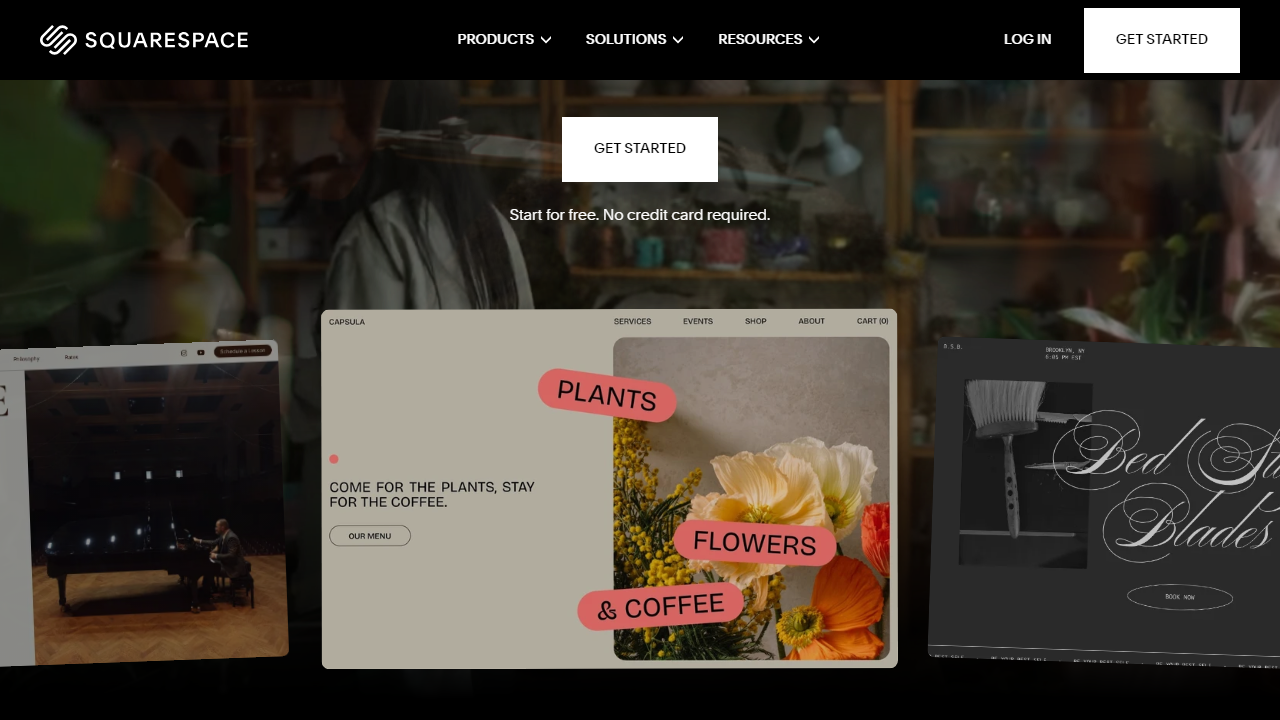
Squarespace’s strongest differentiator has always been design quality. Its template library, now exceeding 160 professionally designed layouts, consistently outshines competitors on aesthetic polish. In 2026, the platform continues to invest heavily in its AI-powered design tools and its Fluid Engine drag-and-drop editor, which launched in 2022 and has matured significantly since then.
Key Features of Squarespace
Pricing only makes sense in the context of what you’re getting. Here’s what Squarespace actually delivers across its plans in 2026.
Fluid Engine Website Editor
Squarespace’s Fluid Engine editor lets you drag sections, images, and text blocks to any position on a grid — a significant upgrade from the rigid block-stacking of older website builders. You get separate desktop and mobile layout controls, meaning you can adjust your mobile view without breaking your desktop design. It’s not as freeform as Webflow, but it’s far more intuitive for non-developers.
Ecommerce Built Into Every Plan
Every paid Squarespace plan includes ecommerce functionality — you can sell physical products, digital downloads, and services without a separate plugin. The key difference between plans is transaction fees and feature depth: the Personal plan charges a 3% fee per sale, while Business eliminates it entirely. Higher tiers add abandoned cart recovery, advanced shipping, and subscription selling.
AI Website Builder and Design Tools
Squarespace’s Blueprint AI tool, expanded significantly in 2025, lets you generate a personalized starter site by answering a few questions about your business type, style preferences, and content needs. It won’t replace a designer, but it meaningfully reduces setup time from hours to about 20 minutes for a clean, usable starting point. It’s available on all plans at no extra cost.
Built-In SEO and Analytics
Every Squarespace site includes clean URL structures, automatic sitemaps, customizable meta titles and descriptions, and schema markup for blog posts and products. The native analytics dashboard tracks page views, traffic sources, and sales conversions without needing Google Analytics (though GA4 integration is available). Advanced Commerce plans add per-product revenue attribution and customer lifetime value tracking.
Squarespace Extensions and Integrations
The Squarespace Extensions marketplace hosts around 30 third-party integrations covering shipping (ShipStation, EasyPost), accounting (QuickBooks, Xero), and marketing (Mailchimp, Klaviyo). It’s functional but noticeably sparse — Shopify’s app store, by comparison, has over 8,000 apps. If your business relies on niche integrations, this is a real constraint to evaluate carefully.
Squarespace Pricing Plans 2026
Squarespace offers four plans in 2026. All prices below reflect annual billing, which saves you roughly 25–30% compared to paying month-to-month. Monthly billing is available but noticeably more expensive — we’ll cover both so you know exactly what you’re looking at.
| Plan | Annual Price/mo | Best For | Key Limit / Note |
|---|---|---|---|
| Personal | $16/mo ($23/mo monthly) | Portfolios, blogs, simple sites | 3% transaction fee on sales; 2 contributors |
| Business | $23/mo ($33/mo monthly) | Small businesses, growing stores | 0% transaction fee; CSS/JS injection; unlimited contributors |
| Basic Commerce | $28/mo ($36/mo monthly) | Active online stores | Product reviews, customer accounts, Point of Sale |
| Advanced Commerce | $52/mo ($65/mo monthly) | Scaling ecommerce businesses | Subscriptions, abandoned cart recovery, advanced shipping |
A note on the true cost: Squarespace includes a free custom domain for the first year, but domain renewals typically run $20–$25/year after that. If you use Squarespace Email Campaigns, that’s an add-on starting at $7/month. Squarespace Scheduling (appointment booking) starts at an additional $9/month. Factor these in if they apply to your use case — the sticker price doesn’t always tell the full story.
Who Should Use Squarespace?
Best Squarespace Alternatives in 2026
Squarespace is excellent at what it does, but it’s not the right fit for everyone. Here’s how it stacks up against the top alternatives across key use cases.
| Tool | Starting Price | Best For | Our Rating |
|---|---|---|---|
| Wix | Free / $17/mo (paid) | Maximum design flexibility, small budgets | 4.1/5 |
| Shopify | $39/mo (Basic) | Serious ecommerce, high-volume stores | 4.6/5 |
| WordPress.com | Free / $9/mo (paid) | Bloggers, content-heavy sites | 4.0/5 |
| Webflow | Free / $14/mo (paid) | Designers and developers wanting full control | 4.3/5 |
Frequently Asked Questions
Final Verdict: Is Squarespace Worth It in 2026?
After two weeks of hands-on testing, the honest answer is: yes, for the right person. Squarespace remains the undisputed leader in design quality among no-code website builders. If you’re a photographer, small retailer, restaurant owner, or service provider who wants a site that looks like it cost $5,000 — without hiring a developer or managing a WordPress install — Squarespace at $16–$28/month (annual) is genuinely hard to beat.
The value equation gets trickier as you scale. The jump from Basic Commerce ($28/mo) to Advanced Commerce ($52/mo) is steep, and the thin app ecosystem means you may eventually need to work around platform limitations rather than through them. If your ecommerce business is growing fast, you’ll likely outgrow Squarespace before you outgrow its competitors — Shopify, in particular, is purpose-built for scale in ways Squarespace simply isn’t. But for the vast majority of small business owners and creators reading this? Squarespace’s combination of beautiful design, reliable hosting, and all-in-one simplicity makes it worth every dollar of its entry-level pricing.


