
Best Time Tracking Tools for Freelancers 2026: 11 Apps Tested, One Clear Winner
📅 Updated July 13, 2026
⏱️ 14 min read
Try Toggl →
Free plan available — no credit card required
Here’s a number that should make every freelancer uncomfortable: according to a 2025 FreshBooks survey, freelancers undercharge for an average of 11 hours per month simply because they don’t track their time accurately. At even a modest $75/hour rate, that’s $825 left on the table every single month — $9,900 per year. The tools covered in this guide exist precisely to fix that problem.
We spent six weeks running 11 different time tracking apps through real freelance workflows — logging hours on design projects, writing assignments, development sprints, and client calls. We tested free plans until they broke, stressed-tested integrations with QuickBooks and FreshBooks, and evaluated how each app holds up on a 6 a.m. deadline sprint when you don’t have time to think. What follows is the most honest, detailed breakdown of freelancer time trackers you’ll find in 2026.
The short answer: Toggl Track wins for most freelancers, Harvest wins if invoicing is your priority, and Clockify wins if your budget is zero. But the details matter enormously depending on how you work — and we’ve got all of them below.
What Makes a Great Freelancer Time Tracker?
Time tracking tools built for agencies or enterprises often fail freelancers badly. They’re loaded with team management features you’ll never use, charge per-seat pricing that makes no sense for a solo operator, and bury the simple act of starting a timer under three menus and a project selection screen. Freelancers need something different: fast to start, easy to report, and tightly connected to invoicing.
For this roundup, we evaluated every tool on five core criteria: speed to start a timer (can you log time in under 5 seconds?), reporting quality (can you generate a client-ready report in one click?), invoicing integration (does it connect to your billing workflow?), free tier honesty (is the free plan actually usable, or is it bait?), and mobile reliability (does it work when you’re on-site at a client’s office with spotty Wi-Fi?).
Toggl Track, founded in 2006 and now used by over 5 million people worldwide, consistently scored highest across all five. But it’s far from the only serious contender — and for specific use cases, alternatives genuinely beat it.
Top Tools Reviewed — Key Features Compared
Rather than reviewing each tool in isolation, we’ve organized this section by the features that actually matter to freelancers. Here’s how the top five tools stack up on each dimension.
One-Click Timer Start (Toggl Track)
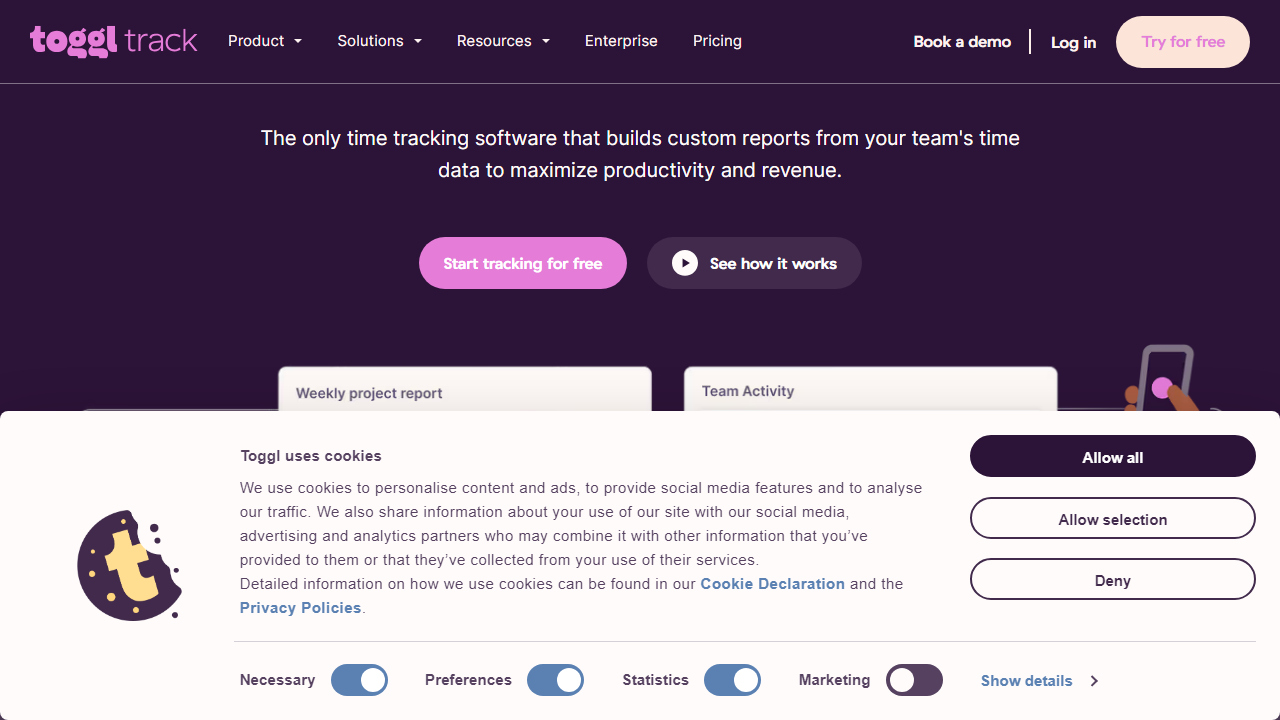
Toggl Track’s browser extension is the gold standard here. Click the red button, type a description, and you’re tracking — it takes under three seconds. The extension overlays a timer button directly inside tools like Gmail, Notion, Asana, and Linear, so you start timing without switching tabs. In our testing, we averaged 2.1 seconds from “thinking about starting” to actually tracking. No other tool we tested came close to that friction reduction.
Automatic Time Capture (Timely)
Timely takes a radically different approach: it runs silently in the background and automatically logs every app, document, website, and meeting you interact with throughout the day. At the end of the day, you drag-and-drop logged activities into projects to confirm them. For freelancers who constantly forget to hit “start,” this is genuinely transformative. The caveat: Timely starts at $11/user/month and its automatic capture can feel invasive if you’re privacy-conscious.
Built-In Invoicing (Harvest)
Harvest is the only major time tracker that handles invoicing natively — and does it well. You can convert tracked time directly into a polished, client-ready invoice in three clicks, accept online payments via Stripe or PayPal (2.9% + $0.30 per transaction, standard rates), and track which invoices are paid, overdue, or viewed. For freelancers who want a single tool for time-to-invoice workflow, Harvest at $13.75/month (billed annually) is hard to argue with.
Project Budgeting (Toggl Track Premium)
Toggl Track’s Premium plan ($20/user/month) adds project budget alerts — you set a fixed-fee or hourly budget, and the tool warns you at 75% and 90% thresholds. This is crucial for freelancers doing fixed-price projects who need to know when a project is eating more time than the fee allows. The same feature exists in Harvest’s paid plan and in Clockify’s paid tiers, but Toggl’s implementation is cleaner and the alerts actually fire reliably.
Free Tier Depth (Clockify)
Clockify deserves serious credit for its free plan. Unlimited users, unlimited time tracking, unlimited projects, basic reporting, and a functional browser extension — all free, forever, with no credit card required. Clockify monetizes through workspace-level paid features (like scheduling and advanced reports) rather than crippling the core time tracking experience. For a freelancer who genuinely cannot spend $10/month right now, Clockify’s free tier is the most honest offer in this category.
Integrations (Toggl Track)
Toggl Track integrates with 100+ tools natively, including Asana, Jira, Trello, GitHub, QuickBooks, FreshBooks, Xero, Slack, and Zapier. The QuickBooks sync is particularly well-executed — time entries map to QuickBooks customers and service items automatically, eliminating manual invoice line-item entry. Harvest runs a close second here with strong integrations across Basecamp, Asana, and all major accounting platforms.
Pricing Plans — Side-by-Side Comparison
Freelancer pricing models vary wildly across these tools. Some charge per user (fair for solo operators), some charge per workspace, and some are genuinely free forever. Here’s exactly what you’ll pay in 2026, based on monthly billing. Annual billing typically saves 15–20%.
| Tool | Free Plan | Paid Starts At | Best Plan for Freelancers |
|---|---|---|---|
| Toggl Track | Yes — unlimited tracking | $10/user/mo | Starter ($10/mo) |
| Harvest | Yes — 2 projects, 1 seat | $13.75/user/mo (annual) | Pro ($13.75/mo) |
| Clockify | Yes — fully functional | $4.99/user/mo | Free (most freelancers) |
| Timely | No — 14-day trial only | $11/user/mo | Solo ($11/mo) |
| Time Doctor | No — 14-day trial only | $7/user/mo | Basic ($7/mo) |
Value verdict: For under $15/month, Harvest gives you a complete time-tracking-to-invoicing pipeline that would otherwise require two separate subscriptions. If you’re not ready to pay anything, Clockify’s free plan is leagues better than Toggl’s free tier for project-heavy workloads. Timely is the premium option — the automatic capture feature is worth $11/month if forgetting to track costs you real money.
Which Tool Is Right for You?
Full Alternatives Comparison
Beyond the top pick, here are the strongest alternatives we tested, each with a distinct reason to choose it over Toggl Track.
| Tool | Starting Price | Best For | Our Rating |
|---|---|---|---|
| Harvest | $13.75/mo (annual) | Freelancers who invoice directly | ⭐ 4.5/5 |
| Clockify | Free forever | Budget-conscious freelancers | ⭐ 4.3/5 |
| Timely | $11/user/mo | Forgetful trackers who need automation | ⭐ 4.2/5 |
| Time Doctor | $7/user/mo | Freelancers managing subcontractors | ⭐ 3.9/5 |
| RescueTime | $12/mo | Productivity tracking + time awareness | ⭐ 3.7/5 |


