
Loom Pricing Review 2026: Is It Worth the Cost? (Honest Breakdown)
📅 Updated July 6, 2026
⏱️ 9 min read
Try Loom →
Free plan available — no credit card required
You’ve been there: it’s 4 PM on a Thursday, you need to explain a complex bug fix or walk a client through a new feature, and the thought of scheduling yet another Zoom meeting makes you want to close your laptop and go for a walk. Async video messaging exists to solve exactly that problem — and Loom is the product that popularized the category. But with Atlassian acquiring Loom in 2023 and pricing structures that have shifted more than once since then, the real question in 2026 is whether the cost still makes sense for your situation.
We spent three weeks testing Loom across a five-person remote team, ran the free plan through its paces, stress-tested the Business plan’s AI features, and compared it directly against every credible alternative. This review gives you the unfiltered truth: what Loom does brilliantly, where it falls short, and exactly which plan — if any — is worth your money.
What Is Loom?
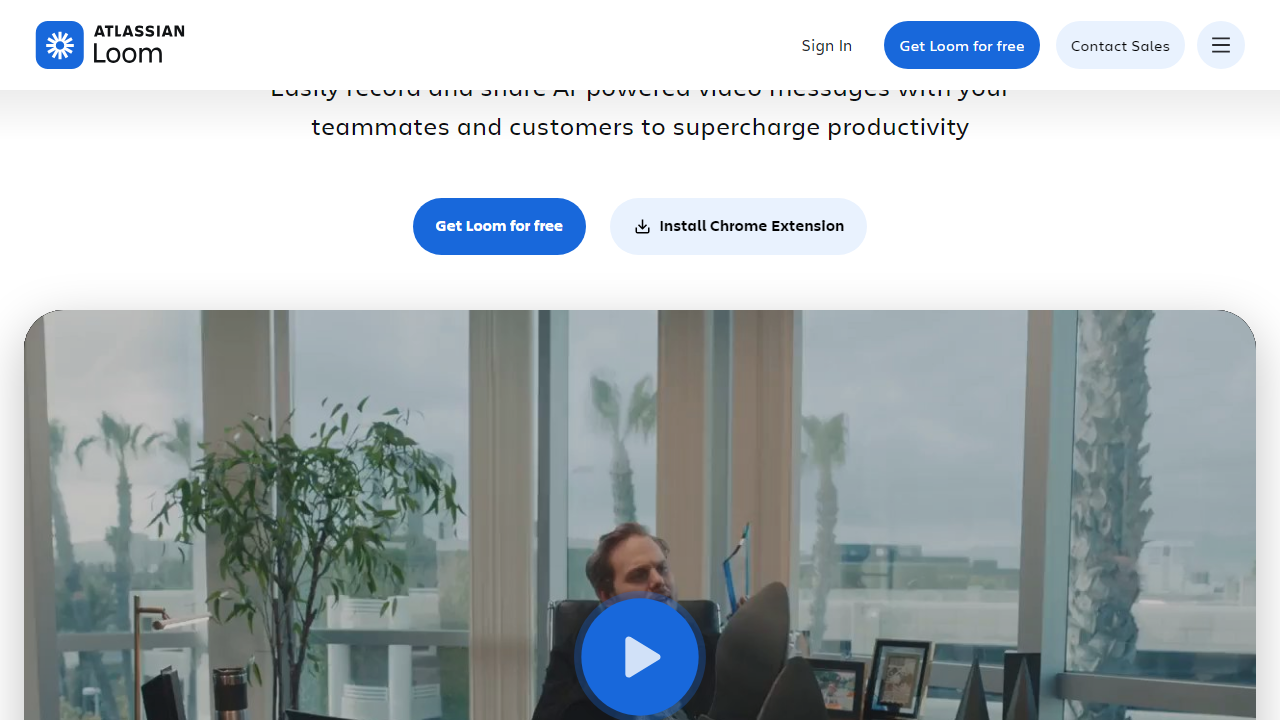
Loom is a screen-and-camera video messaging platform that lets you record your screen, your face via webcam, or both simultaneously, then instantly share a link — no file uploads, no compression wait, no email attachments. The recipient clicks the link and watches in their browser. That’s the core pitch, and it’s still as frictionless in 2026 as it was when the company launched out of Y Combinator back in 2015.
Atlassian acquired Loom in October 2023 for approximately $975 million, and the integration has been mostly positive for enterprise customers — Loom now lives natively inside Jira and Confluence. The broader user base, however, is enormous: Loom reports over 25 million users across 400,000+ companies worldwide, making it far and away the dominant player in async video. Competitors exist (more on those later), but none have matched Loom’s combination of distribution, polish, and integrations.
The platform runs as a Chrome extension, a Mac or Windows desktop app, and an iOS/Android mobile app. Recording quality tops out at 4K on desktop, and every video is stored in Loom’s cloud — accessible via a shareable URL within seconds of stopping your recording.
Key Features of Loom
Loom has evolved well beyond a simple screen recorder. Here’s what actually matters in day-to-day use:
Instant Screen + Camera Recording
Hit the record button, choose your source (screen only, cam only, or both), and you’re live. There’s no render time — Loom processes video in the background as you record, so your shareable link is ready within seconds of pressing stop. On Business plans, you can record at up to 4K resolution with no time limit per video.
AI-Powered Transcripts and Summaries
Every recorded video on a paid plan gets an auto-generated transcript that’s accurate enough to be genuinely useful — we found roughly 94% accuracy on clear speech in our tests. The Business plan adds AI summaries that condense a 10-minute walkthrough into three bullet points, which is surprisingly good for async handoffs. There’s also a filler-word removal feature that silently cuts your “ums” and “uhs” in post.
Viewer Engagement Analytics
This is one of Loom’s most underrated features. On paid plans, you can see exactly who watched your video, at what timestamp they dropped off, how many times they replayed a section, and whether they left a comment or emoji reaction. For sales teams tracking whether a prospect actually watched a demo, this data is genuinely valuable.
Comments, Reactions, and CTAs
Viewers can leave timestamped comments directly on the video — no account required for the viewer. Creators can also embed a call-to-action button that appears at the end of the video, useful for sales outreach or onboarding flows. These interactive elements make Loom feel less like a recording tool and more like a lightweight communication platform.
Integrations
Loom connects natively with Slack (auto-unfurls previews), Notion, Jira, Confluence, GitHub, HubSpot, Salesforce, Gmail, and over 50 additional tools via Zapier. The Slack integration alone is worth calling out — sharing a Loom in a Slack thread shows an inline preview with a play button, which dramatically increases view rates compared to dropping a raw link.
Pricing Plans
Loom’s pricing as of mid-2026 has three public tiers plus an Enterprise option requiring a sales call. Prices below reflect monthly billing; annual billing saves roughly 16% across all plans. Note that “per creator” means viewers are always free — you only pay for people who can record.
| Plan | Price/mo (per creator) | Best For | Key Limit |
|---|---|---|---|
| Starter (Free) | $0 | Individuals, casual use | 5-min recording cap, 25 videos stored |
| Business | $12.50 | Remote teams, sales, CS | Unlimited video length and storage |
| Business + AI | $16.00 | Teams wanting AI summaries and editing | Full AI suite, filler-word removal |
| Enterprise | Custom (contact sales) | Large orgs, SSO, compliance needs | SAML SSO, advanced admin, SLA |
The free plan’s 5-minute cap is the biggest sticking point. Most real-world use cases — product demos, engineering walkthroughs, client updates — routinely exceed five minutes. Loom clearly designed this as a conversion mechanism, and it works, but it’s genuinely limiting in a way that some competitors’ free tiers are not. The jump from $0 to $12.50 per creator per month is also steep if you’re a solo user or freelancer with occasional needs.
Who Should Use Loom?
Best Loom Alternatives
Loom is the market leader, but it’s not the only option — and depending on your budget or use case, one of these alternatives might serve you better.
| Tool | Starting Price | Best For | Our Rating |
|---|---|---|---|
| Loom | Free / $12.50/mo | Remote teams, integrations | ⭐ 4.2/5 |
| Vidyard | Free / $19/mo | Sales outreach, CRM integration | ⭐ 4.0/5 |
| Tella | Free / $19/mo | Polished presentations, solopreneurs | ⭐ 3.9/5 |
| Screenpal (Screencast-O-Matic) | Free / $3/mo | Budget-conscious users, educators | ⭐ 3.5/5 |
Quick take: Vidyard is the stronger choice if you’re primarily in B2B sales and need deep HubSpot or Salesforce integration. Tella wins on aesthetics — its recording backgrounds and layouts are noticeably more polished for customer-facing content. Screenpal is the budget play, though the feature set reflects the price. For general team communication, Loom remains the most well-rounded option.
Frequently Asked Questions
Final Verdict: Is Loom Worth It in 2026?
After three weeks of daily use across multiple workflows — engineering standups, client demos, product feedback, and onboarding docs — our answer is a clear yes for teams, and a conditional yes for individuals. The Business plan at $12.50 per creator per month is easy to justify if your team is replacing even a handful of 30-minute synchronous meetings per month. The time savings are real, the async culture benefits are real, and the viewer analytics are the kind of feature you didn’t know you needed until you see that a client watched your demo three times before signing.
The frustrations are equally real: the free plan’s 5-minute cap is aggressive to the point of feeling punitive, the editing capabilities are barely there (you can trim and stitch clips, but that’s about it


