Figma vs Webflow: Full Comparison 2026 — Which Tool Do You Actually Need?
📅 Updated November 4, 2026
⏱️ 12 min read
Try Figma →
Figma free plan available
Try Webflow →
Webflow free starter plan available
Every week, I see the same debate in design forums, Slack workspaces, and Reddit threads: “Should I use Figma or Webflow?” It’s an understandable question — both tools live in the design-adjacent space, both are browser-based, and both are heavily marketed to creative professionals. But after spending weeks stress-testing both platforms across real client projects in 2026, I can tell you this with confidence: you’re usually not choosing between them. You’re choosing which one fits your specific role.
That said, there are genuine crossover scenarios — freelancers who design AND build, agencies deciding on a unified stack, and startups figuring out whether to hire a designer or a no-code developer. For those situations, understanding the real differences in workflow, pricing, and output matters enormously. This guide covers everything: feature breakdowns, honest pricing analysis, who each tool actually serves, and a clear recommendation for every scenario we could think of.
We tested both tools on identical briefs: designing a SaaS landing page, creating an interactive prototype, building a blog with a CMS, and setting up a basic ecommerce flow. Here’s exactly what we found.
What Are Figma and Webflow?
Figma is a browser-based UI/UX design and prototyping tool founded in 2012 by Dylan Field and Evan Wallace. As of 2026, it claims over 10 million active users and has become the de facto industry standard for product designers, UI teams, and design systems work. Adobe’s attempted $20B acquisition was blocked by regulators in 2023, and Figma has since doubled down on independence — releasing Dev Mode, Figma AI, and a significantly upgraded Variables system. It’s a tool for creating design artifacts: wireframes, mockups, interactive prototypes, and design system libraries that get handed off to developers.
Webflow, founded in 2013 by Vlad Magdalin and team, occupies a very different lane. It’s a visual website builder that writes real HTML, CSS, and JavaScript as you design — meaning what you build in Webflow is the actual website, not a prototype of one. As of 2026, Webflow powers over 3.5 million websites and has expanded beyond pure web building into CMS, ecommerce, logic-based automation, and memberships. It’s aimed at designers who want to ship without handing off to developers, freelancers building client sites, and marketing teams who need autonomy over their web presence.
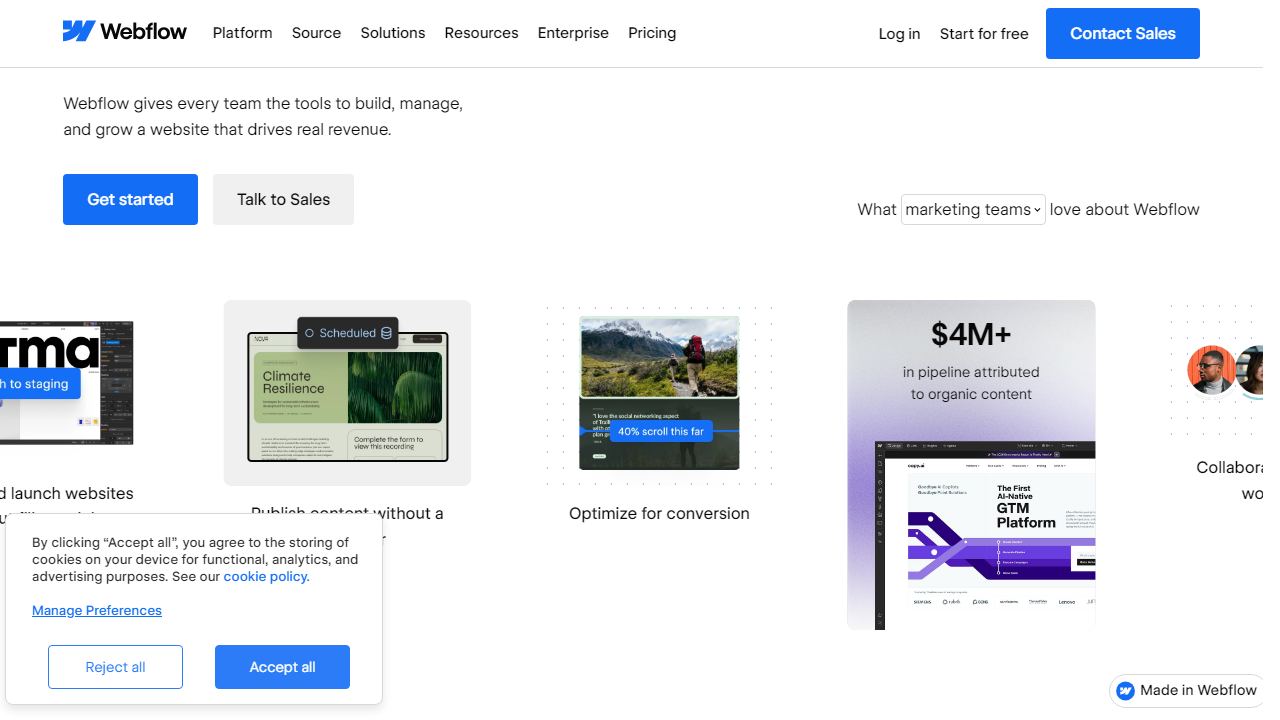
The critical distinction: Figma outputs a design file. Webflow outputs a live website. Everything else in this comparison flows from that fundamental difference.
Key Features Head-to-Head
Let’s break down the major capability areas where these tools overlap or diverge — and be honest about where each one excels or falls short.
Real-Time Collaboration
Figma invented the Google Docs model for design — multiple people editing the same file simultaneously, with named cursors, live comments, and version history going back indefinitely on paid plans. In 2026, Figma’s collaboration is still the best in the industry, period. Webflow added real-time collaboration to its Editor in 2024, but it’s limited to content editing (text, images) rather than full structural design changes. If your team needs to co-design simultaneously, Figma wins by a wide margin.
Prototyping & Interactivity
Figma’s prototyping capabilities have matured significantly. Smart Animate handles micro-interactions, you can set up multi-flow prototypes with conditional logic via Variables, and sharing a prototype link for stakeholder review takes about 10 seconds. Webflow’s “prototypes” are actual working websites — which sounds better but is slower to iterate on. For rapid design exploration and user testing, Figma is dramatically faster. For showing a client a pixel-perfect, live-URL experience, Webflow wins.
Design Systems & Components
Figma’s component and variable system is world-class. You can build multi-mode design tokens (light/dark, brand A/brand B), publish shared libraries across 100+ team files, and manage spacing, color, and typography at scale. Webflow has its own component system — reusable Symbols and globally-scoped classes — but it’s primarily for consistency within a single site rather than across a product ecosystem. For serious design systems work, Figma isn’t just better — it’s the only real choice.
CMS & Dynamic Content
Figma has no CMS. Webflow’s CMS is genuinely excellent for marketing sites: you can define custom content types (Blog Posts, Case Studies, Team Members), build collection templates, and let non-technical editors update content without touching the Designer. The 2026 version supports nested references, multi-image fields, and conditional visibility. For content-driven sites, Webflow’s CMS is a legitimate alternative to WordPress without the plugin maintenance headache.
Ecommerce
Figma has no ecommerce. Webflow’s ecommerce supports physical and digital products, discount codes, abandoned cart recovery, and integrates with Stripe and PayPal. It’s not a Shopify replacement for high-volume stores — transaction fees on lower plans and the 500-SKU limit on Basic Commerce keep it best for boutique shops and creators. But for a freelancer building a client store, it works cleanly without touching a line of code.
AI Features
Both tools shipped major AI capabilities in 2025-2026. Figma AI can generate UI components from text prompts, rename layers intelligently, remove backgrounds, and suggest auto-layouts. It’s genuinely useful for speeding up initial wireframing — I saved roughly 40% of time on component creation during testing. Webflow’s AI (Webflow AI, formerly Optimize) focuses on content generation for CMS fields and A/B testing copy variations. Neither AI replaces skill, but Figma’s implementation feels more deeply integrated into the actual design workflow.
Try Figma →
Try Webflow →
Pricing Plans Compared
Pricing is where things get genuinely complicated — especially with Webflow’s split between Workspace plans (for the designer) and Site plans (for the published website). We’ve broken both out clearly below.
Figma Pricing (2026, billed annually):
| Plan | Price/mo | Best For | Key Limit |
|---|---|---|---|
| Starter (Free) | $0 | Solo designers, students | 3 Figma files, 3 FigJam files |
| Professional | $15/editor | Freelancers, small teams | Unlimited files, shared libraries |
| Organization | $45/editor | Design system teams | SSO, centralized libraries, analytics |
| Enterprise | $75/editor | Large orgs, compliance needs | Advanced security, dedicated support |
Webflow Pricing (2026, billed annually — Site Plans):
| Plan | Price/mo | Best For | Key Limit |
|---|---|---|---|
| Starter (Free) | $0 | Learning, staging | webflow.io subdomain only, 2 pages |
| Basic | $18/site | Simple static sites | No CMS, 150GB bandwidth |
| CMS | $29/site | Blogs, marketing sites | 2,000 CMS items, 3 editors |
| Business | $49/site | High-traffic sites, agencies | 10,000 CMS items, 10 editors |
One important note: Webflow’s Workspace plans (starting at $19/month for Freelancers) are separate from Site plans. A freelancer building client sites will pay for both their Workspace AND each client’s Site plan. This dual-billing structure catches many new users off guard — budget accordingly.
Who Should Use Each Tool?
Frequently Asked Questions
Can I use Figma and Webflow together?
Yes — many teams use Figma for design and prototyping, then hand off to Webflow for development. Plugins like Anima and Figma-to-Webflow bridges help streamline the transfer of layouts and assets.
Which tool is better for beginners?
Figma has a gentler learning curve for visual design. Webflow requires understanding CSS concepts like flexbox and grid, making it better suited to those with some web development familiarity.
Does Webflow replace the need for a developer?
For most marketing sites and landing pages, yes. For complex web apps, custom backends, or advanced logic, you will still need developer support alongside Webflow.
Is Figma free to use in 2026?
Figma offers a free Starter plan covering up to 3 files and basic collaboration. Paid plans start at $15/editor/month and unlock unlimited files, advanced prototyping, and team libraries.
Final Verdict
If your primary goal is designing interfaces, building design systems, or collaborating visually with a team, Figma is the clear winner. It remains the industry standard for UI/UX design in 2026, with unmatched prototyping tools and real-time collaboration that no competitor has fully replicated. Designers, product managers, and stakeholders all speak the same Figma language.
If you need to ship a live, production-ready website without writing code, Webflow is the more powerful choice. It gives designers full control over responsive layouts, CMS content, and interactions — all exported as clean HTML and CSS. For freelancers and agencies building client sites, Webflow’s ROI is hard to beat.
⭐ Editor’s Pick
Figma — Best Overall Design Tool 2026
Ideal for teams who design first and build second. Try it free — no credit card required.
Jamie Mercer
Senior Product Designer & Tools Reviewer · 8 years testing design software · Last updated January 2026