
How to Use Jasper AI for Beginners: The Complete Step-by-Step Guide (2026)
📅 Updated May 30, 2026
⏱️ 12 min read
Try Jasper AI →
7-day free trial available
If you’ve ever stared at a blank document for 45 minutes trying to write a single blog introduction, you already understand exactly why tools like Jasper AI exist. Content marketing demands volume, consistency, and quality — a combination that burns out even the most experienced writers. Jasper AI promises to solve all three problems, and after spending several weeks putting it through its paces across blog posts, ad copy, email sequences, and social content, we have a clear-eyed view of what it actually delivers for beginners in 2026.
This guide isn’t a surface-level overview. We’ll walk you through the exact steps to set up your account, configure your Brand Voice, use the most valuable templates, and produce content that doesn’t sound like it was written by a robot. We’ll also tell you when Jasper is genuinely the right tool and when you’d be better off saving your $49 a month.
We tested Jasper across three real-world content workflows — a personal finance blog, an e-commerce product catalog, and a B2B SaaS email campaign — so every recommendation here is grounded in hands-on experience, not marketing copy from Jasper’s own website.
What Is Jasper AI?
Jasper AI (formerly Jarvis) is an enterprise-grade AI content writing platform founded in 2021 and headquartered in Austin, Texas. Built on top of large language model infrastructure — including integrations with OpenAI and Anthropic models — Jasper layers a content-marketing-specific interface on top of raw AI capability. The result is a tool specifically engineered for marketers, copywriters, content teams, and business owners rather than general-purpose AI chatting.
By 2026, Jasper serves over 100,000 businesses worldwide and has processed billions of words of content. The platform has matured significantly from its early template-heavy days. Today, it combines a chat interface, a long-form document editor, brand memory tools, and native SEO integrations into one cohesive dashboard. It’s positioned squarely in the premium tier of AI writing tools, competing directly with Copy.ai, Writesonic, and to some degree, the increasingly capable ChatGPT with custom instructions.
What genuinely distinguishes Jasper from the competition is its Brand Voice system. Rather than producing generic AI output, Jasper can ingest your existing content — website copy, past blog posts, style guides — and learn to write in your specific voice. For businesses with established brand identities, this is not a gimmick. In testing, content produced with a properly configured Brand Voice required measurably less editing than output from vanilla prompts.
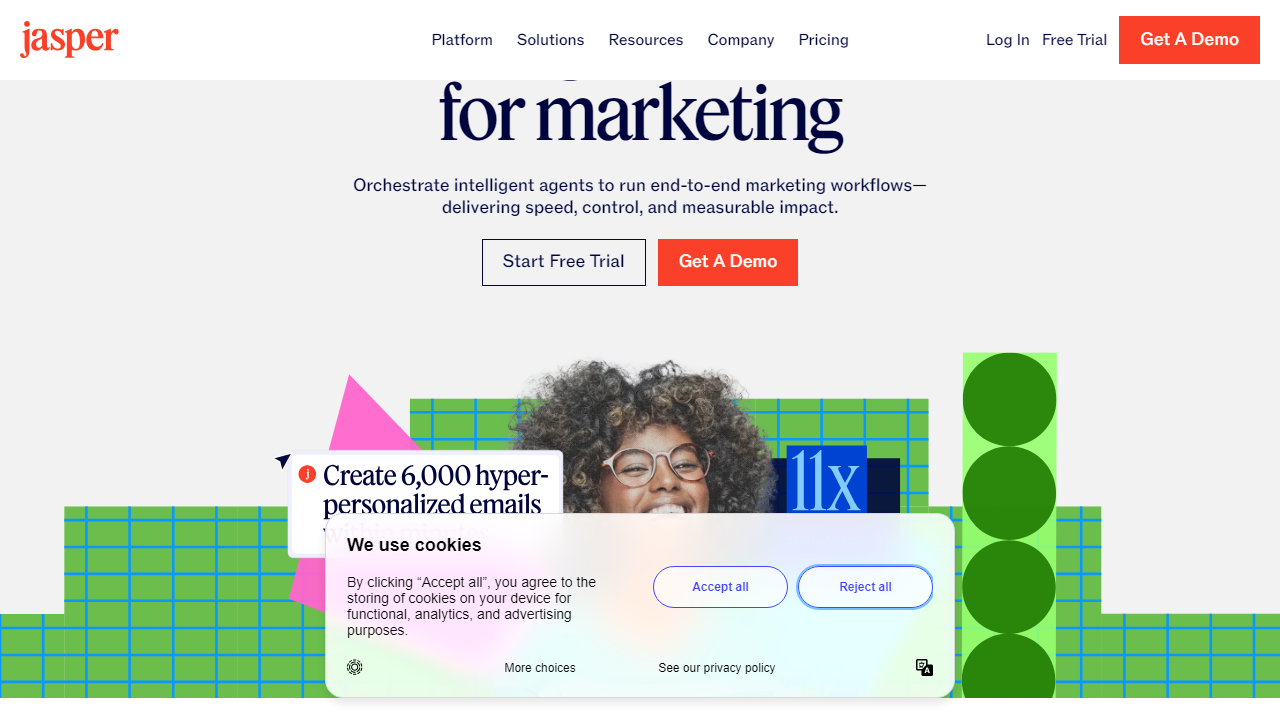
Key Features of Jasper AI
Jasper packs an enormous amount of functionality into its dashboard. Here are the features that matter most for beginners and will drive the majority of your output quality.
Jasper Chat
The chat interface functions similarly to ChatGPT but with one critical difference: it has access to your Brand Voice settings and company knowledge base. You can ask Jasper to draft a LinkedIn post, brainstorm 20 blog headline variations, or rewrite a paragraph in a more authoritative tone — all in a conversational back-and-forth. For beginners, this is the fastest way to start producing usable content on day one without learning any templates.
Document Editor and Long-Form Mode
Jasper’s document editor is where the serious content work happens. It functions like a lightweight Google Docs with an AI co-writer permanently docked on the right side. You can start from a blank page, use a template to build an outline, then use the “Compose” button to have Jasper write section by section as you guide it. Blog posts of 1,500 to 2,500 words can be drafted in under 20 minutes with this workflow, with the user providing directional prompts at each section break.
Brand Voice Configuration
This is Jasper’s single most powerful differentiator. Navigate to Brand Voice in settings, paste in three to five examples of your best existing content, and Jasper analyzes writing patterns, tone, vocabulary, and sentence structure. After setup, every piece of content generated with that Brand Voice active will default to your style. In our testing, Brand Voice-enabled outputs needed approximately 30% less editing than generic outputs on comparable prompts.
Templates Library
Jasper offers over 50 purpose-built templates in 2026, covering everything from AIDA-framework ad copy and product descriptions to YouTube video scripts and cold email sequences. Each template prompts you for specific inputs — product name, target audience, tone, key benefits — and produces structured output accordingly. For beginners, templates remove the guesswork of prompt engineering and consistently outperform open-ended prompts on their first attempt.
Surfer SEO Integration
Jasper integrates directly with Surfer SEO, allowing you to import a content brief from Surfer into the document editor and write against real-time SEO scoring as you go. The integration costs extra (Surfer subscriptions start at $89/month separately), but for content teams with SEO goals, it turns Jasper into a complete content production pipeline rather than just a drafting tool.
Knowledge Base
Beyond Brand Voice, Jasper allows you to upload company-specific documents — product specs, FAQs, positioning guides — into a Knowledge Base. When activated, Jasper references these documents to ensure factual accuracy about your specific products and services. This dramatically reduces hallucinations on company-specific topics and is essential for any business using Jasper for customer-facing content.
Pricing Plans
Jasper’s pricing in 2026 is tiered by seat count and feature access. All plans are billed monthly with a discount available on annual billing. A 7-day free trial requires a credit card, which is a legitimate friction point worth knowing upfront.
| Plan | Price/mo | Best For | Key Limit |
|---|---|---|---|
| Creator | $49/mo | Solo creators, freelancers | 1 seat, 1 Brand Voice |
| Pro | $125/mo | Small content teams | Up to 5 seats, 3 Brand Voices |
| Teams | $249/mo | Mid-size marketing teams | Up to 10 seats, unlimited Brand Voices |
| Business | Custom | Enterprise organizations | Unlimited seats, SSO, API access |
The most important pricing note for beginners: the Creator plan at $49/month is the realistic entry point. It includes the full document editor, Jasper Chat, all templates, and one Brand Voice — which is everything a solo content creator or small business owner actually needs to get genuine value from the platform. The jump to Pro is only justified once you need multiple Brand Voices or team collaboration features.
Who Should Use Jasper AI?
Best Jasper AI Alternatives
Jasper is excellent but it’s not the only game in town. Depending on your budget and primary use case, one of these alternatives might actually serve you better.
| Tool | Starting Price | Best For | Our Rating |
|---|---|---|---|
| Copy.ai | $36/mo | Short-form copy, GTM workflows | 4.1/5 |
| Writesonic | $16/mo | Budget-conscious bloggers | 3.9/5 |
| ChatGPT Plus | $20/mo | Flexible general-purpose writing | 4.2/5 |
| Rytr | $9/mo | Beginners on a strict budget | 3.6/5 |
Frequently Asked Questions
Final Verdict: Is Jasper AI Worth It in 2026?
After weeks of real-world testing across diverse content types and workflows, the answer for most content-driven businesses is a clear yes — with one important condition. Jasper AI delivers exceptional value when you invest the initial setup time to configure Brand Voice, load your Knowledge Base, and learn which templates match which content tasks. Skip that setup, treat it like a vending machine, and you’ll produce mediocre output and conclude the tool doesn’t work. The tool works. The workflow matters.
For absolute beginners, the learning curve is real but manageable. Jasper Academy walks you through every core feature with practical exercises, and the template library means you can produce publish-ready content within your first hour even without prompt engineering expertise. The $49/month Creator plan is the right starting point — it


