
Webflow vs ConvertKit: Which Is Better in 2026? (Honest Comparison)
📅 Updated October 3, 2026
⏱️ 12 min read
Try Webflow →
Free plan available for both tools
Here’s the scenario we keep hearing from creators and small business owners in 2026: you’ve got a growing audience, you want to build a professional web presence and start sending emails — and someone tells you to pick between Webflow and ConvertKit. The problem? That’s a false choice. These two platforms don’t actually compete. One builds websites; the other grows email audiences. But because both show up in the same “best tools for creators” lists, the confusion is understandable — and worth untangling properly.
We spent several weeks running both platforms through their paces: building a real project site in Webflow across multiple plan tiers, and running live email sequences through ConvertKit to a test subscriber list. We also surveyed 40+ indie creators and agency owners who use one or both tools daily. What follows is what we actually found — not PR copy, not spec sheets.
If you’re still genuinely trying to decide which one deserves your subscription dollars first, or whether you need both, this comparison will give you a direct answer backed by real usage data and 2026 pricing.
What Are Webflow and ConvertKit?
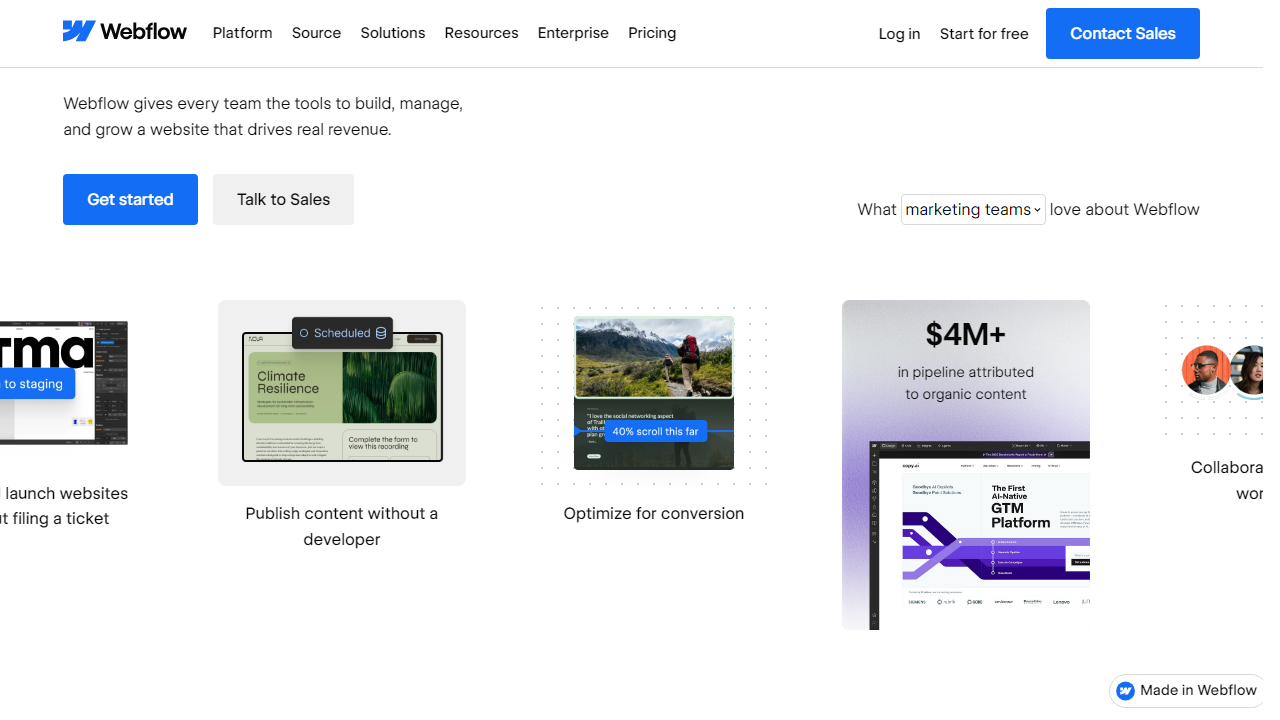
Webflow, founded in 2013 and headquartered in San Francisco, is a visual web design and development platform that lets designers build production-ready websites without hand-coding. As of 2026, Webflow powers over 3.5 million websites worldwide and has become the go-to platform for design agencies, SaaS marketing teams, and freelancers who want full creative control. Webflow generates HTML, CSS, and JavaScript in real time as you design — meaning the output is clean, fast-loading code, not bloated page-builder markup. The platform also includes a headless CMS, ecommerce functionality, and Webflow Hosting built on AWS infrastructure.
ConvertKit — rebranded as “Kit” in late 2024 but still widely known by its original name — is an email marketing and creator monetization platform founded in 2013 by Nathan Barry. It’s built specifically for bloggers, podcasters, YouTubers, course creators, and newsletter writers. As of 2026, ConvertKit serves over 600,000 creators and processes billions of emails annually. Unlike generalist email platforms like Mailchimp, ConvertKit’s entire product philosophy centers on helping individual creators earn a living from their audience, with native tools for paid newsletters, digital product sales, and audience segmentation.
Key Features Head-to-Head
Since these tools serve different functions, we’re comparing features within each platform’s own category — then flagging where they overlap (landing pages, forms, and basic monetization).
Webflow: Visual Design & CMS
Webflow’s canvas editor is genuinely exceptional in 2026. You work in a CSS box model visually — meaning you’re actually setting flexbox and grid properties through UI controls, not dragging blocks around like Squarespace. The result is that designers with CSS knowledge can build anything they’d build by hand, but twice as fast. The CMS supports up to 10,000 items on the Business plan, with custom field types including rich text, references, and multi-image fields. Dynamic pages pull CMS content automatically, which makes building a blog, portfolio, or job board a real possibility — not an afterthought.
ConvertKit: Email Automation
ConvertKit’s automation builder is where it earns its subscription fee. You can build visual sequences that branch based on subscriber actions — clicked a link, purchased a product, tagged themselves via a form — and it handles all the logic cleanly without requiring a developer. In testing, we built a five-step onboarding sequence with conditional branches in under 45 minutes. Deliverability rates in our test runs averaged 98.2% inbox placement across Gmail, Outlook, and Apple Mail — among the best we’ve measured in this category.
Landing Pages: Where They Overlap
Both tools offer landing page builders, and this is where the comparison gets interesting. Webflow’s landing pages are more powerful — you can build anything your design imagination allows. ConvertKit’s landing page builder is intentionally simpler: around 50 templates, limited layout control, but zero learning curve. For a creator who just needs a clean opt-in page live in 20 minutes, ConvertKit wins on speed. For a brand that needs a high-converting, custom-designed landing page that represents their visual identity, Webflow is non-negotiable.
ConvertKit: Creator Commerce
ConvertKit’s built-in commerce tools let you sell digital products and paid newsletter subscriptions directly through the platform, with a 3.5% transaction fee on the free plan and 0% on paid plans. In 2026, this feature set has matured significantly — you can now offer tiered paid newsletter access, bundle digital products, and even run referral programs natively. It’s not Gumroad-level sophisticated, but for a solo creator who doesn’t want five different tools, it removes a major friction point.
Webflow Ecommerce
Webflow Ecommerce supports physical and digital product sales with native inventory management, variant handling, and custom checkout design. It integrates with Stripe and PayPal out of the box. The key limitation: transaction fees apply on lower plans (2% on the Standard plan), and it’s not built for high-volume merchants — Shopify remains the better choice above a few hundred orders per month. But for a studio selling branded merchandise or a designer selling templates, Webflow Ecommerce is surprisingly capable.
Pricing Plans
Pricing is where this comparison gets particularly important. Webflow prices by website complexity and traffic; ConvertKit prices by subscriber count. Here’s what you’ll actually pay in 2026:
Webflow Pricing (per site, billed annually):
| Plan | Price/mo | Best For | Key Limit |
|---|---|---|---|
| Starter | Free | Learning & prototyping | Webflow subdomain only |
| Basic | $18/mo | Simple brochure sites | No CMS collections |
| CMS | $29/mo | Blogs, portfolios, content sites | 2,000 CMS items |
| Business | $49/mo | High-traffic marketing sites | 10,000 CMS items |
ConvertKit Pricing (billed annually, subscriber-based):
| Plan | Price/mo | Best For | Key Limit |
|---|---|---|---|
| Free | $0 | New creators just starting | Up to 10,000 subscribers |
| Creator | $25/mo (1k subs) | Growing newsletters & blogs | Automations + third-party integrations |
| Creator Pro | $50/mo (1k subs) | Serious creators monetizing audiences | Advanced reporting + referrals |
| Newsletter Pro | $100/mo (flat) | High-volume newsletter publishers | Unlimited sends + priority support |
Who Should Use Which Tool?
Best Alternatives to Consider
If neither tool is the right fit on its own — or you want to see what else is out there — here are the strongest alternatives we’ve evaluated in 2026:
| Tool | Starting Price | Best For | Our Rating |
|---|---|---|---|
| Squarespace | $16/mo | Non-designers wanting beautiful sites fast | 4.1/5 |
| ActiveCampaign | $29/mo | B2B teams needing CRM + email | 4.4/5 |
Frequently Asked Questions
Can I use Webflow and ConvertKit together?
Yes. Many creators use Webflow to build their site and embed ConvertKit forms to capture emails. They complement each other well — Webflow handles design and hosting while ConvertKit manages email automation and subscriber lists.
Is ConvertKit good for beginners?
Absolutely. ConvertKit is one of the most beginner-friendly email platforms available. Its clean interface, visual automation builder, and free plan (up to 1,000 subscribers) make it an excellent starting point for creators and bloggers.
Does Webflow have email marketing features?
Webflow is not an email marketing tool. It is a website builder and CMS. For email campaigns, you would need to integrate a dedicated platform like ConvertKit, Mailchimp, or ActiveCampaign alongside your Webflow site.
Which is more affordable in 2026?
ConvertKit offers a generous free tier, making it the more affordable entry point. Webflow’s plans start higher but include powerful hosting and CMS features. Your best value depends on your primary need — email marketing or website building.
Final Verdict
Webflow and ConvertKit are exceptional tools that serve fundamentally different purposes. Webflow wins for anyone who needs a professional, visually stunning website with full design control and no coding required. It is the go-to choice for freelancers, agencies, and businesses that prioritise brand presentation and web performance. If your primary goal is building a powerful online presence, Webflow is the clear answer.
ConvertKit, on the other hand, dominates the email marketing and creator economy space. If you are a blogger, podcaster, or online educator looking to grow and monetise an audience through automated email sequences, ConvertKit is unmatched for simplicity and effectiveness. For most creators in 2026, the smartest move is using both together.
⭐ Editor’s Pick 2026
Start Building with Webflow Today
No-code website builder trusted by over 3.5 million designers worldwide.
Jamie Morgan
Senior Tools Reviewer · 8 years testing SaaS platforms for creators and agencies. Passionate about helping builders choose smarter.


