
Wix vs Mailchimp: Full Comparison 2026 — Which Tool Does Your Business Actually Need?
📅 Updated September 21, 2026
⏱️ 12 min read
Try Wix →
Free plan available on both tools
Here’s a question I get from small business owners constantly: “Should I use Wix or Mailchimp to grow my online presence?” It’s a totally understandable source of confusion — both are household names in the digital tools space, both offer free plans, and both claim to help you market your business. But the honest answer is that comparing them directly is a bit like comparing a hammer to a screwdriver. They’re built for different jobs, and picking the wrong one will leave you frustrated within the first month.
Over the past several weeks, our editorial team spent real time inside both platforms — building test websites in Wix, running live email campaigns through Mailchimp, and pushing the limits of both tools’ marketing features. We didn’t just read the help docs; we actually tested the checkout flows, the automation builders, the template editors, and the support queues. What we found will probably surprise some Wix loyalists and challenge a few Mailchimp assumptions.
This guide covers everything: feature-by-feature breakdowns, 2026 pricing with no sugarcoating, who each platform genuinely serves, and when you might actually need both working together. By the end, you’ll have a clear, confident answer for your specific situation.
What Are Wix and Mailchimp?
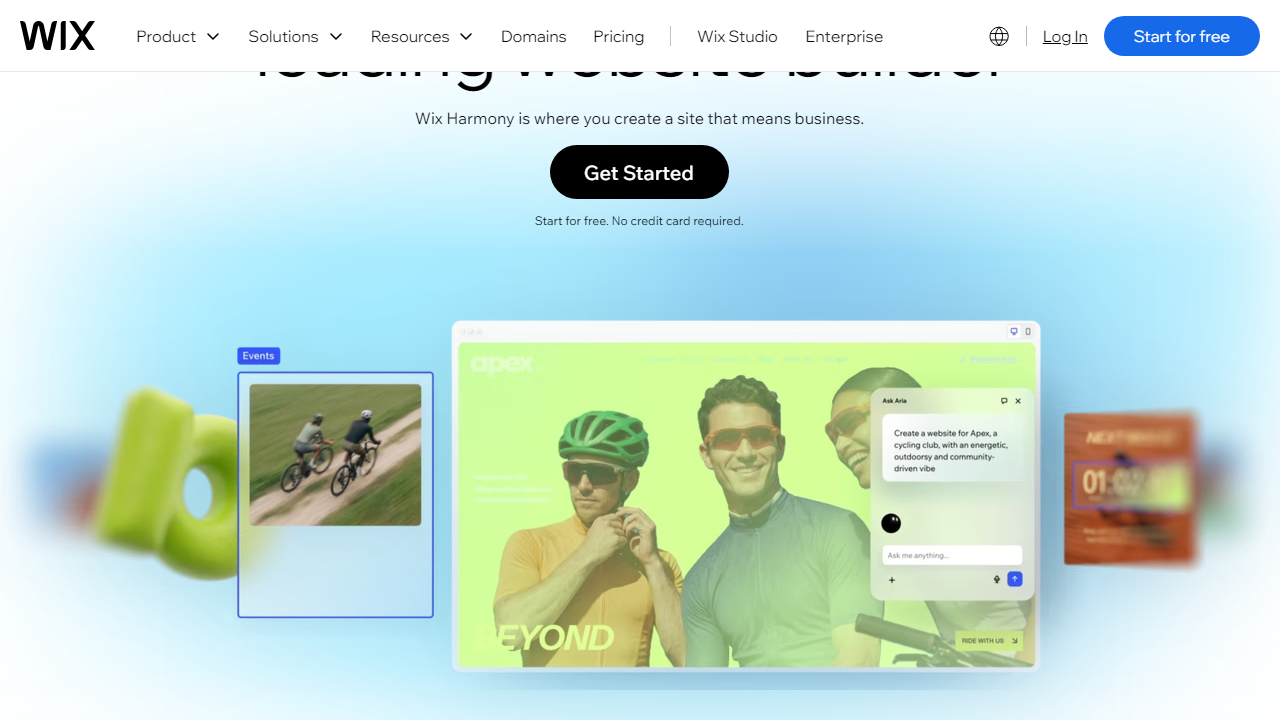
Wix, founded in Tel Aviv in 2006, is primarily a website builder that has steadily expanded into a full small-business operating platform. As of 2026, it hosts over 250 million websites worldwide and has added native ecommerce, booking systems, a CRM, and even its own email marketing tool (Wix Email Marketing) to its suite. The core product remains its visual drag-and-drop editor — still one of the most intuitive in the market — but Wix has been aggressively competing with Squarespace and Shopify by bundling more functionality into each tier.
Mailchimp, founded in Atlanta in 2001 and acquired by Intuit in 2021, started purely as an email marketing platform and has since expanded into a broader “marketing platform” that includes landing pages, a basic website builder, social media scheduling, and even postcards. Despite those additions, email automation remains Mailchimp’s undisputed strength. It powers campaigns for over 13 million businesses globally, and its automation depth, audience segmentation tools, and deliverability reputation are genuinely best-in-class at its price point.
Where things get interesting in 2026: Wix now includes email marketing campaigns natively, and Mailchimp offers a website builder. Neither does the other’s primary job particularly well, but the overlap creates real confusion for buyers who want to consolidate tools. Spoiler: for most businesses, you’ll get the best results using both together — and they integrate directly.
Key Features Head-to-Head
Let’s get specific. Here’s how each platform performs across the features that actually matter to small business owners, freelancers, and growing teams in 2026.
Website Building
Wix is the clear winner here, and it isn’t close. Its drag-and-drop editor lets you place any element anywhere on the page with pixel-level control — something grid-based builders like Squarespace don’t allow. In 2026, Wix’s AI site builder can generate a fully structured, on-brand website in under 3 minutes based on a short questionnaire. Mailchimp’s website builder, by contrast, is template-locked, limited to basic pages, and frankly feels like a 2019 product. It works for a simple landing page, not a real business website.
Email Marketing
Mailchimp is the definitive winner. Its campaign editor supports rich drag-and-drop email design, dynamic content blocks that change per recipient, and a send-time optimization feature powered by predictive analytics. Wix Email Marketing lets you send campaigns to your contact list, but it caps free sends at 200/month and offers no advanced automation. Mailchimp’s free tier sends up to 1,000 emails/month to 500 contacts, and its paid tiers unlock multi-step journeys, behavioral triggers, and pre-built automation sequences numbering over 200.
Marketing Automation
Mailchimp’s Customer Journey Builder is genuinely impressive — you can trigger email sequences based on website visits, purchase history, cart abandonment, or custom tags. Wix’s automation (via “Wix Automations”) covers basics like birthday emails, form follow-ups, and abandoned cart reminders for ecommerce, but the logic depth is nowhere near Mailchimp’s. If you’re building a nurture sequence with 6+ steps and conditional branching, Mailchimp is the only realistic choice between these two.
Ecommerce
Wix ecommerce, available from the Core plan upward ($29/mo), lets you sell physical and digital products, manage inventory, accept payments via Stripe, PayPal, and 70+ other gateways, and run discount codes. Mailchimp integrates with Shopify, WooCommerce, and others to pull in purchase data — but it doesn’t host a store itself. For selling, Wix is the tool.
Analytics and Reporting
Both tools offer decent dashboards at their respective jobs. Wix’s analytics show traffic sources, page views, and basic conversion data. Mailchimp’s email analytics are considerably more detailed: open rates, click maps, revenue per campaign, subscriber lifetime value, and comparative campaign performance. For understanding how your marketing is actually performing, Mailchimp’s reporting is a full tier better.
Pricing Plans
Pricing is where both tools have drawn criticism in 2026. Wix has restructured its tiers, while Mailchimp’s contact-based pricing continues to sting growing lists. Here’s the full breakdown — all prices reflect monthly billing; annual billing saves roughly 20% on both platforms.
Wix Pricing (2026):
| Plan | Price/mo | Best For | Key Limit |
|---|---|---|---|
| Free | $0 | Testing & hobbyists | Wix subdomain, ads shown |
| Light | $17/mo | Personal sites & portfolios | 2GB storage, no ecommerce |
| Core | $29/mo | Small businesses & stores | 50GB storage, basic analytics |
| Business | $36/mo | Growing ecommerce brands | Subscriptions, advanced shipping |
Mailchimp Pricing (2026):
| Plan | Price/mo | Best For | Key Limit |
|---|---|---|---|
| Free | $0 | Beginners under 500 contacts | 1,000 sends/mo, Mailchimp branding |
| Essentials | $13/mo | Small lists, basic automation | 500 contacts base (scales up) |
| Standard | $20/mo | Growing businesses, A/B testing | $135/mo at 10K contacts |
| Premium | $350/mo | Large orgs, advanced segmentation | Unlimited seats, phone support |
The real sticker shock with Mailchimp comes when your list grows. At 10,000 contacts, you’re paying $135/month on Standard — and if you jump to 50,000 contacts, you’re approaching $350/month before hitting Premium. Budget accordingly if you’re planning aggressive list building in 2026.
Who Should Use Which Tool?
Best Alternatives to Wix and Mailchimp
Neither tool is perfect for every use case. Here are four alternatives worth considering in 2026, depending on your primary need.
| Tool | Starting Price | Best For | Our Rating |
|---|---|---|---|
| Squarespace | $23/mo | Design-focused websites | ⭐ 4.3/5 |
Frequently Asked Questions
Can I use Wix and Mailchimp together?
Yes. Wix integrates natively with Mailchimp, letting you sync contact forms and store customers directly into your Mailchimp audience lists. This combo works well if you want Wix for your website and Mailchimp purely for advanced email automation.
Is Wix Email Marketing free?
Wix offers a free email marketing plan that allows up to 200 emails per month with Wix branding. Paid plans remove branding and significantly increase sending limits, starting at a low monthly cost bundled with your website subscription.
Which is better for eCommerce email marketing?
Mailchimp edges ahead for eCommerce email automation, offering abandoned cart recovery, product recommendations, and predictive segmentation. However, if your store already runs on Wix, its built-in tools provide a seamless, lower-cost alternative for smaller catalogs.
Does Mailchimp build websites?
Mailchimp offers a basic website builder, but it is far less capable than Wix. It suits simple landing pages for campaigns rather than full business websites. If you need a professional online presence alongside email marketing, Wix is the stronger all-in-one choice.
Final Verdict
These two platforms solve fundamentally different problems. Wix is the clear winner if you need a complete online presence — a polished website, online store, booking system, and basic email marketing under one roof at an affordable price. It removes the complexity of juggling multiple tools and is ideal for small businesses, creatives, and service providers starting or scaling in 2026.
Mailchimp wins when sophisticated email automation, deep audience segmentation, and multi-channel campaign analytics are your top priority. Established businesses with a large subscriber list and dedicated marketing teams will extract far more ROI from Mailchimp’s advanced feature set. For most entrepreneurs building from scratch, though, Wix delivers more value per dollar.
⭐ Editor’s Pick 2026
Best All-In-One Platform for Small Businesses
Build your website, launch your store, and send email campaigns — all from one dashboard.
Jordan Mills
Digital Tools Editor · 8 years reviewing SaaS platforms · Last updated January 2026


