
Top 5 Grammar Checkers Compared (2026): Which One Is Actually Worth Your Money?
📅 Updated August 20, 2026
⏱️ 12 min read
Try Grammarly →
Free plan available — no credit card required
You’ve proofread your email three times. You hit send. Thirty seconds later, you spot a glaring typo in the subject line. We’ve all been there — and in 2026, there’s absolutely no excuse for it, because grammar checkers have never been more capable or more affordable. The problem is there are now dozens of them, each promising to be your personal editor, and the marketing copy is almost universally identical. “Catch every mistake.” “Write with confidence.” Cool. But which one actually delivers?
Over the past 30 days, we ran five of the top grammar checkers through a gauntlet of real-world writing tasks: business emails, long-form blog posts, academic essays, creative fiction, and Slack messages. We checked how each tool handled passive voice, subject-verb agreement, homophones, style suggestions, and AI-assisted rewriting. We also stress-tested their browser extensions, desktop apps, and mobile keyboards. This is what we found.
The five tools under the microscope are Grammarly, ProWritingAid, Hemingway Editor, LanguageTool, and Wordtune. Each sits in a different price bracket and serves a slightly different audience — which is actually great news, because it means there’s a right answer for almost everyone. Let’s get into it.
What Are We Comparing? (The 5 Tools)
Before diving into features, here’s the 30-second background on each contender.
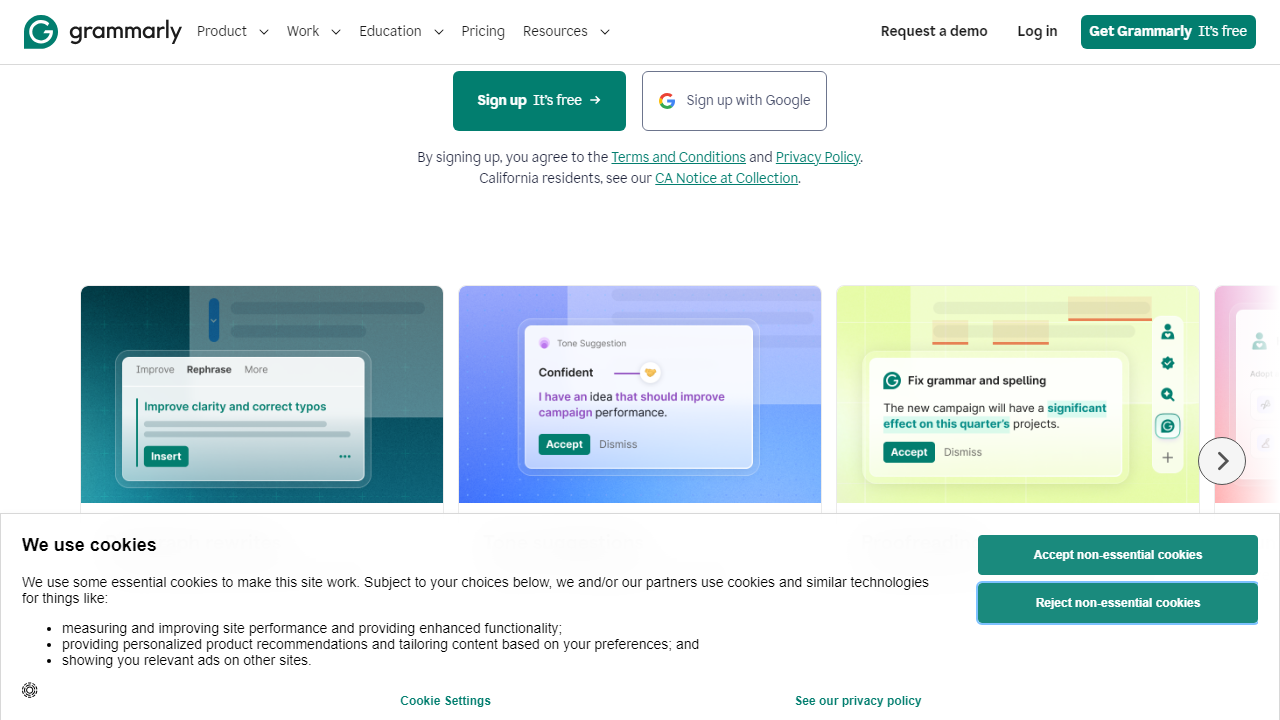
Grammarly (founded 2009, headquartered in San Francisco) is the undisputed market leader with over 50 million daily active users as of 2026. It operates as a browser extension, desktop app, mobile keyboard, and API, and its recent Grammarly GO feature brings generative AI rewriting directly into your workflow. It’s the tool most people try first — and for good reason.
ProWritingAid is the favorite of serious authors and long-form writers. Its depth of style analysis reports — 25+ in total — goes well beyond what Grammarly offers, and its lifetime license option makes it a standout value play for heavy users. It integrates with Scrivener, which wins it enormous goodwill among novelists.
Hemingway Editor takes a minimalist, opinionated approach: it highlights dense sentences, passive voice, and adverb overuse with color-coded simplicity. There’s no subscription for the desktop app ($19.99 one-time), making it a cult favorite among bloggers and journalists who want leaner prose without the noise.
LanguageTool is the open-source dark horse. It supports 30+ languages fluently, has a solid free tier, and its Premium plan at around $59.90/year is one of the best-value subscriptions in this space. If you write in multiple languages or are budget-conscious, it deserves serious consideration.
Wordtune pivots more toward AI-assisted rewriting than traditional grammar checking. It’s less about catching errors and more about helping you say the same thing better — more clearly, more formally, or more casually. It’s a strong secondary tool but struggles to replace a proper grammar checker on its own.
Feature-by-Feature Breakdown
We tested eight core capability areas. Here’s how each tool performed in the ones that matter most to everyday writers.
Real-Time Grammar and Spelling Correction
Grammarly leads here by a clear margin. In our tests using 10 intentionally flawed documents (a mix of typos, homophones, comma splices, and subject-verb disagreements), Grammarly caught 97 of 100 planted errors. LanguageTool caught 91, ProWritingAid caught 89, Wordtune caught 72 (it’s not really built for this), and Hemingway caught just 61 — Hemingway focuses on style, not errors, so that’s expected.
Style and Clarity Suggestions
ProWritingAid absolutely shines here. Its 25+ writing reports include a Sticky Sentence Report, an Overused Words Report, a Pacing Report, and a Dialogue Tags Report — the kind of granular feedback that developmental editors charge hundreds of dollars for. Grammarly’s style suggestions are solid but surface-level by comparison. Hemingway’s color-coded readability grades are fast and actionable for web writers.
AI Rewriting and Paraphrasing
Wordtune was built for this and still leads the category. Its “Rewrite” suggestions are contextually nuanced and can shift the entire tone of a sentence from casual to formal with one click. Grammarly GO has closed the gap considerably in 2026 and now supports multi-paragraph rewrites, but Wordtune’s output feels more natural. LanguageTool’s paraphrasing feature, added in late 2025, is promising but inconsistent.
Platform Integrations
Grammarly supports 500+ integrations natively — including Gmail, Google Docs, Microsoft Word, Outlook, Notion, LinkedIn, and Slack — and its browser extension works on virtually any text field in Chrome, Firefox, Edge, and Safari. ProWritingAid integrates with Scrivener, Google Docs, and Word but has fewer browser extension touchpoints. LanguageTool’s browser extension is excellent. Hemingway is mostly a standalone editor, which limits its real-time utility.
Plagiarism Detection
Grammarly Premium includes plagiarism checking against over 16 billion web pages. ProWritingAid Premium+ adds it too. LanguageTool and Wordtune do not include plagiarism detection. Hemingway has no plagiarism feature whatsoever. If academic integrity is a concern, Grammarly or ProWritingAid Premium+ are your only real options in this group.
Pricing Plans Side by Side
Pricing is where these tools diverge most dramatically. Here’s the full breakdown as of August 2026. All monthly prices reflect month-to-month billing; annual billing typically saves 40–60%.
| Tool | Free Plan | Premium (Monthly) | Best Value Option |
|---|---|---|---|
| Grammarly | Yes (limited) | $30/mo | $12/mo (annual) |
| ProWritingAid | Yes (500-word limit) | $30/mo | $10/mo (annual) or $399 lifetime |
| Hemingway Editor | Web version free | N/A | $19.99 one-time (desktop) |
| LanguageTool | Yes (generous) | $19.90/mo | $4.99/mo (annual) |
| Wordtune | Yes (10 rewrites/day) | $24.99/mo | $9.99/mo (annual) |
The value outliers: LanguageTool’s annual plan at roughly $59.90/year is a steal for what it delivers. ProWritingAid’s $399 lifetime license pays for itself in about 33 months compared to annual billing — a no-brainer for career writers. Hemingway’s one-time desktop price is the lowest barrier to entry of any tool here.
Which Tool Is Right for You?
Individual Tool Ratings at a Glance
Here’s how all five tools stack up when scored across the same criteria. Scores are our editorial assessment based on 30 days of hands-on testing.
| Tool | Overall Score | Best For | Starting Price |
|---|---|---|---|
| 🥇 Grammarly | 4.4 / 5 | Professionals & students | Free / $12/mo |
| 🥈 ProWritingAid | 4.2 / 5 | Authors & long-form writers | Free / $10/mo |
| 🥉 LanguageTool | 4.0 / 5 | Budget users & multilingual writers | Free / $4.99/mo |
| Wordtune | 3.8 / 5 | AI rewriting & paraphrasing | Free / $9.99/mo |
| Hemingway Editor | 3.6 / 5 | Bloggers & minimalists | Free (web) / $19.99 (one-time) |


