Squarespace Free Plan Review 2026: Is It Enough for a Real Website?
📅 Updated October 9, 2026
⏱️ 9 min read
Try Squarespace →
14-day free trial — no credit card needed
Every week, someone types “Squarespace free plan” into Google expecting to find a forever-free website builder — the kind Wix and WordPress.com have offered for years. What they actually find is a 14-day trial that, while genuinely impressive, disappears the moment they decide not to pay. We’ve spent the past month building test sites on Squarespace, dissecting every limitation of the free tier, and comparing it against five direct competitors to give you an honest answer: is the Squarespace free plan enough in 2026?
The short answer is: it depends entirely on what you mean by “enough.” For evaluating whether Squarespace suits your workflow before committing real money? Absolutely. For running an actual public-facing website at zero cost indefinitely? No — and Squarespace is not shy about that reality if you read the fine print. The company positions its trial as a sandbox, not a free tier, and once you understand that framing the whole experience makes a lot more sense.
In this review, we’ll walk through exactly what you get during those 14 days, what gets locked the moment the trial expires, how Squarespace’s paid plans stack up on price, and which alternatives genuinely offer a free option without a ticking clock.
What Is Squarespace?
Squarespace is an all-in-one website builder and hosting platform founded in 2003 by Anthony Casalena — famously bootstrapped in a college dorm at the University of Maryland before becoming one of the most recognized names in the website-builder space. By 2026, the company reports over 4.4 million paying subscribers and hosts websites across portfolio, blogging, small business, and e-commerce categories. It went public on the NYSE in May 2021 and has since expanded aggressively into email marketing, scheduling tools (via Acuity Scheduling), and AI-assisted design features it now markets as “Squarespace Blueprint.”
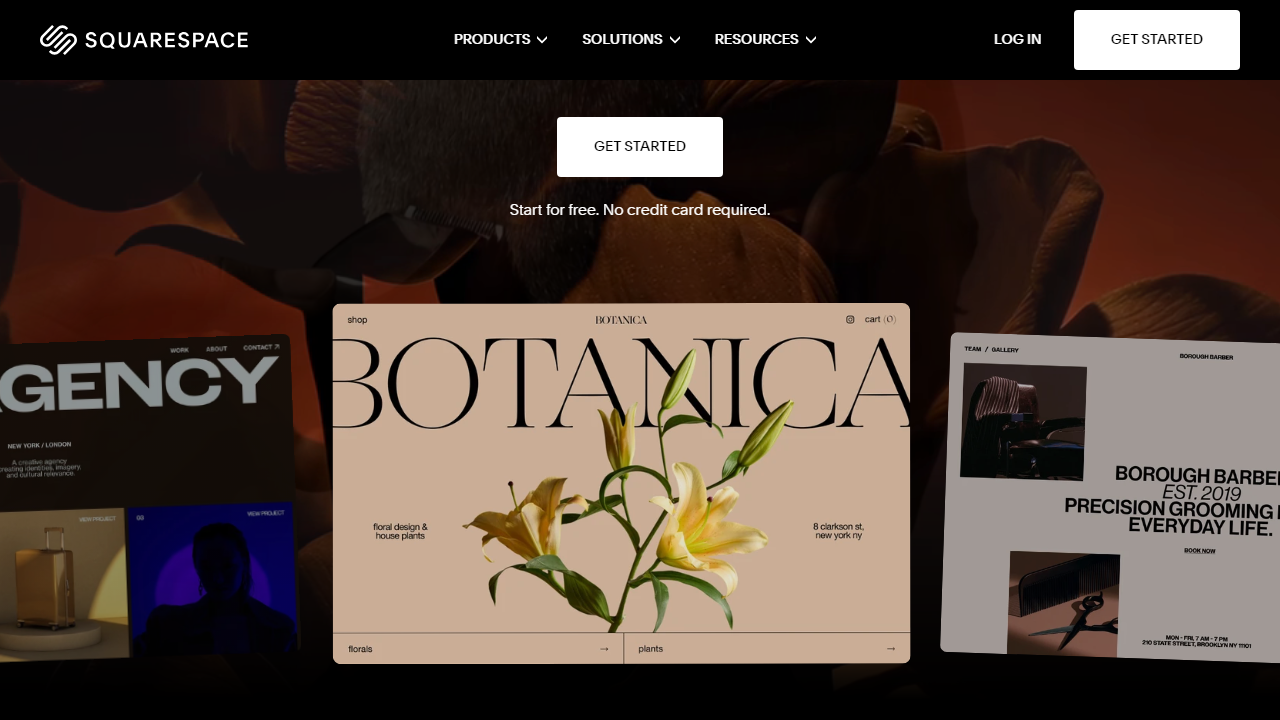
The platform’s core value proposition has always been design quality. Squarespace templates are widely regarded as the most polished in the website-builder category — they consistently attract photographers, architects, creative agencies, and lifestyle brands who want a site that looks bespoke without hiring a developer. That strength carries through even during the free trial, where you get full template access with no degraded design features.
What Squarespace does not offer — and has never offered — is a genuine free tier. Unlike Wix (which lets you publish and maintain a site at no cost forever, albeit with ads and a branded subdomain) or WordPress.com (which offers a permanent free blog), Squarespace’s free period is time-gated at 14 days. After that, the site becomes inaccessible to anyone but you unless you upgrade.
What the Squarespace Free Plan Actually Includes
During the 14-day trial, Squarespace opens the full platform to you — there’s no feature-stripped “lite” mode. Here’s what you actually get, and what you don’t:
Template Library and Design Editor
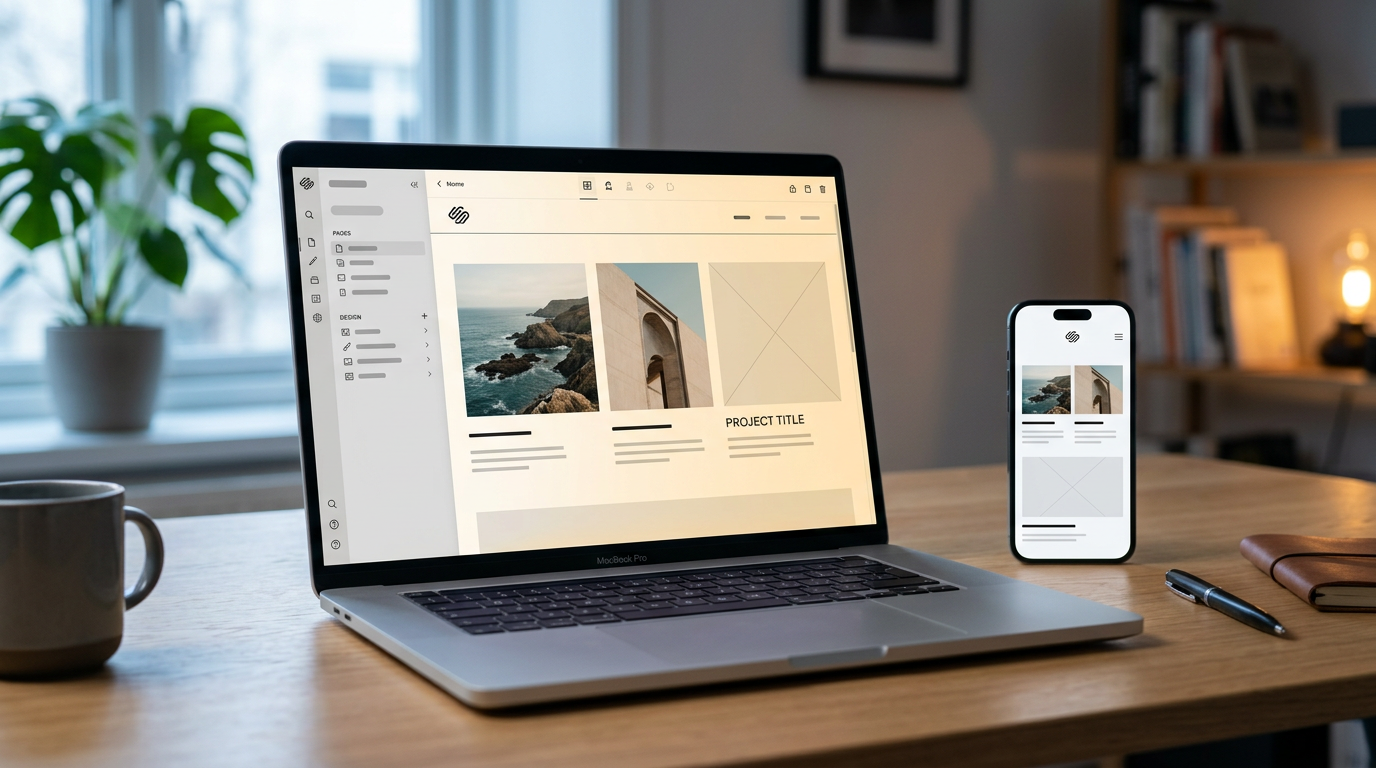
All 160+ templates are available during the trial with zero restrictions. The section-based editor (updated significantly in Squarespace 7.1 and further refined in 2025) lets you rearrange content blocks, swap fonts from a curated library of 1,000+ Google Fonts pairings, and customize color palettes globally. The design experience is genuinely best-in-class — we built a full photography portfolio site in about 90 minutes without touching a line of code.
Blogging and Content Tools
The full blog module is accessible during the trial, including categories, tags, author profiles, RSS feed generation, and AMP support. You can draft and schedule posts, embed audio and video, and even enable comments. The only catch: none of this content is publicly visible to anyone visiting your URL after the trial expires.
SEO Settings
Squarespace exposes title tags, meta descriptions, URL slugs, canonical tags, and an auto-generated sitemap during the trial. The built-in SEO checklist is a genuinely useful feature for beginners. However, since your site isn’t indexable by search engines during the trial (Squarespace correctly sets a noindex tag by default on trial sites), any “SEO work” you do is purely preparation.
Analytics Dashboard
Traffic analytics, unique visitor counts, geographic data, and traffic-source breakdowns are all accessible — though you’ll have almost nothing to measure if you haven’t shared your trial URL with anyone. Think of this more as a preview of what you’d monitor post-launch.
What’s Locked Even During the Trial
E-commerce checkout and payment processing are completely disabled — you cannot accept a single transaction during the trial. Custom domain connection is also locked; your site lives at a yourname.squarespace.com subdomain throughout. Email campaigns require an active paid plan. Perhaps most frustratingly, the “Squarespace” badge appears on your site footer during the trial and cannot be removed without paying.
Pricing Plans
Once the 14-day trial ends, here’s what you’re looking at. All prices below are billed annually; monthly billing runs roughly 30–40% higher across each tier.
| Plan | Price/mo (Annual) | Best For | Key Limit |
|---|---|---|---|
| Free Trial | $0 (14 days) | Evaluating the platform | No publishing, no e-commerce |
| Personal | $16/mo | Portfolios, blogs, resumes | No e-commerce; 2 contributors |
| Business | $23/mo | Small businesses, basic stores | 3% transaction fee on sales |
| Commerce Basic | $28/mo | Online stores, product catalogs | No abandoned cart recovery |
| Commerce Advanced | $52/mo | Scaling stores, subscriptions | Full features; 0% transaction fee |
It’s worth noting that Squarespace frequently offers 10–20% discount codes through podcast sponsorships and affiliates. Even so, the Personal plan at $16/month is noticeably pricier than Wix’s comparable tier ($13/month) and significantly steeper than WordPress.com’s Starter plan ($9/month). You’re paying a design premium — and for many users, it’s worth it.
Who Should Use the Squarespace Free Trial?
Best Squarespace Alternatives With Real Free Plans
If a permanent free website is what you actually need, these platforms deliver — each with meaningful limitations of their own, but without a 14-day countdown.
| Tool | Starting Price | Best For | Our Rating |
|---|---|---|---|
| Wix | Free forever / $13/mo paid | Flexible free sites, small biz | 4.3/5 |
| WordPress.com | Free forever / $9/mo paid | Bloggers, content publishers | 4.1/5 |
| Webflow | Free (2 pages) / $14/mo paid | Designers, developers, agencies | 4.4/5 |
| Weebly | Free forever / $10/mo paid | Beginners, simple sites | 3.4/5 |
Wix is the closest direct competitor for most Squarespace shoppers. Its free plan shows ads and uses a Wix-branded subdomain, but your site stays online indefinitely and you can publish to the public from day one. The template quality doesn’t match Squarespace, but the gap has narrowed significantly with Wix’s AI-assisted design tools in 2026. Webflow’s free tier is genuinely powerful for developers willing to climb its steeper learning curve.
Frequently Asked Questions
No. Squarespace offers a free trial (typically 14 days) but no permanent free tier. After the trial ends, you must upgrade to a paid plan to keep your site live and accessible to visitors.
Not publicly. During the trial your site runs on a Squarespace subdomain and remains password-protected. A custom domain only goes live once you activate a paid subscription.
Yes. Its drag-and-drop editor, AI-assisted design tools, and curated templates make it one of the most beginner-friendly builders available. Most users publish a polished site within a few hours, no coding required.
Your site is paused and hidden from the public, but your content is saved. You can return and upgrade at any time to reactivate everything without rebuilding from scratch.
Final Verdict
Squarespace’s free trial is genuinely useful for exploring the platform, but it is not a substitute for a real, publicly accessible website. If your goal is to test templates, experiment with layouts, or prototype a design before committing, the trial delivers excellent value. However, anyone serious about building an online presence — whether a portfolio, small business, or blog — will need to move to a paid plan to remove the password gate, connect a custom domain, and unlock essential features like SEO controls and analytics.
Compared to competitors that offer limited free tiers, Squarespace’s approach is more honest: you get full access to premium tools for two weeks, then pay for what you use. The Personal plan remains competitively priced for the design quality and reliability you receive. For creators who prioritise aesthetics and ease of use over raw flexibility, Squarespace in 2026 is still one of the strongest choices on the market.
⭐ Editor’s Pick
Ready to build your real website?
Start your free 14-day trial — no credit card required.
Editorial Team
Reviewed and updated for 2026. Our writers test every platform hands-on before publishing a verdict. We may earn a commission via affiliate links at no extra cost to you.