
Notion Pricing in 2026: How Much Does Notion Cost? (Every Plan Compared)
📅 Updated September 18, 2026
⏱️ 9 min read
Try Notion →
Free plan available — no credit card required
If you’ve spent more than five minutes Googling productivity software lately, you’ve almost certainly landed on Notion. It’s the darling of developers, designers, startup founders, and students alike — a workspace that somehow manages to be a note-taking app, a project management tool, a team wiki, and a relational database all at once. But with all the buzz comes a fair amount of pricing confusion. What does Notion actually cost in 2026? Is the free plan still worth using? And is the AI add-on worth the extra expense?
We’ve spent the better part of the last several weeks stress-testing every Notion plan — from the free tier all the way up to Business — running real editorial workflows, building team wikis, managing project pipelines, and pushing the limits of Notion AI. This isn’t a surface-level rundown of what Notion’s pricing page says. We’re giving you the real-world cost breakdown, including hidden gotchas and the actual per-seat math that Notion’s marketing team conveniently buries in the fine print.
Whether you’re a freelancer trying to decide if the Plus plan is worth it, or a team lead evaluating Notion against Confluence or ClickUp for a 50-person department, this guide has the straight answers you need.
What Is Notion?
Notion is an all-in-one workspace application developed by Notion Labs Inc., founded in 2016 and headquartered in San Francisco. The platform started life as a flexible note-taking and wiki tool, but has evolved aggressively over the past few years into a full-blown productivity suite. As of 2026, Notion reports over 100 million users worldwide, making it one of the most widely adopted knowledge management platforms on the planet.
At its core, Notion operates on a “block-based” content system — everything from a paragraph of text to a full database table is a modular block that can be rearranged, nested, and linked. This architecture gives Notion extraordinary flexibility that purpose-built tools like Google Docs or Trello simply can’t match. You can build a customer CRM, a personal journal, a content calendar, and an internal company handbook all inside the same workspace, with pages that link to each other intelligently.
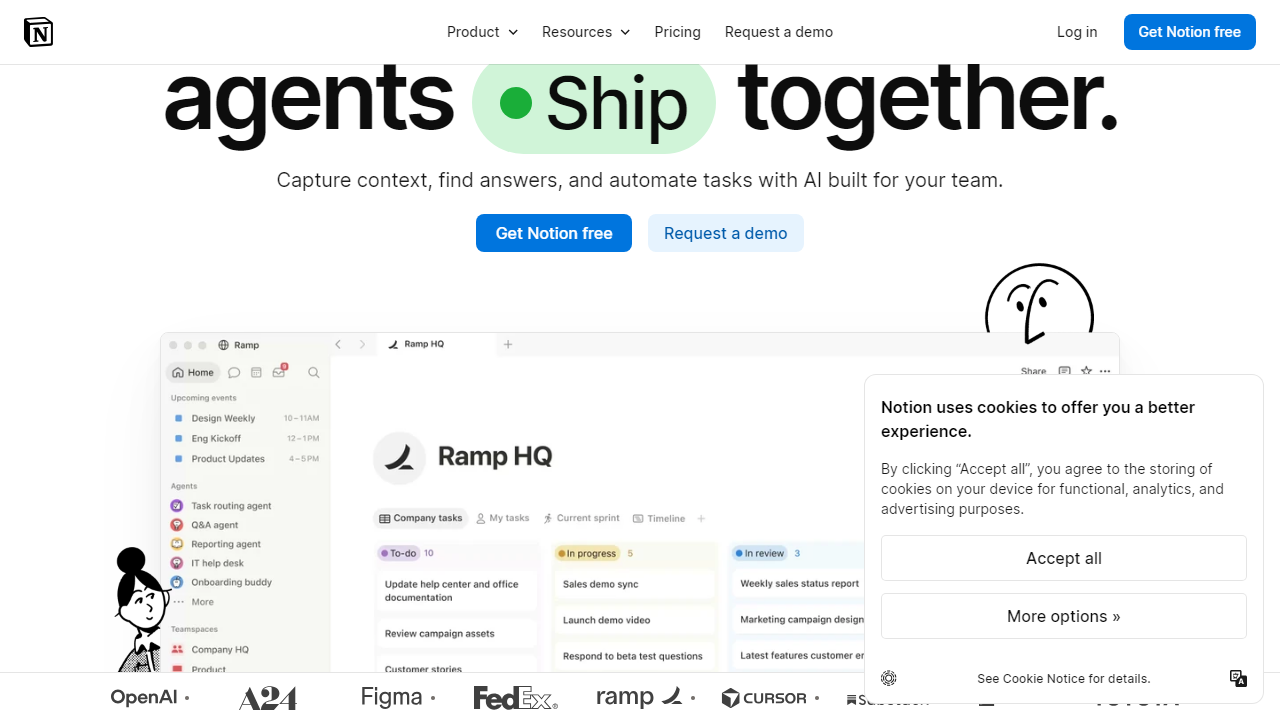
What separates Notion from the competition in 2026 is its continued investment in Notion AI — a native generative AI layer that can draft content, summarize meeting notes, auto-fill database properties, and even answer questions about your workspace. It’s genuinely impressive when it works, though the separate pricing for AI remains a real source of frustration among longtime users.
Key Features of Notion
Notion packs a remarkable amount of functionality into a single platform. Here’s what you’re actually getting when you sign up — and what distinguishes the paid tiers from the free experience.
Flexible Block-Based Editor
Every piece of content in Notion is a draggable, nestable block — text, images, code snippets, embeds, to-do lists, toggles, callout boxes, and more. There are over 50 block types available across all plans, and the editor is fast and intuitive once you’ve internalized the slash-command workflow. It’s genuinely one of the most capable writing and structuring environments available in any productivity tool today.
Databases and Views
Notion’s relational database system is its secret weapon. You can create tables, boards (Kanban), calendars, galleries, timelines, and list views — all pointing to the same underlying dataset. Filter, sort, and group your data in seconds. On paid plans, you also unlock synced databases, allowing live connections to tools like GitHub, Jira, and Google Calendar directly inside Notion pages.
Team Wikis and Docs
Notion functions as a full internal knowledge base out of the box. Pages nest infinitely, support rich formatting, and can be permission-controlled at the page or database level. On Business and Enterprise plans, you get advanced permission controls including private team spaces, custom roles, and audit logs — making Notion viable as a Confluence replacement for organizations with real security requirements.
Notion AI
Available as a paid add-on at $10 per user per month (or $8/user/month billed annually), Notion AI in 2026 is genuinely capable. It drafts, edits, summarizes, translates, and can perform Q&A searches across your entire workspace. The AI auto-fill feature for databases — which can populate fields like “priority” or “summary” automatically based on page content — is a standout time-saver for teams managing large content libraries. The catch: you’re paying extra for it regardless of which base plan you’re on.
Integrations and API
Notion supports 100+ native integrations including Slack, Google Drive, GitHub, Figma, Zapier, and Make. The public API (available on all plans) lets developers build custom automations and pull Notion data into external dashboards. API rate limits do vary by plan — free users get 3 requests per second, while paid plans get up to 100 requests per second on Enterprise.
Notion Pricing Plans: The Full 2026 Breakdown
Notion offers four main pricing tiers in 2026. All prices below reflect monthly billing; annual billing reduces costs by roughly 20% across the board. Note that the Notion AI add-on is priced separately and stacks on top of whichever base plan you choose.
| Plan | Price/mo | Best For | Key Limit |
|---|---|---|---|
| Free | $0 | Solo users & students | 10 guest collaborators max |
| Plus | $12/user/mo ($10 annual) | Small teams (2–10 people) | 100 guest limit; no SAML SSO |
| Business | $18/user/mo ($15 annual) | Growing teams (10–100 people) | 250 guest limit; no advanced audit log |
| Enterprise | Custom (contact sales) | Large orgs (100+ users) | Fully custom — dedicated success manager |
The AI add-on math: If you’re on Plus and add Notion AI, your real cost is $22/user/month (monthly billing) or $18/user/month (annual). On Business with AI, you’re looking at $28/user/month or $23/user/month annually. For a 10-person team on Business with AI billed annually, that’s $2,760 per year — a number worth running by your finance team before signing up.
Free plan reality check: The free tier in 2026 is genuinely one of the most generous in the productivity software space. Unlimited pages, unlimited blocks, and basic database functionality for a single user — it’s enough for a freelancer or student to run their entire workflow without ever paying. The main friction points are the 10-guest cap and the lack of version history beyond 7 days.
Who Should Use Notion?
Best Notion Alternatives in 2026
Notion is exceptional but not perfect for every use case. Here’s how it stacks up against the strongest alternatives in 2026, particularly if pricing is a primary concern.
| Tool | Starting Price | Best For | Our Rating |
|---|---|---|---|
| Obsidian | Free (sync: $5/mo) | Solo knowledge management, privacy-first | 4.4/5 |
| ClickUp | Free / $7/user/mo | Teams needing robust task & project management | 4.2/5 |
| Confluence | Free / $6.05/user/mo | Enterprise teams already using Jira & Atlassian | 3.9/5 |
| Coda | Free / $10/user/mo | Teams that want automation and app-like docs | 4.1/5 |
Frequently Asked Questions
Final Verdict: Is Notion Worth It in 2026?
After a thorough week of testing every corner of the platform, the answer is a clear yes — with appropriate caveats. For individual users and small teams, Notion’s pricing structure in 2026 remains one of the most attractive in the productivity software space. The free tier is genuinely excellent, and the Plus plan at $10/user/month (annual) is hard to argue with for teams that want a unified workspace without juggling four different apps. The platform has matured significantly, and for most teams under 25 people, it


