
Notion AI Cost in 2026: Full Pricing Breakdown, Plans & Is It Worth It?
📅 Updated October 22, 2026
⏱️ 9 min read
Try Notion →
Free trial available
If you’ve typed “how much does Notion AI cost” into Google in 2026, you’re not alone — and the answer is more nuanced than a single price tag. Notion has restructured its AI offering multiple times since its 2023 launch, and by late 2026, the pricing model depends heavily on which Notion base plan you’re on, how many seats your team needs, and whether you’re paying monthly or annually.
We spent two weeks running Notion AI through its paces across a five-person editorial team — drafting content, summarizing 40-page meeting logs, auto-filling database fields, and stress-testing the Q&A workspace search. What we found was a genuinely capable AI assistant that shines brightest for existing Notion power users, but carries a real cost sting if you’re on a budget plan and need to add it as an extra.
This review breaks down every Notion AI pricing tier for 2026, compares it head-to-head with top alternatives, and gives you a straight answer on whether it’s worth paying for — based on your specific situation.
What Is Notion AI?
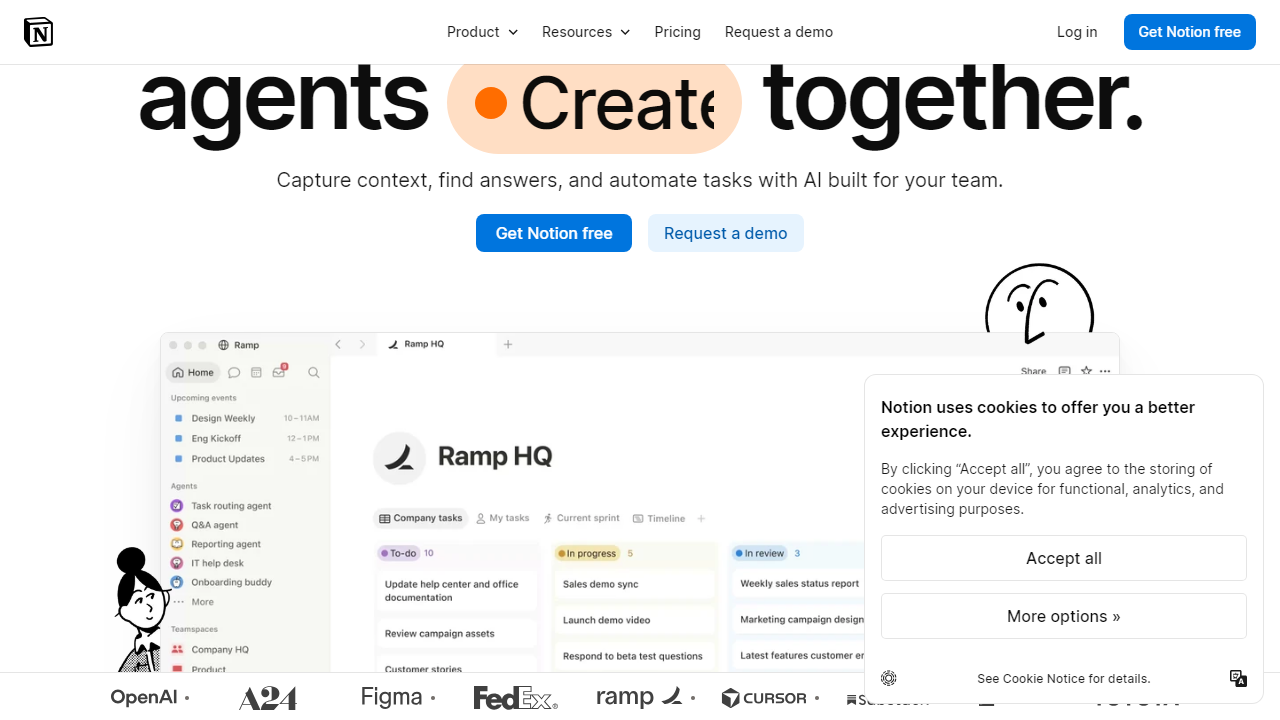
Notion AI is an artificial intelligence layer built directly into Notion’s all-in-one workspace platform. Notion, founded in 2016 and headquartered in San Francisco, reached over 100 million users by 2026, making it one of the most widely used productivity platforms on the planet. The AI features were first rolled out in early 2023 and have since expanded significantly beyond basic text generation into workspace-aware intelligence.
What distinguishes Notion AI from generic AI chatbots is its deep contextual awareness. It doesn’t just write copy — it reads your databases, pages, and project wikis and synthesizes information across your entire workspace. The Q&A feature, for example, lets you ask “What did we decide in last month’s product meeting?” and Notion AI will actually find and summarize the relevant page, not just generate a plausible-sounding answer from training data.
In 2026, Notion AI is powered by a combination of frontier models — including integrations with Anthropic’s Claude and OpenAI’s GPT-4o depending on the task — giving it access to strong underlying intelligence while keeping the experience inside the Notion interface. That model-agnostic approach is a smart differentiator that most competitors haven’t fully replicated.
Key Features of Notion AI
Notion AI has grown well beyond the “write a blog post for me” basic use case. Here are the features that actually move the needle for real teams in 2026.
AI Writing & Editing Assistant
Highlight any block of text and invoke Notion AI to rewrite, shorten, expand, change tone, fix grammar, or translate into 16 supported languages. In our testing, the tone adjustment from “casual” to “executive summary” was genuinely impressive — not just vocabulary swaps, but structural changes. It consistently produces clean first drafts, though longer-form content still benefits from human editing passes.
Workspace Q&A Search
This is Notion AI’s killer feature for teams. Ask any natural language question and it searches across all pages and databases you have access to, returning a cited answer with links to source pages. In a workspace with 500+ pages, this replaces 10–15 minutes of manual hunting with a 10-second query. It works on the Free plan but is significantly more powerful on paid plans where the workspace context window is expanded.
Page & Meeting Summarization
Paste in a meeting transcript or open a long document and hit “Summarize” — Notion AI condenses it into a clean bullet-point summary with action items identified. We tested it on a 6,000-word product strategy document and received a usable 250-word summary in under eight seconds. For teams running heavy documentation workflows, this alone can justify the add-on cost.
Database Auto-Fill
One of the most underrated features: Notion AI can automatically populate database properties based on page content. Add a “Summary,” “Sentiment,” or “Action Items” property to any database and Notion AI fills it in for every page — perfect for CRM notes, feedback trackers, or editorial calendars. This feature is exclusive to paid Notion AI subscribers and saves genuinely hours of manual data entry per week for active database users.
AI Templates & Brainstorming
Notion AI includes purpose-built prompt templates for common tasks: SWOT analyses, PRDs, blog outlines, email drafts, and social content. These are particularly useful for non-writers who need structured output fast. The brainstorming mode generates 10–15 idea variations from a single prompt, which makes it solid for creative kickoffs even if the ideas themselves need refinement.
Notion AI Pricing Plans in 2026
Notion AI pricing in 2026 follows a layered model. The base AI add-on costs $10 per member per month (billed monthly) or $8 per member per month when billed annually. Critically, however, Notion now bundles AI at no extra charge into its Business and Enterprise plans — a meaningful change from 2024 that significantly improves the value proposition for larger teams. Here’s the full breakdown:
| Plan | Price/mo (per member) | Notion AI Included? | Best For |
|---|---|---|---|
| Free | $0 | Add-on: +$10/mo | Solo users testing Notion |
| Plus | $12 (billed annually) | Add-on: +$8/mo (annual) | Small teams & freelancers |
| Business | $18 (billed annually) | ✅ Included free | Growing teams 10–100 people |
| Enterprise | Custom (avg. $25–$35) | ✅ Included free | Large orgs with compliance needs |
The real math for a 10-person team on the Plus plan: You’re paying $120/month for Notion Plus + $80/month for Notion AI = $200/month total. Upgrading to Business costs $180/month and includes AI. The Business plan pays for itself the moment your team has more than eight members who all need AI access — a detail that Notion’s pricing page buries in fine print but that every buyer should know upfront.
Who Should Use Notion AI?
Best Notion AI Alternatives in 2026
Notion AI doesn’t operate in a vacuum. If the pricing doesn’t work for you — or you need more specialized AI capabilities — these alternatives are worth considering seriously.
| Tool | Starting Price | Best For | Our Rating |
|---|---|---|---|
| ChatGPT Plus | $20/mo | Versatile AI writing & reasoning | 4.5/5 |
| Coda AI | $10/mo (AI add-on) | Doc-centric teams needing automation | 4.0/5 |
| Confluence AI (Atlassian) | $6.05/user/mo (included) | Enterprise teams on Jira/Atlassian stack | 3.9/5 |
| ClickUp AI | $7/mo (AI add-on) | Project managers needing task-level AI | 4.1/5 |
Frequently Asked Questions
Final Verdict: Is Notion AI Worth It in 2026?
Here’s the honest answer: Notion AI is worth it for some users and genuinely overpriced for others, and the split comes down almost entirely to one question — are you already a committed Notion user? If you’re on the Business plan and getting AI bundled in for free, the value is undeniable. The Q&A search feature alone saves our team a conservatively estimated 3–4 hours per week in documentation hunting. The database auto-fill turns a tedious 45-minute weekly chore into a one-click job.
Where Notion AI loses points is on the Plus plan, where the $10/member/month add-on pushes the total cost to $22/member/month — higher than many all-in-one competitors that include AI natively. At that price point, the writing quality gap between Notion AI and standalone tools like Claude Pro becomes harder to ignore. Notion AI writes competent copy, but it doesn’t write inspired copy, and for content-heavy teams that distinction matters.
Our recommendation: if your team is 8 or more people and you’re evaluating productivity tools, go straight to the Business