
Make Review 2026: Is This Automation Platform Still Worth It?
📅 Updated July 28, 2026
⏱️ 10 min read
Try Make →
Free plan available — no credit card required
You’re losing hours every week to manual, repetitive tasks — copy-pasting data between apps, firing off the same emails, updating spreadsheets nobody wants to touch. Automation tools promised to fix this, but then you priced out Zapier and nearly fell off your chair. Sound familiar? That’s exactly where Make enters the picture, and it’s been quietly winning over thousands of power users who need serious automation without the premium tax.
Make (rebranded from Integromat in 2022) has matured considerably over the past few years. We spent two weeks stress-testing Make across a range of real-world scenarios — from e-commerce order routing and CRM data syncing to multi-branch lead nurturing workflows — to give you a ground-level honest assessment of whether it deserves a place in your 2026 tech stack.
In this review, we’ll walk through Make’s core features, break down every pricing tier, compare it directly against Zapier, n8n, and Pabbly Connect, and tell you exactly who should use it and who should probably look elsewhere. No fluff, no vendor talking points.
What Is Make?
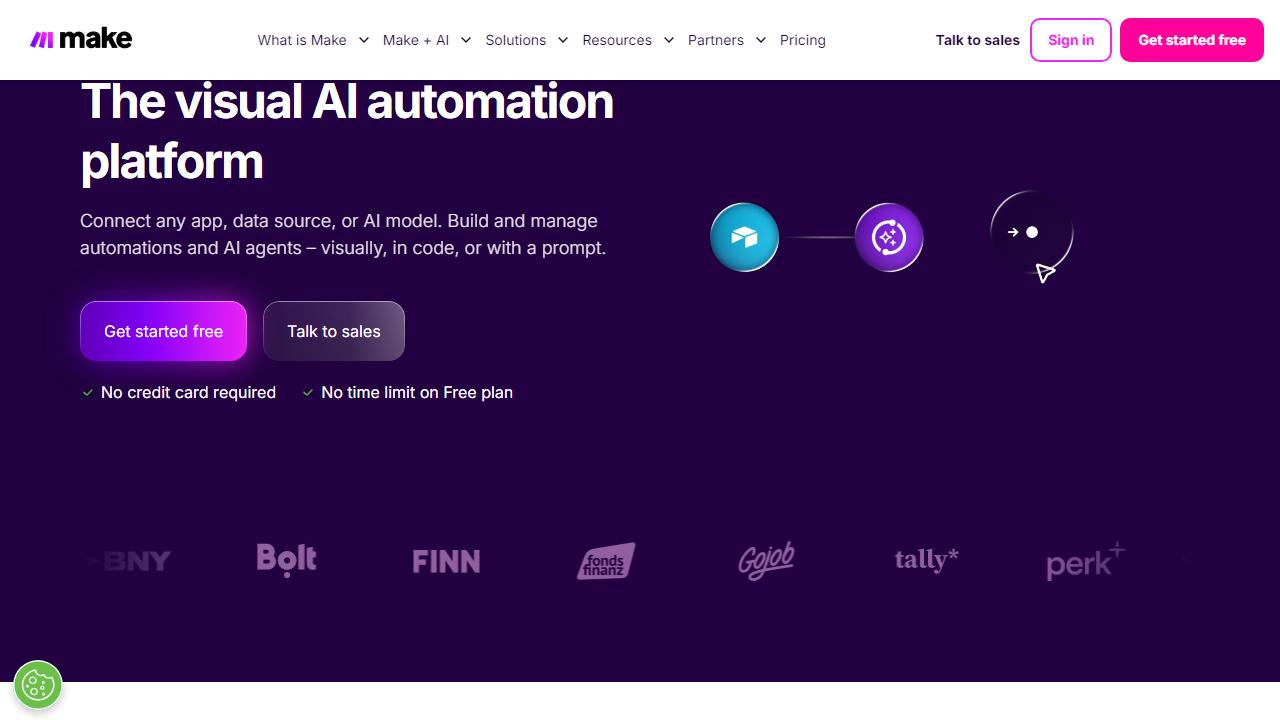
Make is a cloud-based visual automation platform that lets you connect applications and automate workflows — called “scenarios” — using a drag-and-drop canvas. Think of it as a flowchart that actually does things: triggers fire when events happen in one app, and modules execute actions in other apps in response. Unlike linear automation tools, Make’s canvas-style interface lets you build branching, looping, and conditional logic that would take a developer hours to code from scratch.
The platform is developed by Celonis-backed Make (formerly Integromat, founded in Prague in 2012). By 2026, Make serves over 500,000 organizations globally, ranging from solo freelancers to enterprise teams at the likes of Spotify, Heineken, and Panasonic. It supports 1,800+ app integrations — including native modules for Google Workspace, Slack, Salesforce, Shopify, HubSpot, Airtable, OpenAI, and virtually every major SaaS platform you’re likely using.
What sets Make apart from simpler tools is its depth. Each integration isn’t just a surface-level “trigger and action” pair — Make exposes granular API parameters, supports custom HTTP requests, and lets you manipulate data inline using built-in functions. It’s a genuine low-code powerhouse dressed up in a visual interface.
Key Features of Make
Make packs a remarkable amount of functionality into its platform. Here are the features that actually matter when you’re building real-world automations.
Visual Scenario Builder
Make’s canvas-based builder is the standout feature and the main reason power users choose it over Zapier. You can see your entire workflow at a glance — branches, routers, iterators, aggregators — laid out visually like a circuit diagram. When you’re building a 12-step scenario that handles three different customer paths, being able to zoom out and follow the logic visually is a genuine productivity multiplier. It has a small learning curve, but once it clicks, you won’t want to go back to a linear list-based builder.
Routers and Conditional Logic
Make’s Router module lets you split a single workflow into multiple parallel paths based on filter conditions. For example: if a new Shopify order is over $500, route it to a VIP fulfillment workflow; if it’s under $50, route it to a standard flow. You can add unlimited filter conditions using Make’s built-in operators, and you can stack multiple routers in a single scenario. This is functionality that Zapier charges extra for via its Paths feature on higher-tier plans.
Data Transformation Tools
Make includes a library of over 100 built-in functions for transforming data within your workflows — string manipulation, date formatting, math operations, array functions, and more. You can parse JSON, extract regex matches, or map fields between apps without needing a separate code step. The inline formula editor is straightforward once you get familiar with it, and the official documentation covers every function with examples.
Iterators and Aggregators
Iterators let you loop through arrays — say, processing each line item in an order individually — while Aggregators collect multiple bundles back into a single output, like compiling a batch of records into one email digest. These are advanced capabilities that most no-code platforms either don’t support or bury behind expensive tiers. In Make, they’re available on every plan including the free tier.
Webhooks and Real-Time Triggers
Make supports both scheduled triggers (as frequently as every 1 minute on paid plans) and instant webhook-based triggers. You get a unique webhook URL that third-party apps can ping to fire your scenario immediately, with no polling delay. On the free plan, the minimum polling interval is 15 minutes — worth knowing if your use case requires near-real-time execution.
Error Handling and Scenario History
Every scenario run is logged with full input/output data for each module, which is invaluable when debugging. Make also supports error handlers — dedicated routes that execute when a module fails — so you can build resilient workflows that alert you on Slack or log errors to a Google Sheet instead of silently dying. Scenario history is retained for 30 days on paid plans and 7 days on the free tier.
Make Pricing Plans (2026)
Make’s pricing model is built around “operations” — essentially each module execution within a scenario counts as one operation. This is a fundamentally different model from Zapier’s task-based pricing, and at scale it’s dramatically more affordable. Here’s how the tiers break down as of mid-2026 (billed annually):
| Plan | Price/mo | Best For | Operations/mo |
|---|---|---|---|
| Free | $0 | Individuals testing automations | 1,000 ops (15-min intervals) |
| Core | $10.59 | Freelancers & small teams | 10,000 ops (1-min intervals) |
| Pro | $18.82 | Growing teams & agencies | 10,000 ops + full history + priority exec |
| Teams | $34.12 | Teams needing collaboration | 10,000 ops + team roles + shared templates |
| Enterprise | Custom | Large orgs with compliance needs | Custom ops + SSO + SLA + dedicated support |
The key pricing insight: on Zapier’s equivalent Professional plan, 10,000 tasks run you roughly $73.50/month. Make’s Core plan handles 10,000 operations for $10.59/month. Given that a simple two-step Zapier zap uses one “task” while a complex Make scenario with five modules uses five “operations” — you’re still looking at roughly 5–7x cheaper per real-world workflow run at volume. For high-frequency automations, this difference is enormous over a year.
Who Should Use Make?
Best Make Alternatives in 2026
Make doesn’t operate in a vacuum. Here’s how it stacks up against the most credible alternatives you should consider before committing:
| Tool | Starting Price | Best For | Our Rating |
|---|---|---|---|
| Make | Free / $10.59/mo | Power users, agencies, complex flows | ⭐ 4.4/5 |
| Zapier | Free / $29.99/mo | Beginners, simple one-step automations | ⭐ 4.1/5 |
| n8n | Free (self-hosted) / $24/mo cloud | Developers, self-hosted, open-source | ⭐ 4.3/5 |
| Pabbly Connect | $19/mo (lifetime deal avail.) | Budget-conscious users, unlimited workflows | ⭐ 3.9/5 |
The short version: choose Zapier if simplicity is your top priority and cost is secondary. Choose n8n if you’re a developer comfortable self-hosting and want maximum control. Choose Pabbly Connect if you’re on a razor-thin budget and need unlimited workflows. Choose Make if you want the best balance of power, flexibility, and price without going full developer mode.


