
Is Wix Worth It in 2026? An Honest, In-Depth Review
📅 Updated August 31, 2026
⏱️ 11 min read
Try Wix →
Free plan available — no credit card required
Building a website in 2026 should be easier than ever — and for the most part, it is. But “easier than ever” still doesn’t tell you which builder to trust with your brand, your time, and your money. Wix has been a household name since the early 2010s, but the platform has changed enormously: AI-driven site generation, a matured ecommerce suite, and a completely overhauled editor that competes directly with tools like Squarespace and Webflow. The question is whether those upgrades are enough to justify the price tag in a crowded market.
We spent three weeks putting Wix through its paces — building sites from scratch across five different business categories, stress-testing the ecommerce tools, digging into SEO settings, and contacting support multiple times. This review reflects real hands-on experience, not a bullet-point repackaging of the Wix marketing page. We’ll tell you exactly what impressed us, what frustrated us, and who should (and shouldn’t) sign up.
What Is Wix?
Wix is a cloud-based website builder founded in Tel Aviv, Israel in 2006. The company went public on the NASDAQ in 2011 and today serves over 260 million registered users across more than 190 countries, making it one of the largest hosted website platforms on the planet. Its core product is a drag-and-drop visual editor that lets anyone create a fully functional website without writing a single line of code.
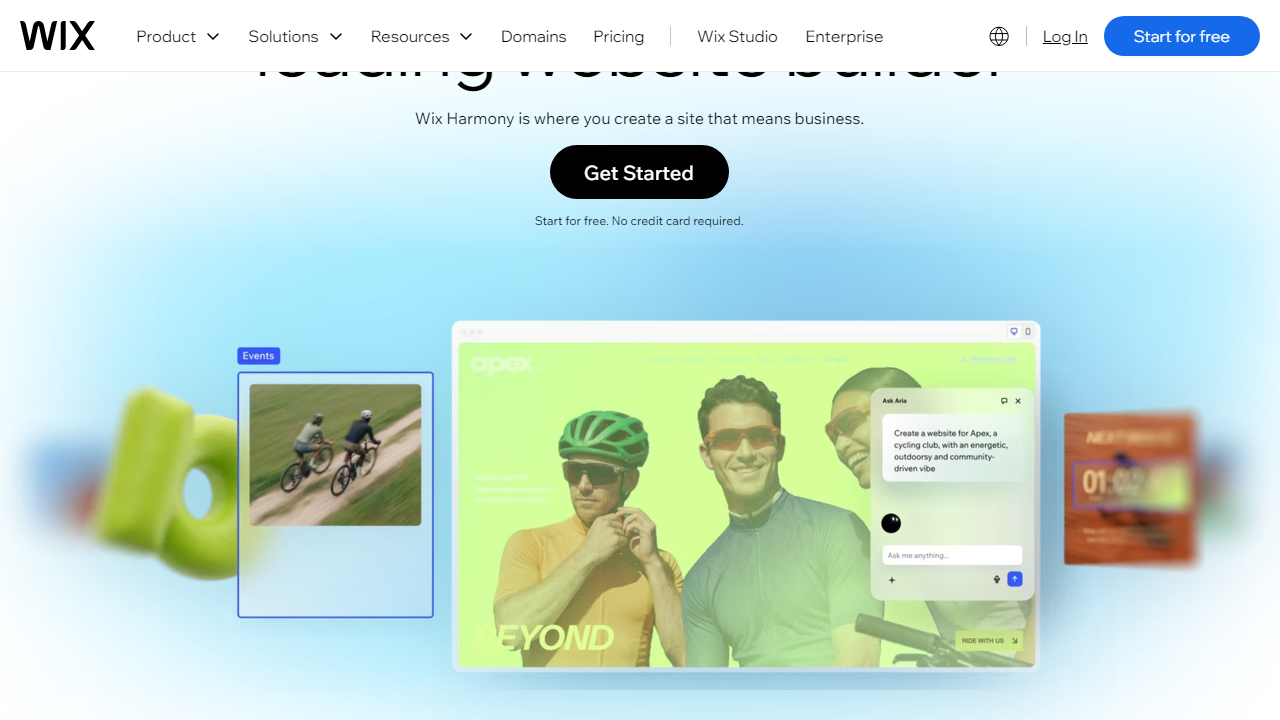
What started as a basic Flash-based page builder has evolved into a genuinely sophisticated platform. Wix now offers purpose-built solutions for restaurants (online ordering and reservations), service businesses (Wix Bookings), online stores (Wix eCommerce), and even enterprise clients through its Wix Studio product. In 2024, Wix launched its AI website generator — you answer a handful of questions about your business, and the tool produces a complete, styled site in roughly 90 seconds. It’s not magic, but it’s impressively functional as a starting point.
The platform operates on a freemium model. You can build and publish a site for free, but you’ll carry Wix branding and a wix.com subdomain. Paid plans start at $17/month and unlock custom domains, more storage, and ecommerce functionality. Wix competes most directly with Squarespace, Weebly, and — for small online stores — Shopify’s entry-level offering.
Key Features of Wix
Wix has packed a lot into its platform over the years. Here are the features that actually matter day-to-day and where the platform either shines or stumbles.
Drag-and-Drop Editor
Wix’s editor is the most flexible pixel-level editor in its class. Unlike Squarespace — which locks you into a grid system — Wix lets you place any element exactly where you want on the canvas. This freedom is genuinely liberating for designers but can lead to messy, un-responsive layouts if you’re not careful. The editor has a proper mobile view that lets you independently adjust the mobile layout, which is a must-have in 2026.
Wix AI Site Builder
Launched in 2024 and significantly improved since, the AI builder asks about your business type, goals, and style preferences, then generates a complete site — pages, copy, images, and structure — in under two minutes. In our test with a fictional photography studio, the output was genuinely usable: well-structured pages, decent placeholder copy, and a cohesive visual style. You still need to customize it, but it eliminates the dreaded blank canvas problem entirely.
Templates
Wix offers over 900 templates organized by industry and purpose. Template quality is consistently high — they’re modern, mobile-responsive, and professionally designed. The critical caveat: once you go live with a template, switching to a different one means rebuilding your site from scratch. Wix does not migrate content between templates. This is the single most complained-about limitation on Wix user forums, and in 2026, it still hasn’t been fixed.
Wix eCommerce
The ecommerce suite supports physical and digital products, subscriptions, dropshipping via Modalyst, and multichannel selling on Instagram and Facebook. Inventory management, abandoned cart recovery, and discount codes are all included on Business plans and above. However, the platform charges a transaction fee (2.9% + $0.30 per transaction via Wix Payments on the Core plan) and lacks the advanced product variant controls that Shopify handles with ease. For stores with under 500 SKUs, it’s perfectly capable. For anything larger, you’ll feel constrained.
SEO Tools
Wix’s SEO has historically been its Achilles’ heel, but the 2024–2026 improvements are real. The SEO Setup Checklist walks you through title tags, meta descriptions, alt text, canonical URLs, and structured data in a guided workflow. The platform now auto-generates sitemaps, supports 301 redirects, and integrates directly with Google Search Console. It’s not as granular as WordPress with Yoast SEO, but it covers 90% of what most small businesses actually need.
Wix App Market
The App Market now hosts over 300 apps — both Wix-built and third-party — covering email marketing (Wix Email, Mailchimp), CRM, live chat, booking systems, restaurant menus, events, and more. Many apps are free; premium tiers run $5–$25/month. The quality varies, but the first-party Wix apps (Bookings, Events, Restaurants) are tightly integrated and genuinely good.
Pricing Plans
Wix restructured its pricing in late 2024. The current 2026 lineup is cleaner than the old tier system, though costs have crept up slightly. All prices below reflect monthly billing; annual billing saves roughly 20–30%.
| Plan | Price/mo | Best For | Key Limit |
|---|---|---|---|
| Free | $0 | Testing only | Wix ads + wix.com subdomain |
| Light | $17/mo | Personal sites, portfolios | 2 GB storage, no ecommerce |
| Core | $29/mo | Small businesses, basic stores | 50 GB storage, basic analytics |
| Business | $36/mo | Growing ecommerce stores | 100 GB storage, subscriptions unlocked |
| Business Elite | $159/mo | High-volume stores, priority support | Unlimited storage, advanced shipping |
The sweet spot for most small businesses is the Business plan at $36/month (annual). That’s where you unlock abandoned cart recovery, subscription products, and the full analytics suite — features that pay for themselves quickly. The Core plan is often advertised heavily but lacks too many critical ecommerce tools to be a serious business option. Light is fine for a brochure site or portfolio.
Who Should Use Wix?
Best Wix Alternatives in 2026
Wix is great, but it’s not the only game in town. Here’s how it stacks up against the most credible alternatives in 2026.
| Tool | Starting Price | Best For | Our Rating |
|---|---|---|---|
| Squarespace | $23/mo | Design-focused brands, portfolios | ★★★★☆ 4.2/5 |
| Shopify | $39/mo | Serious ecommerce at any scale | ★★★★★ 4.7/5 |
| Webflow | $23/mo | Designers who want code-level control | ★★★★☆ 4.3/5 |
| WordPress.com | $9/mo | Bloggers, content-heavy sites | ★★★★☆ 4.0/5 |
The short version: if design aesthetics are your top priority, go Squarespace. If you’re building a store that will grow past 500 orders a month, go Shopify. If you’re a designer who speaks CSS fluently, go Webflow. For everyone else — especially service businesses — Wix is the right default choice.


