
Is Squarespace Good for Beginners? Honest Review 2026
📅 Updated August 24, 2026
⏱️ 11 min read
Try Squarespace →
14-day free trial available — no credit card required
Building your first website can feel paralyzing. You’re staring at a blank screen, Googling “how do I make a website without knowing code,” and drowning in conflicting advice. Someone tells you WordPress is the only serious option. Someone else swears by Wix. And then there’s Squarespace — the one with the sleek ads and the celebrity endorsements — looking polished and promising, but is it actually beginner-friendly or just beginner-marketed?
We spent two full weeks inside Squarespace’s editor in 2026, testing everything from basic page creation to setting up a live online store, importing a blog, and connecting a custom domain. We compared it against Wix, Webflow, Hostinger Website Builder, and WordPress.com at the same skill level a true beginner would bring. What we found was a platform that gets a lot right — but also has a few friction points that the marketing glosses over entirely.
This review covers Squarespace’s full feature set, honest pricing breakdown, who it’s genuinely best for, and the exact situations where you should look elsewhere. By the end, you’ll have a clear answer — no hedging, no “it depends” cop-outs.
What Is Squarespace?
Squarespace is an all-in-one website builder founded in 2004 by Anthony Casalena, who famously built the first version himself in his University of Maryland dorm room. Headquartered in New York City, the company went public in 2021 and as of 2026 powers over 4.7 million live websites globally. It sits firmly in the premium segment of the website builder market — above Wix or Weebly in perceived design quality, but below the raw flexibility of a self-hosted WordPress installation.
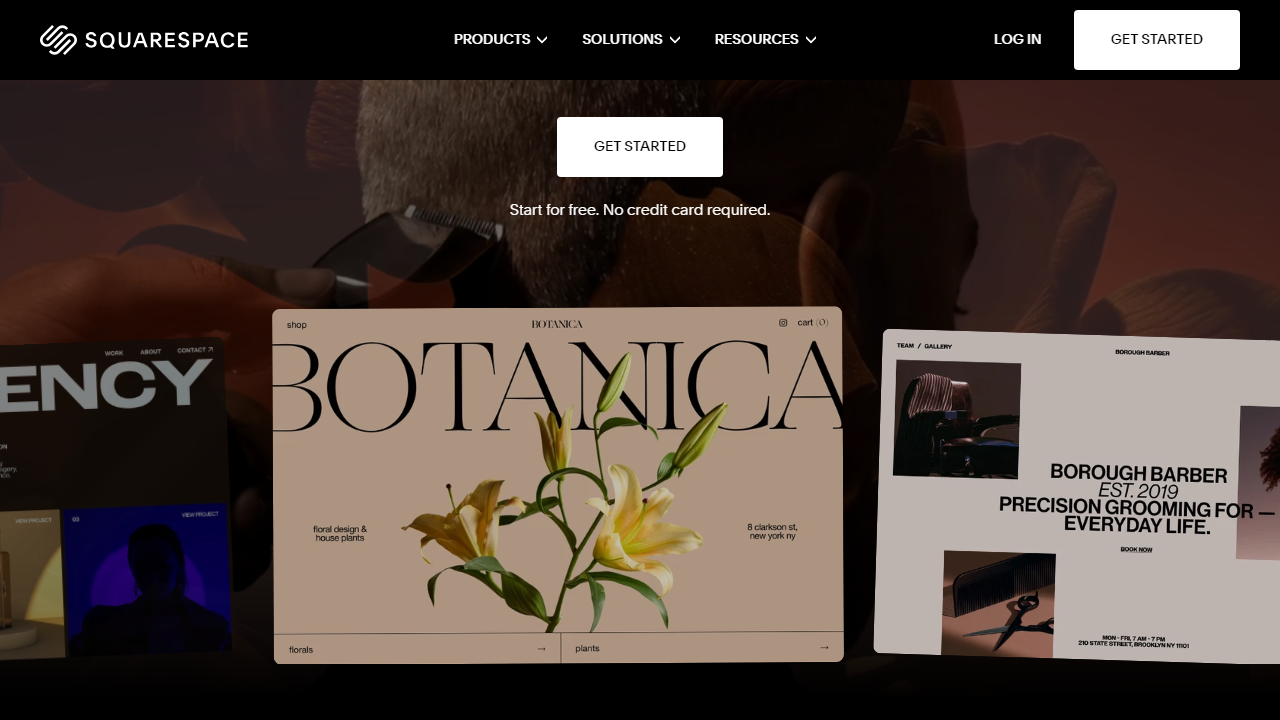
The core promise of Squarespace has always been design-first simplicity: you pick a template, swap in your content, and launch something that looks like a professional agency built it — without hiring one. Over the years, Squarespace has expanded well beyond simple brochure sites. It now includes a full e-commerce suite, scheduling tools (via Acuity Scheduling, which it acquired), email marketing, a member areas feature for paywalled content, and a video studio tool called Squarespace Video Studio for creating social content directly inside the platform.
Squarespace’s sweet spot has always been creative professionals — photographers, designers, consultants, musicians, and small retail brands. But in 2026, its improved Fluid Editor and AI-assisted design tools have made it substantially more accessible to true beginners who have never built a website before.
Key Features of Squarespace for Beginners
Let’s get into what actually matters when you’re building your first site. Here are the features we evaluated most closely through the lens of a beginner user.
The Fluid Editor
Squarespace’s editor has gone through several major overhauls, and the current Fluid Editor — introduced in version 7.1 and refined significantly through 2025 updates — is the best it’s ever been. You click on any element to edit it inline, drag sections to reorder them, and adjust spacing and colors through a clean right-side panel. There’s no intimidating code view, no separate “back-end” to navigate. In our testing, a complete beginner could have a customized homepage live within 90 minutes of signing up. That’s genuinely impressive.
Template Library
Squarespace offers around 180 templates across categories like business, portfolio, blog, restaurant, and online store. Every single one of them is mobile-responsive by default, and the design quality is consistently high — this is where Squarespace objectively beats every competitor. The catch: once you go live with a template, switching to a different one requires rebuilding your content from scratch. This is a meaningful limitation beginners should know upfront, so choose your template thoughtfully at the start.
AI Website Assistant (Blueprint AI)
In 2026, Squarespace’s Blueprint AI feature walks new users through a short questionnaire about their site’s purpose, style preferences, and content needs, then generates a customized starting layout automatically. In our test run, the AI produced a genuinely usable starting point in under 3 minutes — not a generic placeholder, but a structured layout with relevant section suggestions. It won’t replace thoughtful design decisions, but it eliminates the blank-page paralysis that trips up most beginners.
Blogging Tools
Squarespace’s blogging features are solid and beginner-accessible. You get categories, tags, author profiles, RSS feeds, post scheduling, and AMP support. The editor uses a block-based system similar to WordPress’s Gutenberg editor, so adding images, quotes, galleries, or videos to a post is straightforward. One limitation: there’s no built-in comment moderation system beyond basic Disqus integration, which feels dated in 2026.
E-Commerce
Even on the basic Commerce plan, Squarespace supports physical products, digital downloads, and service bookings. Inventory management, discount codes, and abandoned cart recovery are all included. The 2% transaction fee on the Basic Commerce plan ($36/month) is a legitimate annoyance — you’ll want to upgrade to Advanced Commerce ($65/month) to eliminate it if you’re doing meaningful sales volume. Payments process through Stripe or PayPal.
SEO and Analytics
Built-in SEO tools include editable title tags, meta descriptions, clean URL structures, automatic sitemaps, and SSL certificates on all plans. The native analytics dashboard shows traffic sources, popular content, and geographic data — enough for most beginners. For deeper analysis, Google Analytics 4 integration is available on all paid plans and takes about 5 minutes to connect.
Pricing Plans
Squarespace doesn’t have a free plan for published sites — the 14-day trial gives you full access to build, but your site goes offline unless you subscribe. Here’s what paid plans cost in 2026 (prices shown are billed annually; monthly billing runs roughly 25–30% higher):
| Plan | Price/mo | Best For | Key Limit |
|---|---|---|---|
| Personal | $16 | Portfolios, personal blogs | No e-commerce, no custom CSS |
| Business | $23 | Small business sites, freelancers | 3% transaction fee on sales |
| Basic Commerce | $36 | Growing online stores | 2% transaction fee; no subscriptions |
| Advanced Commerce | $65 | Established stores, subscriptions | No transaction fees; full feature set |
For most beginners, the Personal plan at $16/month is the right starting point — it covers everything you need for a professional-looking site with no selling. If you want to sell even one product, jump to Business at minimum, but budget for Basic Commerce if you expect any real volume. A free custom domain is included for the first year on all annual plans.
Who Should Use Squarespace?
Best Squarespace Alternatives in 2026
Squarespace isn’t the only game in town. Here’s how it stacks up against the four alternatives we’d actually recommend to a beginner considering their options:
| Tool | Starting Price | Best For | Our Rating |
|---|---|---|---|
| Wix | Free / $17/mo paid | Budget beginners, maximum flexibility | 4.3/5 |
| Hostinger Website Builder | $2.99/mo | Absolute cheapest legitimate option | 3.9/5 |
| WordPress.com | Free / $9/mo paid | Blogging-first sites, long-term scalability | 4.0/5 |
| Webflow | Free / $14/mo paid | Design-savvy beginners ready to grow | 4.4/5 |
The honest takeaway: if budget is your primary concern, Wix or Hostinger beat Squarespace on price significantly. If you want more long-term power and don’t mind a steeper learning curve, Webflow or self-hosted WordPress will serve you better at scale. But if you want the best balance of design quality, ease of use, and built-in functionality without managing a single plugin, Squarespace remains the top pick.


