
Is Framer Worth It in 2026? A Brutally Honest Review After Real-World Testing
📅 Updated October 8, 2026
⏱️ 11 min read
Try Framer →
Free plan available — no credit card required
You’ve spent weeks in Figma crafting a stunning website design. Now comes the part that usually kills the dream: handing it off to a developer, waiting two months, and watching your carefully designed micro-interactions get “simplified” into something generic. Framer was built to fix exactly that problem — and in 2026, it’s gotten very, very good at it.
We spent three weeks building five different sites inside Framer — a SaaS landing page, a portfolio, a small blog, a design agency homepage, and a product waitlist — across both free and paid tiers. We pushed the CMS, tested page speed on real devices, went through the AI builder from scratch, and compared the export workflow against Webflow, Squarespace, and Wix. What follows is everything we found, including the parts Framer’s marketing won’t tell you.
Whether you’re a freelance designer, a startup founder, or a product team evaluating tools for your next site launch, this review will tell you exactly when Framer earns its price tag — and when you should walk away.
What Is Framer?
Framer is a browser-based, no-code website builder that started life as a design prototyping tool. Founded in Amsterdam in 2014 by Koen Bok and Jorn van Dijk, it initially competed with tools like InVision and Marvel for interactive prototyping. Around 2021, the company made a decisive pivot: it relaunched as a full website publishing platform with real hosting, CMS functionality, and a live publishing pipeline. That bet paid off. By 2026, Framer reports over 1 million active users and has become the go-to tool for product designers who want to ship real websites without touching code.
The core promise is simple: design with the freedom of a blank canvas — no pre-built templates you’re fighting against — and publish a production-ready, hosted website in minutes. Framer handles CDN hosting, SSL, custom domains, responsive breakpoints, and SEO metadata out of the box. The company has also leaned hard into AI in the last two years, with a site generator that can produce a respectable first draft from a text prompt in under 60 seconds.
What makes Framer meaningfully different from Webflow (its closest serious competitor) is its design-first philosophy. Webflow requires you to think in web logic — divs, flexbox, relative positioning. Framer lets you place elements freely and handles the layout logic underneath. That’s a fundamental difference that shapes the entire experience.
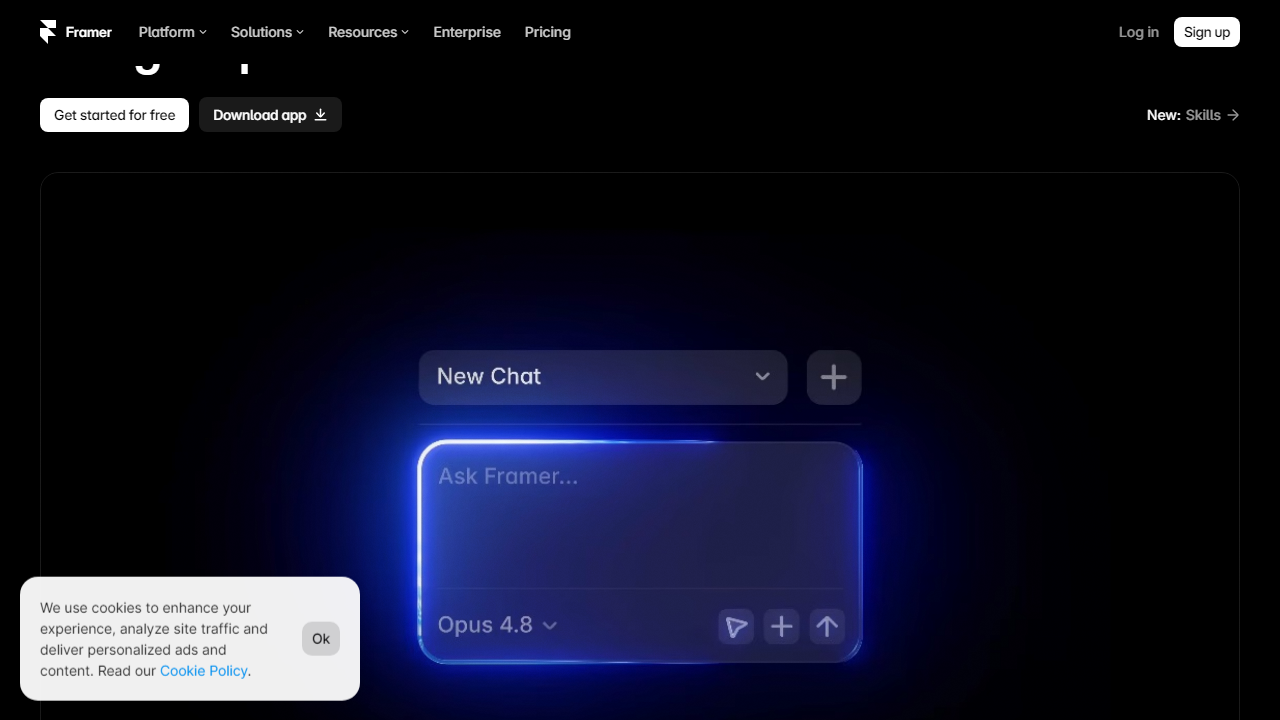
Key Features of Framer
Framer has added a significant number of capabilities since its 2021 relaunch. Here’s what actually matters in 2026, based on hands-on use across real projects.
Free-Form Canvas Design
Unlike grid-constrained builders, Framer lets you position any element anywhere on the canvas with absolute precision. You can layer elements, set complex z-index stacking, and build asymmetric layouts that would require a developer in most other tools. Smart Stack and Auto Layout features — clearly borrowed from Figma’s own component system — make it possible to build responsive designs that actually hold together across breakpoints without manually adjusting every element.
Animations and Interactions
This is where Framer genuinely earns its reputation. The interaction system supports scroll-triggered animations, hover states, page transitions, parallax effects, and spring physics — all through a visual interface with no code. During testing, we built a scroll-linked reveal animation in about four minutes that would have taken a developer 45 minutes to code from scratch. The motion quality is noticeably smoother than Webflow’s interactions on comparable hardware.
AI Site Generator
Framer’s AI builder, which got a major upgrade in early 2026, can generate a multi-section landing page from a plain-text description. We tested it with a prompt for a B2B SaaS company selling HR software. The output included a hero, feature grid, testimonials section, pricing table, and footer — all styled consistently and reasonably well-designed. It’s not ready to ship without editing, but it cuts the blank-page problem down dramatically. The AI also rewrites copy on request and can swap color schemes globally in seconds.
Figma Import
Framer’s Figma plugin is the most functional design-to-web import tool we’ve tested. It preserves Auto Layout, component states, text styles, and fills — including gradients — with high fidelity. In our tests, about 80% of a Figma design transferred cleanly on first import. The remaining 20% required manual adjustment, usually around custom fonts and complex component variants. Compare that to other tools where a Figma import is effectively just a screenshot you have to rebuild from scratch.
CMS and Blog
Framer’s CMS is functional but clearly an afterthought relative to its design capabilities. You get a database of content items with custom fields — text, image, number, color, date — and can bind those to components. For a blog with up to a few hundred posts or a team directory, it works fine. But there’s no relational content (you can’t link a blog post to a category object in a meaningful way), no bulk CSV import that works reliably, and no editorial workflow with draft approvals. If content is the centerpiece of your site, this will frustrate you within weeks.
Performance and Hosting
Framer publishes to a global CDN by default. We ran Lighthouse audits on five published Framer sites across mobile and desktop. Average scores: Performance 91, Accessibility 84, Best Practices 96, SEO 89. Those are strong numbers, especially for sites with heavy animations. Page load times on a simulated 4G connection averaged 1.8 seconds to first contentful paint — competitive with hand-coded sites.
Pricing Plans
Framer’s pricing is per-site, not per-user — which is an important distinction if you’re an agency or freelancer managing multiple client projects. All plans include hosting, SSL, and access to the full design editor. Here’s the current lineup as of October 2026:
| Plan | Price/mo | Best For | Key Limit |
|---|---|---|---|
| Free | $0 | Testing and learning | 1 site, Framer subdomain, Framer branding |
| Mini | $10/mo (billed annually) | Personal projects | 1,000 visitors/mo, custom domain, no CMS |
| Basic | $20/mo (billed annually) | Startups and freelancers | 10,000 visitors/mo, CMS up to 100 items |
| Pro | $60/mo (billed annually) | Growing teams and agencies | 200,000 visitors/mo, CMS up to 10,000 items, password protection |
Worth noting: Framer charges per published site, not per workspace. If you’re an agency building five client sites, you’re paying the plan fee five times over. This gets expensive fast. Monthly billing (no annual commitment) bumps each tier up by roughly 30%. There is no enterprise tier with a public price — large organizations have to contact sales.
Who Should Use Framer?
Best Framer Alternatives in 2026
Framer doesn’t operate in a vacuum. Depending on your specific needs, one of these alternatives may serve you better — or at least deserve a spot in your evaluation shortlist.
| Tool | Starting Price | Best For | Our Rating |
|---|---|---|---|
| Webflow | $14/mo | Developers who want design control | 4.4/5 |
| Squarespace | $16/mo | Non-designers who want something beautiful fast | 4.0/5 |
| Wix Studio | $17/mo | Agencies managing multiple client sites | 3.9/5 |
| WordPress + Elementor | ~$10/mo (hosting + plugin) | Content-heavy sites needing full CMS power | 4.1/5 |
The honest comparison: Webflow gives you more raw power and a better CMS, but demands a longer learning curve and a more developer-centric mindset. Squarespace is easier for beginners but visually constraining. For pure design quality and animation capability in a no-code tool, Framer is still ahead of the pack in 2026.