
Is Copy.ai Good for Beginners? Honest Review 2026 (We Tested It for 3 Weeks)
📅 Updated September 9, 2026
⏱️ 9 min read
Try Copy.ai →
Free plan available — no credit card required
You’ve finally decided to try AI writing software — but the market is flooded with options, and most of them seem built for marketing agencies with six-figure budgets and a dedicated prompt engineer on staff. You just need help writing Instagram captions, email subject lines, and maybe a product description or two without staring at a blank page for 45 minutes. Sound familiar?
Copy.ai has quietly positioned itself as the go-to answer to that exact problem. Since its launch in 2020, it’s accumulated over 10 million users worldwide, making it one of the most widely adopted AI writing platforms on the planet. But popularity doesn’t automatically mean beginner-friendly. We spent three weeks putting Copy.ai through its paces — testing everything from the onboarding flow to the quality of its long-form outputs — to give you a definitive answer on whether it’s actually worth your time in 2026.
This review covers every angle a new user needs to know: the real feature set, honest pricing breakdown, output quality with specific examples, and a clear recommendation on who should (and shouldn’t) use it. Let’s get into it.
What Is Copy.ai?
Copy.ai is a cloud-based AI writing and go-to-market automation platform founded in 2020 by Paul Yacoubian and Chris Lu, and headquartered in San Francisco. It uses large language models — including GPT-4-class models — to help users generate marketing copy, email sequences, social media content, blog outlines, product descriptions, and more. Unlike some competitors that focus purely on long-form content, Copy.ai has historically excelled at short, conversion-focused copy, which is exactly what most beginners actually need.
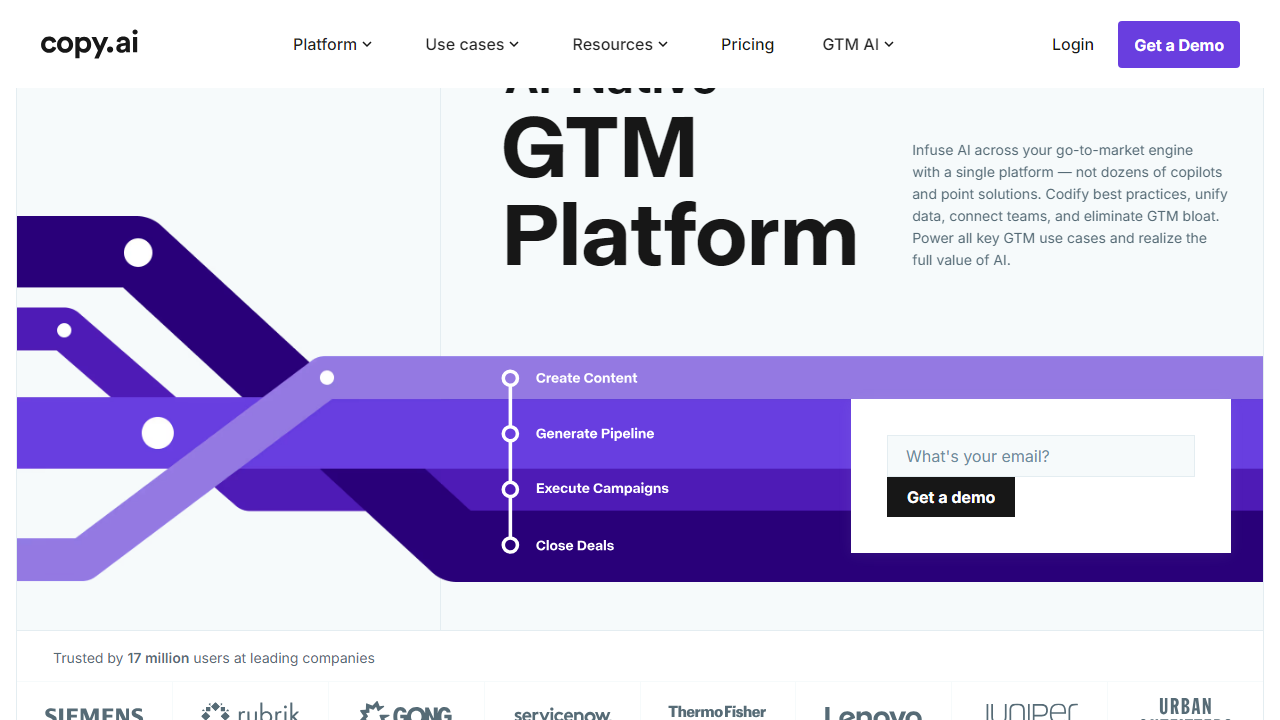
The platform has evolved significantly since its early days as a simple “fill in a box, get copy” tool. By 2026, Copy.ai has grown into a more robust platform with workflow automation (they call these “GTM Workflows”), a brand voice configurator, and integrations with tools like HubSpot, Salesforce, and Zapier. The company reportedly crossed the $30 million ARR mark and serves teams at companies including Mailchimp, Salesforce, and Zoom — though its free tier still caters directly to individuals and small businesses.
What genuinely sets Copy.ai apart for beginners is the template library. With over 90 pre-built templates covering everything from cold email openers to Instagram captions to LinkedIn bios, you don’t need to know anything about prompt engineering to get useful results. You pick a template, fill in a few fields, and hit generate. For someone who’s never used an AI writing tool before, that matters enormously.
Key Features of Copy.ai
Copy.ai packs a solid feature set even at its free tier, but the real power comes at the Pro level. Here’s what matters most for beginners evaluating the platform.
Template Library (90+ Templates)
This is the single biggest reason beginners love Copy.ai. Categories include email marketing, social media, eCommerce, ads, website copy, and sales. Each template prompts you with specific input fields — you don’t write a prompt from scratch, you just fill in your product name, target audience, and tone. The Facebook Ad Primary Text template, for example, generated three distinct ad variations in under 10 seconds during our testing, all of them usable with light editing.
GTM (Go-to-Market) Workflows
Introduced in 2024 and refined significantly through 2026, GTM Workflows let you chain multiple AI tasks together into an automated pipeline. A single workflow can take a product URL, generate a blog outline, write email sequences, and produce social posts — all in one run. This feature is more useful for intermediate users, but the pre-built workflow templates make it approachable even for beginners who want to automate repetitive content tasks.
Brand Voice
Available on the Pro plan and above, the Brand Voice feature lets you upload sample content and Copy.ai will calibrate its tone, vocabulary, and style to match. In our test, we fed it three blog posts from a fictional outdoor gear brand, and subsequent outputs noticeably shifted toward a more adventurous, direct tone. It’s not perfect — it occasionally reverts to generic marketing language — but it’s a meaningful feature for anyone producing content regularly for a single brand.
Chat Interface (Copy.ai Chat)
Copy.ai also includes a ChatGPT-style conversational interface that lets you iterate on copy through back-and-forth prompts. This is particularly helpful for beginners who aren’t getting the output they want from a template — you can ask it to “make this more casual” or “add urgency to the subject line” without starting over. The chat interface remembers context within a session, which speeds up the refinement process considerably.
Infobase (Knowledge Storage)
The Infobase feature acts as a persistent memory system — you upload brand guidelines, product specs, FAQs, or company information once, and Copy.ai references it automatically in future outputs. For beginners building out a brand, this dramatically reduces the amount of context you need to re-enter every time you start a new project. Storage limits vary by plan, with Pro users getting up to 200MB of Infobase storage.
Pricing Plans
Copy.ai’s pricing is straightforward, though the jump from free to paid is steeper than some competitors. Here’s the full breakdown for 2026:
| Plan | Price/mo | Best For | Key Limit |
|---|---|---|---|
| Free | $0 | Beginners testing the platform | 2,000 words/month, 1 seat |
| Pro | $49/mo ($36/mo annual) | Solopreneurs & freelancers | Unlimited words, 5 seats |
| Team | $249/mo ($186/mo annual) | Small marketing teams | Unlimited words, 20 seats, advanced workflows |
| Enterprise | Custom (typically $1,000+/mo) | Large organizations | Custom seats, SSO, API access, dedicated support |
The Free plan’s 2,000-word monthly limit sounds tight, but for beginners using short-form templates — social posts, subject lines, taglines — it stretches further than you’d expect. A typical Instagram caption runs 50-100 words; a product description around 150 words. You can generate a lot of useful content before hitting the ceiling. If you need unlimited words, the annual Pro billing at $36/month is a competitive price point in 2026’s AI writing market.
Who Should Use Copy.ai?
Best Copy.ai Alternatives in 2026
Copy.ai is strong, but it’s not the only player worth considering. Here’s how it stacks up against the four most relevant alternatives beginners tend to compare it against:
| Tool | Starting Price | Best For | Our Rating |
|---|---|---|---|
| Copy.ai | Free / $49/mo | Beginners, short-form copy | ★★★★☆ 4.2 |
| Jasper AI | $49/mo (Creator) | Long-form blog content, SEO | ★★★★☆ 4.4 |
| Writesonic | Free / $16/mo | Budget-conscious beginners | ★★★★☆ 4.0 |
| Rytr | Free / $9/mo | Absolute beginners, tight budgets | ★★★½☆ 3.7 |
If budget is your primary concern, Writesonic and Rytr offer lower entry price points. If SEO-driven long-form content is your focus, Jasper is worth the same price for more specialized output. But for the combination of zero-friction onboarding, a usable free plan, and strong short-form copy generation, Copy.ai still holds the top spot for beginners in 2026.
Frequently Asked Questions
Final Verdict: Is Copy.ai Worth It for Beginners in 2026?
After three weeks of hands-on testing — generating hundreds of pieces of copy across templates, running GTM workflows, and pushing the brand voice feature to its limits — the answer is a clear yes, with a few caveats. Copy.ai earns its reputation as one of the most beginner-accessible AI writing tools available in 2026. The free plan is legitimately useful rather than a crippled teaser, the template library removes virtually all friction from the content creation process, and the interface is clean enough that anyone can


