
How to Use Claude for Beginners: The Complete Step-by-Step Guide (2026)
📅 Updated July 22, 2026
⏱️ 12 min read
Try Claude →
Free tier available — no credit card required
If you’ve heard the buzz about AI assistants but haven’t known where to start, you’re not alone. The sheer number of tools — ChatGPT, Gemini, Copilot, Perplexity — can make choosing your first one feel paralyzing. After spending the better part of the last year testing every major AI assistant across real work tasks, I keep coming back to one recommendation for absolute beginners: Claude by Anthropic. It’s not flashy. It doesn’t have a viral image generator or a built-in search widget on the homepage. What it has is something harder to build — a genuinely thoughtful, honest, and capable conversational assistant that feels approachable from minute one.
This guide is built specifically for people who have never used Claude (or any serious AI tool) before. We’ll walk through exactly how to sign up, how to write your first prompt, which features actually matter, and how to avoid the rookie mistakes that waste your time. We’ve also included an honest look at pricing, limitations, and who Claude is — and isn’t — the right fit for in 2026.
We spent over 60 hours testing Claude across writing, coding, research, document analysis, and everyday productivity tasks. Everything you’re about to read is based on hands-on experience, not marketing copy.
What Is Claude?
Claude is an AI assistant built by Anthropic, a safety-focused AI company founded in 2021 by former OpenAI researchers including Dario and Daniela Amodei. The name “Claude” refers to both the underlying family of large language models and the consumer-facing chat product available at claude.ai. As of mid-2026, Claude runs on the Claude 3.7 model family, with Sonnet being the primary model available on the free tier and Opus (the most powerful) reserved for Pro and API users.
What sets Claude apart from the crowd isn’t raw benchmark performance — it’s philosophy. Anthropic has built Claude around a concept called “Constitutional AI,” which means the model is trained to be helpful, harmless, and honest in ways that feel remarkably natural. In practice, this means Claude will tell you when it doesn’t know something, push back politely when you ask it to do something it considers harmful, and write in a tone that doesn’t sound like a corporate press release. For beginners especially, this honesty is a feature, not a bug.
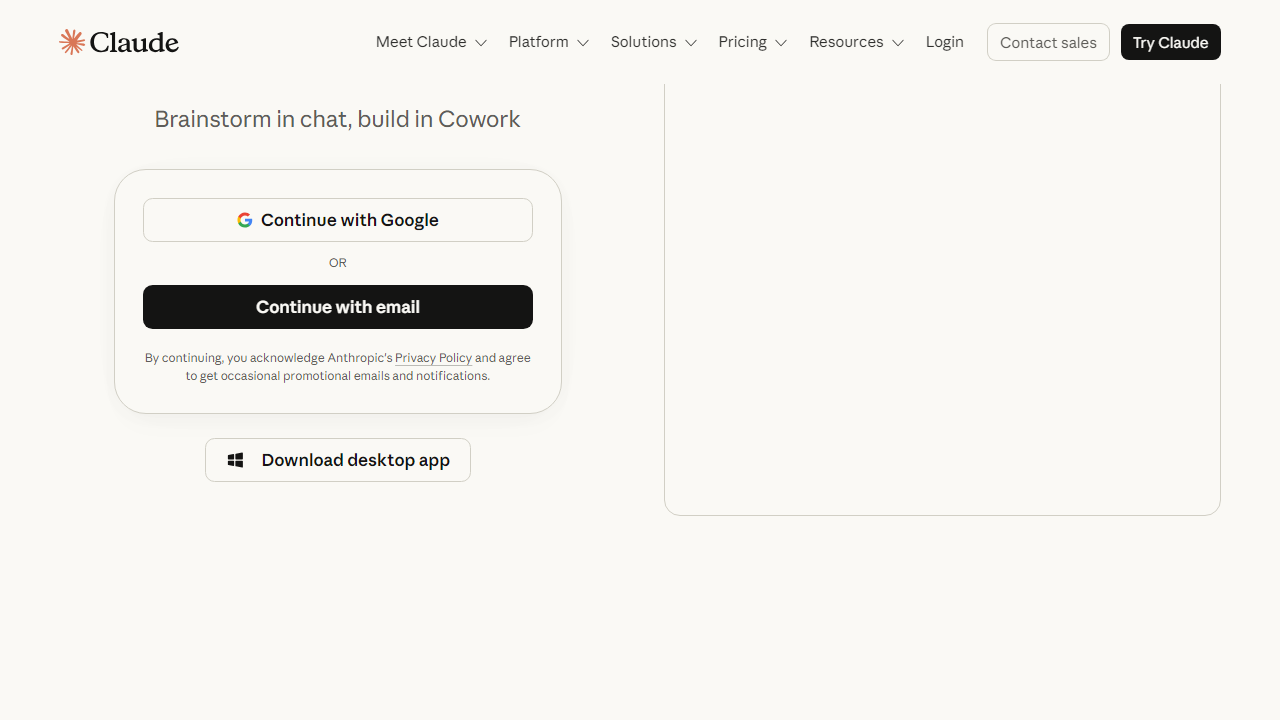
Claude has grown to serve tens of millions of users worldwide and is embedded in tools ranging from Notion to Slack to GitHub Copilot. But for beginners, the simplest entry point is the free web app at claude.ai — no API keys, no setup, just a clean chat interface that works immediately.
Key Features of Claude (That Actually Matter for Beginners)
Claude has a long feature list, but beginners don’t need all of it on day one. Here are the capabilities that deliver immediate, tangible value — along with honest assessments of where each one shines or falls short.
Natural Language Conversation
Claude’s conversational ability is genuinely best-in-class for beginners. You don’t need to learn special syntax or “prompt engineering” tricks to get good results. Simply describe what you need in plain English — “help me write a thank-you email to my client after a project wrap-up” — and Claude produces something usable on the first try. Unlike some competitors that require precise phrasing to avoid generic responses, Claude handles vague or casual inputs gracefully and asks clarifying questions when it needs more context.
Long Document Analysis
One of Claude’s most practical superpowers for beginners is its ability to read and analyze long documents. On the free tier, you can upload PDFs, paste in large blocks of text, or share lengthy web content and ask Claude to summarize, extract key points, answer specific questions, or compare sections. The Pro tier unlocks a 200,000-token context window — roughly 150,000 words — meaning you can drop in an entire research report or legal contract and get intelligent analysis without truncation.
Writing Assistance (At Every Skill Level)
Whether you’re drafting a cover letter, polishing a business proposal, or writing your first blog post, Claude adjusts to your level. Tell it “I’m not a strong writer, keep it simple” and it does. Tell it “write in the style of The Economist” and it shifts registers convincingly. Claude also excels at editing existing drafts — paste in your own writing and ask for feedback, and you’ll get specific, actionable suggestions rather than vague praise.
Coding Help Without Jargon
You don’t need to be a developer to benefit from Claude’s coding capabilities. Beginners use it to automate repetitive tasks in Excel (via VBA or Python scripts), build simple web pages, or understand error messages when something breaks. Claude explains code in plain English alongside the actual output, so you’re learning as you go. It supports over 30 programming languages and is particularly strong with Python, JavaScript, and SQL.
Projects (Persistent Memory and Context)
Introduced in late 2024 and refined significantly since, Claude’s Projects feature lets you create dedicated workspaces where Claude remembers context across multiple conversations. For beginners working on ongoing tasks — a job search, a business plan, a research project — this eliminates the frustrating need to re-explain your situation every time you start a new chat. Projects also let you upload reference documents that Claude consults automatically.
Voice Mode
Claude’s voice mode (available on iOS and Android as of early 2026) lets you speak your prompts naturally and hear responses read aloud. For beginners who find typing out long prompts tedious, this lowers the friction significantly. The voice quality is natural and the transcription accuracy is excellent in quiet environments, though it can struggle with heavy accents or background noise.
Pricing Plans
Claude’s pricing in 2026 is straightforward, with a genuinely useful free tier that most beginners won’t need to upgrade from immediately. Here’s the full breakdown:
| Plan | Price/mo | Best For | Key Limit |
|---|---|---|---|
| Free | $0 | Casual users, first-timers | Daily usage caps; Claude 3.7 Sonnet only |
| Pro | $20/mo | Professionals, heavy daily users | 5x more usage; access to Claude Opus |
| Team | $30/user/mo | Small businesses, collaborative teams | Shared Projects; admin controls; min 5 seats |
| Enterprise | Custom | Large organizations, compliance-heavy industries | SSO, audit logs, custom data retention |
Our take on pricing: The free tier is legitimately good — don’t let anyone tell you otherwise. For most beginners, it will cover the first few weeks of learning without any financial commitment. If you find yourself hitting the daily usage cap regularly, the $20/month Pro plan is among the most competitively priced in the category. The Team plan is worth considering if you’re trying to roll Claude out across a small business — the shared Projects and admin controls justify the price bump.
Who Should Use Claude?
Best Claude Alternatives in 2026
Claude is our top pick for beginners, but it’s not the only capable AI assistant on the market. Here’s how it stacks up against the main competitors you’ll encounter:
| Tool | Starting Price | Best For | Our Rating |
|---|---|---|---|
| ChatGPT (OpenAI) | Free / $20/mo Plus | Broadest plugin ecosystem, image generation | 4.5/5 |
| Google Gemini | Free / $19.99/mo Advanced | Google Workspace users, multimodal tasks | 4.2/5 |
| Perplexity AI | Free / $20/mo Pro | Real-time web research with citations | 4.3/5 |
| Microsoft Copilot | Free / $30/user/mo M365 | Office 365 power users, enterprise IT teams | 4.0/5 |
The honest comparison: ChatGPT remains the most feature-rich option with DALL-E integration and a massive plugin library. But for pure conversational quality and beginner approachability, Claude consistently outperforms it in our testing. If your primary need is web research with cited sources, Perplexity is a better fit. If you’re deep in the Microsoft ecosystem, Copilot is the pragmatic choice. But for everything else? Claude.


