ClickUp Free Plan Review 2026: Is It Actually Enough for Real Work?
📅 Updated June 11, 2026
⏱️ 9 min read
Try ClickUp →
Free plan available — no credit card required
Every project management tool promises a generous free tier. Most lie. You sign up, spend an afternoon setting up your workspace, and immediately discover that the thing you actually need — more than five projects, or file uploads larger than a postcard — sits behind a paywall. It’s one of the most reliable frustrations in SaaS, and it’s why a lot of teams end up staying on clunky spreadsheets longer than they should.
ClickUp’s free plan is a genuine exception — at least partially. After spending several weeks running real workflows through it, testing its limits across a five-person team, and comparing it directly against Notion, Asana, and Monday.com’s free tiers, we have a clear picture of exactly where ClickUp delivers and where it quietly sets you up to upgrade. This review covers every meaningful feature, every hard limit, and every scenario where the free plan is either a steal or a trap.
The short version: ClickUp Free is the most feature-rich no-cost project management plan available in 2026. But “most features” doesn’t mean “unlimited features,” and the gaps are specific enough that they’ll matter to some teams immediately and not at all to others. Let’s break it down precisely.
What Is ClickUp?
ClickUp is a cloud-based project and work management platform founded in 2017 by Zeb Evans in San Diego, California. The company’s core pitch has always been aggressive: one app to replace all your other productivity tools. Tasks, docs, spreadsheets, chat, goals, whiteboards, time tracking — ClickUp bundles all of it under a single roof. As of 2026, the platform claims over 10 million users across more than 800,000 teams worldwide, making it one of the three dominant players in the project management space alongside Asana and Monday.com.
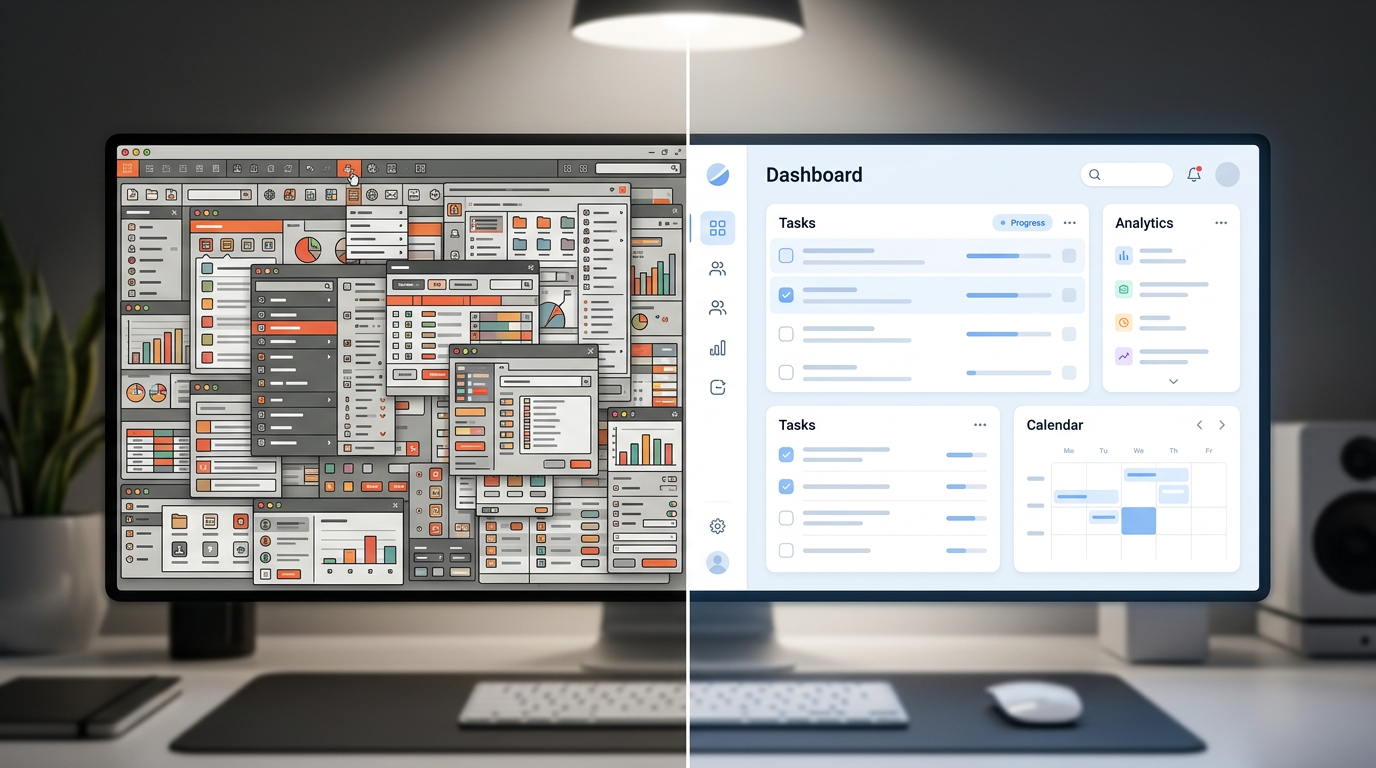
What separates ClickUp from most competitors is its almost overwhelming configurability. You can structure your workspace in nested hierarchies (Workspace → Space → Folder → List → Task → Subtask), choose from over 15 different view types for any given list, and customize task statuses, fields, and relationships to match virtually any workflow. This power comes with a learning curve — new users frequently describe the onboarding experience as “a lot” — but it also means ClickUp genuinely adapts to how your team works rather than forcing your team to adapt to it.
The free plan, called “Free Forever,” has existed since near the platform’s launch and has historically been ClickUp’s primary acquisition channel. The company deliberately makes it functional enough to hook teams, then relies on natural growth friction to drive upgrades. Understanding that incentive structure is key to evaluating exactly what you get.
What’s Included in ClickUp’s Free Plan
The Free Forever plan includes a genuinely surprising number of capabilities. Here’s an honest breakdown of the most important ones, including where the limits bite.
Unlimited Tasks and Members
This is the headline feature and it’s real. Unlike Asana (which caps free plans at 15 members) or Monday.com (which limits free workspaces to 2 seats), ClickUp Free allows unlimited workspace members and unlimited tasks. For a distributed team of any size that mainly needs task tracking, this alone makes ClickUp Free exceptional. There are no per-seat tricks here — you can add your entire 30-person company at zero cost.
15+ View Types
Free users get access to List, Board (Kanban), Calendar, Table, Gantt (limited to 1 per space), Mind Map, and Whiteboard views, among others. Competitors like Asana lock Gantt-style Timeline views behind their Premium tier at $13.49/user/month. Getting timeline visualization at $0 is a real competitive advantage for small teams managing project schedules.
ClickUp Docs
Native document creation is included on the free plan with no page limits. You can embed tasks directly inside docs, link docs to projects, and collaborate in real-time with teammates. The feature is comparable to a basic Notion page in functionality — good enough for wikis, meeting notes, and SOPs, though missing some of Notion’s more advanced database-style features.
Native Time Tracking
Most tools charge for time tracking. ClickUp includes it free, with the ability to log time manually against any task, view time reports, and set time estimates. For freelancers or agencies tracking billable hours, this alone can justify choosing ClickUp over a competitor that would require a paid plan or a separate time-tracking app.
Automations — The Critical Limit
This is where the free plan shows its teeth in the wrong direction. You get 100 automation runs per month total across your entire workspace. A single automation that triggers on every task status change in an active team can burn through 100 runs in days. For reference, ClickUp’s Unlimited plan ($10/user/month) gives you 1,000 runs/month, and the Business plan ($19/user/month) gives 10,000. The free automation quota is genuinely too low for any team that wants to meaningfully reduce manual work.
Storage
100MB total. This is the free plan’s most visible hard wall. A single recorded Loom video, a folder of design mockups, or a week’s worth of screenshot attachments can exhaust this quota almost immediately. If your team regularly attaches files to tasks — even just PDFs and images — expect to hit this limit within your first month of active use.
Integrations
ClickUp Free includes native integrations with Slack, Google Drive, GitHub, GitLab, Figma, and over 50 other tools. Zapier and Make connections work on the free plan but count against your automation run limit. The integration breadth is impressive at this price point and meaningfully reduces the need for middleware in lightweight setups.
ClickUp Pricing Plans in 2026
ClickUp operates on a per-user, per-month pricing model with annual billing discounts. Here’s where the free plan sits in context against paid tiers — which is important for understanding what you’re giving up and when an upgrade makes sense.
| Plan | Price/mo | Best For | Key Limit |
|---|---|---|---|
| Free Forever | $0 | Solo users & tiny teams | 100MB storage, 100 automation runs/mo |
| Unlimited | $10/user/mo | Small growing teams | 1,000 automation runs/mo |
| Business | $19/user/mo | Mid-size teams needing automation | 10,000 automation runs/mo |
| Enterprise | Custom | Large orgs, SSO, compliance | Custom automation limits |
The jump from Free to Unlimited at $10/user/month is reasonable for teams of 3–8 people once they outgrow storage. The business plan’s automation jump is where serious operational teams will find the real value unlock. ClickUp AI — the platform’s native AI assistant for summarizing tasks, drafting docs, and generating subtasks — requires a Business plan or above as of mid-2026, which is a notable exclusion from even the paid Unlimited tier.
Who Should Use ClickUp’s Free Plan?
Best ClickUp Free Plan Alternatives
If ClickUp’s free plan limitations are dealbreakers for your use case, these are the most credible alternatives in 2026, each with their own free tier trade-offs.
| Tool | Starting Price | Best For | Our Rating |
|---|---|---|---|
| Notion | Free / $12/mo | Docs-first teams, wikis | 4.3/5 |
| Asana | Free / $13.49/user/mo | Structured task management | 4.0/5 |
| Trello | Free / $6/user/mo | Simple Kanban workflows | 3.8/5 |
| Linear | Free / $8/user/mo | Engineering & dev teams | 4.4/5 |
Notion’s free plan has unlimited pages and blocks with no storage cap for plain text and basic files — making it stronger for teams whose bottleneck is documentation rather than task structure. Asana’s free plan is cleaner and less overwhelming for non-technical users but caps at 15 members and lacks timeline views. Linear is exceptional for software engineering teams but has essentially no use case outside development contexts.


