
Best Note Taking Apps for Small Business in 2026: 7 Tools We Actually Tested
📅 Updated July 10, 2026
⏱️ 14 min read
Try Notion →
Free plan available — no credit card required
Here’s a scenario that probably sounds familiar: it’s Thursday afternoon, a client just called with feedback from last Tuesday’s meeting, and you have absolutely no idea where you wrote those action items. Were they in a Slack message? A Google Doc? Scribbled on the back of an envelope? This is the silent productivity killer for small businesses — not the lack of ideas, but the inability to reliably capture and retrieve them.
In 2026, the note-taking app market has matured significantly. We’re no longer just choosing between digital sticky notes. The best tools now blend note capture, team wikis, project tracking, and AI-powered search into unified workspaces. But that abundance of options creates its own problem: which tool actually fits a five-person agency, a solo consultant, or a 20-person retail operation without blowing the budget or requiring an IT department to set up?
Our team spent six weeks running seven leading note-taking apps through real small business workflows — client briefings, team stand-ups, SOPs, vendor research, and meeting notes. We tested on Mac, Windows, iOS, and Android. We paid for plans out of pocket. What follows is our honest, unsponsored analysis of what works, what doesn’t, and exactly which tool deserves a spot in your stack.
Why Note-Taking Infrastructure Is a Small Business Problem Worth Solving
Small business owners wear too many hats to afford mental overhead. According to a 2025 Asana survey, knowledge workers spend an average of 28% of their week searching for information that already exists somewhere in their organization. For a five-person team, that’s roughly 56 person-hours lost every single week — not to hard problems, just to disorganization.
The right note-taking system doesn’t just store information. It creates a retrievable, shareable knowledge base that survives employee turnover, scales with your team, and integrates with the tools you already use. A freelancer needs something different from a 15-person e-commerce team, and both need something different from a service business managing dozens of client accounts. Our reviews account for all three profiles.
We evaluated each app on six criteria: capture speed (how fast can you get an idea in?), organization depth, search reliability, collaboration quality, mobile experience, and price-to-value ratio at small business scale.
What We Tested and How
Before diving into the individual reviews, here’s exactly how we structured our testing so you can weight our findings appropriately for your situation.
Real Workflow Simulation
We didn’t just sign up and click around. Each app was used as the primary note-taking tool for at least five business days across three simulated business types: a two-person marketing consultancy, a seven-person e-commerce brand, and a solo executive coach. Every meeting got documented, every idea got captured, every SOP got drafted — inside the app under review.
Cross-Device Continuity
We started notes on desktop and picked them up on mobile, deliberately tested offline access, and timed how long sync took after reconnecting to Wi-Fi. For small business owners who move between the office, client sites, and their phone constantly, this is non-negotiable.
Team Collaboration Stress Test
We added two additional team members to each paid plan and ran simultaneous editing sessions, shared pages, and permission management. Several tools that look great for solo use fall apart the moment a second person touches them.
AI Features Evaluation
Every major app now has AI baked in. We tested AI summarization, search, writing assistance, and auto-tagging against real meeting transcripts and client notes to separate genuine utility from marketing fluff.
Top 7 Note-Taking Apps for Small Business in 2026
🥇 1. Notion — Best Overall for Small Teams
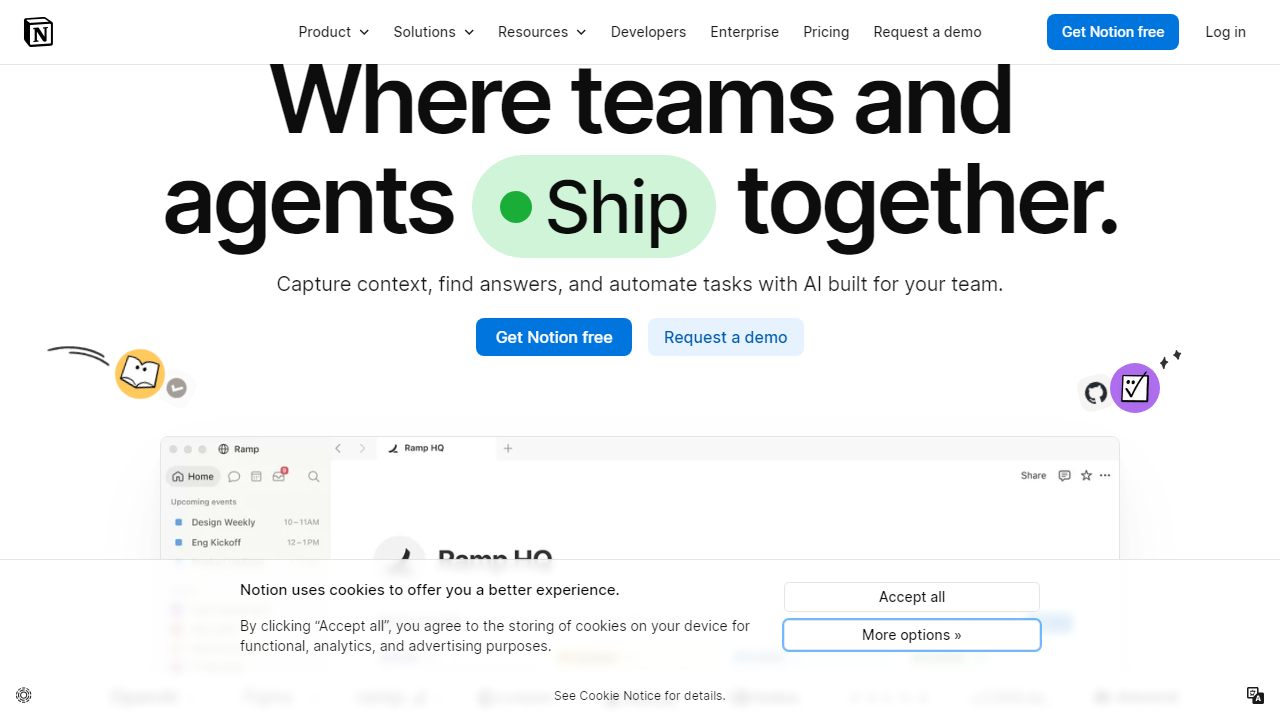
Notion has cemented its position as the default choice for small businesses that need more than a notepad but can’t justify enterprise software. The 2025 Notion AI integration — now standard in the Plus plan at $12/user/month — adds genuinely useful features: meeting summaries, action item extraction, and an AI Q&A that can query your entire workspace. With 20 million users globally and active development, it’s the safest long-term bet.
🥈 2. Obsidian — Best for Privacy-Conscious Solopreneurs
Obsidian stores everything as plain Markdown files on your local device — no cloud, no subscription required for personal use. For solo consultants or business owners handling sensitive client data who are nervous about third-party cloud storage, this is a compelling alternative. The $8/month Sync add-on enables encrypted cross-device syncing through Obsidian’s servers. The plugin ecosystem (1,200+ community plugins) extends functionality dramatically, though setup takes technical comfort. It earned a 4.2/5 in our testing, losing points purely on collaboration — it’s essentially a single-player tool.
🥉 3. Evernote Teams — Best for Mature Businesses with Heavy Capture Needs
Evernote has had a turbulent few years but stabilized significantly under new ownership. The Teams plan at $24.99/user/month is expensive, but the web clipper remains class-leading, the OCR on scanned documents is the most reliable we tested, and the mobile capture experience is genuinely faster than any competitor. If your team is frequently clipping web content, photographing receipts, or capturing business cards, Evernote’s capture pipeline is unmatched. We rated it 4.0/5, with the price being its biggest obstacle for teams of 3–5 people.
4. Apple Notes — Best Free Option for All-Apple Businesses
Don’t overlook Apple Notes in 2026. The iOS 18 and macOS Sequoia updates added collapsible sections, Smart Folders with complex filter logic, and significantly improved collaboration features. If your entire team uses Apple devices, this is a zero-cost, zero-friction option that syncs instantly via iCloud. It earned a 3.9/5 — docked for poor Windows/Android support and limited formatting options, but for the right team, it’s genuinely excellent.
5. Craft — Best for Visual Thinkers and Document-Heavy Workflows
Craft produces the most beautiful documents of any app we tested. Its block-based editor, card views, and export options (PDF, Word, Markdown) make it ideal for small businesses that frequently share polished notes externally — think proposals, client-facing briefs, or board reports. The Business plan runs $14.99/user/month. We rated it 4.1/5, but note that its database capabilities are nowhere near Notion’s depth.
6. Microsoft OneNote — Best for Microsoft 365 Subscribers
If you’re already paying for Microsoft 365 Business (starting at $6/user/month), OneNote is included at no extra cost and integrates tightly with Teams, Outlook, and SharePoint. It’s not the most modern interface, but the free-form canvas, audio recording, and handwriting-to-text (especially on Surface devices) are genuinely useful. We rated it 3.8/5 — solid, not exciting, but unbeatable on value if you’re already in the Microsoft ecosystem.
7. Mem — Best AI-Native Option for Future-Forward Teams
Mem is the most AI-forward app in this roundup, using machine learning to automatically organize notes without manual tagging. The “Spaces” feature creates AI-curated collections from your notes automatically. At $14.99/month for individuals and $19.99/user/month for teams, it’s premium-priced, but teams that hate organizing notes manually will find the automation genuinely liberating. We rated it 3.9/5 — the AI is impressive but the ecosystem maturity still lags behind Notion and Evernote. A tool to watch closely.
Pricing Comparison
Pricing is current as of July 2026. All per-user monthly prices assume annual billing, which typically saves 15–20% versus month-to-month.
| App | Starting Price | Best Plan for Small Biz | Free Plan? |
|---|---|---|---|
| Notion | $12/user/mo (Plus) | Plus or Business ($18/user/mo) | Yes — unlimited pages, 1 user |
| Obsidian | Free (local); $8/mo Sync | Sync + Publish ($20/mo total) | Yes — fully free locally |
| Evernote Teams | $24.99/user/mo | Teams (only business tier) | Yes — very limited (1 notebook) |
| Craft | $14.99/user/mo (Business) | Business plan | Yes — limited spaces |
| Microsoft OneNote | Included in M365 ($6+/user/mo) | M365 Business Basic | Yes — free with Microsoft account |
| Mem | $14.99/mo (Individual) | Teams ($19.99/user/mo) | No — 14-day trial only |
| Apple Notes | Free | Free (iCloud storage may cost extra) | Yes — fully free |


