
ConvertKit Review 2026: Honest Look at the Creator Email Platform (Now Called Kit)
📅 Updated August 30, 2026
⏱️ 12 min read
Try ConvertKit →
Free plan available — no credit card required
Every creator I’ve spoken to in the past year has asked the same question: “Is my email platform actually working for me, or am I just paying for a contact database?” It’s a fair concern. Most email tools were built for e-commerce brands or enterprise marketing teams — and they show it. Forms are clunky, automations feel like spreadsheet logic puzzles, and monetizing your list requires a patchwork of third-party tools.
ConvertKit — which rebranded to Kit in late 2024 but is still widely searched by its original name — took a different bet from day one: build exclusively for creators. After spending several weeks running live campaigns through the platform, stress-testing its automation builder, and comparing it head-to-head against Mailchimp, ActiveCampaign, and Beehiiv, I have a clear picture of where it excels and where it genuinely disappoints.
In this review, I’ll cover everything: real 2026 pricing, feature-by-feature breakdowns, honest pros and cons, and a clear recommendation on who should (and shouldn’t) use it. Let’s get into it.
What Is ConvertKit (Kit)?
ConvertKit was founded in 2013 by Nathan Barry, a designer and blogger who was frustrated that existing email tools weren’t built for people selling digital products and growing audiences online. The company is headquartered in Boise, Idaho, and has remained bootstrapped and independent — a rarity in SaaS, and something that shapes its culture significantly. As of 2026, ConvertKit serves over 600,000 creators and processes billions of emails per month.
The platform’s core identity is subscriber-centric email marketing. Rather than organizing contacts into siloed lists like traditional tools, ConvertKit uses a single master list with tags and segments to organize subscribers. This single-list architecture is a meaningful design decision — you don’t pay for the same person twice just because they opted into two lead magnets, and your automations can be far more nuanced as a result.
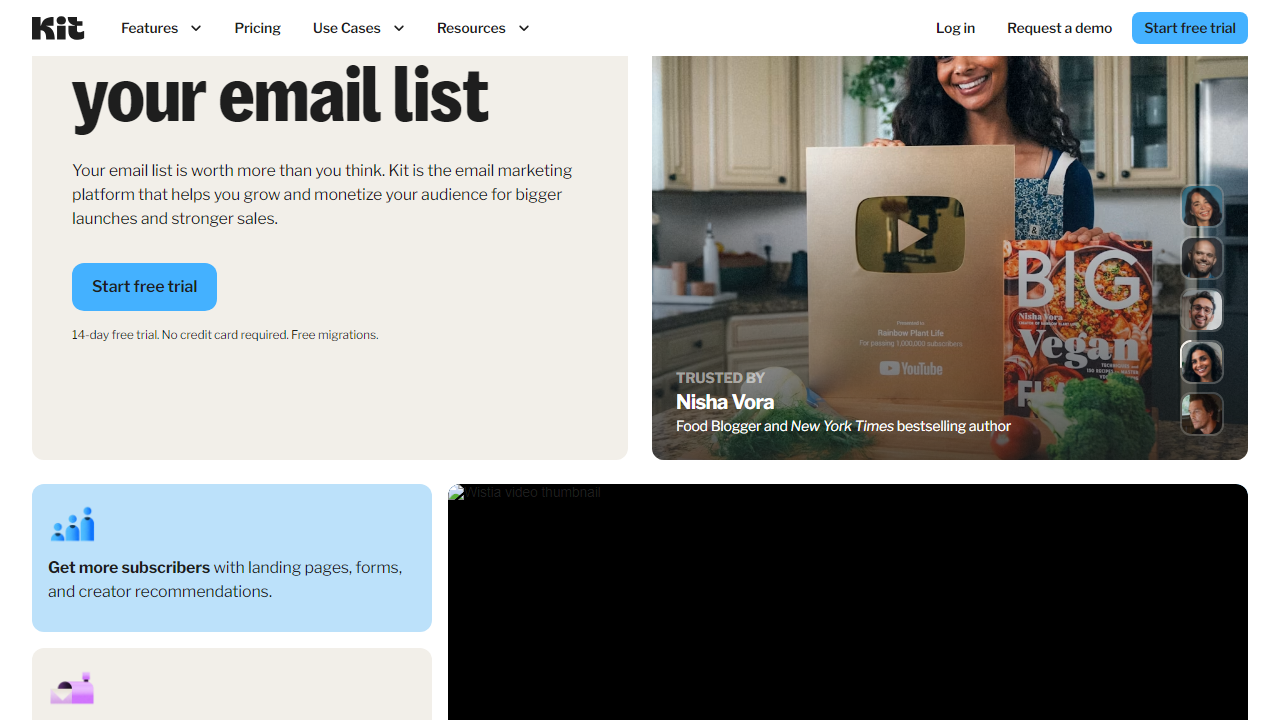
In 2026, Kit has expanded well beyond email. It now includes a native paid newsletter system (competing directly with Substack), a digital product and tip jar feature, a landing page and form builder, a link-in-bio tool called “Creator Profile,” and an expanding network called the Kit Creator Network that lets creators cross-promote to each other’s audiences. It’s genuinely become an ecosystem, not just an ESP.
Key Features of ConvertKit
ConvertKit’s feature set is focused rather than sprawling. It doesn’t try to be a full CRM or a social media scheduler. What it does, it does exceptionally well — and a few features are legitimately best-in-class.
Visual Automation Builder
This is ConvertKit’s crown jewel. The drag-and-drop automation canvas lets you build complex subscriber journeys using triggers, actions, and conditions — visually, in a way that actually makes sense to non-developers. You can trigger sequences based on tag additions, form submissions, link clicks, or purchases. Branching logic (e.g., “if subscriber clicked this link, send Email A; if not, wait 3 days then send Email B”) is handled cleanly. I built a 12-step onboarding sequence in under 20 minutes during testing, which would have taken me twice as long in Mailchimp’s classic flow builder.
Subscriber Tagging and Segmentation
Tags are the backbone of the ConvertKit experience. You can apply tags manually, via automation triggers, via form opt-ins, or via link clicks in emails. Segments are dynamic groups of subscribers defined by tag combinations, join dates, location, or engagement score. The practical result: you can send a single broadcast and target only subscribers who bought Product A but haven’t yet purchased Product B — with no list duplication and no extra charge. For creators managing multiple offers, this is transformative.
Email Sequences and Broadcasts
Sequences (ConvertKit’s term for drip campaigns) are easy to set up and schedule. You can set delays in days or specific times, and each email in a sequence can have its own send conditions. Broadcasts are one-time sends to your full list or a segment. Both support plain-text and simple HTML layouts. The template library is intentionally minimal — ConvertKit’s philosophy is that plain-text emails perform better for creator audiences, which research largely supports, but it can feel limiting if your brand is design-heavy.
Landing Pages and Forms
ConvertKit includes a fully functional landing page builder with around 50+ templates in 2026. Pages are mobile-responsive, load fast, and connect natively to your sequences and tags without any Zapier gymnastics. Forms can be embedded, displayed as modals, or triggered as slide-ins. The customization options aren’t as deep as dedicated tools like Leadpages, but for most creators, they’re more than sufficient.
Commerce and Monetization Tools
This is where ConvertKit has made its most significant 2026 upgrades. The Kit Commerce feature lets you sell digital products (ebooks, courses, presets, templates) directly through ConvertKit-hosted checkout pages at a 3.5% + $0.30 transaction fee on the free plan, dropping to 0% on paid plans. Paid newsletters let you charge subscribers monthly or annually and manage paywalled content. These aren’t afterthought features — they’re tightly integrated with the email and automation system, so a purchase automatically tags the buyer and triggers a follow-up sequence.
Creator Network
The Kit Creator Network is a cross-promotion system where creators can recommend each other’s newsletters to their own audiences during the signup process. When a new subscriber joins your list, they’re shown curated recommendations for other Kit creators. It’s opt-in, free to participate in, and genuinely drives subscriber growth for many creators. I’ve seen creators report gaining 200–500 new subscribers per month purely from Network referrals, though results vary significantly by niche.
Pricing Plans
ConvertKit’s pricing is subscriber-count-based, which is standard in the email industry but can get expensive fast as your list grows. The key differentiator is that the free plan is genuinely usable — 10,000 subscribers is far more generous than Mailchimp’s 500-contact free tier. Here’s how the 2026 tiers break down for a list of up to 1,000 subscribers:
| Plan | Price/mo | Best For | Key Limit |
|---|---|---|---|
| Free | $0 | New creators just starting out | Up to 10,000 subs; no automations |
| Creator | $29/mo (1K subs) | Active creators with automations | Unlimited automations; 1 user seat |
| Creator Pro | $59/mo (1K subs) | Serious creators, agencies, teams | Unlimited team members; advanced reporting |
| Creator Pro (25K subs) | $199/mo | Established newsletter operators | Priority support; subscriber scoring |
The price jump from $29 to $199/month as your list scales from 1,000 to 25,000 is where many users feel the sting. At 100,000 subscribers, you’re looking at $679/month on Creator Pro — a number that makes alternatives like ActiveCampaign or Klaviyo worth a serious comparison. Annual billing saves approximately 17% across all tiers.
Who Should Use ConvertKit?
Best ConvertKit Alternatives in 2026
ConvertKit isn’t the right fit for everyone. Here are the four alternatives I’d genuinely consider depending on your use case, all tested in 2026:
| Tool | Starting Price | Best For | Our Rating |
|---|---|---|---|
| Beehiiv | $0 (free up to 2.5K) | Pure newsletter operators | ⭐ 4.4/5 |
| ActiveCampaign | $19/mo (1K contacts) | Advanced automation + CRM | ⭐ 4.3/5 |
| Mailchimp | $0 (free up to 500) | Small businesses, e-commerce | ⭐ 3.9/5 |
| MailerLite | $0 (free up to 1K) | Budget-conscious creators | ⭐ 4.1/5 |
My take: If newsletter publishing is your primary goal and you want best-in-class web experience and SEO for your archive, Beehiiv is a serious competitor in 2026. If you need a full CRM layered on top of email automation, ActiveCampaign at $19/month is a better deal at scale. But for the creator who sells products, runs sequences, and wants everything under one roof with minimal setup friction — ConvertKit is still the benchmark.


