
Is Make Good for Beginners? Honest Review & Full Breakdown (2026)
📅 Updated August 25, 2026
⏱️ 11 min read
Try Make →
Free plan available — no credit card required
You’ve heard the promise a hundred times: automate your repetitive work, connect your apps, and get your evenings back. Tools like Make (formerly Integromat) are supposed to deliver on that. But if you’re a non-technical person staring at a blank canvas for the first time, Make can feel less like a shortcut and more like a puzzle box without an instruction manual.
We spent three weeks putting Make through its paces specifically from a beginner’s perspective — starting with zero prior automation experience, building scenarios from scratch, breaking things, fixing them, and stress-testing the free plan. What we found is more nuanced than the marketing suggests: Make is genuinely learnable for beginners, but it earns that “learnable” label, not “easy.” This review covers everything you need to decide whether Make is the right starting point for you in 2026.
Whether you’re a solopreneur trying to stop copy-pasting data between Google Sheets and your CRM, or a small business owner drowning in repetitive admin tasks, the answer to “Is Make good for beginners?” depends heavily on your patience, your use case, and how much you’re willing to spend. Let’s get into it.
What Is Make?
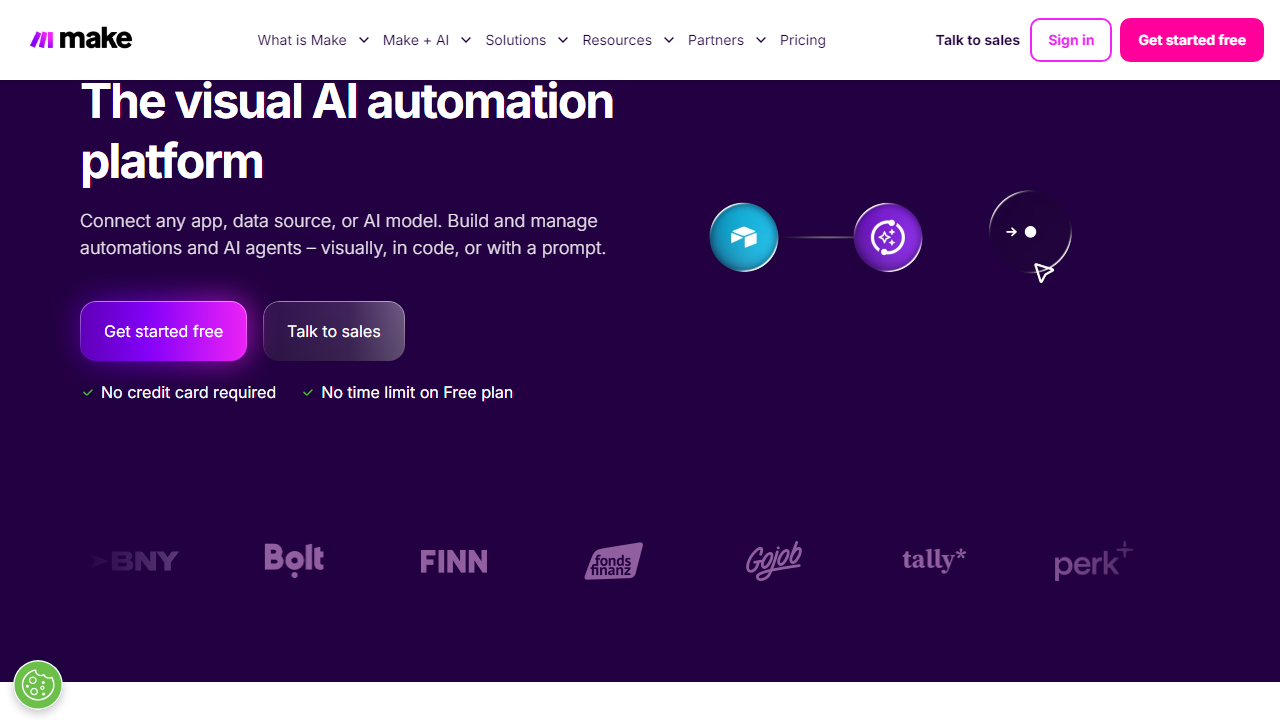
Make is a cloud-based visual automation platform that lets you connect apps and services to automate workflows — no coding required. Originally launched as Integromat in 2012 by Czech company Celonis, the platform rebranded to Make in 2022 and has grown to over 700,000 active users worldwide as of 2026. The core concept is simple: you build “scenarios” (Make’s term for automated workflows) by connecting modules on a drag-and-drop canvas, defining triggers and actions, and letting the platform run them on a schedule or in real time.
What makes Make stand out from simpler tools like Zapier is its visual, flowchart-style interface. Instead of a linear “if this, then that” approach, you can build branching paths, loops, and conditional logic that would require a developer in most other no-code tools. You can pull data from a Google Form, transform it, split it into multiple paths, update your CRM, send a Slack notification, and log everything to a spreadsheet — all in a single scenario. That kind of flexibility is rare at this price point.
Make supports over 1,800 app integrations in 2026, spanning everything from mainstream tools like Salesforce, HubSpot, and Shopify to niche platforms many competitors don’t touch. The platform processes hundreds of millions of operations monthly and has positioned itself firmly as the power-user alternative to Zapier — with a price tag that reflects that mission.
Key Features of Make
Make packs an impressive feature set for both beginners dipping their toes in and advanced users building enterprise-grade workflows. Here’s what actually matters when you’re getting started.
Visual Scenario Builder
The drag-and-drop canvas is Make’s signature feature and its biggest differentiator. You add modules (individual app actions or triggers) and connect them with lines, visually mapping the flow of data. During our testing, we found this genuinely helpful for understanding complex automations — it’s far easier to spot logic errors on a canvas than in a text-based workflow list. The downside: the canvas can become cluttered quickly on larger scenarios, and beginners may feel overwhelmed by the blank starting screen.
Routers and Conditional Logic
Routers are one of Make’s most powerful beginner-accessible features once you understand them. A Router splits your workflow into multiple paths based on conditions — for example, routing VIP customer orders through one path and standard orders through another. You don’t need code; you set filters using a point-and-click interface. This kind of branching logic would require multiple separate “Zaps” in Zapier, making Make significantly more efficient at scale.
1,800+ App Integrations
Make’s integration library covers virtually every major business tool — Google Workspace, Microsoft 365, Slack, Notion, Airtable, Shopify, WooCommerce, Stripe, HubSpot, Salesforce, and hundreds more. Notably, Make also includes an HTTP module and a JSON module that let you connect to virtually any API that exists, even if there’s no native integration. For beginners, this matters less immediately, but it means Make won’t hit a wall as your needs grow.
Real-Time Execution and Scheduling
Make scenarios can run on a fixed schedule (every 15 minutes is the minimum on the free plan; every 1 minute on paid plans) or be triggered instantly via webhooks. Real-time webhook triggers are available on all plans, including free, which is a meaningful advantage over Zapier where 2-minute polling requires a paid plan. For e-commerce or customer-facing workflows, this responsiveness matters enormously.
Data Transformation Tools
Make includes built-in functions for manipulating data — text formatting, date conversion, math operations, array handling — all accessible through a formula-style interface similar to spreadsheet functions. Beginners will use basic ones immediately (like formatting a date or trimming whitespace), while power users can chain complex transformations without ever touching code.
Error Handling and Scenario History
Every scenario run is logged with a full execution history, showing exactly what data passed through each module. When something breaks, you can click into any failed run and see precisely where it went wrong. This is genuinely helpful for beginners learning to debug — though, as noted in our cons, the error messages themselves can be frustratingly vague.
Pricing Plans
Make’s pricing is one of its strongest selling points, especially for beginners who don’t want to commit financially before they’ve proven the tool works for them. All prices below reflect Make’s 2026 annual billing rates — monthly billing runs roughly 20–25% higher.
| Plan | Price/mo | Best For | Key Limit |
|---|---|---|---|
| Free | $0 | Testing & learning | 1,000 ops/mo, 2 active scenarios |
| Core | $9/mo | Solopreneurs, freelancers | 10,000 ops/mo, unlimited scenarios |
| Pro | $16/mo | Small teams, growing businesses | 10,000 ops/mo + full-text execution log |
| Teams | $29/mo | Collaborative teams | 10,000 ops/mo + team sharing, roles |
The Core plan at $9/month is genuinely competitive. For context, Zapier’s cheapest paid plan starts at $19.99/month for 750 tasks — Make gives you 10,000 operations for less than half that price. One important note: Make counts each module execution as one “operation,” so a 5-module scenario processing 100 items uses 500 operations. Plan accordingly when estimating your monthly usage.
Who Should Use Make?
Best Make Alternatives
Make is excellent, but it’s not the only option. Here’s how it stacks up against the most credible alternatives in 2026.
| Tool | Starting Price | Best For | Our Rating |
|---|---|---|---|
| Zapier | $19.99/mo | Absolute beginners, speed of setup | 4.3/5 |
| n8n | Free (self-hosted) / $20/mo cloud | Developers, open-source advocates | 4.0/5 |
| Pabbly Connect | $19/mo | Budget buyers wanting unlimited workflows | 3.7/5 |
| Activepieces | Free / $19/mo | Beginners wanting a simpler Make alternative | 3.9/5 |
Our honest take: If you’re a true beginner who wants your first automation running in under 15 minutes with zero frustration, start with Zapier. If you’re willing to invest a few hours learning and want significantly more power for less money, Make wins handily. n8n is excellent if you have any technical background; Pabbly Connect is a solid budget pick but lacks Make’s polish and integrations.
Frequently Asked Questions
Final Verdict: Is Make Good for Beginners in 2026?
After three weeks of hands-on testing from a beginner’s perspective, our verdict is a qualified yes — with one important caveat. Make is good for beginners who are willing to put in a few


