Figma Free Plan Review 2026: Is It Enough for Real Work?
📅 Updated August 17, 2026
⏱️ 9 min read
Try Figma →
Free plan available — no credit card required
Here’s a scenario that plays out daily in design communities: a freelancer lands their first real client project, fires up Figma on the free plan, and about three weeks in hits the dreaded “upgrade to share this project” wall. Suddenly the tool that felt limitless has very real limits — and the $15/month Professional plan feels both reasonable and annoying at the same time.
Figma’s free tier is genuinely one of the most discussed topics in design forums in 2026, and for good reason. The plan changed significantly after the Adobe acquisition attempt collapsed in 2024, with Figma recalibrating its pricing to win back goodwill — but also quietly tightening collaboration limits. We spent several weeks stress-testing the free plan across solo projects, small team simulations, student workflows, and client-facing scenarios to give you a straight answer: is it actually enough?
This review covers everything that’s included (and everything that isn’t), how it compares to paid tiers, and which alternatives are worth considering if you hit a wall. Whether you’re a student just starting out or a professional trying to avoid a subscription, we’ve got the definitive breakdown.
What Is Figma?
Figma is a browser-based UI/UX design and prototyping platform built by Figma, Inc., founded in 2012 by Dylan Field and Evan Wallace. It launched publicly in 2016 and quickly became the industry standard for product design teams, displacing Sketch for most collaborative workflows. As of 2026, Figma reports over 4 million active users globally, with adoption spanning Fortune 500 product teams, solo freelancers, and university design programs alike.
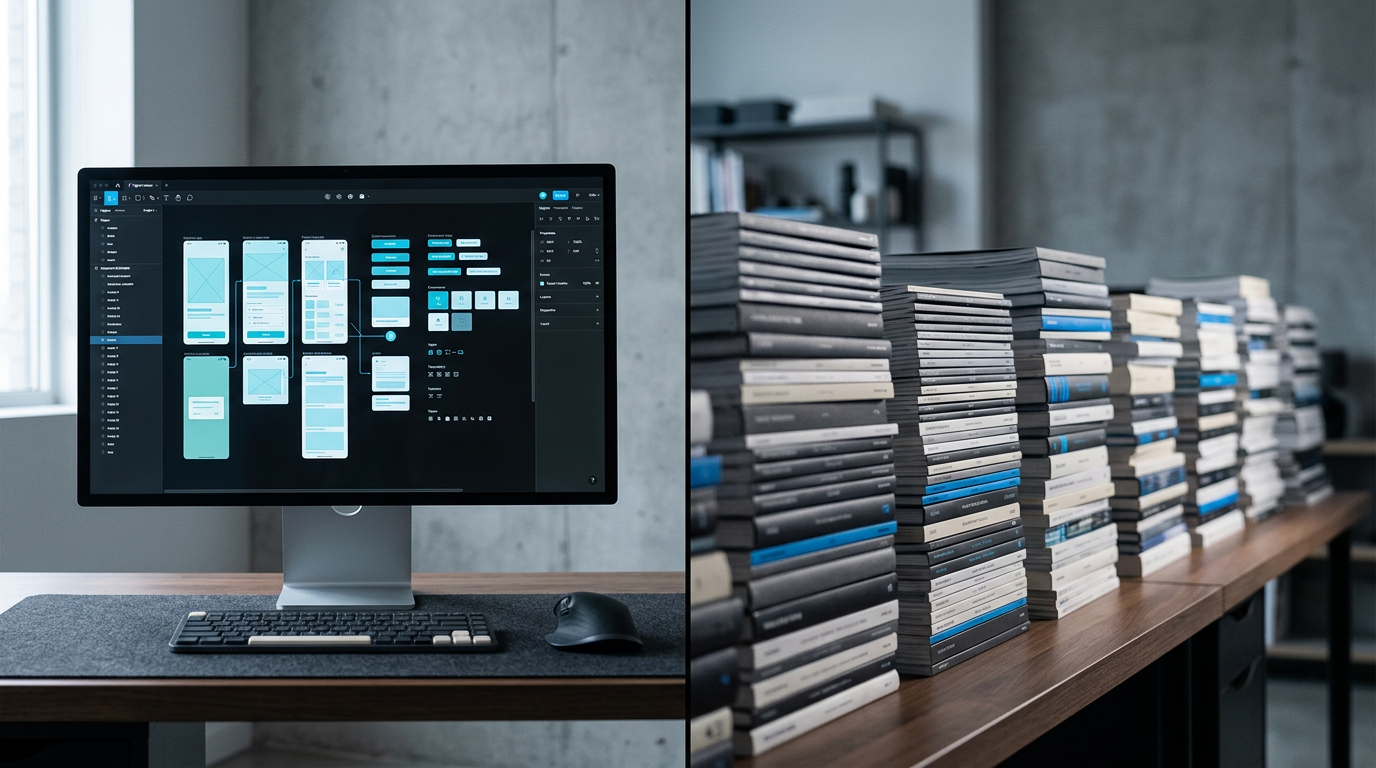
What made Figma revolutionary — and still sets it apart — is its multiplayer-first architecture. Unlike Sketch or Adobe XD, Figma was built from the ground up to run in the browser with real-time collaboration baked in, not bolted on. Every design file is a live document, much like Google Docs, meaning multiple people can edit simultaneously with changes syncing instantly. The core product includes a full vector design editor, a prototyping engine, a design systems toolkit (components, variables, styles), and FigJam, a separate whiteboarding tool included with all plans.
After the failed Adobe acquisition in 2023, Figma doubled down on its independence, rolling out major feature releases in 2024 and 2025 including Figma Variables (for design tokens and responsive design logic), an upgraded AI-assisted layout tool, and an improved developer handoff mode called Dev Mode. Many of these features, notably the more powerful ones, remain paywalled behind the Professional and Organization tiers — which makes evaluating the free plan’s real-world usefulness more nuanced than ever.
What the Free Plan Actually Includes
Figma’s free plan is called the Starter plan as of 2026. Here’s an honest, granular breakdown of what you get — and where the walls appear.
Unlimited Personal Drafts
This is the free plan’s biggest strength and the feature most people underestimate. In your personal Drafts folder, you can create as many files as you want with no cap. For a solo designer doing client work in their own space, this is essentially unlimited design capacity. The limitation only kicks in when you try to move files into a shared Team project.
Full Core Design Editor
The Starter plan gives you complete access to Figma’s vector design tools — the Pen tool, Boolean operations, Auto Layout, component creation, and the full constraints system. This is not a watered-down editor. You can build production-quality UI mockups, design systems, and interactive prototypes entirely within the free tier. The editor parity with paid plans is genuinely impressive and one of Figma’s strongest competitive moves.
Basic Prototyping
You can create clickable prototypes with standard interactions — navigate between frames, use overlays, and set simple animations. What you cannot access on the free plan are advanced prototyping features like Variables-driven conditional logic and multi-dimensional interactive components, which require the Professional plan. For most basic user flows and client demos, the free prototyping is sufficient.
3 Collaborative Projects Limit
This is the most significant free plan restriction in 2026. When working in a shared team space (not personal Drafts), you’re limited to 3 active projects. For a two-person startup or a small freelance team sharing files, you’ll hit this ceiling faster than you’d expect — especially once you separate projects by client or product area. Archived projects don’t count against the limit, but archiving live client work is a workflow disruption.
FigJam Access
The Starter plan includes FigJam, Figma’s online whiteboard tool. You can run brainstorming sessions, create flowcharts, and map user journeys. Free FigJam is limited to 3 files in shared spaces (matching the project cap), but the toolset itself is fully functional for workshops and planning sessions.
Community and Plugins
Free users get full access to the Figma Community, which hosts thousands of free UI kits, icon libraries, and templates. All publicly available plugins are also accessible, including popular ones like Unsplash, Iconify, and Content Reel. This makes the free plan dramatically more powerful than it might appear on paper.
Figma Pricing Plans (2026)
Figma restructured its pricing in late 2025. Here’s the current lineup as of August 2026, with per-editor monthly costs billed annually.
| Plan | Price/mo | Best For | Key Limit |
|---|---|---|---|
| Starter (Free) | $0 | Solo designers, students | 3 collaborative projects |
| Professional | $15/editor | Freelancers, small teams | Unlimited projects, 180-day history |
| Organization | $45/editor | Mid-size design teams | SSO, org-wide libraries, branching |
| Enterprise | $75/editor | Large orgs, compliance needs | Advanced security, dedicated support |
One important note: viewers and commenters are always free on every plan, including the Starter. This means you can share a Figma prototype link with a client and they can leave comments without either of you needing a paid seat. That’s a meaningful perk that keeps the free plan useful for client-facing work even with the project limit.
Who Should Use Figma’s Free Plan?
Best Figma Alternatives
If Figma’s free tier feels too limiting — or if you want to compare before committing — here are the most credible alternatives in 2026.
| Tool | Starting Price | Best For | Our Rating |
|---|---|---|---|
| Penpot | Free (open source) | Privacy-first teams, self-hosters | 3.9/5 |
| Sketch | $12/editor/mo | Mac-native teams, longtime Sketch users | 3.7/5 |
| Framer | Free / $20/mo Pro | Designers who publish live websites | 4.0/5 |
| Canva Pro | Free / $15/mo Pro | Non-designers, marketing teams | 3.8/5 |
Penpot deserves a specific callout: it’s fully open-source, completely free to use on the cloud tier, and has made serious usability strides in 2025-2026. For teams that find Figma’s free limits frustrating and want an unlimited-collaboration alternative without a credit card, Penpot is now a legitimate option — though its plugin ecosystem and polish still lag behind Figma’s.
Frequently Asked Questions
Final Verdict: Is Figma’s Free Plan Worth It in 2026?
After weeks of hands-on testing, the honest answer is: it depends entirely on how you work. For a solo designer building a portfolio, learning the craft, or managing fewer than three active client relationships at a time, Figma’s free Starter plan is one of the best free offers in all of professional software — not just design tools. You get a world-class design editor, real-time collaboration capability, access to a massive community library, and a whiteboarding tool, all at zero cost. That’s not nothing; that’s genuinely remarkable.
Where the free plan breaks down is the moment your workflow scales. Three collaborative projects is a tight constraint for any working professional juggling multiple clients, and the 30-day version history limit introduces real risk if a client asks you to revert a design decision from six weeks ago. These aren’t artificial annoyances — they’re calculated limits designed to make the $15/month Professional plan feel like a relief rather than a burden. And honestly, for most professionals bringing in client revenue, $15/editor/month is a reasonable business expense.
The strategic play in 2026 is to use Figma’s free plan intelligently


