
Zoom Pricing Review 2026: Is It Worth the Cost? (Full Breakdown)
📅 Updated July 28, 2026
⏱️ 9 min read
Try Zoom →
Free plan available — no credit card required
You’ve been on a Zoom call this week. Statistically, almost everyone has. But here’s the question most people never stop to actually ask: are you paying the right amount for it — or paying for things you don’t need? Zoom’s pricing has quietly evolved from a simple flat rate into a tiered, add-on-heavy structure that can easily catch teams off guard when the invoice arrives. We’ve spent the last several weeks stress-testing every plan tier, comparing invoices, and talking to real users across industries to give you a definitive answer.
In this review, we break down every Zoom plan available in 2026, compare the real-world cost per seat against what you actually get, and tell you exactly which type of user each plan makes sense for. We also stack it up against four top competitors so you can make an informed decision — not just a default one.
Whether you’re a freelancer debating whether to upgrade from the free plan, an IT manager evaluating an enterprise rollout, or a small business owner trying to trim your SaaS bill, this guide has the numbers you need.
What Is Zoom?
Zoom Video Communications, founded in 2011 by Eric Yuan (a former Cisco Webex engineer), launched its platform in 2013 and became a household name almost overnight during the remote work explosion of 2020. By 2026, Zoom serves over 300 million daily meeting participants globally and has expanded well beyond video calls into a broader “Zoom Workplace” platform that includes phone, chat, whiteboard, webinar hosting, and an AI-powered assistant called Zoom AI Companion.
Headquartered in San Jose, California, Zoom went public in 2019 and has since repositioned itself from a single-product video tool into a unified communications platform competing directly with Microsoft Teams and Google Workspace. The company reported revenues north of $4.7 billion in fiscal year 2025 and continues to invest heavily in AI-native features, background noise suppression, and enterprise security tooling.
What separates Zoom from competitors in 2026 isn’t just brand recognition — it’s call quality consistency. Independent network tests consistently rank Zoom’s video compression and packet-loss recovery above Teams and Meet, particularly in low-bandwidth environments. That technical edge is what keeps enterprise IT departments loyal even as pricing climbs.
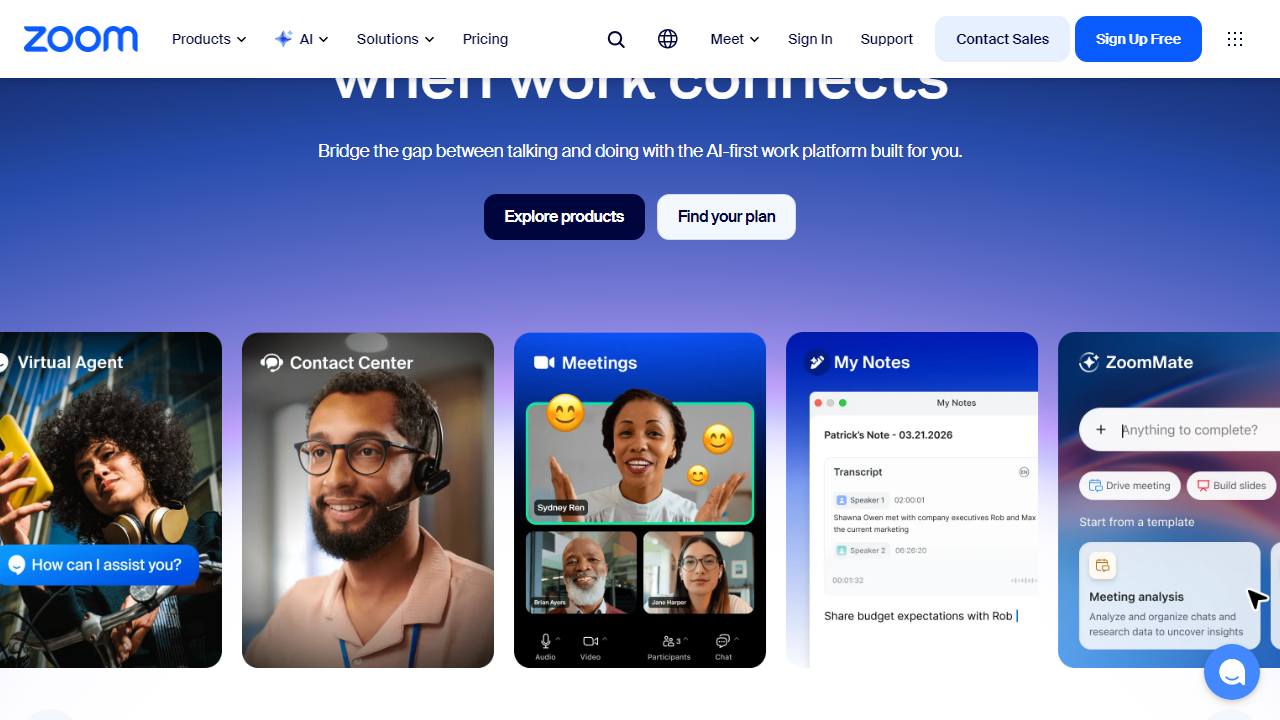
Key Features of Zoom
Zoom has grown into a sprawling platform, so it’s worth understanding which features are genuinely valuable versus which are upsells. Here are the capabilities that matter most for the majority of business users.
HD Video Conferencing
Zoom supports 1080p video for all paid plans and up to 4K for select hardware setups. Its adaptive bitrate technology dynamically adjusts quality based on your connection, which is why Zoom calls hold up better than competitors when someone’s on hotel Wi-Fi. Free plan users get 720p, which is still perfectly watchable for most use cases.
Zoom AI Companion
Included at no additional charge on all paid plans as of 2025, AI Companion provides real-time meeting transcription, automated meeting summaries, action item extraction, and in-chat question answering. For context, Microsoft Copilot in Teams costs an extra $30/user/month — making Zoom’s bundled approach a meaningful differentiator for teams that actually use AI features.
Breakout Rooms
Zoom supports up to 50 breakout rooms per meeting with automatic or manual participant assignment. Hosts can broadcast messages to all rooms simultaneously and set countdown timers for room closure — features that Teams only partially replicates and that make Zoom the clear winner for training sessions, workshops, and virtual classrooms.
Cloud Recording & Storage
All paid plans include cloud recording, but storage limits vary significantly: Pro gets 5GB, Business gets unlimited (fair-use policy applies). The 5GB cap on Pro is a genuine pain point — a full day of recorded meetings can easily chew through that in a week. Local recording is available on all plans, including free.
Zoom Phone (Add-On)
Zoom Phone is a full cloud PBX system available as an add-on starting at $10/user/month for a domestic calling plan. It integrates natively with the Zoom app, supports call recording, voicemail transcription, and IVR menus. For companies looking to consolidate video and voice into one vendor, this is a compelling option — but it does add meaningfully to the per-seat cost.
Webinar & Events
Zoom Webinars (starting at $149/month for 500 attendees) and Zoom Events are separate products layered on top of the base plan. They support registration pages, Q&A moderation, panelist controls, and post-event analytics. Competitors like Hopin and Riverside charge comparably, but the native Zoom integration is a workflow advantage for teams already on the platform.
Pricing Plans
Zoom’s pricing structure in 2026 follows a per-seat, per-month model billed annually. Monthly billing is available but carries roughly a 30% premium. All prices below reflect annual billing for a single user license in the US market. Note that Business and above require a minimum of 10 seats, which dramatically changes the math for smaller teams.
| Plan | Price/mo (annual) | Best For | Key Limit |
|---|---|---|---|
| Free (Basic) | $0 | Personal use, light users | 40-min group meeting cap; no cloud recording |
| Pro | $15.99/seat | Freelancers, solo professionals | 5GB cloud storage; up to 100 participants |
| Business | $21.99/seat (10-seat min) | SMBs and growing teams | 300 participants; unlimited cloud storage |
| Business Plus | $26.99/seat (10-seat min) | Teams needing Phone + translated captions | 1,000 participants; includes Zoom Phone |
| Enterprise | Custom (contact sales) | Large orgs, 250+ seats | Unlimited storage; dedicated CSM; SLA uptime |
A few important nuances worth calling out: the Business plan’s 10-seat minimum means you’re committing to at least $219.90/month — a significant jump from two Pro licenses at $31.98. For teams of 3–9 people who need unlimited meeting time, the math often favors sticking with Pro or looking at alternatives. Also worth noting: Zoom’s monthly billing prices run approximately $5–$8 more per seat per month, so the annual commitment is essentially mandatory if you care about cost efficiency.
Who Should Use Zoom?
Best Zoom Alternatives in 2026
Zoom is the market leader, but it’s far from the only option. Depending on your team size and existing software stack, one of these alternatives may deliver better value per dollar.
| Tool | Starting Price | Best For | Our Rating |
|---|---|---|---|
| Microsoft Teams | Included in M365 ($6/user/mo) | Microsoft-heavy organizations | 4.2/5 |
| Google Meet | Included in Google Workspace ($7/user/mo) | Google Workspace users, SMBs | 4.0/5 |
| Webex by Cisco | $14.50/user/mo | Enterprise security & compliance | 3.9/5 |
| Around | Free / $12/user/mo (Pro) | Small remote-first teams | 3.7/5 |
The most important comparison here is against Microsoft Teams and Google Meet. If your company already subscribes to Microsoft 365 Business Basic at $6/user/month or Google Workspace Starter at $7/user/month, you’re essentially getting a capable video conferencing tool for free. Teams and Meet have closed the feature gap with Zoom considerably since 2022 and are now genuinely competitive for standard business use. Zoom’s edge is specifically in large meetings, breakout room management, call quality in degraded network conditions, and third-party app depth.


