
Copy.ai Pricing in 2026: Every Plan, Hidden Cost & Whether It’s Actually Worth It
📅 Updated July 14, 2026
⏱️ 9 min read
Try Copy.ai →
Free plan available — no credit card required
If you’ve been staring at Copy.ai’s pricing page wondering why it seems to change every time you visit — you’re not imagining things. Copy.ai has gone through more pricing overhauls in the last two years than almost any other AI writing tool in the market. What started as a simple word-credit model has transformed into a full GTM (Go-to-Market) AI platform with workflow automation, multi-seat collaboration, and enterprise-grade data controls. That evolution is genuinely exciting, but it also makes the pricing much harder to decode.
After spending several weeks testing Copy.ai across its free, Starter, and Team tiers — running it through real blog drafts, email sequences, sales copy, and automated workflows — we’ve put together this no-fluff guide that tells you exactly what each plan costs in 2026, what you actually get, and which type of user gets the best bang for their dollar. We’ll also flag the gotchas that Copy.ai’s own marketing glosses over.
Whether you’re a solo freelancer wondering if the free plan is enough, a small marketing team evaluating the Team plan, or a director scoping out Enterprise options, this review has specific answers for you.
What Is Copy.ai?
Copy.ai launched in 2020 as one of the earliest consumer-facing AI writing assistants, riding the GPT-3 wave to over one million users within its first year. Founded by Paul Yacoubian and Chris Lu and headquartered in Memphis, Tennessee, the company initially made its name with snappy short-form copy tools: product descriptions, ad headlines, social captions, and email subject lines. It was fast, fun, and genuinely useful for marketers who were sick of staring at blank screens.
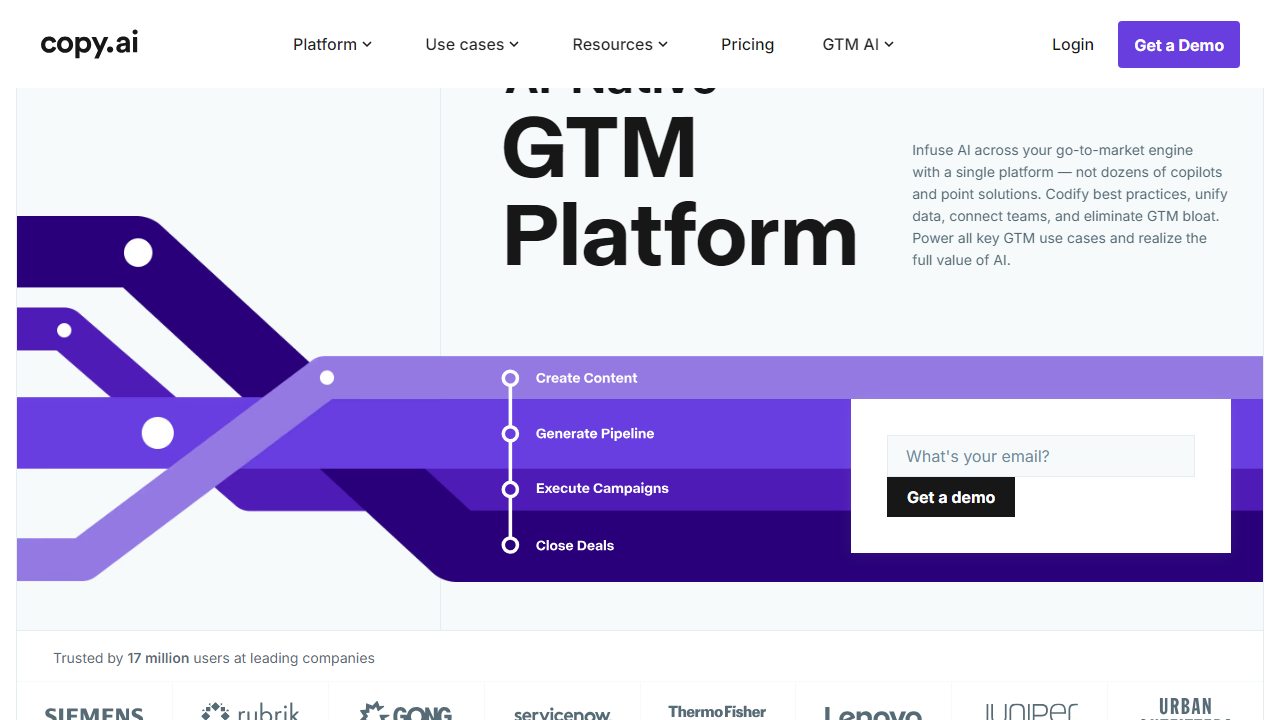
By 2025-2026, Copy.ai had repositioned itself more aggressively as a “GTM AI Platform” — a broader category that encompasses not just writing assistance but automated multi-step workflows for sales prospecting, content pipelines, SEO brief generation, and CRM enrichment. The rebrand is real, not just marketing spin: the product now integrates with Salesforce, HubSpot, Notion, Webflow, and dozens of other tools via native connectors and API access. As of mid-2026, Copy.ai claims over 17 million users worldwide, though the vast majority are on the free tier.
The core value proposition in 2026 is this: Copy.ai wants to be the AI layer that sits across your entire revenue team’s workflow — not just a writing assistant you open when you need a tagline. Whether that vision is worth the price depends entirely on your team size and how deeply you’re willing to integrate AI into your processes.
Key Features of Copy.ai
Copy.ai’s feature set in 2026 has expanded well beyond its copywriting roots. Here’s what actually matters across the plans:
AI Writing Tools (90+ Templates)
The bread-and-butter feature: over 90 templates covering blog posts, product descriptions, email sequences, ad copy, social media content, video scripts, and more. On all paid plans, word output is genuinely unlimited — no credits, no monthly caps. Quality is strong for short-to-medium form content, though long-form blog posts over 2,000 words still benefit from human editing.
GTM Workflows
This is Copy.ai’s most differentiating feature in 2026. Workflows let you chain together AI tasks — for example, pulling a prospect’s LinkedIn URL, researching their company, drafting a personalized cold email, and logging it to HubSpot — all in a single automated pipeline. Starter plan users get access to basic workflows; Team and Enterprise unlock advanced multi-step workflows with external data enrichment and custom triggers. It’s genuinely powerful for sales and marketing ops teams.
Brand Voice & Infobase
Available from the Team plan upward, the Infobase lets you feed Copy.ai your brand guidelines, product details, tone-of-voice docs, and FAQs. The AI then references this context in every output, dramatically reducing the need to re-prompt. In our testing, outputs with a well-configured Infobase were noticeably more on-brand than generic prompts — this feature alone justifies the Team plan for established brands.
Chat Interface (Chat.Copy.ai)
A conversational AI interface powered by multiple underlying models (including GPT-4o and Claude 3.5 variants, depending on the task). It’s available on all plans including free, with the free version limited to 2,000 words per month total. Think of it as Copy.ai’s answer to ChatGPT — but with business context baked in via the Infobase.
Integrations & API
Native integrations include HubSpot, Salesforce, Notion, Webflow, Zapier, and Make (formerly Integromat). API access is available on the Team plan and above, opening the door to custom workflow builds. Enterprise customers get dedicated API rate limits and SSO/SAML support. Notably, the Starter plan has zero API access — a meaningful limitation for developers.
Copy.ai Pricing Plans in 2026
Copy.ai currently offers four tiers: Free, Starter, Team, and Enterprise. All prices below are in USD. Paid plans are billed monthly or annually — choosing annual billing saves approximately 25% across the board. Here’s the full breakdown:
| Plan | Price/mo | Best For | Key Limit |
|---|---|---|---|
| Free | $0 | Casual users, evaluators | 2,000 words/mo, 1 seat |
| Starter | $49/mo ($36/mo annual) | Solo creators, freelancers | Unlimited words, 1 seat, no API |
| Team | $249/mo ($186/mo annual) | Marketing & sales teams | Up to 5 seats, API access included |
| Enterprise | Custom (typically $1,000+/mo) | Large orgs, agencies | Unlimited seats, SSO, dedicated CSM |
A few important notes on pricing: The Team plan’s $249/month base covers up to 5 seats; additional seats are available at roughly $25-$40/seat/month depending on your contract. Enterprise pricing is negotiated directly and typically involves a minimum annual commitment — most published estimates from enterprise buyers in 2026 put the floor around $12,000/year. Annual billing discounts apply to Starter and Team but not Enterprise (that’s negotiated separately). Copy.ai does not currently offer a lifetime deal or any AppSumo-style one-time purchase.
Who Should Use Copy.ai?
Best Copy.ai Alternatives in 2026
Copy.ai is a strong product, but it’s not right for everyone. Here’s how it stacks up against the four most relevant competitors in 2026:
| Tool | Starting Price | Best For | Our Rating |
|---|---|---|---|
| Jasper AI | $49/mo (Creator) | Long-form content, SEO blogs | 4.3/5 |
| Writesonic | $16/mo (Individual) | Budget-conscious solo creators | 3.9/5 |
| Anyword | $39/mo (Starter) | Performance-focused ad copy | 4.0/5 |
| Notion AI | $10/mo add-on | Teams already on Notion | 3.7/5 |
If long-form SEO content is your primary use case, Jasper edges out Copy.ai with better document structure and more robust SEO integrations. For teams on a tight budget, Writesonic’s Individual plan at $16/month offers surprising utility. But if automated GTM workflows and CRM integration are what you need, Copy.ai has no close rival at its price point in 2026.
Frequently Asked Questions
Final Verdict: Is Copy.ai Worth It in 2026?
After hands-on testing across multiple use cases — writing blog outlines, building sales email sequences, testing GTM workflow automations, and putting the Infobase through its paces with a real brand voice document — here’s our honest take: Copy.ai is one of the most well-rounded AI writing and automation platforms available in 2026, but its


