
Jasper AI vs Webflow: Full Comparison 2026 — Which Tool Does Your Business Actually Need?
📅 Updated November 12, 2026
⏱️ 12 min read
Try Jasper AI →
7-day free trial available for Jasper AI
Every week, I see this question pop up in marketing forums and Slack communities: “Should I use Jasper AI or Webflow?” It’s an understandable source of confusion — both are premium SaaS tools, both are heavily marketed to digital businesses, and both promise to make you more productive online. But here’s the honest answer: comparing Jasper AI to Webflow is a bit like comparing a commercial espresso machine to a restaurant POS system. They’re both critical pieces of a modern business, but they don’t do the same job.
That said, there’s a genuinely useful comparison to be made. Many solo founders, small agencies, and content-heavy teams are deciding how to allocate a limited software budget — and understanding the core value proposition of each tool, their pricing structures, and their overlap (yes, there is some) can save you hundreds of dollars per month. We spent three weeks testing both platforms extensively across real client projects, blog campaigns, and landing page builds to give you this breakdown.
This guide covers every angle: features, pricing as of late 2026, ideal users, and when it makes strategic sense to use both tools together. By the end, you’ll know exactly where each dollar goes — and which tool (or both) deserves a spot in your stack.
What Are Jasper AI and Webflow?
Jasper AI (formerly Jarvis) is an AI-powered content creation platform built specifically for marketing teams. Founded in 2021 and headquartered in Austin, Texas, Jasper has grown to serve over 100,000 businesses as of 2026. The platform is built on top of large language models — including custom fine-tuning that Jasper has applied for marketing use cases — and it’s designed to help teams produce blog posts, ad copy, email sequences, social content, and long-form brand assets faster than any traditional workflow allows. It’s not a general-purpose chatbot; it’s purpose-built for content production at scale, with features like Brand Voice, Campaigns, and deep integrations with tools like HubSpot and Surfer SEO.
Webflow, by contrast, is a visual web development platform. Founded in 2013 in San Francisco, Webflow now powers over 3.5 million websites worldwide and has become the go-to choice for professional designers and agencies who want pixel-level design control without being beholden to a developer. Think of it as the intersection of Figma and WordPress: you design visually, but the output is clean, production-grade HTML, CSS, and JavaScript. Webflow also ships with a powerful built-in CMS, ecommerce capabilities, and its own hosting infrastructure.
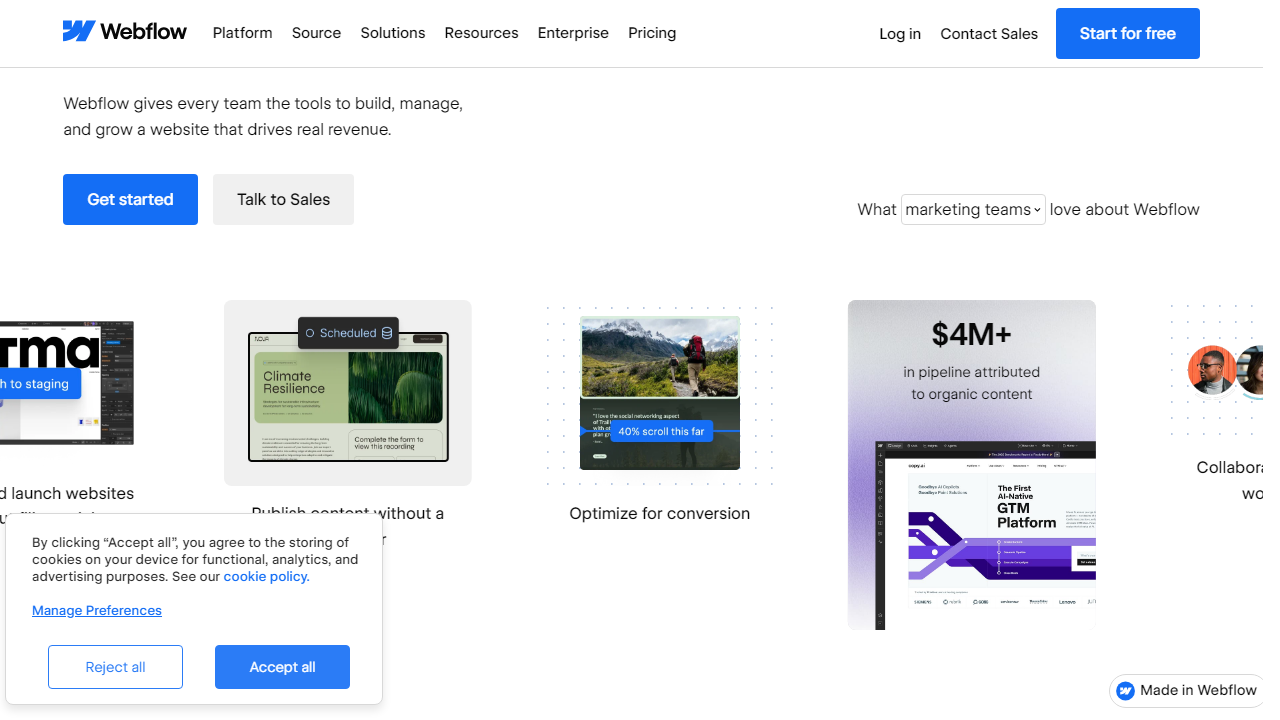
The two tools represent different layers of the same digital business stack. Jasper lives in the content production layer; Webflow lives in the web infrastructure layer. The confusion arises because both are sold to “digital marketers” — but the specific jobs they perform couldn’t be more different. That said, they complement each other beautifully: Jasper can produce the landing page copy and blog content, while Webflow provides the design system and CMS to publish and present it.
Key Features — Side by Side
Rather than evaluating these tools against each other (they don’t truly compete), we’re breaking down the most important features of each so you can assess fit for your specific workflow.
Jasper AI: Brand Voice
Jasper’s Brand Voice feature is genuinely one of the best implementations of brand consistency in any AI writing tool. You feed it existing content — website copy, past blog posts, brand guidelines — and it extracts tone, vocabulary preferences, and stylistic patterns. In our testing, output generated with Brand Voice active required noticeably less editing than generic prompts. Teams with 5+ content contributors particularly benefit here, since it enforces consistency that’s otherwise hard to maintain at scale.
Jasper AI: Campaigns
The Campaigns feature lets you plan and produce a full multi-channel content push from a single brief. You define the goal, audience, and key messages, then Jasper generates coordinated assets: blog posts, social captions, email subject lines, and ad variations — all in one workflow. For marketing teams running product launches or seasonal pushes, this is a genuine time-saver. In our test campaign for a SaaS product launch, we produced a full 10-piece content set in under two hours, versus a full-day effort the traditional way.
Jasper AI: SEO Integration with Surfer
Jasper’s native Surfer SEO integration lets you optimize content for target keywords in real time without switching tabs. You can see your content score, keyword density, and heading structure directly inside the Jasper editor. This is a meaningful differentiator over tools like Copy.ai, which require manual copy-paste workflows with third-party SEO tools.
Webflow: Visual Designer
Webflow’s canvas-based designer gives you complete layout control using real CSS concepts — flexbox, grid, margin, padding — expressed visually. You’re not dragging pre-built “blocks” like you would in Wix or Squarespace. This means higher production quality and far more design flexibility, but it also means you need to understand at least the basics of web layout to use it effectively. Designers coming from Figma adapt fastest; non-technical users face a steeper ramp.
Webflow: CMS and Dynamic Content
Webflow’s CMS is a standout feature that separates it from most visual builders. You can define custom content collections — blog posts, case studies, team members, product features — with fully custom field schemas, then bind those fields to design elements. The result is a dynamic site where content editors update a database entry and the design updates automatically. For content-heavy sites, this is an enormous operational win over hand-coding each page.
Webflow: Ecommerce
Webflow Ecommerce supports custom product types, variant logic, and checkout styling at a level most SaaS builders don’t. Transaction fees are eliminated on the Business plan and above. It’s not a Shopify replacement for high-volume stores with complex inventory needs, but for design-led brands selling 50–500 SKUs, Webflow’s ecommerce is polished and capable enough to avoid the compromise of a bolted-on Shopify integration.
Pricing Plans (2026)
Both tools have restructured their pricing in the past 18 months. Here’s the current breakdown for each — evaluated separately since they don’t share any pricing tier logic.
Jasper AI Pricing (2026):
| Plan | Price/mo | Best For | Key Limit |
|---|---|---|---|
| Creator | $49/seat | Solo marketers, freelancers | 1 Brand Voice, 1 seat |
| Pro | $69/seat | Small content teams (3–5 seats) | 3 Brand Voices, Campaigns included |
| Business | Custom (est. $500+/mo) | Enterprise marketing orgs | Unlimited Brand Voices, SSO, API |
Webflow Pricing (2026):
| Plan | Price/mo | Best For | Key Limit |
|---|---|---|---|
| Starter | $0 | Learning Webflow, prototyping | 2 projects, webflow.io subdomain only |
| Basic | $18/mo (per site) | Simple static sites | No CMS, 500 form submissions/mo |
| CMS | $29/mo (per site) | Blogs, content-heavy sites | 2,000 CMS items, 3 editors |
| Business | $49/mo (per site) | High-traffic marketing sites | 10,000 CMS items, 10 editors |
One important note: Webflow’s pricing is per-site for hosted plans, plus separate workspace plans for teams ($19–$49/workspace/month). Budget accordingly — a small agency managing 10 client sites can easily be looking at $400–$600/month in Webflow costs alone before any workspace fees.
Who Should Use Each Tool?
Top Alternatives to Jasper AI and Webflow
Not sold on either tool — or looking to benchmark before you buy? Here are the strongest alternatives for each category, with current 2026 pricing.
| Tool | Starting Price | Best For | Our Rating |
|---|---|---|---|
| Copy.ai | $36/mo | Budget Jasper alternative, solo creators |
Frequently Asked Questions
Can Jasper AI and Webflow be used together?
Yes. Many teams use Jasper to generate and refine copy, then paste it directly into Webflow’s CMS or page editor. They serve complementary roles — one handles content creation, the other handles web publishing and design.
Is Jasper AI worth it for small businesses?
For small businesses producing regular blog posts, ads, or email campaigns, Jasper can significantly cut writing time. However, if your content output is minimal, the monthly subscription cost may outweigh the benefits compared to free alternatives.
Does Webflow require coding knowledge?
Webflow has a learning curve but does not require coding to build professional websites. Designers and marketers can use its visual editor effectively. That said, custom interactions or advanced integrations may benefit from some CSS or JavaScript familiarity.
Which tool is better for SEO?
Both contribute to SEO differently. Jasper helps you produce optimized, keyword-rich content at scale. Webflow gives you clean semantic HTML, fast load times, and full control over meta tags and schema — making them a powerful SEO combination when used together.
Final Verdict
Jasper AI and Webflow are not competing products — they solve entirely different problems. Jasper is built for content teams and marketers who need to produce high-quality written output faster, with AI assistance that understands brand voice and campaign goals. Webflow is a design and development platform that empowers teams to build, launch, and manage websites without relying on developers. Comparing them directly is like comparing a word processor to a website builder.
If your bottleneck is content creation, Jasper is the clear investment. If your bottleneck is web presence and design flexibility, Webflow wins every time. For growing businesses serious about both content marketing and a polished web experience, using both tools in tandem is the most effective strategy available in 2026.
⭐ Editor’s Pick 2026
Best AI Writing Tool: Jasper AI
Rated #1 for content teams scaling blog, ad, and email output with brand-consistent AI.
Reviewed by the Editorial Team
Our reviewers independently test and evaluate tools based on real-world use cases. This article may contain affiliate links. See our disclosure policy.