
Webflow vs Claude: Which Is Better in 2026? (Honest Comparison)
📅 Updated November 1, 2026
⏱️ 11 min read
Try Webflow →
Free plan available
Here’s a question we get asked more often than you’d expect: “Should I use Webflow or Claude?” At first glance, it seems like comparing a sports car to a Swiss Army knife — they do fundamentally different things. But we understand why the confusion exists. In 2026, both tools are being marketed as solutions to the same broad problem: building and running a business online faster. Webflow promises to replace your dev team. Claude promises to replace your content team. So which should get your subscription dollars?
We spent three weeks using both tools across real client projects — building a SaaS marketing site in Webflow, drafting an entire content strategy with Claude, and even testing whether Claude could help accelerate Webflow development (spoiler: it can, and remarkably well). This review gives you the honest, side-by-side breakdown so you can make a smart decision with your budget.
The short answer: these tools are not competitors. They’re teammates. But if you truly can only choose one, keep reading — we’ll tell you exactly which one to pick based on your situation.
What Are Webflow and Claude?
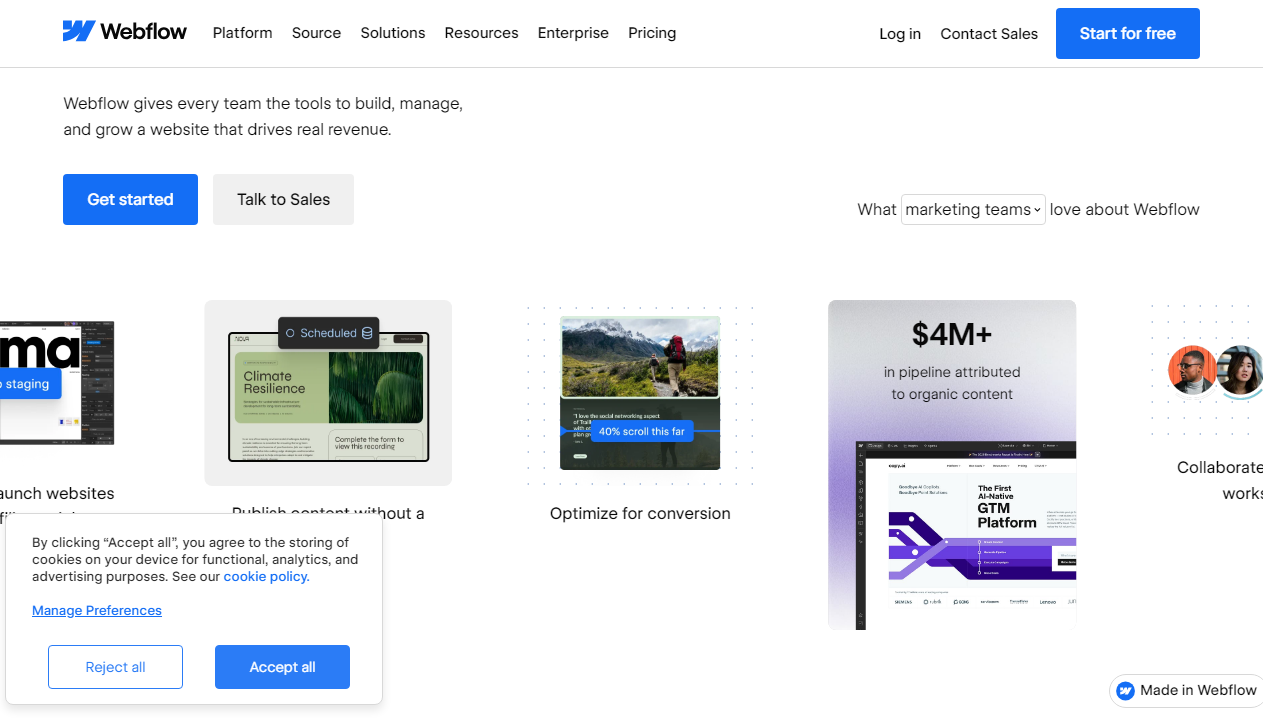
Webflow is a visual web design and CMS platform founded in 2013 by Vlad Magdalin, Sergie Magdalin, and Bryant Chou. Headquartered in San Francisco, it positions itself as the bridge between design tools like Figma and traditional code-based development. By 2026, Webflow has grown to over 3.5 million users worldwide, including designers at major brands like IDEO, Upwork, and Lattice. It lets non-developers build production-ready, fully responsive websites through a visual canvas while generating clean, exportable HTML, CSS, and JavaScript under the hood.
Claude, on the other hand, is Anthropic’s flagship AI assistant — a large language model (LLM) first released in 2023 and now in its fourth major iteration as of 2026. Anthropic, founded by former OpenAI researchers including Dario Amodei, built Claude with a strong emphasis on safety, honesty, and long-context reasoning. Claude 4 supports a 200,000-token context window (roughly 150,000 words), making it exceptional for analyzing large codebases, lengthy documents, or complex multi-step projects. It’s used by millions of professionals for writing, coding, research, and analysis.
The reason people compare these tools is that both promise to reduce the need for specialized human labor — Webflow by empowering designers to build without developers, and Claude by empowering individuals to write, code, and strategize without hiring specialists. In that sense, they compete for the same budget line: “tools that make me more capable.”
Key Features Side-by-Side
Rather than reviewing each tool in a vacuum, we’ve organized features by the jobs-to-be-done that overlap most between the two platforms. This is where the comparison gets genuinely useful.
Website Building & Design
Webflow is the clear winner here — it’s literally what the tool was built for. The visual canvas gives you control over every CSS property including flexbox, grid, clipping, and custom animations without touching code. You can build fully responsive layouts, define a design system with global styles, and publish to Webflow’s CDN in one click. Claude cannot build websites natively, but it can write clean HTML/CSS/JavaScript snippets, debug Webflow custom code embeds, and generate copy for every page on your site. Used together, they’re remarkably powerful.
Content Creation & Copywriting
Claude dominates here. Its ability to write long-form blog posts, landing page copy, email sequences, and technical documentation is genuinely best-in-class among AI assistants in 2026. We tested it against GPT-4o and Gemini Ultra on a 2,500-word SaaS landing page — Claude’s output required the fewest edits and had the most natural voice. Webflow has a basic rich-text editor for its CMS, but it’s a content management system, not a content creation tool. These complement rather than compete.
CMS & Content Management
Webflow’s CMS is a genuine standout feature. You can create custom content collections — think blog posts, team members, portfolio projects, product listings — and bind them to dynamic templates. In 2026, Webflow’s CMS supports up to 10,000 CMS items on its Business plan, with powerful filtering and reference fields. Claude can help you structure your CMS schema, generate bulk content to populate it, and even write Webflow’s Finsweet CMS Filter logic in plain English.
Coding & Development Assistance
Claude’s coding capabilities have matured significantly in its fourth iteration. It supports 50+ programming languages, can review and refactor codebases up to 150,000 words long, and provides detailed explanations alongside its code suggestions. In our testing, Claude successfully debugged a complex Webflow Memberships setup with custom JavaScript — something that would have taken a developer 3-4 hours took 45 minutes with Claude’s help. Webflow has no equivalent AI coding assistant built-in, though it integrates with tools like Memberstack and Zapier.
Integrations & Workflow Automation
Webflow connects natively with Zapier, Make (formerly Integromat), and has a robust REST API for custom integrations. Its Logic feature (available on Business plans and above) allows basic workflow automation without third-party tools. Claude integrates via API into hundreds of platforms and has native Claude.ai apps for web, iOS, and Android. Anthropic’s API is widely used by developers to embed Claude into custom workflows, Slack workspaces, and internal tools — giving it a broader automation footprint than Webflow in 2026.
SEO Tools
Webflow has solid built-in SEO controls — you can set meta titles, descriptions, Open Graph tags, canonical URLs, and 301 redirects at the page level. It auto-generates clean semantic HTML, which helps with crawlability. Claude can assist with SEO strategy: keyword research frameworks, meta description generation, schema markup suggestions, and content briefs. Again, these are additive rather than competitive capabilities.
Pricing Plans
Pricing is where these two tools diverge sharply. Webflow’s pricing is site-based and scales with traffic and features, while Claude’s is a flat monthly subscription. Here’s the breakdown for both as of November 2026.
Webflow Pricing (per site/month, billed annually):
| Plan | Price/mo | Best For | Key Limit |
|---|---|---|---|
| Starter (Free) | $0 | Learning & prototyping | webflow.io subdomain only |
| Basic | $18/mo | Simple marketing sites | No CMS, 50GB bandwidth |
| CMS | $29/mo | Blogs & content sites | 2,000 CMS items, 3 editors |
| Business | $49/mo | High-traffic sites & teams | 10,000 CMS items, 10 editors |
Claude (Anthropic) Pricing:
| Plan | Price/mo | Best For | Key Limit |
|---|---|---|---|
| Free | $0 | Casual use & evaluation | Limited messages/day, Claude 3 Sonnet only |
| Pro | $20/mo | Professionals & power users | 5x more usage, Projects feature, Claude 4 |
| Team | $30/user/mo | Collaborative teams | Shared Projects, admin controls, min 5 seats |
| Enterprise | Custom | Large orgs with compliance needs | SSO, audit logs, custom data retention |
Value verdict: Claude Pro at $20/month is one of the best value subscriptions in the AI space in 2026. Webflow’s CMS plan at $29/month is fair for what it offers but can feel expensive for solo operators who just want a simple blog. If budget is tight, prioritize the tool that matches your most urgent need.
Who Should Use Which Tool?
Best Alternatives to Webflow and Claude
If neither tool feels like the right fit — or you want to benchmark them against competitors — here are the most relevant alternatives in 2026.
| Tool | Starting Price | Best For | Our Rating |
|---|---|---|---|
| Squarespace | $16/mo | Simple sites, creatives | 4.1/5 |
| ChatGPT Plus (GPT-4o) | $20/mo | AI with browsing & image gen | 4.4/5 |
| Framer | $15/mo | Designers wanting AI site gen | 4.2/5 |
Frequently Asked Questions
Can Claude build websites like Webflow does?
No. Claude is an AI language model that can write code for websites, but it has no visual editor, hosting, or CMS. Webflow is a complete no-code platform for designing, publishing, and managing websites. They solve fundamentally different problems.
Which is better for non-technical users in 2026?
Webflow wins for non-technical users who need a live website. Its drag-and-drop interface requires zero coding. Claude is powerful for research and content drafting, but turning its output into a real site still requires technical steps or a separate tool.
Can I use Claude and Webflow together?
Absolutely — and many professionals do. Use Claude to generate copy, brainstorm site structure, or draft blog content, then paste that output directly into Webflow’s CMS. The combination is genuinely more powerful than either tool alone.
Which tool offers better value for money in 2026?
It depends on your goal. Claude’s paid plan costs around $20/month and delivers broad AI assistance. Webflow’s plans start higher and scale with traffic and features, but the ROI is clear if you’re building client sites or running a business online.
Final Verdict
Comparing Webflow and Claude is a bit like comparing a construction crew to an architect — both are essential, but they serve different stages of the process. If your primary goal is to build and launch a professional website without writing code, Webflow is the clear winner. Its visual editor, hosting infrastructure, and CMS make it the gold standard for designers and entrepreneurs in 2026.
Claude shines as a thinking and writing partner — ideal for content strategy, copywriting, and rapid ideation. It is not a website builder and was never designed to be one. Our recommendation: use both. Let Claude handle the words and strategy, and let Webflow handle the design and delivery.
⭐ Editor’s Pick
Webflow is our top pick for building stunning websites in 2026
Drag-and-drop power, enterprise hosting, and a world-class CMS — all in one platform.
Written by the Editorial Team
We test tools hands-on so you don’t have to. Our reviews are independent and never influenced by affiliate partnerships.


