
Copy.ai vs Loom: Which Is Better in 2026? (Honest Head-to-Head Comparison)
📅 Updated October 30, 2026
⏱️ 11 min read
Try Copy.ai →
Free plan available
Try Loom →
Free plan available
Here’s a scenario that plays out in thousands of team meetings every week: a marketing manager is staring at a software budget line item and has to decide between renewing Copy.ai for the content team or finally paying for Loom seats so engineering can stop writing 800-word Slack messages to explain bugs. Both tools promise to save time. Both have enthusiastic advocates. But which one actually moves the needle more for your specific team in 2026?
I’ve spent the last several weeks running both tools through their paces — generating ad copy, email sequences, and sales workflows in Copy.ai, and recording product walkthroughs, async standups, and client feedback videos in Loom. The honest answer isn’t a clean winner. It’s a clearer understanding of what problem you’re actually trying to solve. This article gives you the data, the nuance, and a direct recommendation based on team type and use case.
Copy.ai launched in 2020 and has since evolved from a simple copywriting tool into a full GTM AI platform. Loom launched in 2016 and was acquired by Atlassian in 2023 for $975 million — a deal that has since accelerated its integration across the Atlassian ecosystem. Both are mature products with paying enterprise customers. Let’s dig in.
What Are Copy.ai and Loom?
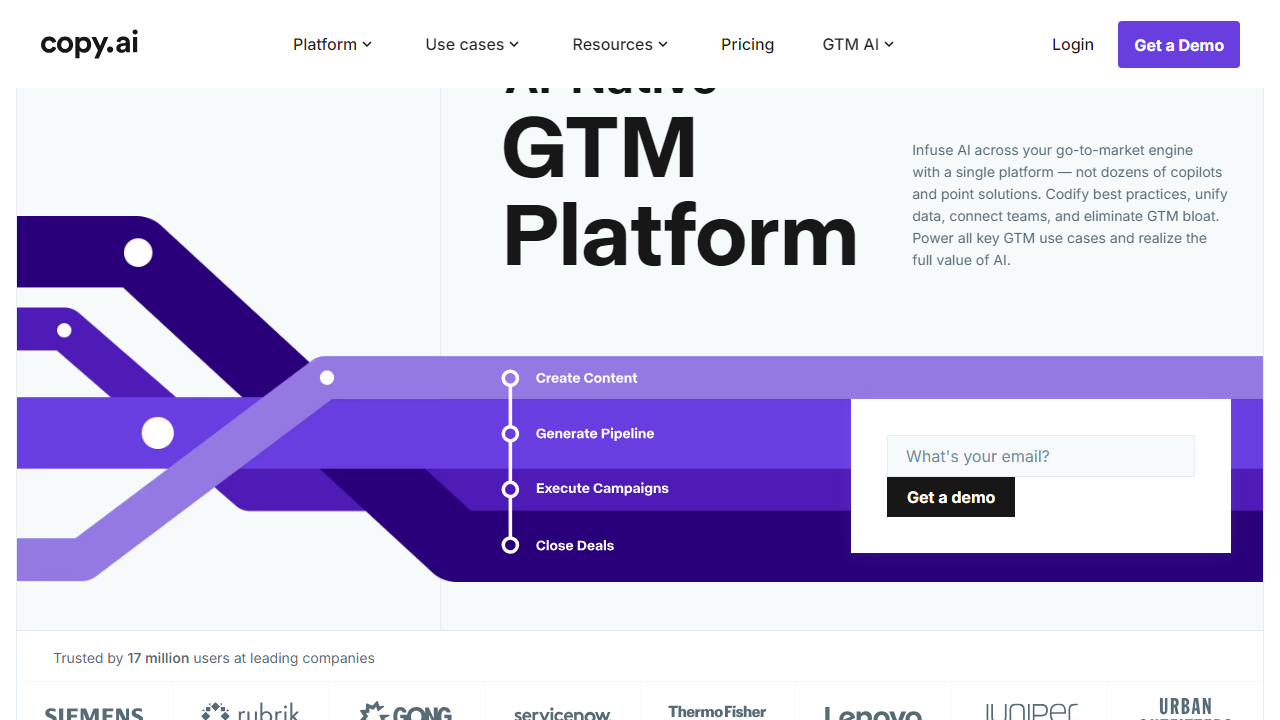
Copy.ai started life as an AI copywriting assistant — type a prompt, get marketing copy. By 2026, it has grown into something more ambitious: a “GTM AI Platform” that automates go-to-market workflows including prospecting sequences, content pipelines, blog drafts, ad variations, and persona research. It integrates directly with HubSpot, Salesforce, and LinkedIn, making it genuinely useful as a revenue enablement tool, not just a word generator. The company reports over 17 million users, though the vast majority are on the free tier.
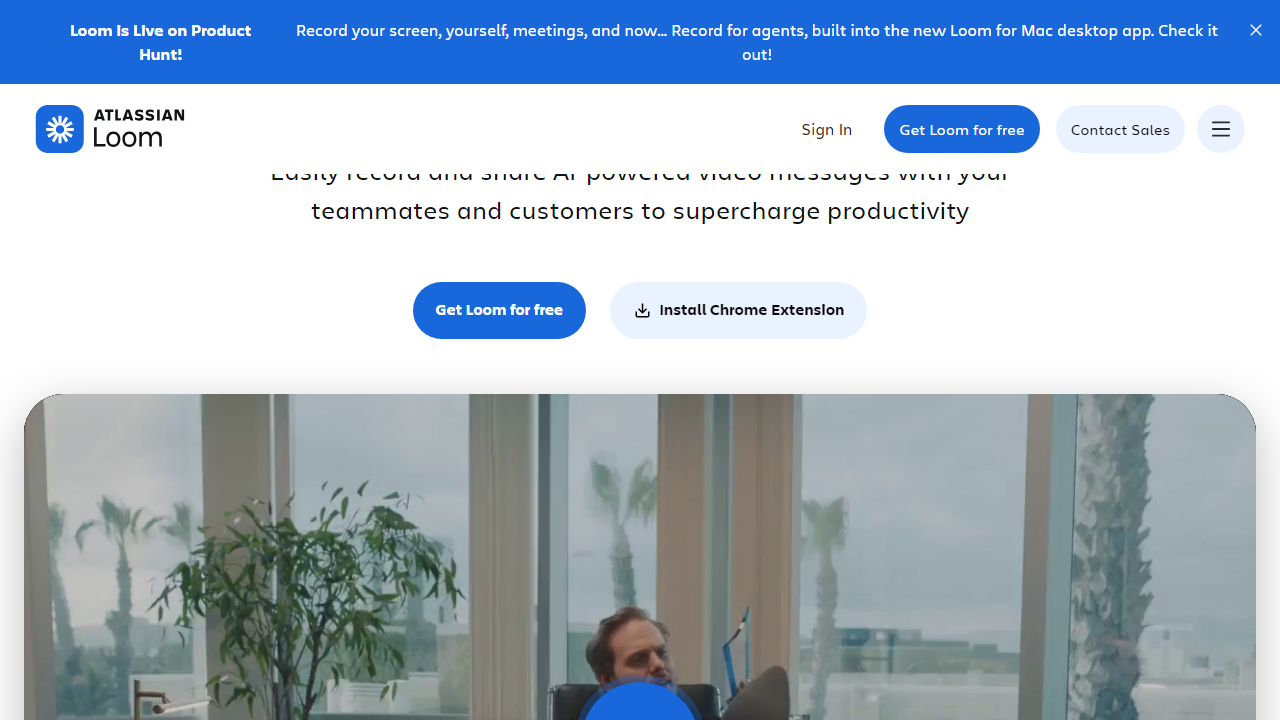
Loom, meanwhile, is the dominant player in async video communication. You hit record, your screen and face are captured simultaneously, the video is instantly shareable via a link, and viewers can leave timestamped comments, emoji reactions, and replies. In 2026, Loom has layered in AI features: auto-transcription, video summaries, filler word removal, and AI-suggested titles. The Atlassian acquisition has made Loom a first-class citizen in Jira and Confluence, which matters enormously for technical teams. Loom claims over 25 million users across 400,000 companies.
Key Features Compared
Rather than listing each tool’s features in isolation, I’ve organized this section by the jobs each tool is hired to do — so you can map them to your own workflow needs.
Copy.ai: AI Content Generation
Copy.ai’s core engine in 2026 runs on a fine-tuned model that supports over 25 languages and 90+ content templates. The output quality for short-form content — email subject lines, ad copy, product descriptions, LinkedIn posts — is genuinely strong and often usable with light editing. Long-form blog content is decent but not exceptional; for SEO-focused articles above 2,000 words, tools like Jasper still edge it out. The real differentiator is the Workflows feature, which chains multiple AI tasks together in a visual builder.
Copy.ai: GTM Workflow Automation
This is where Copy.ai has made its biggest bet, and it largely pays off. You can build multi-step workflows that pull data from a CRM, enrich it with AI-researched prospect insights, draft a personalized cold email sequence, and push it back to Salesforce — all without a developer. Teams using this feature report saving 6–10 hours per week on repetitive outreach tasks. Setup takes 1–2 hours, but once configured, it runs on autopilot.
Copy.ai: Brand Voice Training
Paid plans allow you to train Copy.ai on your existing content — website copy, past emails, brand guidelines — and the tool will match tone, vocabulary, and style across all outputs. In testing, the brand voice feature produced noticeably more consistent results than generic prompting. It’s not perfect, but it reduces editing time meaningfully.
Loom: Screen and Webcam Recording
Loom’s recording experience remains best-in-class for simplicity. The Chrome extension or desktop app lets you start a recording in under five seconds with zero friction. You can capture full screen, a specific window, or just your webcam. Video quality goes up to 4K on Business plans. The simultaneous screen + face bubble view has become the industry standard for async communication, and Loom invented it.
Loom: AI Transcription and Summaries
Every Loom video now gets an auto-generated transcript within 60–90 seconds of recording. The accuracy is strong — around 94% for standard American English in quiet environments. More useful is the AI-generated summary: a 3–5 bullet point recap of what was covered and any action items mentioned. In 2026, Loom also offers AI-powered title suggestions and automatic removal of filler words (ums, uhs, pauses) without any manual editing. This feature alone saves most users 10–15 minutes per video.
Loom: Viewer Engagement Analytics
For sales teams using Loom to send personalized video pitches, the analytics dashboard is a hidden gem. You can see exactly who watched, how long they watched, where they rewound, and what emoji reactions they left. This data is surprisingly actionable — if a prospect rewatches the pricing section three times, that’s a buying signal worth following up on immediately.
Pricing Plans Side-by-Side
Pricing is one area where these tools differ substantially in structure. Copy.ai prices by seats and workflow runs; Loom prices by seats and storage/video limits. Here’s what you’ll actually pay in 2026.
Copy.ai Pricing (2026)
| Plan | Price/mo | Best For | Key Limit |
|---|---|---|---|
| Free | $0 | Casual testing | 2,000 words/mo, 1 seat |
| Starter | $49/mo | Solo marketers | Unlimited words, 1 seat |
| Advanced | $249/mo | Marketing teams | 5 seats, GTM Workflows |
| Enterprise | Custom | Large GTM teams | Unlimited seats, SSO, API |
Loom Pricing (2026)
| Plan | Price/mo | Best For | Key Limit |
|---|---|---|---|
| Starter | $0 | Individuals trying it out | 25 videos, 5 min max each |
| Business | $15/seat/mo | Remote teams | Unlimited videos, AI features |
| Business + AI | $20/seat/mo | Teams needing AI editing | Filler removal, AI summaries |
| Enterprise | Custom | Large orgs, Atlassian suite | SSO, advanced analytics, SCIM |
Value verdict: Loom is cheaper per seat for most teams, but Copy.ai’s value scales differently — a single workflow that automates prospecting research can save dozens of hours monthly, justifying the higher price point for GTM-focused teams. For a team of 10, Loom costs ~$150–$200/month; Copy.ai Advanced runs $249/month for 5 seats. Budget accordingly.
Who Should Use Each Tool?
Frequently Asked Questions
Can Copy.ai and Loom be used together?
Yes. Many teams use Copy.ai to draft scripts, outlines, or video descriptions, then record and share those videos through Loom. The two tools complement each other rather than compete directly.
Is Copy.ai better than Loom for marketing teams?
For written content production — emails, ads, blog posts, and social copy — Copy.ai wins hands down. Loom is the stronger choice when visual walkthroughs, async video updates, or client screen recordings are the priority.
Does Loom have AI writing features in 2026?
Loom has expanded its AI capabilities to include auto-generated transcripts, summaries, and basic message drafting. However, its writing tools remain far less powerful and versatile than Copy.ai’s dedicated content generation engine.
Which tool offers better value for solopreneurs?
Copy.ai’s free tier and affordable Pro plan make it the better value for solo creators who need high-volume written content. Loom’s free plan suits solopreneurs who rely on video communication but have lighter recording needs.
Final Verdict
Copy.ai and Loom solve fundamentally different problems, which makes a direct winner difficult to declare. If your workflow revolves around producing written content at scale — marketing copy, blog drafts, email sequences, or social posts — Copy.ai is the clear choice. Its AI workflows, brand voice controls, and deep template library give content teams a measurable productivity edge in 2026.
Loom earns its place on any team that relies on async video for communication, onboarding, or client updates. It is polished, fast, and genuinely reduces meeting fatigue. But if you are choosing one tool to drive content output and business growth, Copy.ai delivers broader, more scalable value for the investment.
⭐ Editor’s Pick 2026
Copy.ai Is Our Top Recommendation
Best-in-class AI writing, workflow automation, and brand consistency tools — all in one platform.
Written by the Editorial Team
Our reviewers independently test AI tools and software to deliver honest, research-backed comparisons. We may earn a commission through affiliate links at no extra cost to you.


