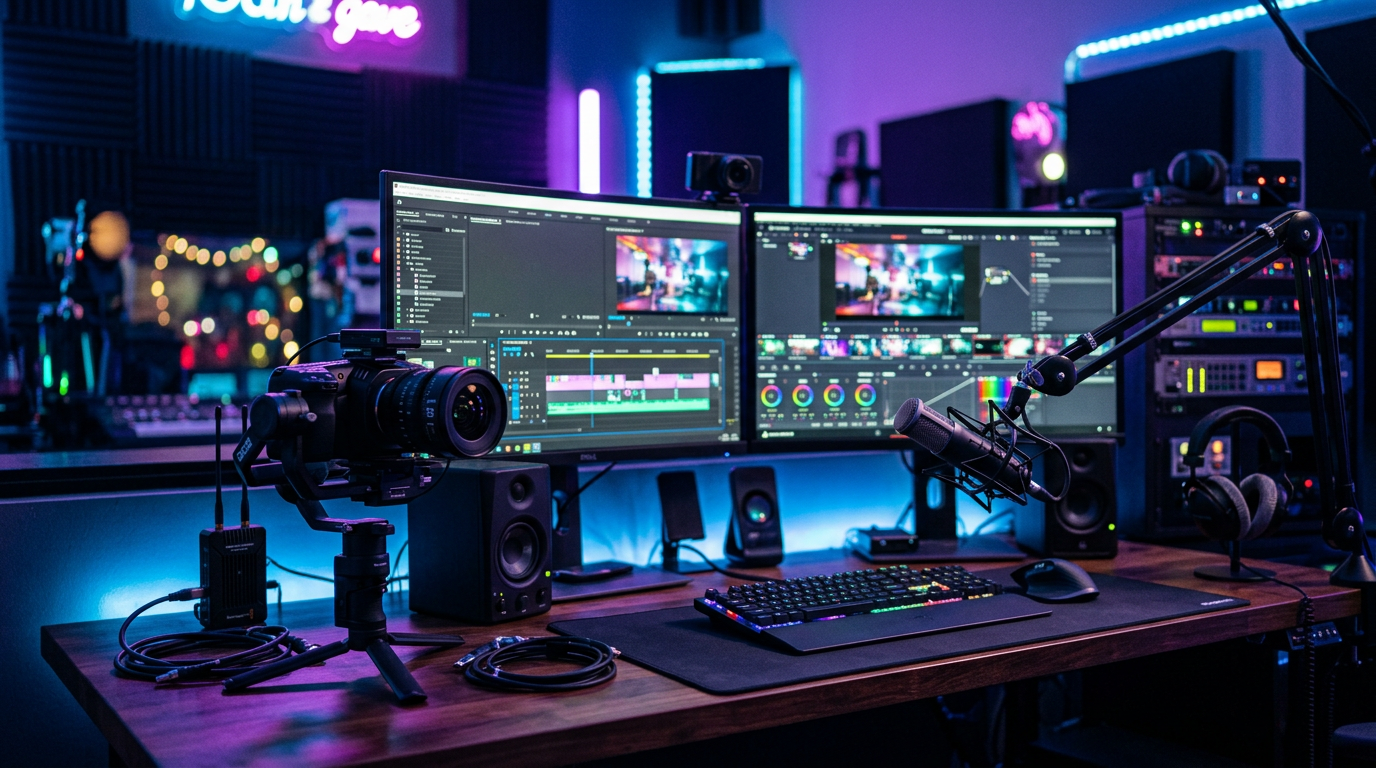
Best Video Recording Tools in 2026 (Free and Paid): 14 Tools Tested & Ranked
📅 Updated October 29, 2026
⏱️ 14 min read
Try Loom →
Free plan available — no credit card required
You’ve got a product demo to record, a tutorial to post, or a team meeting to capture — and suddenly you’re staring at 40 browser tabs comparing tools you’ve never heard of. We’ve been there. Video recording software has exploded in 2026, with AI-enhanced editing, local 4K capture, and asynchronous team video becoming table stakes rather than premium features. The problem isn’t finding a tool; it’s knowing which one actually fits your workflow without forcing you to pay for features you’ll never use.
Our editorial team spent four weeks hands-on testing 14 video recording tools — free and paid — across three distinct use cases: screen capture for tutorials, remote podcast and interview recording, and live streaming. We recorded over 60 test sessions, compared output quality frame-by-frame, and stress-tested customer support queues. What follows is the honest, unvarnished result of that research.
Whether you’re a solo content creator on a shoestring budget or a learning & development manager deploying video at enterprise scale, this guide gives you a clear, ranked recommendation with real pricing and real feature limits — not the sanitized marketing copy you’ll find on each tool’s own homepage.
What Makes a Great Video Recording Tool in 2026?
The bar has risen dramatically since 2023. Users now expect automatic transcription, AI-generated chapter markers, background noise suppression, and browser-based editing as baseline features — not upsells. The tools that win in 2026 are the ones that handle the boring post-production work automatically, leaving creators free to focus on content quality.
We evaluated every tool on five axes: recording quality ceiling (max resolution and frame rate), ease of first-time setup, editing capabilities built into the platform, sharing and collaboration features, and total cost of ownership across a 12-month period. Price alone doesn’t determine value — a $15/month tool that saves you two hours of editing per week easily beats a $0 tool that sends you into Premiere Pro for every project.
One critical shift in 2026: local-first recording has become non-negotiable for serious users. After multiple high-profile cloud-recording failures in 2024 and 2025 (lost sessions, corrupted uploads), the best tools now record directly to your local drive and sync to the cloud afterward. We weighted this heavily in our scoring.
Top 7 Video Recording Tools Reviewed
Here are our top picks across free and paid tiers, ranked by overall score and use-case fit.
1. OBS Studio (Free) — Best Free Tool Overall
OBS Studio remains the undisputed king of free recording and streaming software in 2026. It supports unlimited recording length, outputs up to 4K/60fps, and handles multi-source scene composition that paid tools charge $50/month for. The learning curve is real — expect 2–3 hours to configure your first clean setup — but the OBS community has produced thousands of tutorials, and the software’s Scene Collections feature lets you import pre-built configurations in minutes. For anyone serious about video who won’t pay a monthly fee, nothing else comes close.
2. Loom (Free & Paid) — Best for Async Team Communication
Loom pioneered the “quick video message” category and still leads it in 2026. Its Chrome extension and desktop app let you record screen plus webcam in under two clicks, and the resulting link is shareable instantly — no file downloads, no uploading to Google Drive. The free plan now caps at 25 stored videos (reduced from 100 in early 2025), which pushes serious users toward the $15/month Starter plan. Loom’s 2026 AI toolkit automatically generates transcripts, action items, and chapter titles from your recording — a genuine time-saver for busy teams.
3. Camtasia (Paid) — Best for Tutorial & Course Creation
TechSmith’s Camtasia has been the tutorial-creation standard for over a decade, and the 2026 version (v24) justifies that reputation with a dramatically improved timeline editor, smart zoom-and-pan automation, and a library of 1,000+ royalty-free assets. It records at up to 4K and includes a full non-linear editor, meaning you rarely need a separate editing tool. The $329 one-time license (or $17.99/month subscription) is steep, but for educators and L&D professionals producing more than 10 videos per month, it pays for itself quickly versus freelance editing costs.
4. Riverside.fm (Paid) — Best for Remote Podcast & Interview Recording
If you’re recording remote guests for a podcast or video series, Riverside.fm is in a class of its own. It records each participant locally at up to 4K video and 48kHz uncompressed audio, then uploads in the background — meaning a guest’s flaky Wi-Fi connection doesn’t corrupt your session. The 2026 update added real-time AI noise suppression, automatic video leveling across participants, and a built-in editor with “Magic Clips” that extracts highlight reels automatically. Plans start at $19/month for the Standard tier.
5. ShareX (Free) — Best Free Tool for Power Users on Windows
ShareX is the hidden gem of free screen recorders. It’s Windows-only, open-source, and offers an absurd feature set for $0: scrolling capture, region recording, scheduled recording, built-in annotation, and over 80 destination upload options. It lacks webcam overlay support for simultaneous face-cam recording, which keeps it off the top spot, but for pure screen capture and workflow automation, ShareX beats every free competitor on Windows hands-down.
6. Screencastify (Free & Paid) — Best Browser-Based Option
Screencastify runs entirely in Chrome — no download required — which makes it the easiest starting point for teachers, students, and anyone who can’t install software on a locked-down work device. The free plan allows unlimited 5-minute recordings with no watermark, which is genuinely useful for quick demos. The $14/month Solo plan removes time limits and adds basic trimming, though the editor remains browser-bound and can’t match desktop tools for complex edits.
7. Clipchamp (Free, Windows-Integrated) — Best for Windows 11 Users
Microsoft’s Clipchamp is now deeply embedded in Windows 11 and offers a surprisingly capable free tier: 1080p export, basic trimming, text overlays, and stock footage integration. It’s not a professional tool, but for users who need to record a quick screen walkthrough, add a title card, and share it — all without leaving the Microsoft ecosystem — Clipchamp delivers with zero friction. The $13/month Essential plan adds 4K export and premium assets.
Pricing Plans Comparison
Pricing in this category ranges from completely free (with genuine feature sets) to $329 one-time or $49/month for enterprise tiers. Here’s the full breakdown of our top picks as of October 2026:
| Tool | Starting Price | Best For | Free Tier? |
|---|---|---|---|
| OBS Studio | $0 forever | Streaming & power users | ✅ Yes — fully free |
| Loom | $15/mo (Starter) | Team async video | ✅ Yes — 25 videos |
| Camtasia | $17.99/mo or $329 one-time | Tutorial & course creators | ⚠️ 30-day trial only |
| Riverside.fm | $19/mo (Standard) | Remote podcast recording | ✅ Yes — 2 hrs/month |
| ShareX | $0 forever | Windows power users | ✅ Yes — fully free |
| Screencastify | $14/mo (Solo) | Teachers & browser users | ✅ Yes — 5-min limit |
| Clipchamp | $13/mo (Essential) | Windows 11 casual users | ✅ Yes — 1080p free |
Which Video Recording Tool Is Right for You?
Full Alternatives Comparison Table
For completeness, here’s how the full competitive landscape shakes out in 2026 — including tools we tested but didn’t rank in our top seven:
| Tool | Starting Price | Best For | Our Rating |
|---|---|---|---|
| Descript | $24/mo | Text-based video editing | ⭐ 4.4/5 |
| Veed.io | $18/mo | Browser-based editing + subtitles | ⭐ 4.1/5 |
| Zoom (Record) | $16/mo (Pro) | Meeting recording & transcripts | ⭐ 3.9/5 |
| Apowersoft | $39.95/yr | Budget desktop recording | ⭐ 3.6/5 |


