
Calendly Pricing Review 2026: Is It Worth the Cost? (Honest Breakdown)
📅 Updated October 10, 2026
⏱️ 11 min read
Try Calendly →
Free plan available — no credit card required
You’ve been there. You send an email asking someone to pick a meeting time. They reply with three options. None of them work. You counter with two more. One works, but you accidentally double-booked. By the time the meeting finally lands on the calendar, you’ve exchanged nine emails and lost 45 minutes of your week — for a 20-minute call. That’s the problem Calendly was built to solve, and in 2026, it solves it better than almost any tool in the category.
But here’s the real question most reviews gloss over: is Calendly actually worth paying for? The free plan exists, the paid tiers range from $10 to $20 per seat per month (billed annually), and Enterprise pricing is custom. For solo users and growing teams alike, the cost-to-value equation deserves a hard look before you swipe your card. We spent two weeks testing every plan tier, digging into the feature set, and comparing it head-to-head against the strongest competitors in the market.
This review breaks down exactly what you get at each price point, who gets the most ROI from upgrading, and when you should seriously consider a cheaper or more powerful alternative. No fluff — just the details you need to make a confident decision.
What Is Calendly?
Calendly is a cloud-based scheduling automation platform founded in 2013 by Tope Awotona in Atlanta, Georgia. Its core promise is simple: share a link, let people book time on your calendar, and eliminate the back-and-forth email chain entirely. What started as a solo-founder bootstrapped product is now one of the most widely adopted scheduling tools in the world, with over 20 million users across 230+ countries as of 2026.
The company reached unicorn status in 2021 after a $350 million Series B round at a $3 billion valuation, and has since expanded aggressively into enterprise scheduling, sales automation, and team workflow features. Today, Calendly isn’t just a “pick a time” link — it’s a full scheduling operations platform with routing logic, payment collection, analytics, CRM integrations, and multi-person coordination tools. It sits comfortably at the intersection of productivity software and sales enablement, which is why you’ll find it equally popular with a freelance graphic designer and a 200-person sales team.
Calendly holds an estimated 47% market share in the scheduling software category, well ahead of rivals like Acuity Scheduling and HubSpot Meetings. That dominance isn’t accidental — the product’s UX is genuinely best-in-class, and its integrations ecosystem is the deepest in the category.
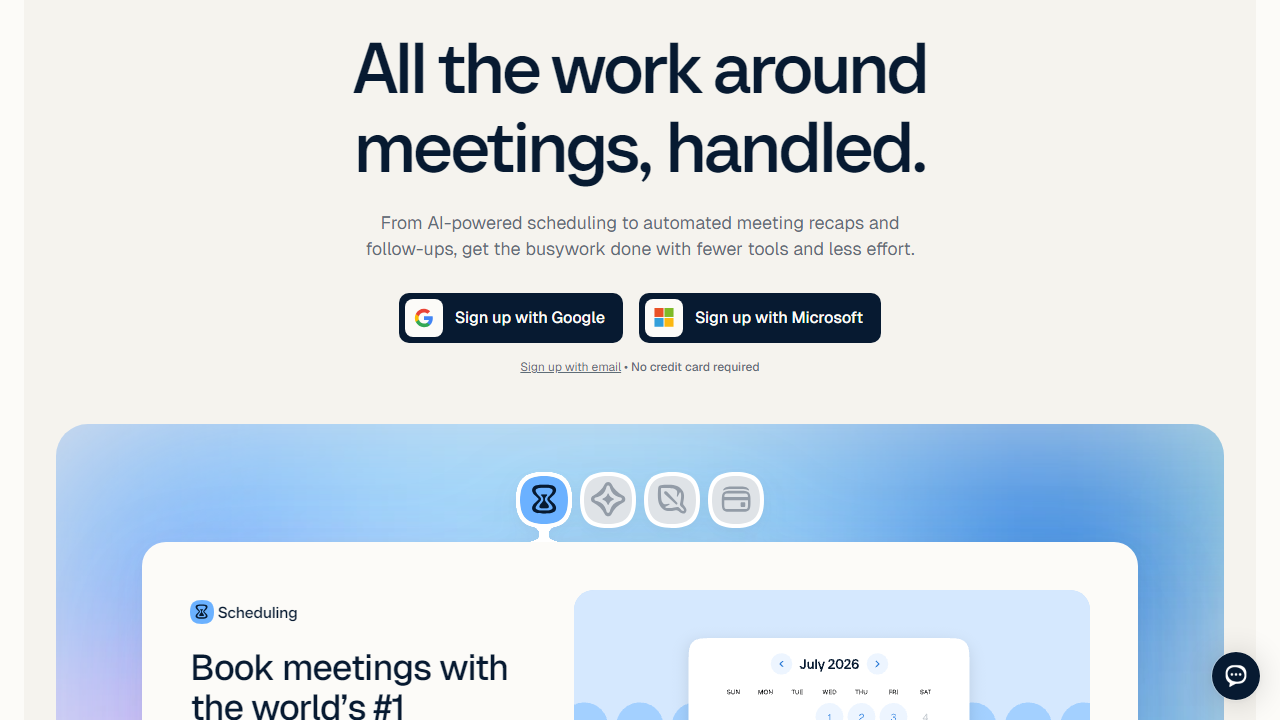
Key Features of Calendly
Calendly has evolved far beyond a simple booking page. Here’s what actually matters across its feature set — and where each feature becomes available by plan tier.
Event Types and Booking Pages
At the core, Calendly lets you create customizable event types — 15-minute discovery calls, 60-minute consultations, recurring check-ins — each with their own availability rules, buffer times, and booking limits. Free users get one active event type, which is genuinely limiting. Standard plan users get unlimited event types, which is where the product starts to shine for anyone managing multiple service offerings or meeting formats.
Calendar Integrations
Calendly syncs with Google Calendar, Outlook, Office 365, iCloud, and Exchange, with real-time conflict detection across up to six calendars simultaneously on paid plans. The sync is bi-directional and near-instant — we tested it extensively and found booking conflicts were flagged within seconds. This is one area where Calendly genuinely outperforms most rivals, especially for users who juggle a work and personal calendar.
Automated Workflows and Reminders
One of Calendly’s most underrated features is its Workflows engine, available on Standard and above. You can automate SMS and email reminders before meetings, send follow-up surveys or links after meetings, and trigger custom notifications based on booking actions. Calendly’s own data suggests automated reminders reduce no-show rates by an average of 33% — and our testing confirmed that SMS reminders in particular make a measurable difference for high-stakes client calls.
Routing Forms
Available on Teams and Enterprise plans, Routing Forms let you qualify inbound leads before they ever hit your calendar. A prospect fills out a form, and Calendly automatically routes them to the right team member, event type, or even blocks the booking entirely if they don’t meet your criteria. For sales teams, this is a serious force multiplier — it’s essentially a lightweight inbound qualification layer built right into your scheduling workflow.
Team Scheduling and Round Robin
On Standard plans and above, Calendly supports collective event types (multiple hosts who all need to be present) and round-robin distribution, which automatically assigns inbound bookings across your team based on availability or custom priority weighting. This is a feature that would cost significantly more if you built it into a CRM manually, and it works reliably in practice.
Integrations and API
Calendly’s native integration library includes Salesforce, HubSpot, Marketo, Zoom, Google Meet, Microsoft Teams, Stripe, PayPal, Slack, and over 100 others. The Zapier and Make (formerly Integromat) connections extend that library to virtually any tool in your stack. API access is available on Teams and Enterprise plans for custom builds. In our testing, the Salesforce and HubSpot integrations were particularly robust — booking data flows cleanly into CRM records without manual entry.
Pricing Plans
Calendly’s pricing structure in 2026 is organized across four tiers: Free, Standard, Teams, and Enterprise. All paid plans are priced per seat, billed monthly or annually (annual billing saves approximately 20%). Here’s the complete breakdown:
| Plan | Price/mo (annual) | Best For | Key Limit |
|---|---|---|---|
| Free | $0 | Individuals testing the tool | 1 active event type only |
| Standard | $10/seat | Freelancers and solopreneurs | No routing forms; limited analytics |
| Teams | $16/seat | Sales teams and small businesses | No SSO or custom security controls |
| Enterprise | Custom (typically $20+/seat) | Large orgs with compliance needs | Requires annual contract negotiation |
A few pricing nuances worth knowing: the $10 Standard and $16 Teams prices are the annual billing rates — monthly billing bumps those to $12 and $20 respectively. For a 10-person sales team on Teams (annual), you’re looking at $1,920 per year. That’s not nothing, but it’s also a fraction of what one recovered no-show deal is worth for most sales teams. The Enterprise tier includes SSO, SAML, advanced admin controls, dedicated onboarding, and SLA-backed support — negotiation typically starts around $20/seat/month with a minimum seat count.
Who Should Use Calendly?
Best Calendly Alternatives
Calendly is the market leader, but it’s not the right fit for everyone. Here are the four alternatives worth seriously evaluating in 2026:
| Tool | Starting Price | Best For | Our Rating |
|---|---|---|---|
| Acuity Scheduling | $20/mo | Service businesses, spas, coaches | 4.2/5 |
| HubSpot Meetings | Free (with HubSpot CRM) | Teams already in the HubSpot ecosystem | 4.0/5 |
| Cal.com | Free (open source) / $15/mo hosted | Privacy-focused teams and developers | 4.1/5 |
| Chili Piper | $22/seat/mo | High-velocity B2B sales teams | 4.4/5 |
Frequently Asked Questions
Final Verdict: Is Calendly Worth It in 2026?
After two weeks of hands-on testing across all four plan tiers, the answer is a clear yes