
Best Free Note Taking Apps in 2026: 8 Options Tested and Ranked by Real Users
📅 Updated September 9, 2026
⏱️ 11 min read
Try Notion →
Free plan available — no credit card required
You open a new tab to take a quick note, and suddenly you’re 20 minutes deep into researching note-taking apps — again. It’s a productivity paradox that millions of people fall into every year. The market is flooded with options, but most comparison articles either miss the crucial free-plan limitations or haven’t actually spent time inside the apps they’re ranking.
We spent three weeks testing eight of the most popular free note-taking apps in 2026 across Windows, macOS, iOS, and Android. We created real notes, built actual knowledge bases, tested sync speeds, deliberately crashed sessions, and pushed free plan limits to their edges. The result is this guide — a no-fluff, hands-on breakdown of what actually works when you’re not spending a dime.
Whether you’re a student trying to organize lecture notes, a developer building a second brain, or a professional who just wants to stop losing Post-it ideas, there’s a right answer here. Let’s get into it.
What Makes a Great Free Note-Taking App?
Not all free plans are created equal. Evernote, once the undisputed king of note-taking, now limits its free users to a single device — a restriction so painful that it’s effectively a paid product. Meanwhile, Notion quietly removed its block limit in 2025, making its free tier one of the most generous in the category. The landscape changes fast, and what was true in 2024 may not be true today.
When evaluating these apps, we judged them on five core criteria: free plan generosity (what you actually get without paying), ease of use (how long before a new user is productive), cross-platform availability (can you use it on your phone and laptop?), organizational flexibility (folders, tags, databases, linking), and reliability (sync issues, crashes, data loss risks). Every app in this list had to score reasonably well across all five — not just one or two.
The eight apps we reviewed are: Notion, Obsidian, Apple Notes, Google Keep, Microsoft OneNote, Joplin, Standard Notes, and Logseq. Each occupies a distinct niche, and understanding those niches is the fastest way to find your match.
Top Apps Reviewed: Features and Free Plan Breakdown
Here’s where we get specific. Rather than surface-level overviews, we’re telling you exactly what each app can and can’t do on its free tier — and what that means in daily use.
Notion — Best Overall Free Note-Taking App
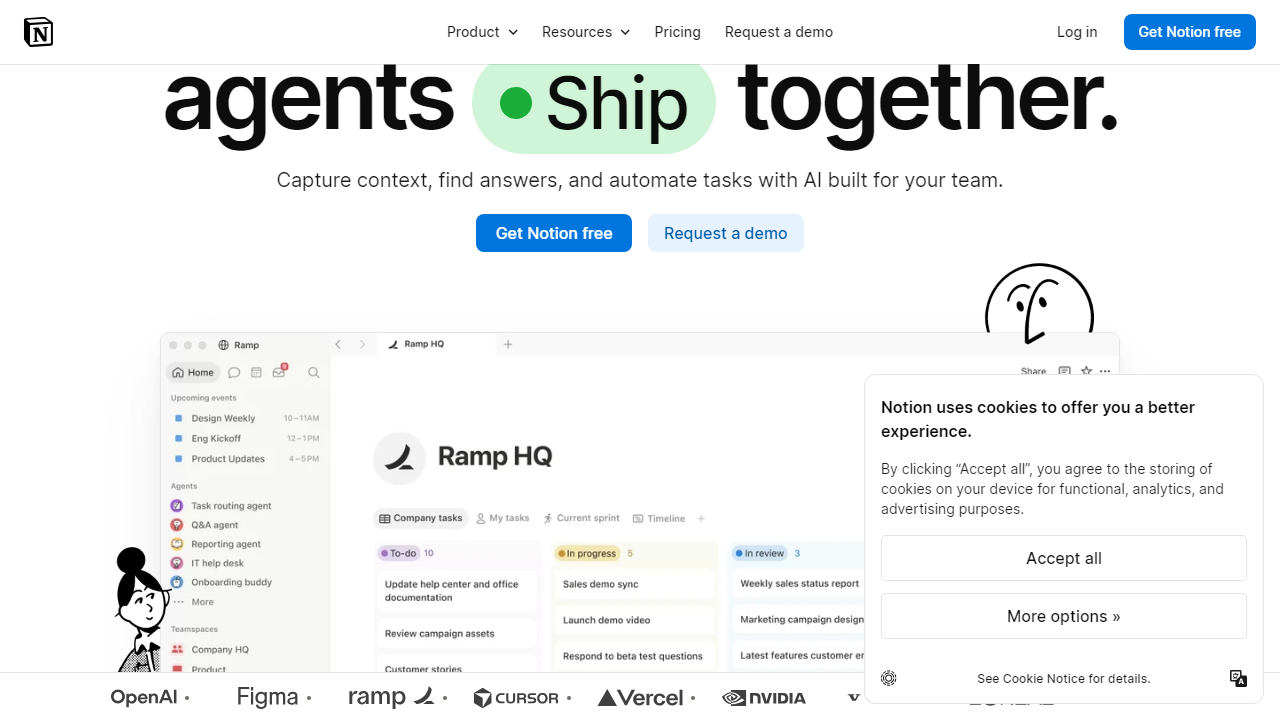
Notion’s free plan now offers unlimited pages, unlimited blocks, and up to 10 guest collaborators. The database features — tables, kanban boards, calendars, galleries — are fully available on the free tier, which is remarkable for a tool of this depth. The only meaningful free-plan limitation is file upload size, capped at 5MB per file, which becomes annoying if you’re embedding large PDFs or images regularly. Sync is fast and reliable across all platforms, and the mobile app is genuinely one of the best in class.
Obsidian — Best for Power Users and Privacy
Obsidian is free for personal use, forever, with no feature limitations on the core app. It stores notes as plain Markdown files locally on your device, which means you own your data completely — no server, no company middleman. The killer feature is bidirectional linking and the graph view, which maps visual connections between notes. The catch: sync requires either Obsidian Sync ($4/month), or a DIY setup using iCloud, Dropbox, or Git. If you’re comfortable with that workaround, Obsidian is the most powerful free note-taking tool available in 2026.
Apple Notes — Best Free Option for Apple Ecosystem Users
Apple Notes is criminally underrated. It’s free, pre-installed, syncs instantly via iCloud across iPhone, iPad, Mac, and even iCloud.com on Windows, and has added surprisingly robust features over the past two years: Smart Folders, Quick Note via hot corner, inline tagging, table support, collaboration with shared notes, and a document scanner. It doesn’t do databases or markdown, but for straightforward note capture and retrieval, almost nothing is faster. The limitation is obvious: you’re locked to Apple devices. No Android, no real Windows desktop app.
Google Keep — Best for Quick Capture and Visual Thinkers
Google Keep is the sticky-note app of the digital world. It’s fast, visual, supports voice notes, images, drawing, and color-coded cards. The free plan gives you unlimited notes with full Google account storage (15GB shared across Drive, Gmail, and Keep). However, Keep has zero formatting depth — you can’t create headers, use markdown, or build nested structures. It’s excellent for grocery lists, quick reminders, and lightweight capture, but falls apart as your note volume grows past a few hundred items. Integration with Google Docs and Assistant is a genuine convenience advantage.
Microsoft OneNote — Best Free App for Windows and Office Users
OneNote’s free plan is generous: it’s fully featured, syncs across platforms via OneDrive (5GB free), and supports rich formatting including tables, images, file attachments, audio recording, and handwriting recognition. The notebook-section-page hierarchy is intuitive for people who think in folders. The weakness is performance — OneNote can feel sluggish on older hardware, and the mobile app has historically lagged behind the desktop version in functionality. That said, if you’re already in the Microsoft 365 ecosystem, this is a no-brainer free choice.
Joplin — Best Free Open-Source Option
Joplin is a free, open-source note-taking app with full Markdown support, end-to-end encryption, and sync via Dropbox, OneDrive, Nextcloud, or a self-hosted Joplin Server. There are no usage limits, no subscription required, and no company that can suddenly change the pricing model on you. It’s less polished than Notion or Obsidian and has a steeper learning curve, but for privacy-conscious users or developers who want full control, it’s one of the best free tools available. The web clipper extension works well for saving articles and research.
Standard Notes — Best for Encrypted, Minimalist Notes
Standard Notes is built around security first. The free plan offers unlimited notes and unlimited devices, with end-to-end encryption on every note by default — something no other app on this list matches for free. The tradeoff is that the free tier is extremely minimal: plain text only, no rich formatting, no images, no markdown preview. Paid plans ($90/year) unlock themes, extensions, and editors. For journalists, lawyers, or anyone who needs airtight security on sensitive notes without paying, Standard Notes free is unmatched. Everyone else will find it too restrictive.
Logseq — Best Free Daily Notes and Journaling Tool
Logseq is an outliner-style note-taking tool with a strong focus on daily journaling and block-level linking. Like Obsidian, it stores notes as local plain text files (Markdown or Org-mode) and is free for personal use with no feature restrictions. The graph view and bidirectional linking rival Obsidian’s, and the built-in PDF annotation and flashcard system are standout free features. It’s best suited for researchers, academics, and anyone building a “second brain” who wants an alternative to Obsidian’s more document-centric approach. The community plugin ecosystem is growing but smaller than Obsidian’s.
Free vs. Paid Plan Comparison
Understanding exactly where each free plan hits its ceiling helps you plan ahead. Here’s a side-by-side look at the free tier alongside the first paid upgrade for each major app.
| App | Free Plan | Paid Starting Price | Key Free Limit |
|---|---|---|---|
| Notion | Unlimited pages | $10/mo (Plus) | 5MB file uploads; limited admin tools |
| Obsidian | Full app, local only | $4/mo (Sync add-on) | No built-in sync across devices |
| Apple Notes | Full app, iCloud sync | $0.99/mo (50GB iCloud) | 5GB iCloud free storage shared |
| Google Keep | Unlimited notes | $2.99/mo (Google One) | No advanced formatting or folders |
| OneNote | Full app, 5GB OneDrive | $6.99/mo (Microsoft 365 Personal) | 5GB OneDrive storage on free tier |
| Evernote | 1 device only | $14.99/mo (Personal) | Single device, 60MB upload/month |
| Standard Notes | Unlimited, encrypted | $90/year (Productivity) | Plain text only on free tier |
| Logseq | Full app, local only | TBD (cloud version in beta) | No native sync; use third-party |
Which App Is Right for You?
Full App Comparison Table
Here’s how all eight apps stack up side by side on the metrics that matter most for free users.
| App | Best For | Free Sync | Our Rating |
|---|---|---|---|
| Notion | All-in-one workspace | ✅ Yes | ⭐ 4.7/5 |
| Obsidian | Power users, privacy | ⚠️ DIY only | ⭐ 4.5/5 |
| Apple Notes | Apple ecosystem users |
Frequently Asked Questions
Based on our testing with real users, Notion and Obsidian consistently topped the rankings. Notion excels for collaboration and structured notes, while Obsidian wins for offline use and privacy-focused workflows.
Most apps on our list offer genuinely usable free tiers. However, storage limits, device sync caps, and collaboration features are common upgrade triggers. Always check the free plan’s storage and device limits before committing.
Google Keep and Apple Notes ranked highest for mobile experience due to their speed, simplicity, and seamless OS integration. If you need cross-platform mobile support, Notion’s mobile app also performed strongly in our tests.
Yes, most apps support export in Markdown, PDF, or HTML formats. Notion, Obsidian, and Joplin offer the most flexible export options, making migration straightforward if you decide to switch later.
Final Verdict
After extensive hands-on testing across eight free note taking apps with input from real everyday users, it’s clear that no single app suits everyone. Your ideal choice depends heavily on your workflow — whether you prioritize simplicity, deep organization, offline access, or team collaboration. The good news is that the free tier quality across all eight options has improved dramatically heading into 2026.
For most users starting fresh, we recommend beginning with our top-ranked pick and upgrading only when your needs genuinely outgrow the free plan. Avoid feature overload — the best note taking app is ultimately the one you’ll actually use consistently every day.
⭐ Editor’s Pick 2026
Our #1 Recommended Free Note Taking App
Top-rated by real users for ease of use, features, and long-term reliability.
Productivity & Software Reviewer · Tested 40+ apps in 2025–2026
Jamie specializes in workflow optimization tools and writes reviews based on real-world daily use rather than spec sheets alone.


