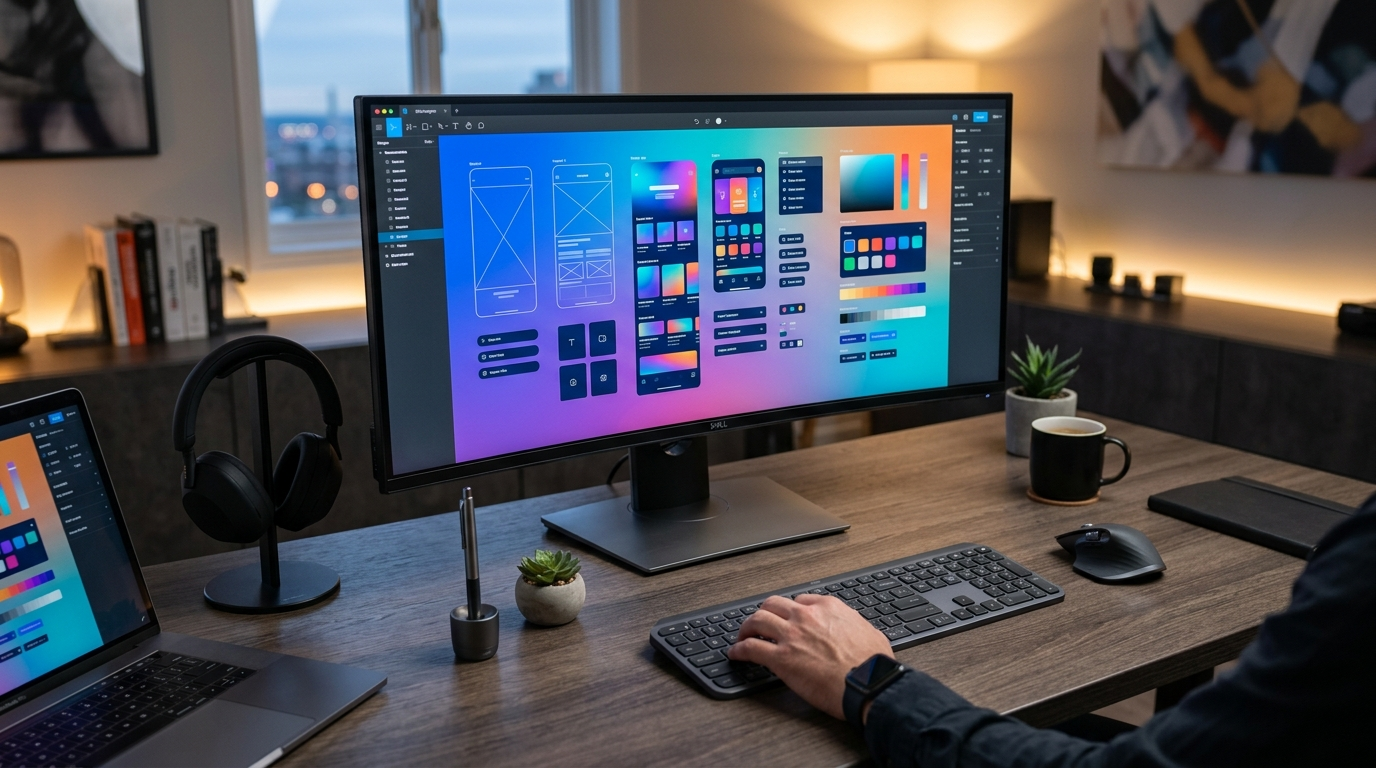
Figma Pricing Review 2026: Is It Worth the Cost for Designers and Teams?
📅 Updated September 8, 2026
⏱️ 11 min read
Try Figma →
Free plan available — no credit card required
If you’ve spent more than five minutes in a product design role, you already know Figma. But knowing a tool and knowing whether it’s worth paying for are two very different questions — especially when your team is scaling and a few extra editor seats can quickly turn a $45/month bill into a $450/month bill. We’ve been embedded in Figma’s ecosystem for years, have run it through its paces across teams ranging from two-person startups to enterprise design orgs, and we’re ready to give you the definitive answer for 2026.
This article breaks down every Figma pricing tier in plain English, explains exactly what you get and where the walls are, and tells you who should upgrade, who should stay on the free plan, and who should honestly consider a competitor. No fluff, no filler — just the information you need to make a smart budget decision.
What Is Figma?
Figma is a browser-based interface design and prototyping platform launched in 2016 by Dylan Field and Evan Wallace. Unlike legacy tools like Adobe XD or Sketch, Figma was built cloud-first from day one, meaning every file lives online and multiple collaborators can edit simultaneously — think Google Docs, but for UI design. That architectural decision turned out to be a decade-defining competitive advantage.
By 2026, Figma reports over 8 million active users and is the design tool of record at companies including Airbnb, Microsoft, Zoom, Twitter, and thousands of mid-market product teams. Adobe attempted a $20 billion acquisition in 2022, but the deal was blocked by EU regulators in late 2023 — and Figma has since gone public and continued expanding its product suite independently. Today the platform encompasses Figma Design, FigJam (collaborative whiteboarding), Figma Slides (presentation tool), and a growing suite of AI-assisted design features branded as Figma AI.
The core value proposition remains unchanged: one shared URL, infinite collaborators, zero version-conflict nightmares. For design-engineering handoff alone, the time savings over older workflows are measurable in hours per week per developer.
Key Features of Figma
Figma packs a serious amount of functionality into what is, at its heart, a web application. Here are the features that actually move the needle for design teams in 2026:
Real-Time Collaborative Editing
Multiple editors can work in the same file simultaneously, with each person’s cursor visible and labeled in real time. There’s no “check in / check out” model — changes sync instantly across all viewers. This single feature eliminates an entire category of workflow problems that plagued design teams for years, and it remains something no desktop-only competitor can fully replicate.
Prototyping and Interactive Components
Figma’s prototyping engine supports Smart Animate transitions, interactive components with multiple states, and conditional logic flows. You can build click-through prototypes that feel remarkably close to the finished product — complete with hover states, overlays, and scroll behaviors — without writing a single line of code. Shareable prototype links mean stakeholder reviews happen in a browser, not a clunky email attachment.
Auto Layout and Variables
Auto Layout lets frames and components resize intelligently based on content, mirroring how CSS flexbox actually works. Coupled with the Variables system (introduced broadly in 2024 and significantly expanded in 2025), designers can define design tokens — colors, spacing values, typography scales — that propagate across an entire design system in seconds. For teams maintaining a component library, this is genuinely a superpower.
FigJam Whiteboarding
FigJam is Figma’s standalone online whiteboard for brainstorming, diagramming, and workshop facilitation. It supports sticky notes, voting, timers, and mind maps. It’s included with paid Figma plans and competes directly with Miro. While it’s not as deep as Miro’s feature set, the fact that it lives in the same ecosystem as your design files is a meaningful convenience win.
Figma AI
The AI feature set expanded significantly in late 2025 and now includes AI-powered auto-fill for content (replacing placeholder text and images with contextually relevant material), a natural language search across your team’s entire asset library, and a “Make Design” prompt that generates editable UI scaffolding from a text description. It’s genuinely useful rather than gimmicky, though it works best as a starting-point accelerator rather than a finished-design generator.
Developer Handoff (Dev Mode)
Dev Mode gives engineers a dedicated view of design files with auto-generated CSS, iOS, and Android code snippets, precise spacing measurements, and asset export tools. It eliminates the back-and-forth “what’s the padding on this button?” conversation entirely. Note: Dev Mode access now requires a specific paid seat type (more on this in pricing).
Figma Pricing Plans: Full 2026 Breakdown
Figma uses a per-editor seat model — meaning you pay for each person who needs to create or edit designs, while view-only collaborators are always free. Here’s the current pricing as of September 2026, billed annually (monthly billing runs approximately 20% higher):
| Plan | Price/mo | Best For | Key Limit |
|---|---|---|---|
| Starter (Free) | $0 | Students, hobbyists | 3 projects, 3 pages/file |
| Professional | $15/editor | Freelancers, small teams | Unlimited projects, team libraries |
| Organization | $45/editor | Design orgs, 10+ person teams | Org-wide libraries, SSO, analytics |
| Enterprise | Custom (est. $75+/editor) | Large enterprises, regulated industries | Advanced security, dedicated support |
A note on Dev Mode seats: Developers who only need inspect access (no editing) can be added as Dev Mode seats at $25/month per seat on the Organization plan — significantly cheaper than a full editor seat. This is a sensible addition for engineering-heavy teams but adds another line item to track in your budget.
The free plan reality check: The Starter plan’s 3-project limit sounds reasonable until you realize a single client engagement or product area can easily consume a project. Figma tightened these limits in 2024, and it’s a clear nudge toward paid upgrades. Students can apply for Figma’s Education plan (free Professional features) — that program remains genuinely generous.
Who Should Use Figma?
Best Figma Alternatives in 2026
Figma dominates the market, but it’s not the only option. Depending on your team size, budget, and workflow, one of these alternatives might actually serve you better:
| Tool | Starting Price | Best For | Our Rating |
|---|---|---|---|
| Sketch | $12/editor/mo | Mac-only teams, legacy workflows | 3.6/5 |
| Adobe XD | Included in Creative Cloud ($59.99/mo) | Existing Adobe CC subscribers | 3.4/5 |
| Penpot | Free (open-source); $9/editor/mo cloud | Budget-conscious teams, open-source advocates | 3.9/5 |
| Framer | $15/editor/mo | High-fidelity prototyping, web publishing | 4.1/5 |
Penpot deserves special mention as a legitimate challenger in 2026 — it’s fully open-source, has improved dramatically in performance and features, and its cloud plan undercuts Figma significantly. It still lacks Figma’s polish and ecosystem depth, but for budget-constrained teams who don’t need enterprise features, it’s worth a serious look.
Frequently Asked Questions
Final Verdict: Is Figma Worth It in 2026?
After years of hands-on use across wildly different team configurations, the


